MeinMMO editor Leya Jankowski got the Xbox Series S in time for the console release. Additionally, she got the Xbox Game Pass, with a large catalog of new and old games. However, her first next-gen game was not a cutting-edge graphical masterpiece. It took her back to her childhood.
Next-gen – that means more power with 4K, ray tracing, shorter loading times, high-resolution top quality with modern games. Since I got my next-gen Xbox, I hold this power in my hands with my controller!
When the new Xbox was set up, I sifted through the Xbox Game Pass with its over 200 games. You can think of the Xbox Game Pass like a “Netflix for gamers.” You subscribe to it for a large selection of games. Among them are really cool and modern titles that look great graphically. Games where I can feel the next-gen.
Suddenly, I stopped scrolling through the Pass when a brown bear looked deeply into my eyes: Banjo. Right next to him was the cheeky bird lady Kazooie, who always has a sarcastic remark ready. My heart joyfully bounced along to the title melody of the intro trailer:
Recommended editorial content
At this point you will find external content from YouTube that complements the article.
I consent to external content being displayed to me. Personal data can be transmitted to third party platforms.
Read more about our privacy policy.
The intro of Banjo-Kazooie alone brings good vibes.
Banjo-Kazooie was released in 1998 for the N64 when I was just 8 years old. My siblings and I loved the jump ‘n’ run from Rare. To progress, you have to collect puzzle pieces and notes through which you unlock new worlds and ultimately reach the evil witch Gruntilda.
Back then, we would gather around the small, square TV and solve the game’s puzzles. The controller was passed back and forth. When we solved one of the game’s puzzles together, we cheered as one. When we kept dying at a certain point, we cursed in unison.
I went on so many adventures with Banjo and the cheeky bird lady Kazooie that I can now play through the game blindfolded and with one arm tied behind my back at 100%. I really know every single puzzle inside and out. That didn’t stop me from immediately starting the download!
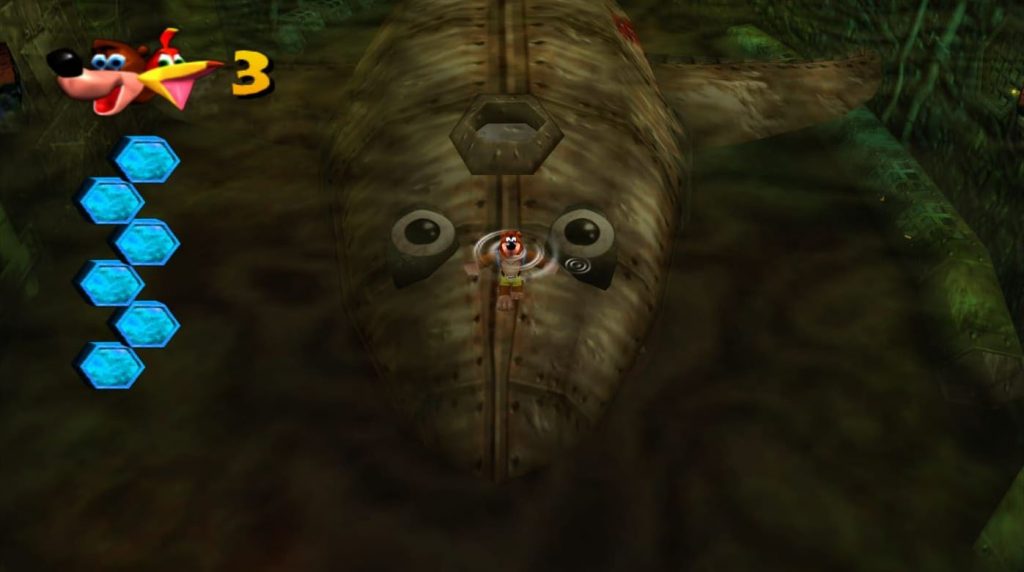
It should be said that this version of Banjo-Kazooie is not just an emulation. The game is optimized for 4K Ultra HD and looks good on modern screens. So a little next-gen it is after all.
My first game reveals a weakness of the Xbox Series X|S
I’ve already played halfway through Banjo-Kazooie, and every second is a delight. That I’m diving into an old N64 game shows that there aren’t any big blockbusters available for the new Xbox generation at launch. Originally, that was supposed to be the first-person shooter Halo Infinite. The release was postponed to 2021.
Looking over at the PlayStation 5, there is at least one big launch title: Marvel’s Spider-Man: Miles Morales (the link leads to the review on our sister site GamePro). The action-adventure has received mostly positive reviews and is visually stunning. My Twitter feed is full of picturesque screenshots of the game and excitement.
This screenshot shows my first next-gen experience.
For the Xbox Series X|S, there is no hype title. The question is whether such a thing is even necessary.
Because what reveals a weakness, strongly reminds me of something else. I mainly got the Xbox Series S to take advantage of the broad and affordable offerings of the Xbox Game Pass and to comfortably game on the couch. 13 euros a month for over 200 games is still a damn good deal. Banjo-Kazooie is a joyful surprise among the selection.
The thing with the shame…
I should actually be ashamed for what I use the next-gen Xbox for first. Especially in my field of gaming journalism, I should be making my own assessment of the console’s performance. Right in the middle of playing the old Nintendo classic, I have to start laughing at myself. I am aware of the irony. But everything has its time.
2020 is a crazy and sometimes depressing year. The little piece of childhood that I’m currently reclaiming with the “past-gen” on the Xbox Series S soothes my soul.
In that sense, no matter which world you are currently escaping into and on which platform you are doing so: Happy gaming.
MeinMMO author Irina Moritz wanted to really like Genshin Impact, but unfortunately things aren’t working out between them.
It’s afternoon, school is over, you come home, throw yourself in front of the TV, and “Live Your Dream” or “Fly Through Time” is playing through the speakers.
This was often the case for me, and I’m sure it was the same for many others. My school and university time were completely accompanied by anime and mangas.
Over time it has faded, but I still enjoy games in anime style from time to time. Therefore, I was very pleased when Genshin Impact was released and became successful. It looked great from the start and is also free-to-play.
But no matter how hard I tried to warm up to the pretty and action-packed game, it just didn’t work. And the culprit was the characters of Genshin Impact.
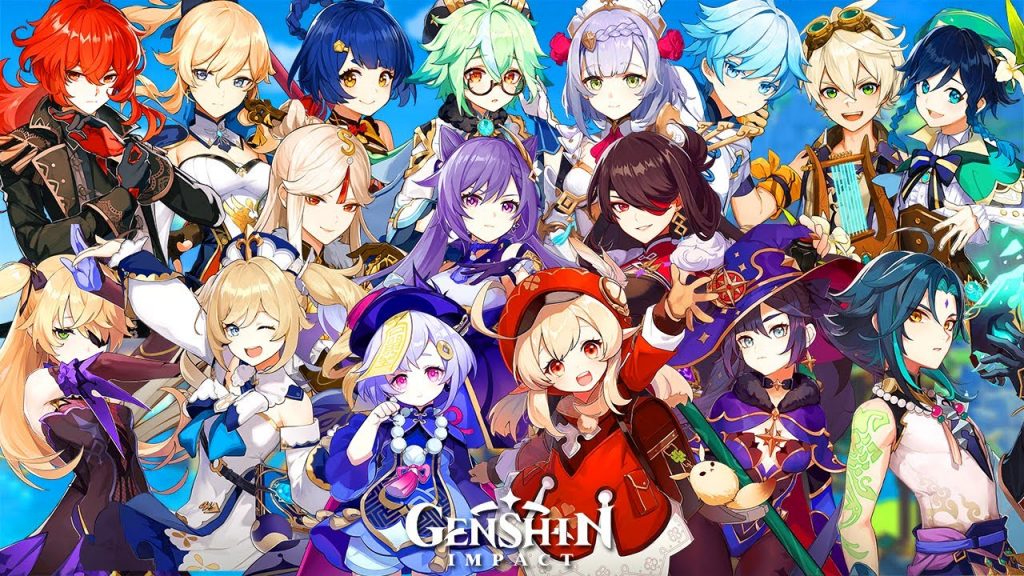
Genshin Impact is a gacha game where you can play many different characters (Image source: Youtube)
When You Can’t Stop Rolling Your Eyes
It all started so well. The opening cutscene with the twins was cool. The plot about the siblings traveling through worlds immediately drew me in.
Then you land in Teyvat and meet the first characters, like Paimon. Paimon is a classic mascot who accompanies a silent protagonist: super cute, somewhat silly, 100% chatterbox. While some of her comments made me roll my eyes heavily, I was actually able to live with Paimon quite well.
Amber really got on my nerves with her “Jaha! I’m also all grown up!” attitude, but I just considered that a one-off case. Of course there are characters in a game that you can’t stand. It should get better, after all Genshin Impact has a lot of them.
I couldn’t really warm up to Amber. But Venti, Mona, Klee or Barbara aren’t really my cup of tea either.
But somehow it didn’t get better. Although the characters I later encountered weren’t annoying, the eye-rolling continued.
Conversations that were supposed to come off as sweet felt silly or dumb
When characters flirted with me, it sounded rather clumsy
Ideas and plans of the characters that should sound clever often came off as banal
The overall writing seems really poor, especially compared to the high quality of the other elements of the game like gameplay or open world. It was really frustrating. I tried to follow the dialogues and get excited about them, but it had the opposite effect.
The further I progressed in the game, the less I wanted to complete the side quests of the individual characters because they simply came off as unsympathetic due to the writing.
In between, I even started doubting myself. I sat there thinking: “These are just normal anime clichés that can be found everywhere. It can’t be that you don’t like anime anymore.”
But the anime games I’ve played this year were all great: Persona 5 Royal, The World Ends With You, Astral Chain, FF: Crystal Chronicles, etc. Not to mention my main MMORPG Final Fantasy XIV, which, although it doesn’t have an anime design, is still very “Japanese”.
All these games also have the classic “anime traits” like mascots or Japanese character archetypes that are present in Genshin Impact. But they didn’t bother me.
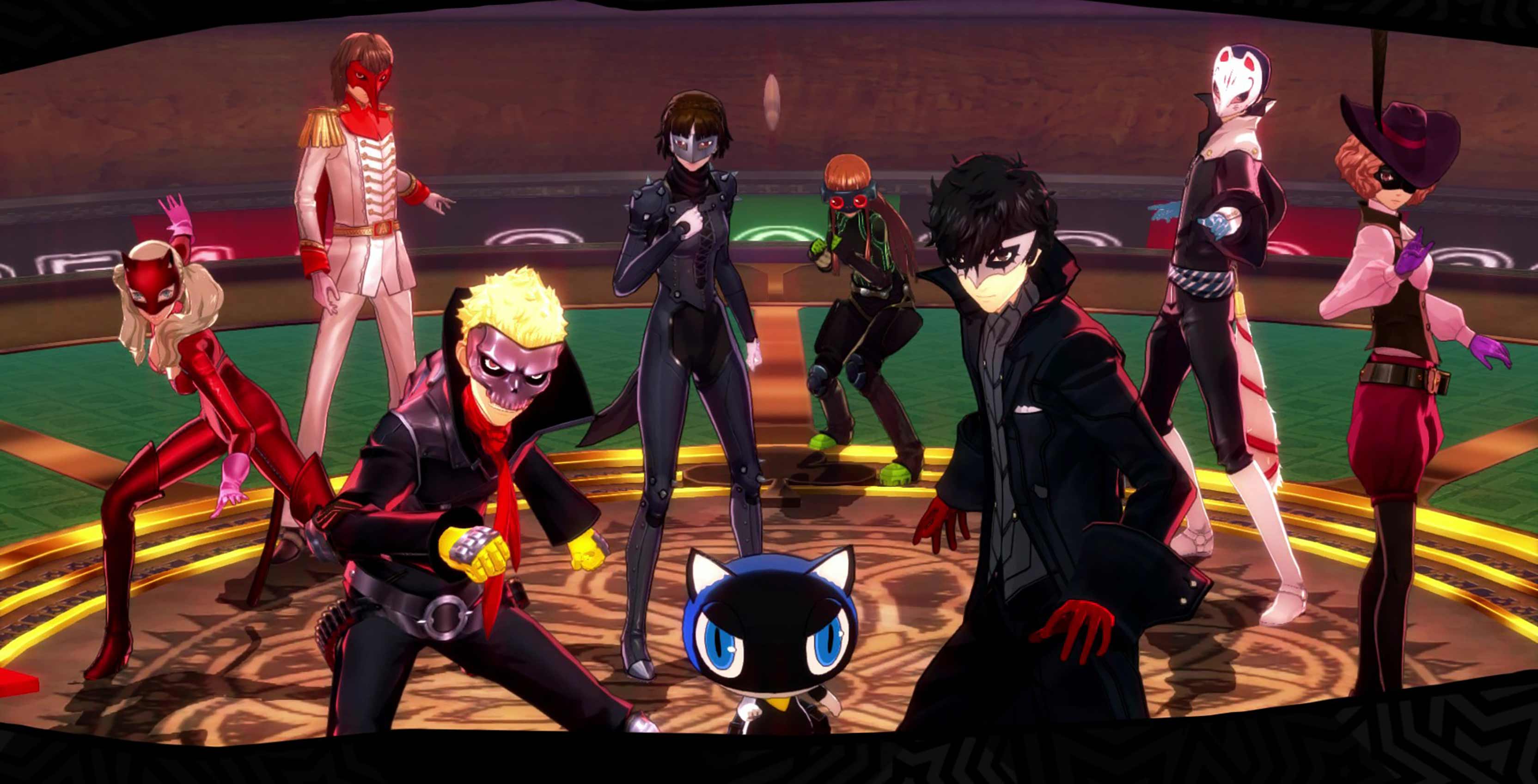
Psst, Persona 5 Royal is awesome.
I therefore suspect that Genshin Impact is too heavily relying on clichés for my taste. Unfortunately, I find the characters at best completely uninteresting and at worst just annoying. They feel too exaggerated and are too strongly pressed into the gacha archetype templates to seem natural.
However, it has become too much for me, and it makes me somewhat sad because it actively ruins my enjoyment of Genshin Impact. I have therefore decided to set the game aside for now. I won’t give up on it completely, but I don’t want to spoil it for myself by forcing myself to keep playing.
I know that many of you really enjoy playing Genshin Impact, and I’m glad that you like the game. Do you have tips for me or know of character quests that were particularly cool that could change my opinion? I want to like the game, but so far it has sadly only scared me away.
This is an AI-powered translation. Some inaccuracies might exist.
The next expansion of the survival MMO ARK: Survival Evolved is expected to be released with Genesis Part 2 in March 2021. Now there are the first details about the map, the creatures, and a cool teaser trailer.
This is the teaser trailer: The teaser trailer for ARK: Genesis Part 2 gives you a glimpse of what to expect in March 2021.
Recommended editorial content
At this point you will find external content from YouTube that complements the article.
I consent to external content being displayed to me. Personal data can be transmitted to third party platforms.
Read more about our privacy policy.
In a developer livestream, Wildcard presented the new teaser trailer for Genesis Part 2 and subsequently revealed some information. However, not all details are officially confirmed, and a lot can change at Wildcard before March 2021.
What we know about the “Genesis Part 2” map
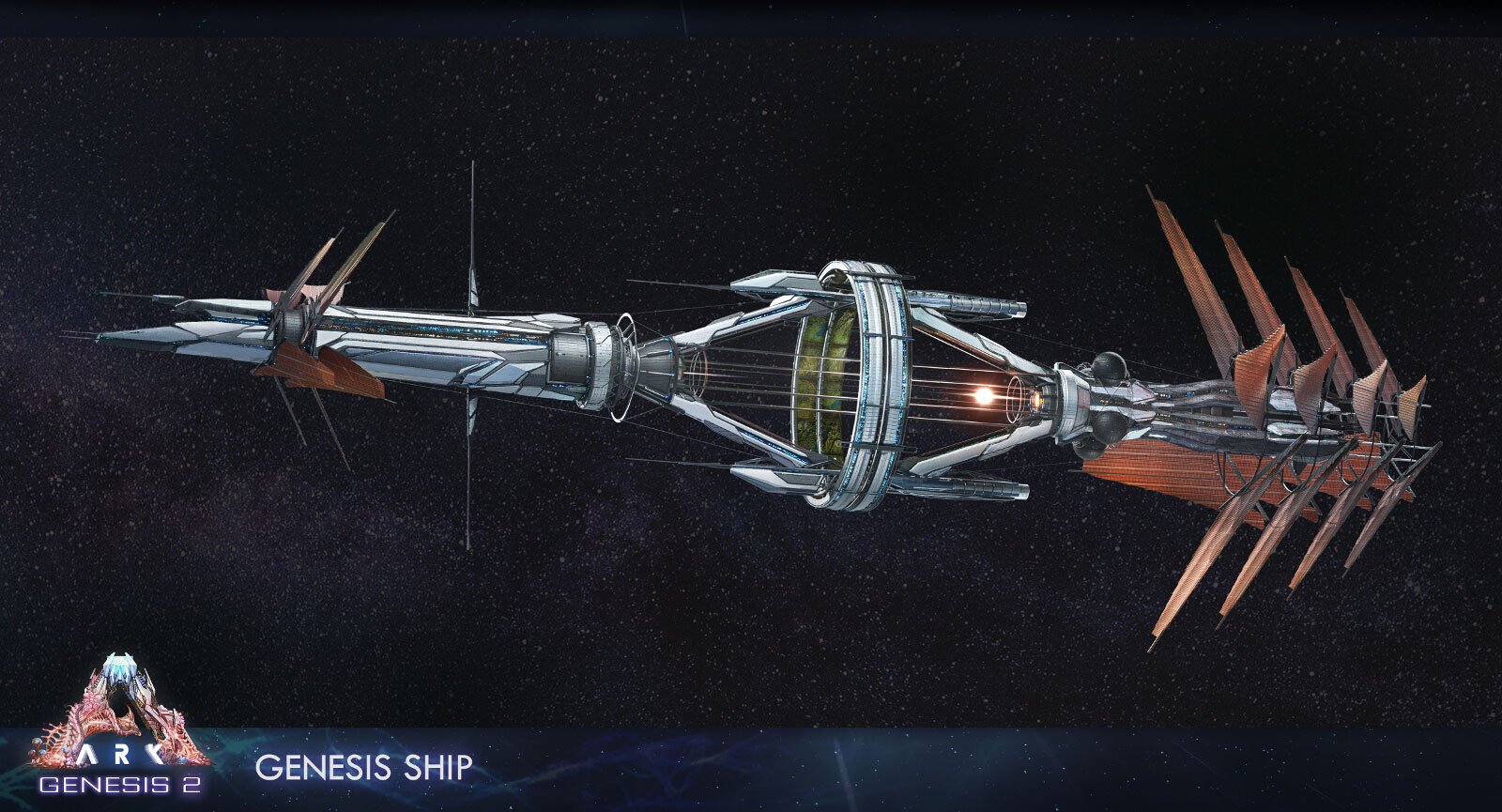
In the teaser trailer, we see a massive spaceship with a ring-shaped Dyson sphere, inside which the biomes are located. These biomes are also shown in the trailer and in concepts on the ARK forum.
On one hand, we see vast mountains, lakes, and rivers, but also city-like areas and underground caves that resemble Extinction and Aberration. However, some areas are also under the control of Sir Edmund Rockwell, who plays a significant role in the crazy ARK story.
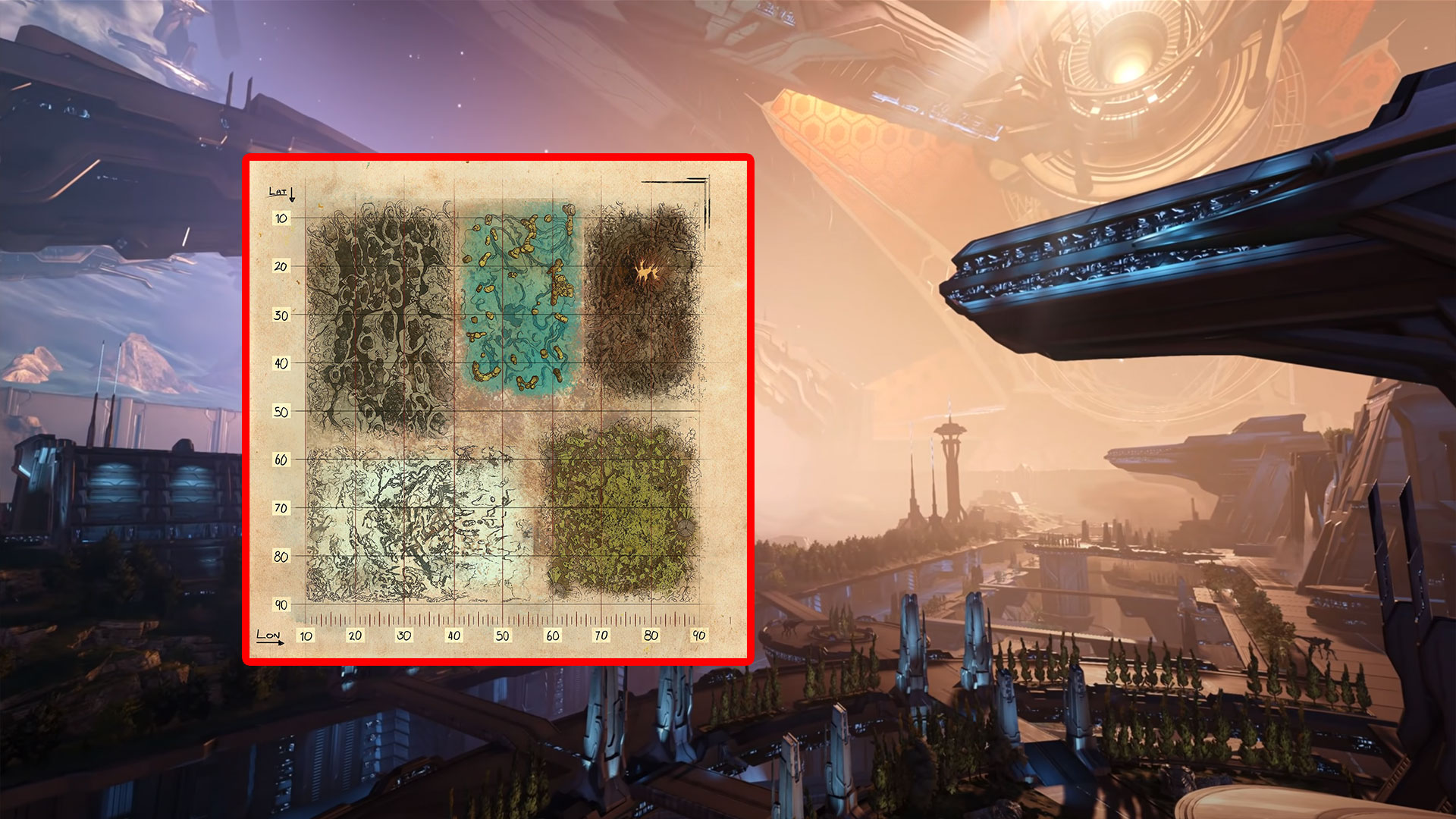
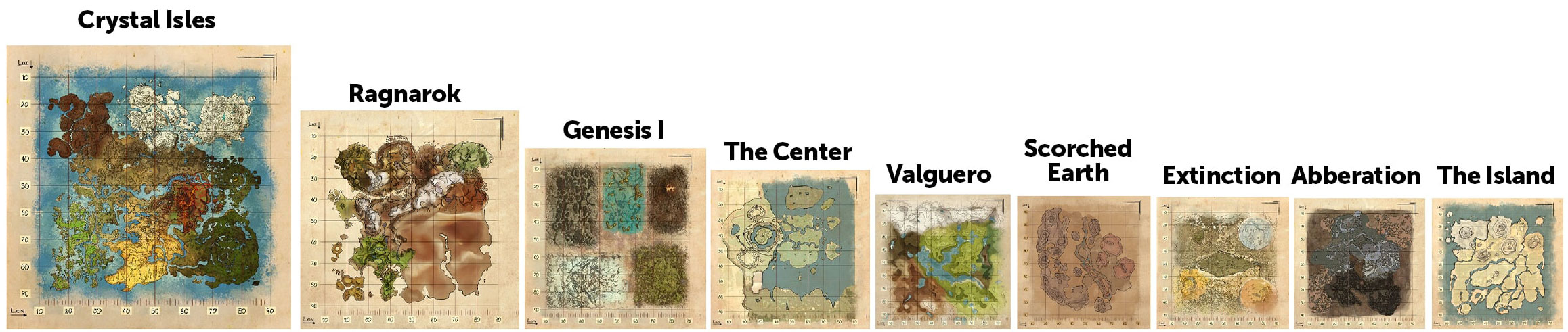
This is how big the map will be: According to the developers’ statement in the stream, the “Genesis 2” map will be the largest map that Wildcard has created to date. However, the community is a bit confused because this information was not conveyed very clearly. The question now is whether Genesis 2 will be larger than all official maps, including Crystal Isles, or only larger than the developers’ own creations.
It makes a difference whether Genesis Part 2 is larger than Crystal Isles or Genesis Part 1. Image by Reddit user rn177
Some players believe it could be larger than the Valhalla mod map, which is 50% larger than Crystal Isles. However, all of this is just speculation. What can be said for sure is that Genesis Part 2 will be larger than Genesis Part 1.
The new creatures in Genesis Part 2
With Genesis Part 2, new creatures are also coming into play. The first 4 are already known and visible in the trailer:
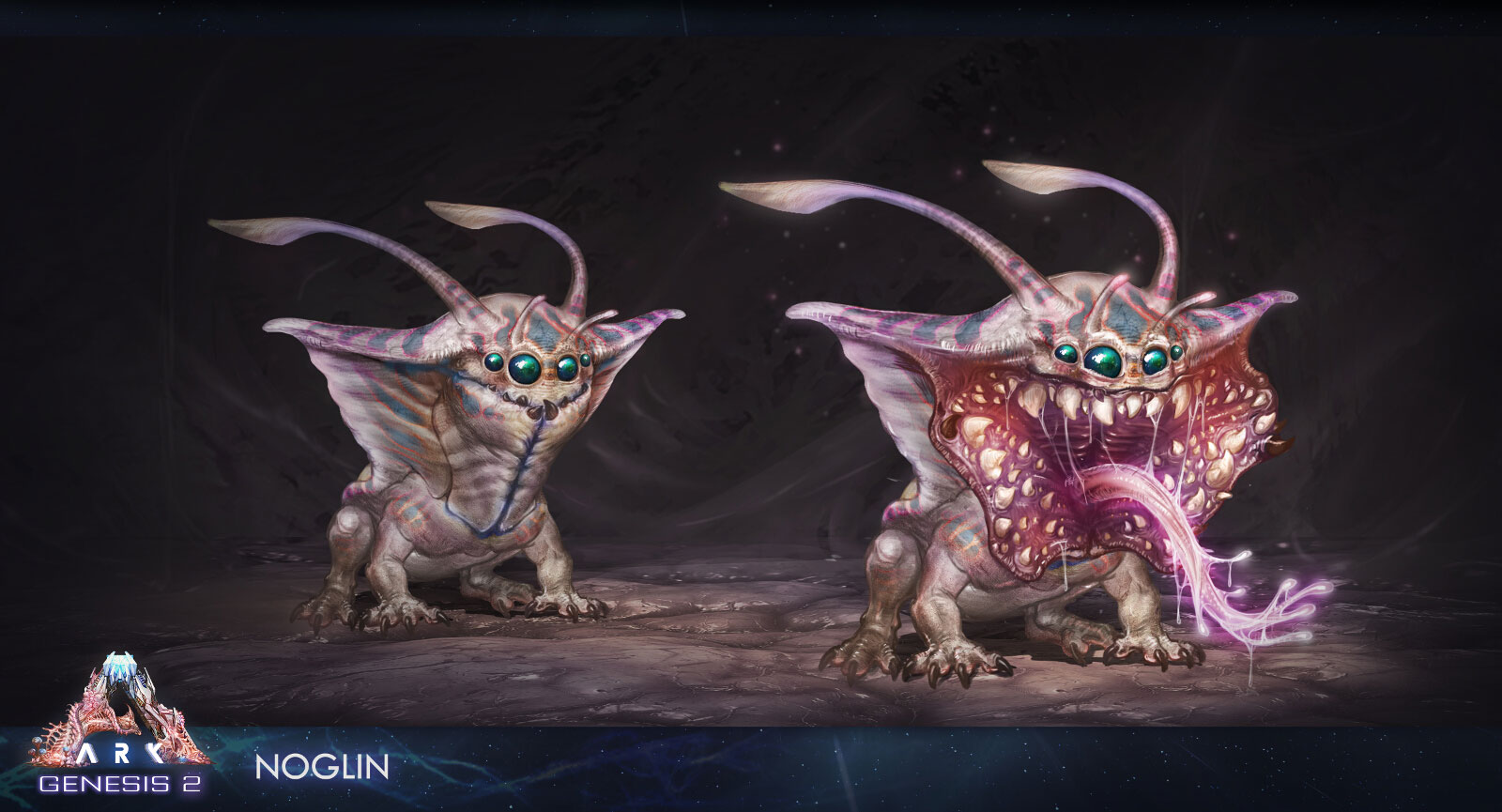
Noglin: The Noglins are small cute creatures that come with a nasty surprise. With them, you are able to control other wild and tamed creatures as well as players.
Shadowmane: The Shadowmane is a dangerous opponent. It can make itself and your team invisible and attack multiple targets simultaneously with a teleport chain attack.
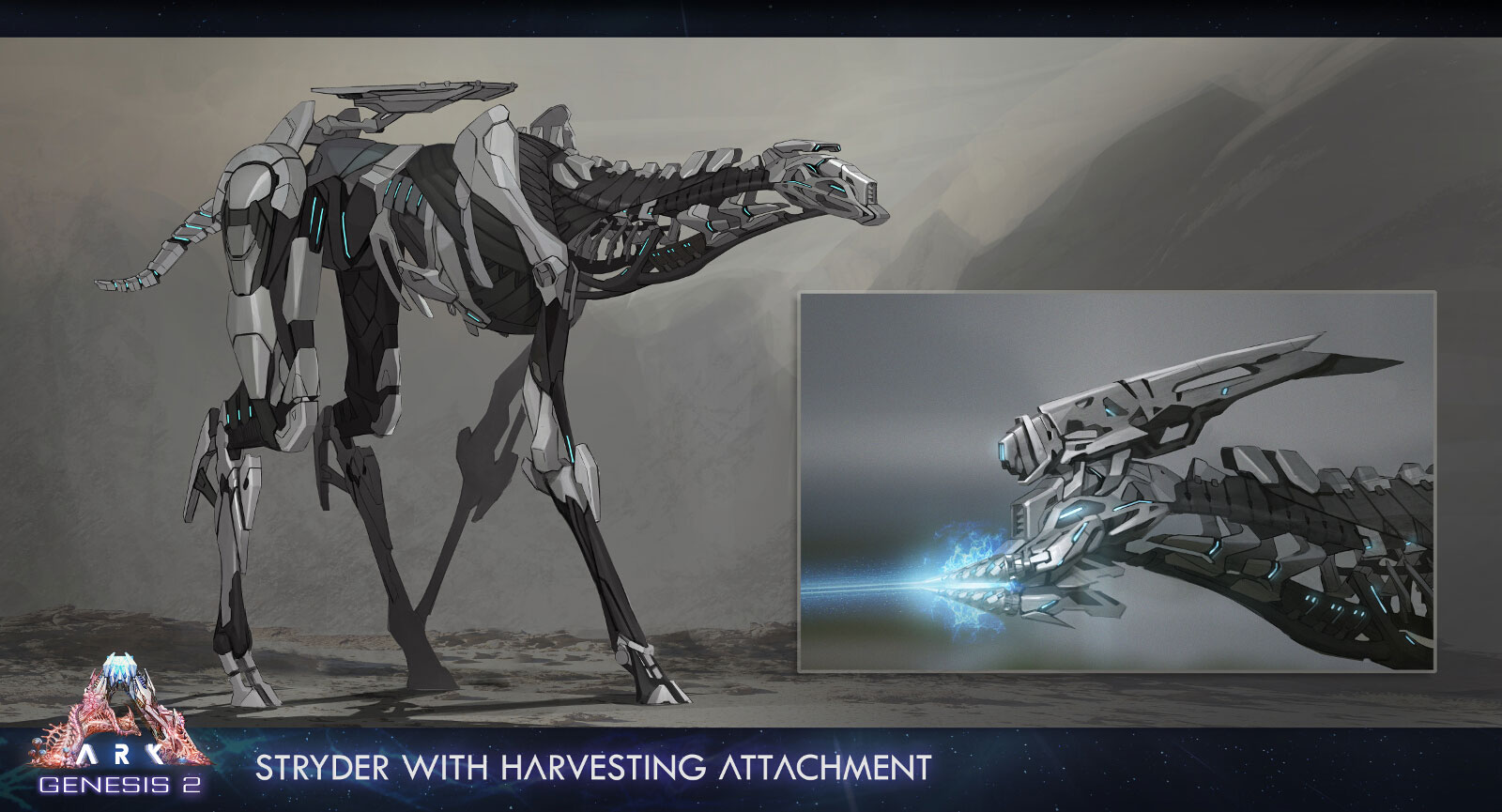
Stryder: The Stryder resembles the constructs in the RPG Horizon: Zero Dawn. They are animal-like machines that disintegrate and store resources remotely using a harvesting mechanism.
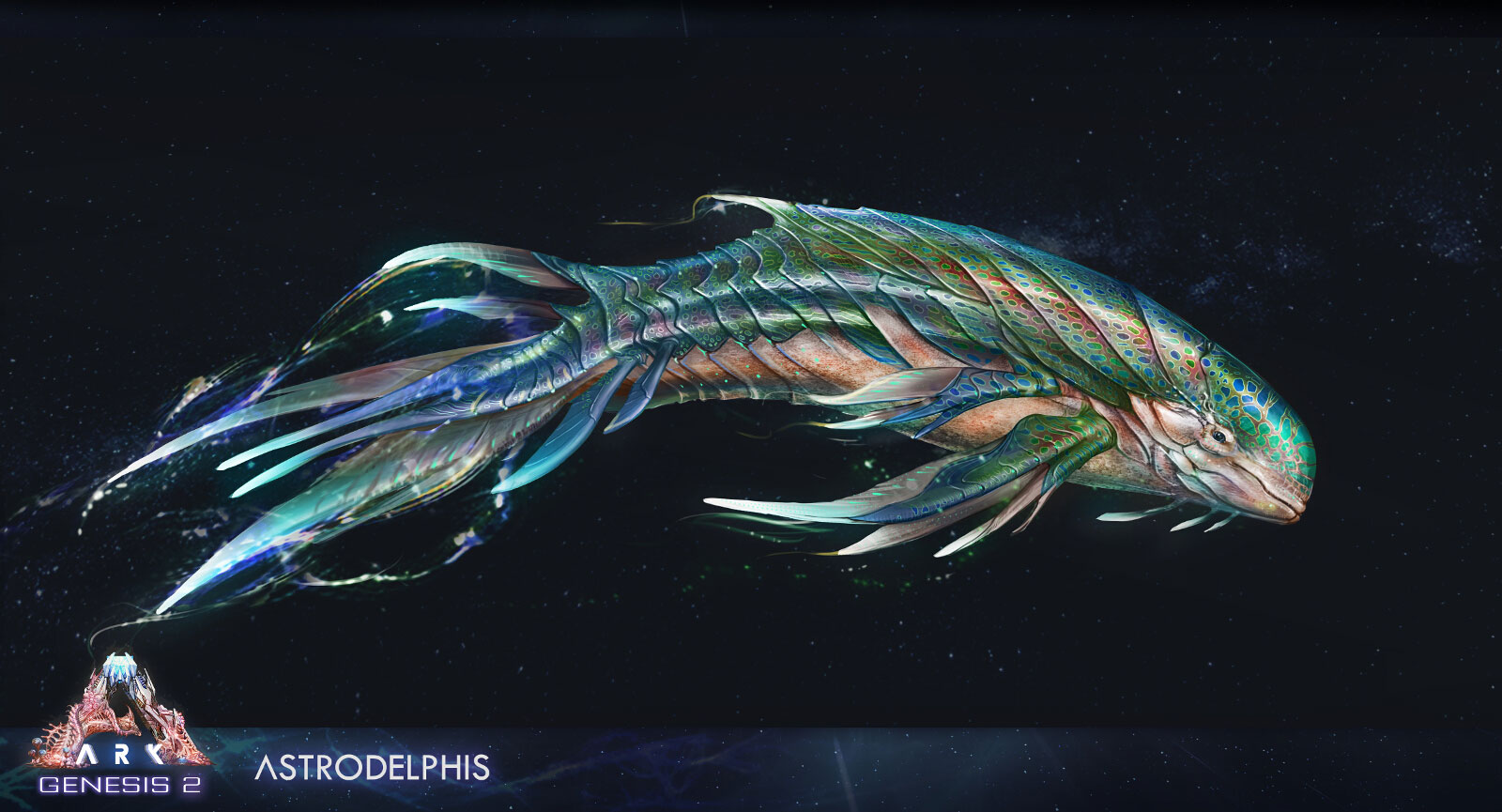
Astrodelphis: The Astrodelphis is an alien being, similar to the space whale in Genesis Part 1. The giant space fish can shoot lasers and bomb its enemies. With a barrel roll, the Astrodelphis can also deflect and bounce back enemy projectiles.
Genesis Part 2 seems to be more TEK-heavy than the last parts were. While this may not appeal to everyone, the trailer definitely makes one eager for more.
What do you think? Share your opinion in the comments.
This is an AI-powered translation. Some inaccuracies might exist.
To outsmart your opponents in FIFA 21, you need to know a few skill moves. We show you 5 effective tricks that every FIFA player should add to their repertoire.
What are these tricks? FIFA 21 offers a plethora of tricks. Many may look flashy, but they are too complicated to execute and don’t even yield the desired results.
Therefore, we present 5 effective tricks that are simple and can leave any defender standing.
Ball Roll
This is the Ball Roll: The Ball Roll is a real classic and quite easy to perform. For this trick, you only need 2 stars in “Skill Moves”, so pretty much every player should be able to master it. The trick consists of a simple movement, where your player rolls their foot over the ball and shifts it sideways.
It is perfect for slipping past defenders and goalkeepers or positioning yourself for a new action. Although the roll is so simple, it is hard to defend against.
Recommended editorial content
At this point you will find external content from YouTube that complements the article.
I consent to external content being displayed to me. Personal data can be transmitted to third party platforms.
Read more about our privacy policy.
How to perform the Ball Roll: When running straight with your player, hold the right stick up or down – depending on which direction you want to roll the ball.
Drag Back
This is the Drag Back: Although the Drag Back has been slightly toned down this year (it’s a bit slower), it is still very effective. Your player (2 stars in “Skill Moves”) can change direction or make opponents run into thin air by simply pulling the ball back.
Recommended editorial content
At this point you will find external content from YouTube that complements the article.
I consent to external content being displayed to me. Personal data can be transmitted to third party platforms.
Read more about our privacy policy.
How the trick works:This year you perform the trick slightly differently than in previous years. You need to hold the R1 and L1 buttons and also use the left stick. Hold both shoulder buttons and pull the left stick first against the running direction and then in the direction you want. You can make spins in all directions, but also continue moving forward, which makes you unpredictable.
La Croqueta
This is the La Croqueta: In FIFA 19, this trick was far too strong and many players exploited it. In FIFA 21, however, the skill move is still very effective, and it is also easy to execute. The player transfers the ball from one foot to the other, then kicks it forward and bypasses the opponent to the left or right. You need 4 stars in skill moves for this.
Recommended editorial content
At this point you will find external content from YouTube that complements the article.
I consent to external content being displayed to me. Personal data can be transmitted to third party platforms.
Read more about our privacy policy.
How the trick works: You perform this trick by holding the L1 button and keeping the right stick pushed left or right.
Roulette
This is the Roulette: The Roulette trick is a nice turn with the ball that can be very useful in tight penalty area situations. It’s best to perform it when the defender is getting ready to block your shot on goal. After the turn, you should have a clear path to shoot at goal.
Recommended editorial content
At this point you will find external content from YouTube that complements the article.
I consent to external content being displayed to me. Personal data can be transmitted to third party platforms.
Read more about our privacy policy.
How the trick works: You can choose the direction in which your player should turn with this trick. For a turn to the right, pull the right stick from the bottom to the top right. For a turn to the left, pull the stick around to the left.
Feint Forward Turn
This is the Feint Forward Turn: This trick has been newly added in FIFA 21 and is immediately gaining great popularity. The skill move is highly effective, extremely easy to execute, and can be used by almost any player – as long as they have 3 stars in skill moves.
You simply use the trick to turn quickly and create space for yourself. Ideally, the defender will run into thin air.
Recommended editorial content
At this point you will find external content from YouTube that complements the article.
I consent to external content being displayed to me. Personal data can be transmitted to third party platforms.
Read more about our privacy policy.
Even before Destiny 2 Beyond Light, players had a critical view of sunsetting, also known as weapon retirement. Now they are feeling its full impact. However, the Destiny director has some encouraging words about it.
What’s it about? Since the expansion Destiny 2: Beyond Light was released on November 10, several changes have made their way into the game. As much as Guardians are excited about the new Stasis supers, the story on Europa, and the new powerful exotics, they criticize the so-called weapon retirement. Currently, this is one of the biggest points of criticism regarding Destiny 2.
Weapon retirement or sunsetting means that weapons and armor can no longer be endlessly leveled up – they have a fixed infusion limit, a kind of expiration date (exotics excluded). Once an item reaches this limit, it becomes nearly useless in the current endgame; the item is not destroyed but plays no role in the most challenging activities anymore – hence the term “sunsetting” (retirement).
Sunsetting also means that the weapons can eventually be brought back from retirement and become relevant again – meaning they will have a current power level and potentially some changes. However, they will need to be re-earned.
Already upon the announcement of weapon retirement in the summer of 2020, this caused upheaval in the community, including on MeinMMO. Now that Beyond Light and sunsetting are live, the full extent of this design decision is painfully visible.
This was the plan: In fact, sunsetting was supposed to ensure that powerful weapons would have their moment in the sun to shine. Bungie would then send them into retirement after a year of glory.
This keeps the sandbox fresh, and players could enjoy a cool toy. However, new weapons should then come into focus.
Here are the problems now: For this to work, there also need to be new weapons that are interesting and act like carrots in front of the players’ noses.
Many old and beloved weapons are now no longer competitive in the Iron Banner, Trials, on Europa, and even in the new raid – some of these weapons were grinded for months, they have blood, sweat, and tears in them.
However, there simply aren’t enough new alternatives to fill the empty ranks.
Currently, there are just over 30 new guns in Beyond Light, but over 100 are affected by weapon retirement.
Players are also annoyed that they sometimes have to “re-obtain” the exact same weapons and armor they had a year ago, just to show the current power level and thus be relevant again. But if they level the items now (again), they’ll have to discard them after a while.
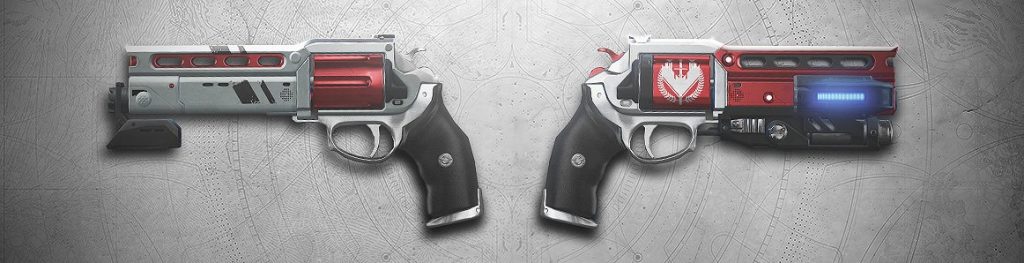
A part of the new Europa weapons
On reddit, there are threads like “Sunsetting in Beyond Light is abysmally bad”. This has nearly 4,000 upvotes and 450 comments.
Also, on MeinMMO, you have already expressed your dissatisfaction with the loss of your favorite guns:
I had to put my beloved 21% Delirium into retirement due to sunsetting, it literally broke my heart… ? That was the best machine gun I’ve ever had.
In summary: For players to accept sunsetting, there needs to be an appealing amount of new loot that is also worth hunting. Although we do not yet know the entire arsenal of Beyond Light and the Season 12 doesn’t kick off until November 17, the frustration among players is very high and understandable. And not much new weaponry is likely to come.
Read more about how Destiny 2: Beyond Light is received here:
Destiny director says: “It’s never as simple as copy and paste”
This is how Bungie reacts: The game director for Destiny at Bungie, Luke Smith, addressed the contentious issue of sunsetting during an interview with gamesradar.
According to Smith, they learned a lot from Season 11 and the Umbral Engrams. And yes, old weapons will be brought back into the game. However, it will “never be as simple as copy and paste”. He understands: “I know our players would describe it that way, but I can assure you, it’s not just that.”
He further explains: “We wanted to ensure that we bring the perks and stat values up to date, so it doesn’t feel like you’re going out and getting exactly the same version again.”
Luke Smith
Therefore, Bungie will bring back not only completely new guns but also the favorites from the past – but never in the way we once had them in our hands.
The question that remains is: will there also be enough exciting new weapons? Or is a large part of the “new” weapons just slightly modified, reheated versions? What do you think? How will this topic develop in the upcoming seasons?
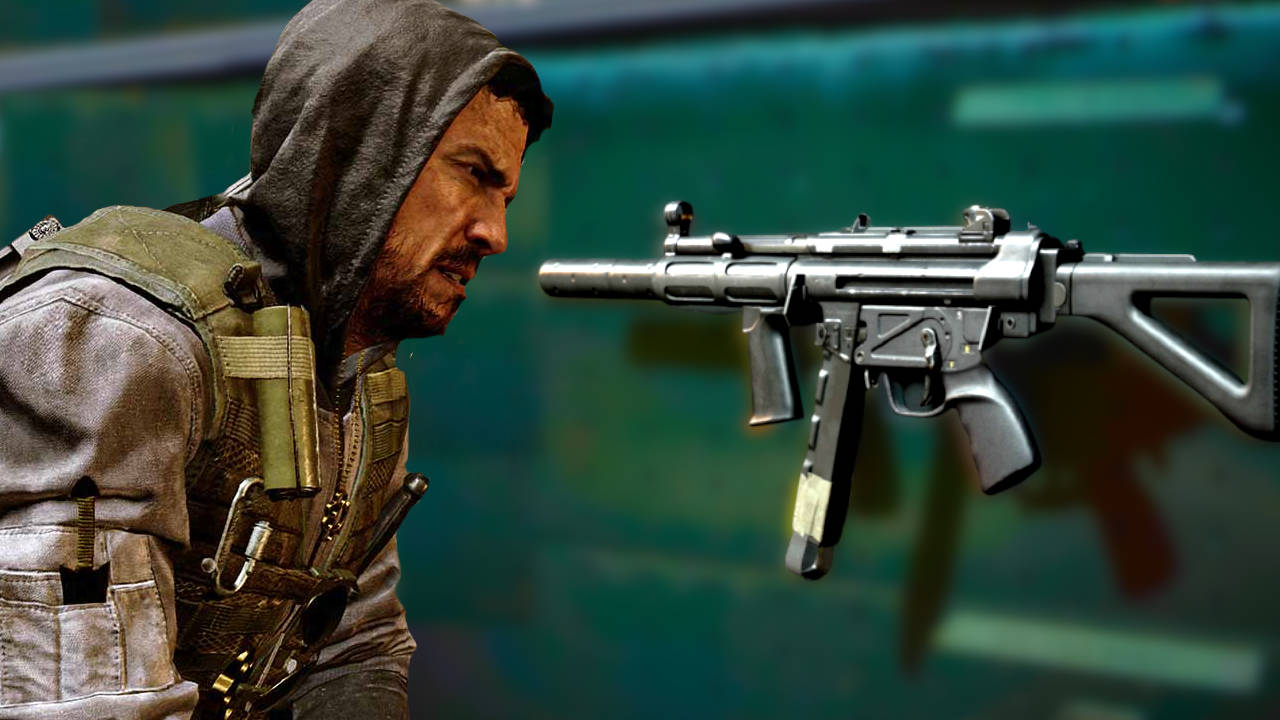
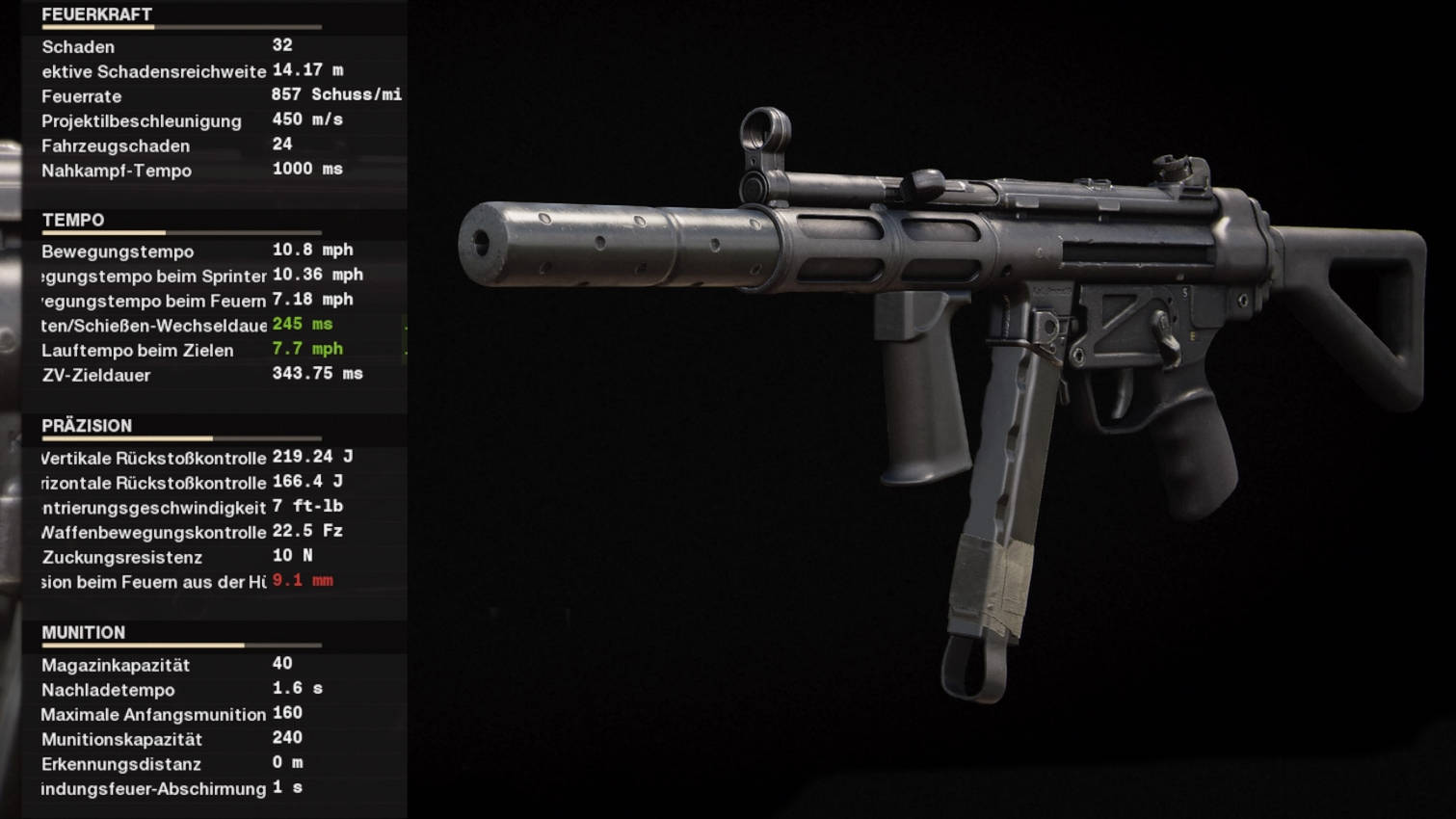
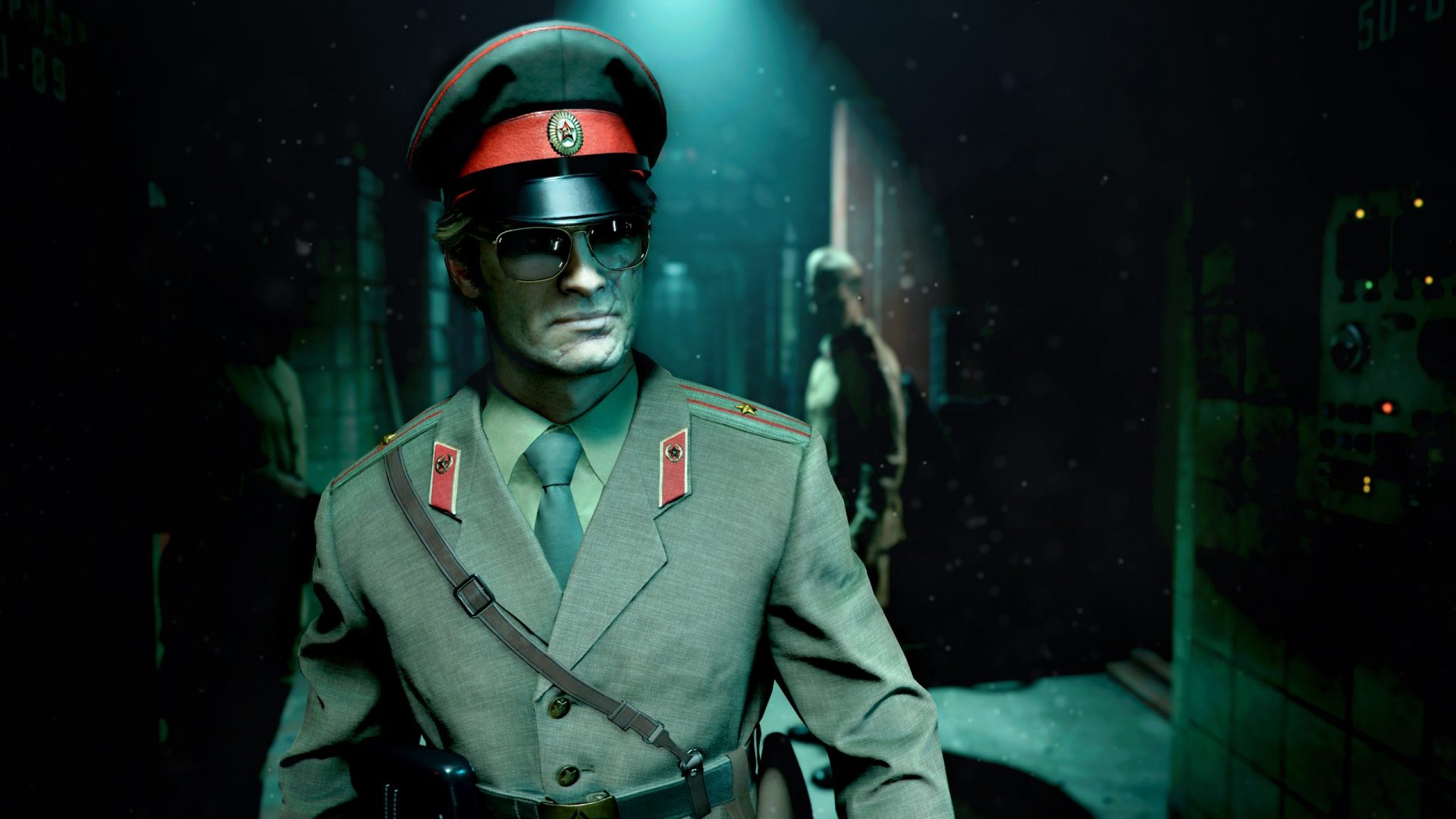
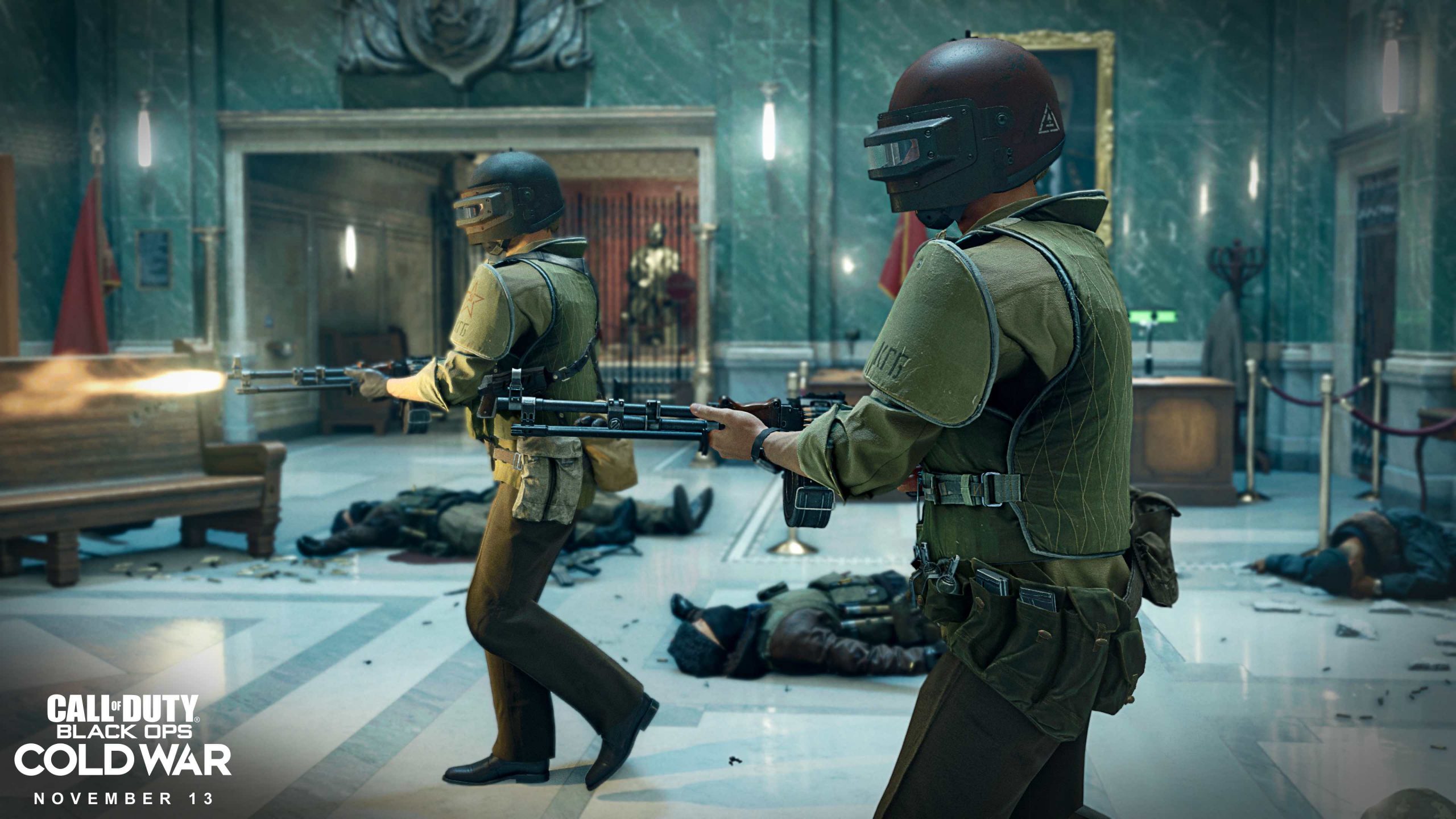
The MP5 is once again considered one of the best weapons – if not the top weapon in multiplayer – in the first days after the release of Call of Duty: Black Ops Cold War. MeinMMO shows you a strong tested setup.
In the multiplayer of Call of Duty: Black Ops Cold War, things go fast and wild. What you can’t afford: a disadvantage in your weapon power.
The MP5 is considered the strongest weapon in the PvP mode after the release, and to have a setup you can work towards while leveling your weapon, MeinMMO has selected a strong and proven setup. On top of that, you will find MP5 setup that you can use for leveling. Find out here which 5 weapons are also among the best in Cold War.
Where does the setup come from? The setup is recommended by the CoD YouTuber “Swagg”, who has been publishing videos about the first-person shooter since the Call of Duty from 2013 (CoD: Ghosts) and also drives the enemy team to despair in Cold War with his skills. If you want to see gameplay of the setup, we have embedded his English video about the attachment combo here:
Recommended editorial content
At this point you will find external content from YouTube that complements the article.
I consent to external content being displayed to me. Personal data can be transmitted to third party platforms.
Read more about our privacy policy.
What does the setup bring me? The Agency Suppressor eliminates your muzzle flash and associated noises and visual effects. It also offers a slight increase in vertical recoil control, which reduces weapon movement when firing – although at the cost of your damage range.
You then increase your range again with the heavy barrel, which also gives you a higher bullet velocity, at the expense of some mobility. You compensate for the loss of mobility with the Looting Stock and can transfer the drawbacks to hipfire, which is significantly worse with the stock, but should also rarely be used.
The Field Agent Underbarrel gives you even more recoil control, focusing on horizontal recoil. This makes the weapon very manageable, but you will move slower while firing.
The powerful 50-round magazine rounds it all off. While you lose a good chunk of your fire rate, you can reload much faster and keep enemies under fire for longer.
More info about the new Black Ops Cold War can be found here:
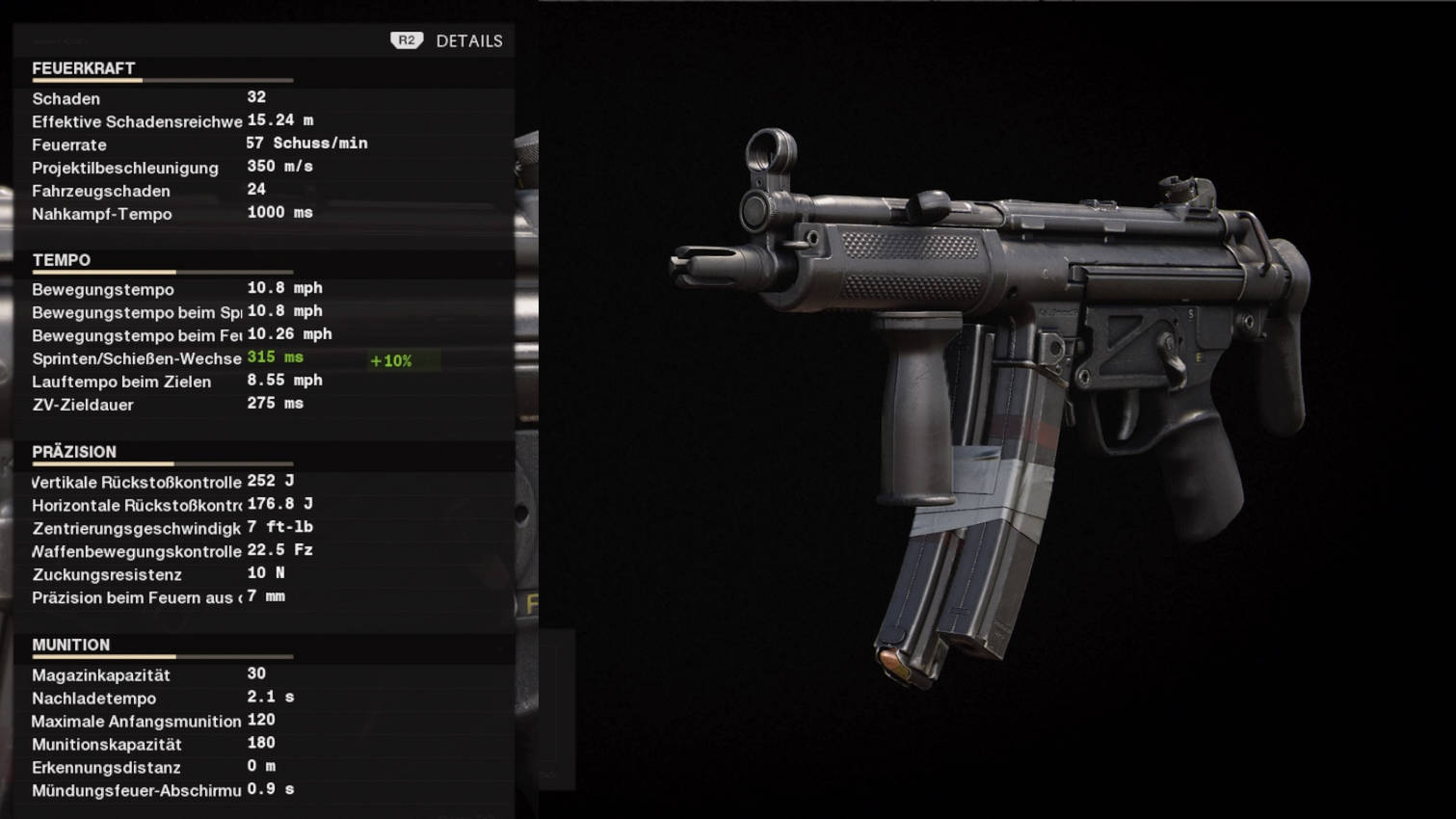
What can I use for leveling? For the suggested setup, you need a fully leveled MP5 and it takes a while to have all the parts together. In Cold War, however, it is often the case that you can achieve a similar effect with weaker attachments, which the strong attachments then further improve.
Here is a “reduced” setup with which you can celebrate your first successes during leveling:
Muzzle: Muzzle Brake 9 (Level 11)
Barrel: 9.5″, Extended (Level 4)
Underbarrel: Foregrip (Level 6)
Magazine: Jungle Style Magazine (Level 16)
Stock: Stock (Level 19)
With this, you will achieve very similar values as with the Swagg setup and can gradually bring the MP5 to maximum. However, when it comes to the magazine, you should consider whether you want to secure a larger one for the time being or go for reload speed. The suggested Jungle Magazine gives you speed.
Keep in mind, however, that this is a pure close combat weapon. Move with the MP5 from cover to cover and try to get as close to your enemy as possible. Otherwise, other weapon classes are clearly at an advantage against you.
Cold War relies more on the recipes of earlier CoDs and distances itself from the successful Modern Warfare in terms of gameplay. But one thing they have in common: a strong MP5. Optimal for fans of submachine guns who are on the hunt for the rarest camos from day one.
This is an AI-powered translation. Some inaccuracies might exist.
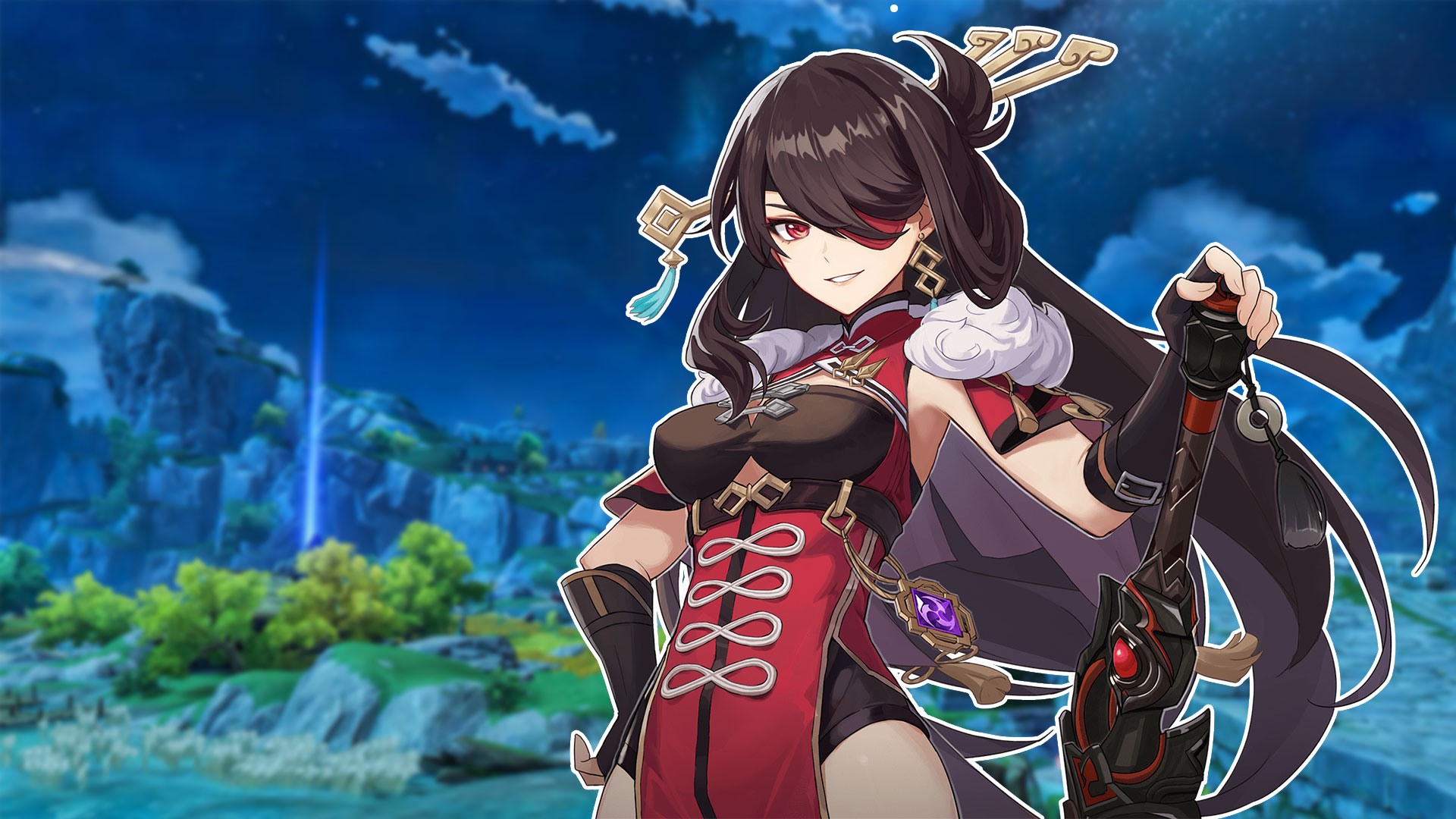
The leader of the Crux Fleet, Beidou, is one of the less popular characters in most tier lists for the co-op RPG Genshin Impact. However, with the right build, she becomes a real fighting machine. MeinMMO shows you how.
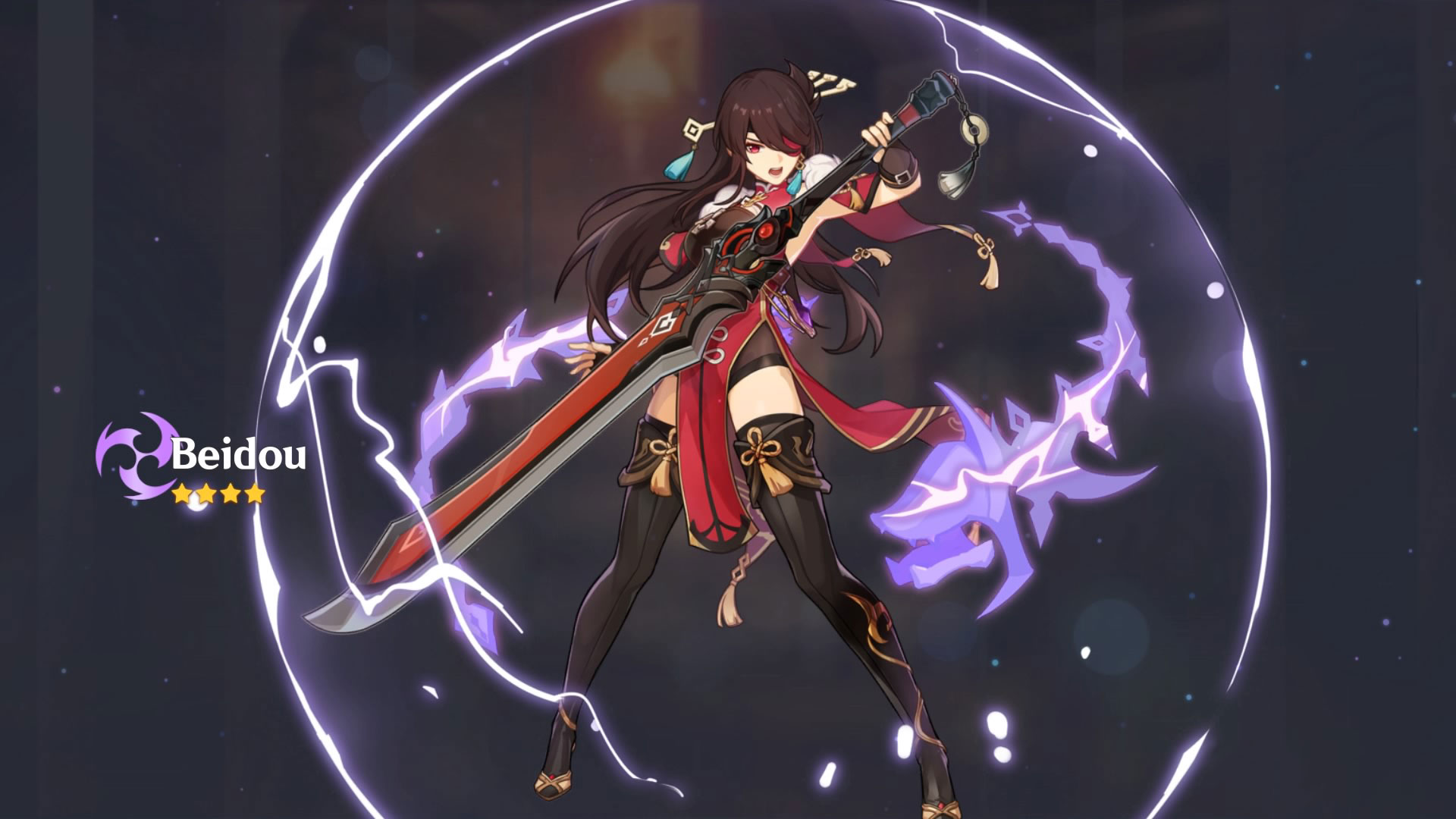
This is Beidou: The 4-star character Beidou is the leader of the Crux Fleet and wields a two-handed sword. She fights with the element Electro and has a special ability that seems rather unassuming. In our tier list of the best characters, she ranks C and is not considered one of the strongest or most popular characters in the co-op RPG.
With this build, Beidou becomes really strong
With a combination of the right artifacts and playstyle, Beidou transforms into a killing machine. Especially elite enemies and bosses quickly fall to Beidou. Only ranged fighters pose a small problem.
You need to know about Beidou
Beidou’s abilities allow her to block damage and support your entire team. However, especially Beidou’s special ability seems weak at first glance, but it is her greatest asset.
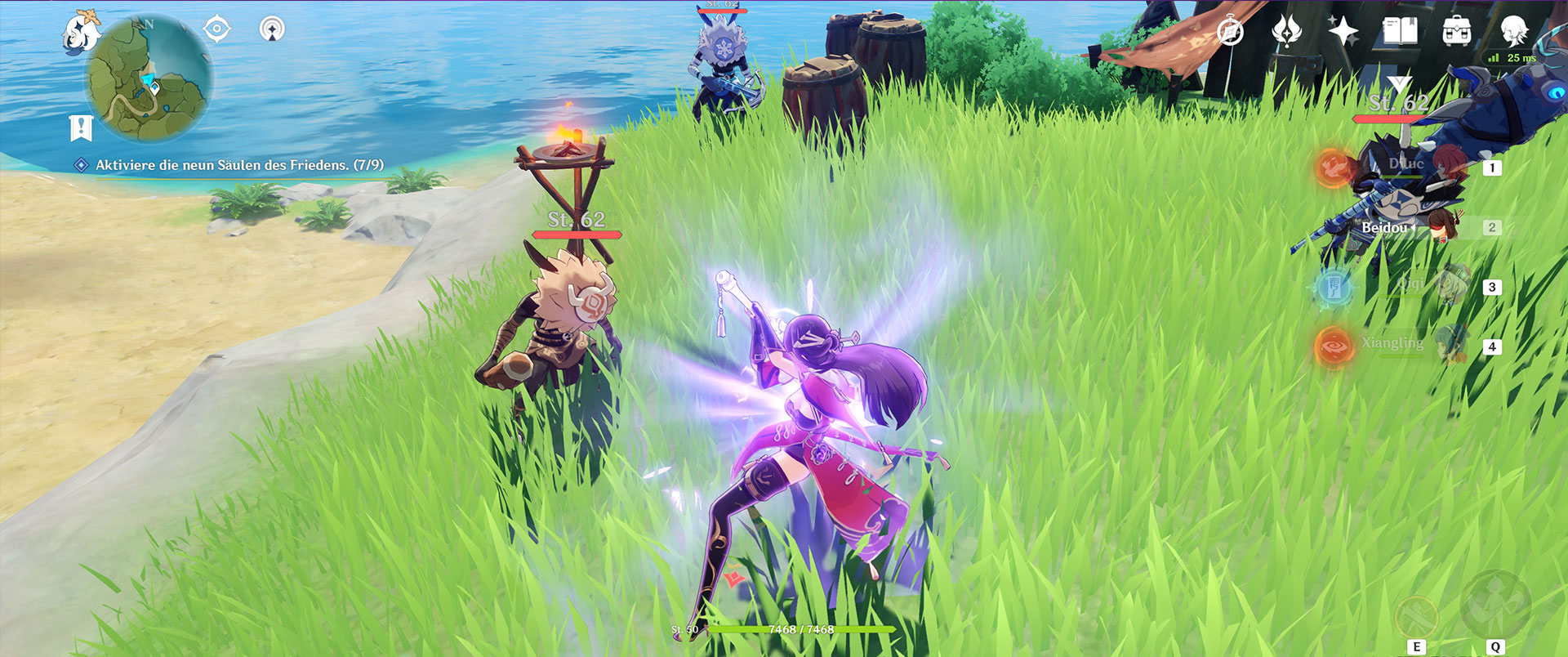
This is Beidou’s special ability Tidecaller: Tidecaller is a kind of “oh-shit” ability. With it, you can block damage and even bounce it back. Many of Beidou’s builds rely on this.
Your health points determine the value that Beidou can block by holding down the ability. If you are attacked during this time, the damage at the end of the block will be amplified and bounced back with a sword strike. The ATK value ultimately determines the damage you deal with it. 40,000 crits or more at a higher level are then no rarity.
This is Beidou’s Ultimate Stormbreaker: With the Ultimate, you envelop yourself and your team in lightning, which deals additional Electro damage with each attack from your team and jumps between multiple enemies.
Beidou’s talents and constellations: Generally, it makes sense to upgrade the talents and constellations of the characters as much as possible. In Beidou’s constellation, the 4th and 6th levels are especially important to increase damage output.
For the talents, you should focus on Tidecaller, followed by Stormbreaker and the standard attacks.
If you’re interested in more about Genshin Impact, you might also find this interesting:
If you were lucky enough to get one of the two legendary two-handed swords in the Gacha, then Wolfsgrab or Skyward Pride are your best choices. There are still Free2Play alternatives.
Wolfsgrab:The two-handed weapon Wolfsgrab is currently the best claymore in the game and should be your highest priority. The weapon increases your ATK value, which is important for a strong Beidou. The weapon’s ability also increases your overall damage and the damage of the entire team when you hit an enemy with low health.
Skyward Pride: This 5-star weapon is useful if you want to focus more on Electro damage. With the increased energy recharge rate, the Ultimate charges faster. The weapon also increases your overall ATK value and creates Vacuum Blades after your Ultimate ability, causing additional damage.
The best Free2Play alternative: The Prototype Amber is by far the best Free2Play weapon for Beidou. You can easily have it made at the blacksmith. The weapon increases the ATK value, just like Wolfsgrab. Additionally, you have a 50% chance to deal extra damage with a normal or charged attack. This weapon is especially useful against small enemies.
The right artifacts for Beidou
For artifacts, you can go in two directions. Either fully focus on physical damage bonus or additional Electro damage.
The following sets are suitable:
Gladiator’s Finale: The Gladiator’s Finale set focuses entirely on damage. The 4-piece bonus is particularly good for Beidou:
2-piece bonus: Increases your attack value by 18%
4-piece bonus: Increases your damage dealt by another 35% as long as you are equipped with a melee weapon
Each artifact, however, has different values. Be attentive to the following stats when selecting your artifacts:
Eonothem Cup (Cup): Physical damage bonus
Flower of Life (Flower): Health points
Circlet of Logos (Helmet): ATK value in %
The Sands of Eon (Hourglass): ATK value in %
Death’s Flower (Feather): ATK value
For the secondary values, pay attention especially to the ATK value in %, critical hit chance, and critical damage.
Gladiator’s Finale is a powerful set for Beidou. Just be mindful of the right stats.
Thundering Fury: The Thundering Fury set primarily increases your Electro damage. Again, you should aim for the 4-piece bonus.
2-piece bonus: Increases your Electro resistance by 40%
4-piece bonus: Increases your damage against opponents affected by Electro by 35%
Pay attention to the following main attributes of the artifacts:
Eonothem Cup (Cup): Electro damage bonus
Flower of Life (Flower): Health points
Circlet of Logos (Helmet): ATK value in %
The Sands of Eon (Hourglass): ATK value in %
Death’s Flower (Feather): ATK value
For the secondary values, pay attention especially to the ATK value in %, critical hit chance in %, and critical damage.
Mix of Bloodstained Knight’s Way and Thundering Wrath: The two sets Bloodstained Knight’s Way and Thundering Wrath are also suitable for a strong Beidou build. Both achieve the 2-piece bonus:
2-piece bonus Bloodstained Knight’s Way: Increases your physical damage by 25%
2-piece bonus Thundering Wrath: Increases your Electro damage by 15%
Pay attention to the following main attributes of the artifacts:
Eonothem Cup (Cup): Electro damage bonus
Flower of Life (Flower): Health points
Circlet of Logos (Helmet): Critical hit chance in %
The Sands of Eon (Hourglass): ATK value in %
Death’s Flower (Feather): ATK value
For the secondary values, pay attention especially to the ATK value in %, critical hit chance in %, and critical damage in %.
This is how to play Beidou properly
Now that all the details are clarified, you need to be able to use Beidou correctly as well.
Beidou as Support: If your build focuses more on Electro damage and an increased energy recharge rate, Beidou serves as support. Fight until your Ultimate is ready and use it. Then switch to your main DPS, which will cause additional Electro damage.
Beidou as Main DPS: As a main DPS, Beidou is quite interesting. Her normal attacks are weaker than those of other DPS characters. Diluc or Razor clearly have the upper hand there. However, Beidou plays completely differently.
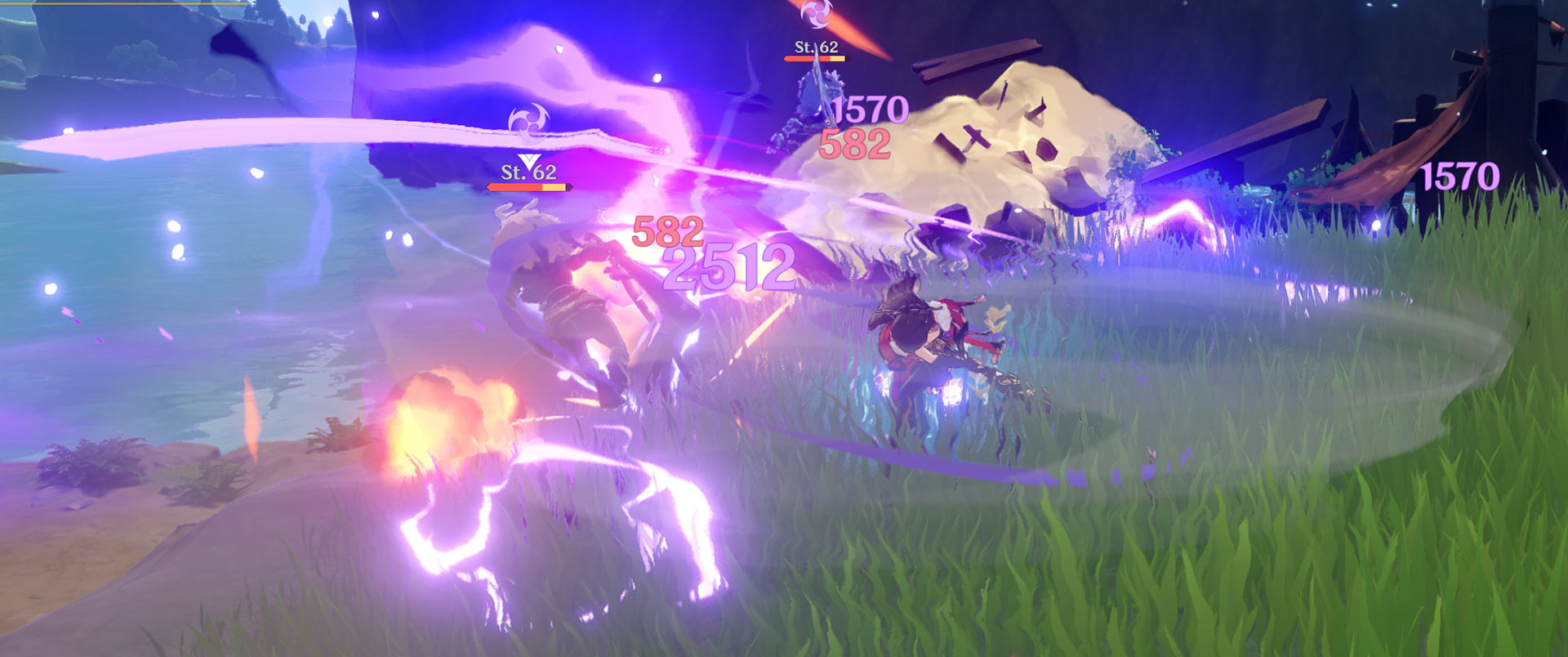
Beidou as main DPS primarily relies on her special ability Tidecaller. For example, if you are fighting against a boss or an elite enemy and they are about to perform a strong attack, hold down the button for Tidecaller and protect yourself from the attack. The catch is that the enemy’s attack charges Beidou and at the end, she bounces back the damage amplified by Tidebreaker. The damage scales with your own ATK value.
Block at the right moment to gather strength.
However, finding the right timing is very difficult and requires quite a bit of practice. Observe the enemies when you still don’t know how they attack and use Tidecaller at the right moment.
Once the block is over, Beidou finishes off with a big swing.
The damage that is blocked scales with your own health points. If the damage taken is too large, Tidecaller will break.
Beidou as Boss Killer: Beidou is particularly effective against bosses and large enemies in close combat. The strong hits from the bosses charge Beidou’s Tidecaller very well and are then bounced back. This way, bosses receive very high damage in one blow and quickly meet their end.
However, this almost never pays off against smaller enemies, and ranged fighters pose a small problem since you can block their attacks but won’t hit them if they’re too far away. When fighting against a larger group, first take down the annoying ranged fighters.
These characters synergize particularly well with Beidou: Several characters synergize with Beidou and increase her damage output.
Qiqi provides healing with her special ability and adds additional ice orbs that inflict cryo damage on nearby enemies. Together with Beidou’s electro attacks, the “Superconductor” effect occurs, reducing physical resistance.
Mona applies Wet to enemies and sets an Omen on them with her Ultimate. With Beidou’s attacks, this creates the “Electro-Charged” effect, causing the enemies to continuously take electric damage. With Mona’s Omen, the enemies generally take more damage for 4 seconds.
However, the “Electro-Charged” and “Superconductor” effects are also suitable for all other heroes with cryo or hydro abilities.
YouTuber DSGaming presents the whole thing with a completely leveled and well-equipped Beidou, achieving normal crits of over 50,000 damage. With the right combinations of your team, crits of up to 200,000 are also possible.
Recommended editorial content
At this point you will find external content from YouTube that complements the article.
I consent to external content being displayed to me. Personal data can be transmitted to third party platforms.
Read more about our privacy policy.
Currently, there are some games in the PS Store for under 20 Euros. We present you the most interesting coop games from the offer for PS4 and PS5.
What kind of sale is this? Sony has started a sale in the PlayStation Store with PS4 games under 20 Euros. This includes some well-known titles like A Way Out, but also smaller games like Overcooked 2, which are fun to play in coop mode. In our article, we introduce which games from the current sale in the PlayStation Store you should check out.
How long does the sale last? The sale in the PlayStation Store runs until December 1, 2020. So you still have almost 3 weeks to check out the offers.
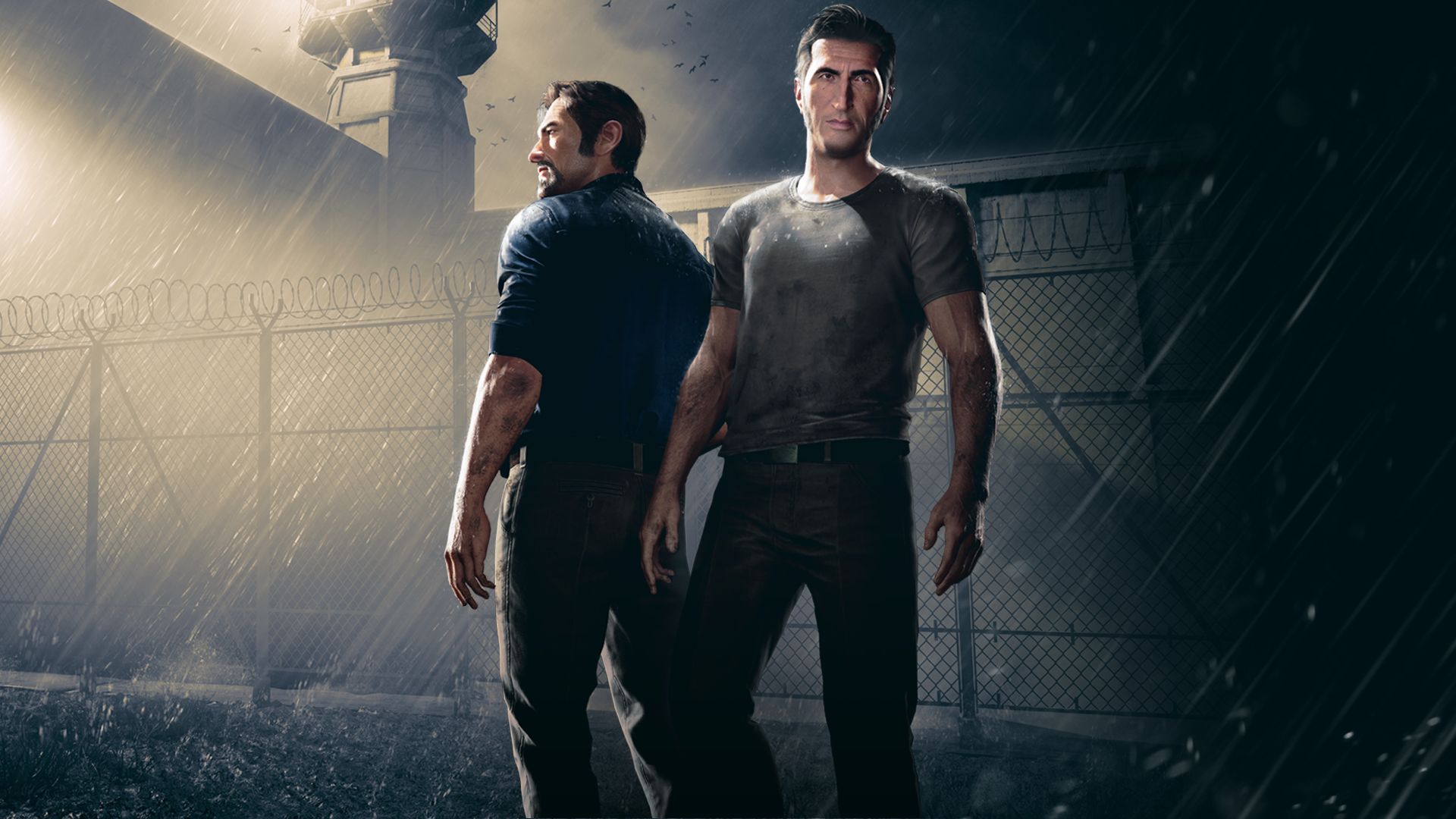
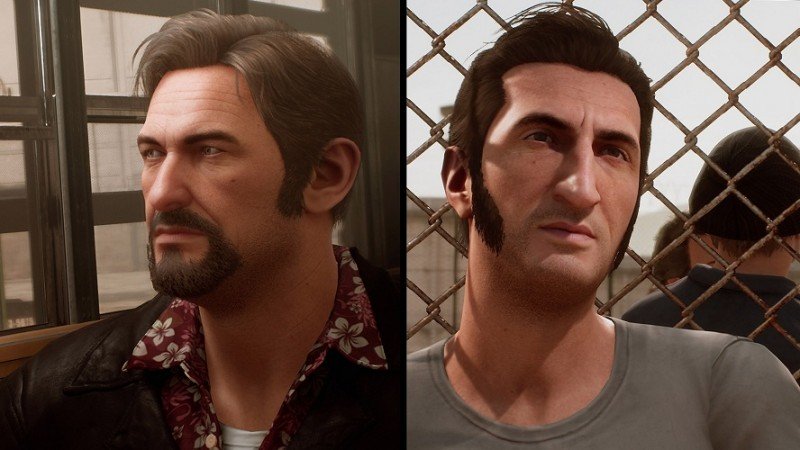
What is A Way Out? A Way Out is an action-adventure that is played from a third-person perspective. The special feature of the game is that you always have to play together with a partner. There is no single-player mode. Players take control of Leo and Vincent – two convicted prisoners who must escape from prison.
Why is the game worth it? The game offers an exciting coop experience. The story of the game is told cohesively in time but asymmetrically: Each player always sees via split-screen what the other player is doing. The situation can change completely every time.
This is less successful: A Way Out offers a strictly linear story. You will hardly make any decisions, and much of the game is predetermined. This limits the replay value. Also, the graphics are not exactly fresh anymore.
Pro
exciting, fast-paced story
believable characters
fun coop experience thanks to storytelling style
Thanks to “Friend Pass”, you only have to buy the game once
Contra
story is strictly linear
dated graphics
few gameplay challenges
Where can you buy the game?
A Way Out in the PS Store for 10.49 € (29.99 €), you save 65% compared to the regular price in the PlayStation Store.
Overcooked 2
Genre: Strategy game | Developer: Team17/Ghost Town Games | Release Date: August 7, 2018 | Model: Buy2Play | Price Range (according to Geizhals): 18.56 – 60.39 €
Recommended editorial content
At this point you will find external content from YouTube that complements the article.
I consent to external content being displayed to me. Personal data can be transmitted to third party platforms.
Read more about our privacy policy.
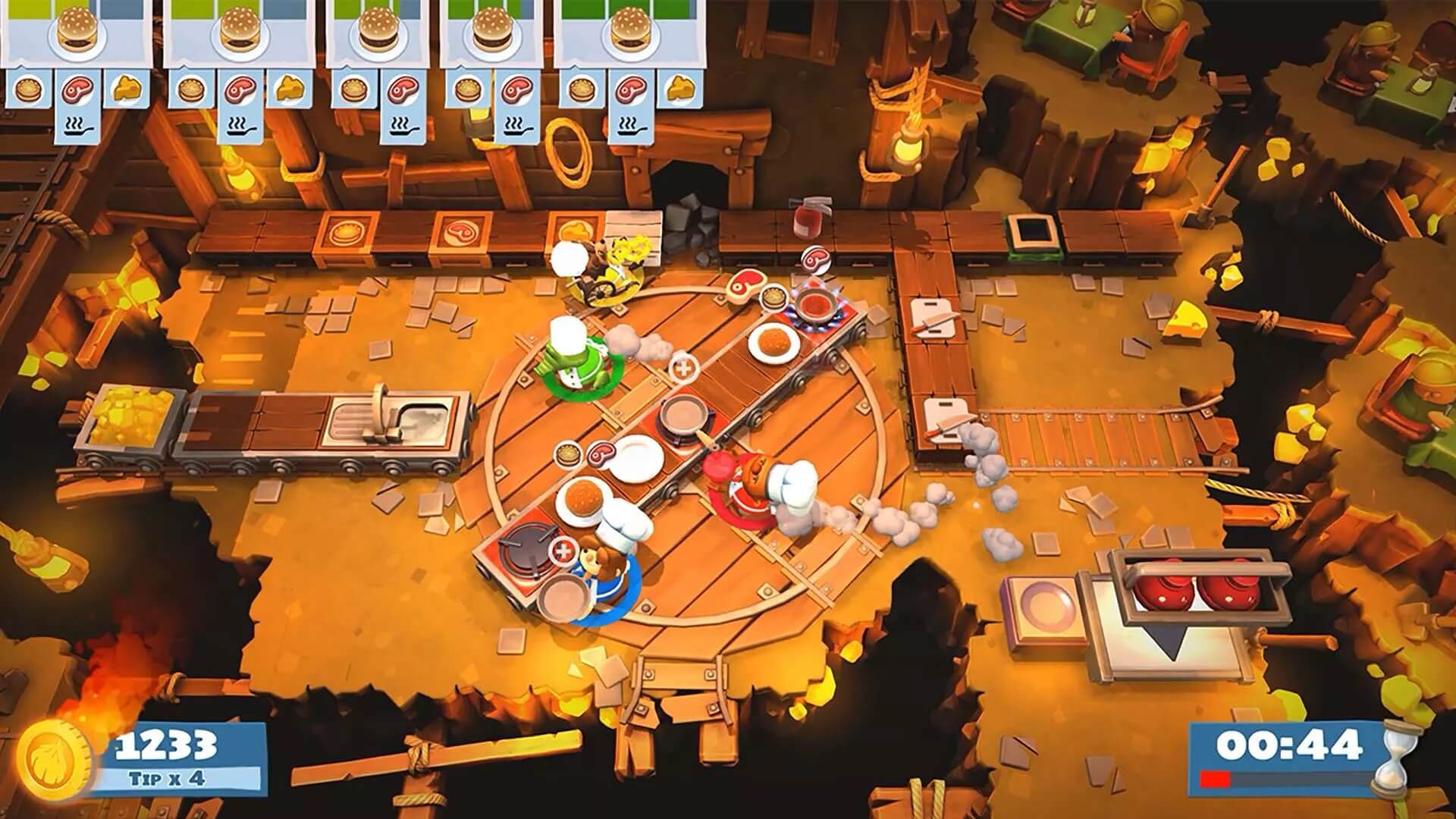
What is Overcooked 2? In Overcooked 2, you have to cook specific dishes from many ingredients within a given time. You can either play alone or with up to three other players. With part 2, Overcooked now also has an online coop mode.
Why is the game worth it? In gameplay, Overcooked 2 refines the formula of its predecessor, and it still is a lot of fun: Cooking together with friends (or against them), preparing recipes, and reacting to the level. Particularly cool is that Overcooked offers various kitchens: Sometimes you cook in a restaurant, other times in a hot air balloon. The levels are all creatively designed.
This is less successful: While the developer offers a rich array of levels, it hardly utilizes the potential. Crazy ideas like cooking in a hot air balloon are rare. Also annoying: the controls can sometimes be fiddly.
Pro
creative level design…
successful gameplay principle
fun and motivating coop mode for up to 4 players
many recipes to cook
Contra
… that is used too rarely.
fiddly controls
Where can you buy the game? The game is currently on sale in the PS Store. However, this offer ends on November 21, 2020, which is shorter than the other titles on this list. If you already own Overcooked 2, you can also check out the predecessor, which is also on sale:
What is The Escapists 2? This game is the sequel to the escape simulation The Escapists. Here, the goal is to cleverly escape from various prisons. You will be faced with various challenges. With part 2, there is also a coop mode for the first time.
Why is the game worth it? Besides the consistent old-school graphics and a good soundtrack, the game offers a variety of different prisons you can escape from. The prisons themselves consist of diverse areas, and you will be busy for many hours. A good tutorial helps you quickly find your way in the game.
This is less successful: The game offers no story like “A Way Out.” The tasks you have to complete in your prison daily life become repetitive over time and offer little variety. Also, the noise in the prison can become annoying over time.
For whom is the game suitable? If you enjoy escape scenarios or had fun with the predecessor, you will likely enjoy part 2 as well. The multitude of options for escaping from the prison will keep you occupied for a long time.
Pro
Nice graphics
varied levels
many interesting escape options
fair learning curve thanks to helpful tutorial
many prisons to escape from
Contra
no story
tasks in prison are monotonous
annoying noises from fellow inmates
Where can you buy the game? Currently, the “Game of the Year” edition is on sale in the PS Store. All previously released DLCs with additional prisons are included.
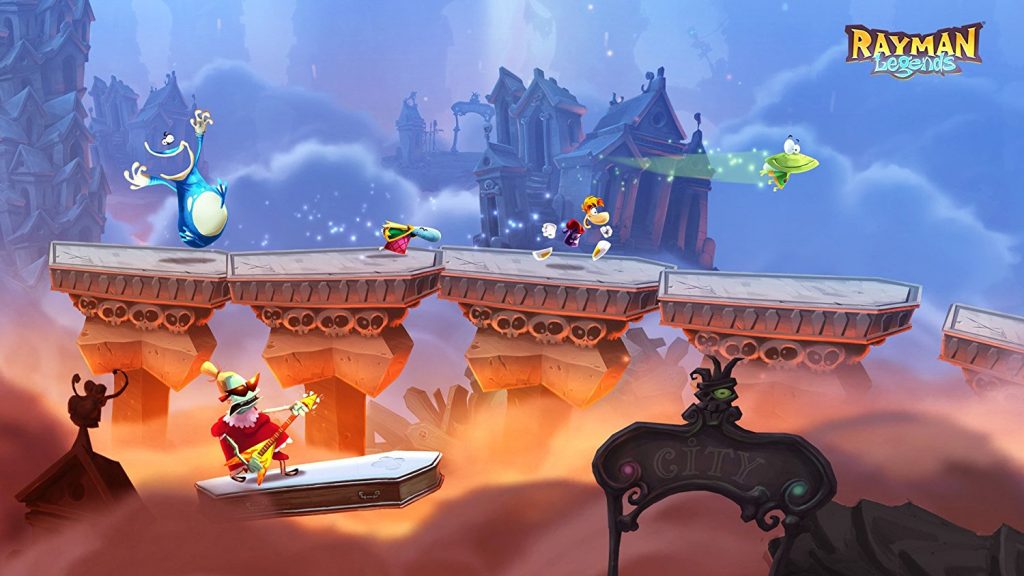
What is Rayman Legends? Rayman Legends is a platformer and is the sequel to Rayman Origins. You jump and fight through colorful fantasy levels to save the world from an evil force. In addition to boss levels, there are also completely new music levels.
Why is the game worth it: Rayman Legends offers a wealth of colorful and imaginative areas with a lot of variety:
Sometimes you jump through a forest, other times you fight,
you hop through a factory with underwater facilities to James Bond music
or run through a desert where every step makes sounds or music.
The game also brings 40 old levels from Rayman Origins and has thus an enormous scope. In coop with friends, jumping and fighting through the levels is twice the fun. Once the game is completed, you can also try the extremely challenging additional challenges. As a bonus, there are also half a dozen unusual music levels that are quite demanding. In these, you have to jump and fight with the music.
The levels in Rayman: Legends are varied. Here you are on Olympus.
This is less successful: While you can play different characters, they do not offer different abilities and seem more like skins. Moreover, the game relies on pure couch coop, and there is no online multiplayer.
For whom is the game suitable? If you are looking for a great couch coop title, you will find it in Rayman Legends. If you are “just” looking for a good platformer with a large scope, you should also take a look at the game.
Pro
creative levels with music gameplay
large scope
couch coop mode
fair difficulty level
vivid and diverse game world
Contra
characters lack special abilities
no online multiplayer
Where can you buy the game? The game is currently on sale in the PS Store:
Genre: Action | Developer: Sony Computer Entertainment Japan | Release Date: September 5, 2017 | Model: Buy2Play | Price Range (according to Geizhals.de): 17.90 – 34.90 €
Recommended editorial content
At this point you will find external content from YouTube that complements the article.
I consent to external content being displayed to me. Personal data can be transmitted to third party platforms.
Read more about our privacy policy.
What is Knack 2? Knack 2 is an action-adventure and the sequel to the first Knack game, which was released as a launch title for the PS4 in 2013. A focus is on the coop mode. The game combines action-packed battles with a platformer.
Why is the game worth it? Knack 2 offers a successful blend of action and platformer elements. The levels are designed differently and offer many opportunities to dismantle objects in your environment correctly. The battles flow smoothly, thanks to the combination of combos and dodging. In addition, the game offers a fun coop mode, and afterwards you can play through the “New Game Plus” mode.
Knack is the protagonist of the game.
This is less successful: The story is not excitingly told and offers few highlights. The camera control is fixed, which can be annoying in some levels. The protagonist is also quite bland in the second part. A few trial & error passages also tarnish the overall picture.
For whom is the game suitable? If you enjoy fun cooperative games or are looking for a nice game for in between, then take a look at Knack 2.
Pro
smooth battles thanks to combo system
fun coop mode, successful blend of action and platformer
fair save points and four difficulty levels
New Game +
Contra
uninspiring story
fixed camera control
bland protagonist
some trial & error passages
Where can you buy the game? The game is currently on sale in the PS Store:
What is Lego Marvel’s Avengers? The game offers you scenarios from six Marvel movies in typical Lego style. The open game world is filled with many dynamic tasks, and you can unlock and play more than 200 characters. Like almost every Lego game, Avengers can also be played in coop on one console.
Why is the game worth it? Lego Marvel’s Avengers offers a good scope of more than 50 hours. This is due to the many contents that await you: These include
a total of 8 game worlds,
dynamic tasks in the open world
lots of playable characters you can unlock.
All of this is paired with the typical Lego humor and the original soundtrack of the movies. The battles feel quick due to combo attacks, and the story sequences make players chuckle if they have seen the films.
In Lego Marvel’s Avengers, many well-known characters are back.
This is less successful: Marvel’s Avengers also offers you only local coop, as there is no online mode. The puzzles and tasks are not very exciting, and there are hardly any interesting innovations compared to other Lego games.
For whom is the game suitable? Are you looking for a nice coop title that takes place in the Marvel universe and offers a large scope? Then you should take a look at the game. Fans of the films will also get their money’s worth here.
Pro
large scope (50 hours)
original soundtrack of the movies
typical Lego humor
combos make battles more dynamic
couch coop
intricate story sequences that are based on the films
Contra
no online mode
weak puzzles and tasks
few innovations compared to other Lego games
Where can you buy the game? Currently, the game is on sale in the PS Store:
Are you looking for more coop games for your console? Then check our MeinMMO list, where you can find more successful games for your PS4 that we can currently recommend:
The default settings of Call of Duty: Black Ops Cold War are not optimized for optimal gameplay in PvP. MeinMMO shows which settings can improve your performance.
What do the settings bring? In the fast-paced first-person shooters of the “Call of Duty” series, it often comes down to fractions of a second whether you smile with joy after a duel or frustration as you skip the killcam. This also holds true in Black Ops Cold War.
With the right settings, you can ensure that the opponent has no advantage here, and perhaps you can secure yourself a few more smiles in a match. Therefore, MeinMMO presents the optimal settings for the multiplayer of CoD: Cold War.
No specifications for PC graphics: In this article, we will refrain from specific graphics settings for PC. The setups of most players are as different as their play styles. In general, you should avoid choosing high graphics settings and instead focus on performance and minimizing input lag between your graphics card and monitor.
Graphics Settings
You can find these settings in the options under “Graphics”.
Field of view: 90 – 110
This setting directly affects the size of the view you get to see. The higher the value, the more of the game you can see. If you lower the slider, the view will get smaller. For the first time ever in a CoD, this setting is also available on consoles, and you should adjust it a bit. Your preferences also play a role here.
With a field of view between 90 – 110, your view is large enough, and you prevent distortions. Because if you crank up the field of view too high, you will experience a sort of fisheye effect that alters your sight slightly, making everything seem a bit faster. Give it a try; you might find it suitable or even enjoyable.
Cold War warns of performance limitations, like frame drops and graphical issues, at higher values.
The field of view can now be adjusted on consoles for the first time.
Targeting field of view: Influenced
Try setting this to “Influenced” instead of “Independent”. This allows your field of view to adjust when aiming to match your field of view setting. This reduces visual recoil, but you lose a bit of zoom. An analysis of the setting with pros and cons can be found here. Again, see how it feels for you. Not every player will handle the slight recoil trick.
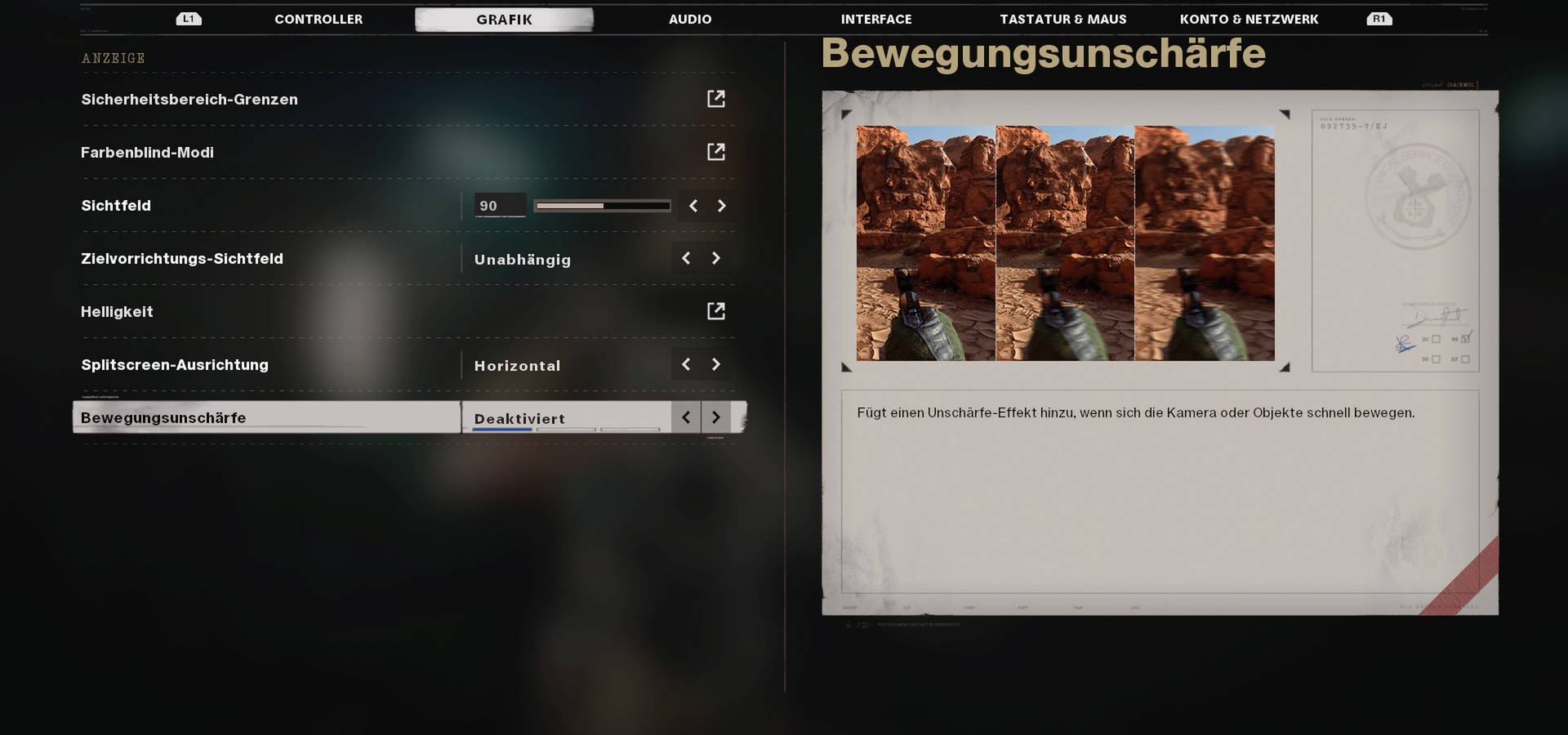
Motion blur: Disabled
There is no room for debate here; you should always disable motion blur in a PvP environment. This visual filter affects your visible image of movements, which become less accurate. Such filters have no place in multiplayer, as they are maximally suited for the story campaign.
You should definitely disable motion blur.
V-Sync: Disabled
We can’t resist a small graphics recommendation for PC players. With V-Sync, the framerate of your monitor and the game is synchronized, but this often comes at the cost of a small input lag. Without V-Sync, there may be small graphical issues, but they are usually more tolerable than a delayed display.
Interface Settings
You can find these settings in the options under “Interface”.
HUD border: Set smaller
With this setting, you can modify the position of your HUD on the screen. This can help you particularly on large screens or TVs, as you can bring the mini-map further into your field of view. If you notice while playing that your view towards the map or ammo display is too far away, then shift your HUD a bit towards the center.
HUD elements: Individual
In Cold War, you can disable many HUD elements, thus cleaning up your screen a bit. If you’re playing solo most of the time, you often don’t need to see your teammates’ health displays. Scroll through the settings a bit and turn off everything that seems unnecessary for better clarity.
You can disable many HUD infos in Cold War.
Audio Settings
You can find these settings in the options under “Audio”.
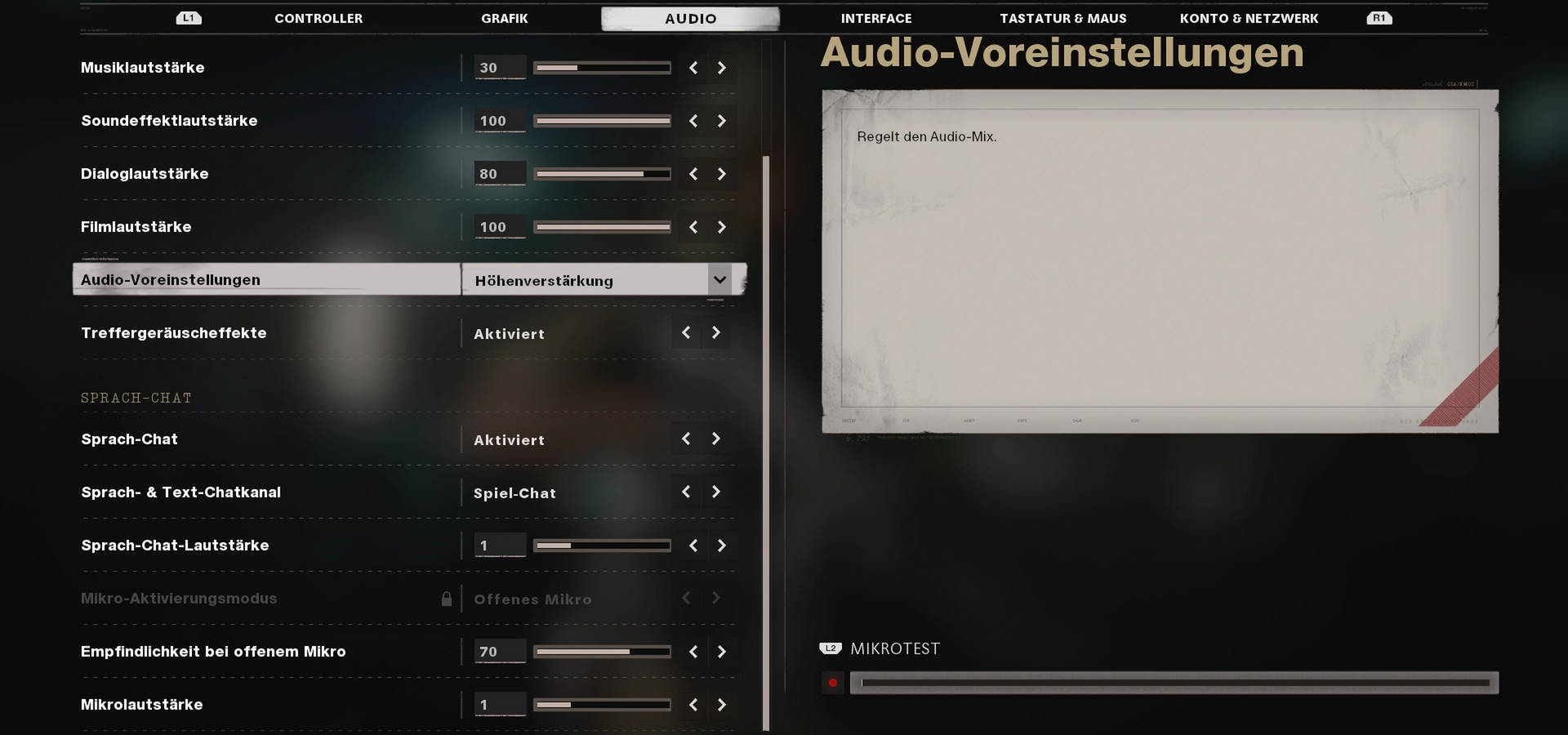
Music volume: 30 – 40 or completely off
In Call of Duty, epic melodies often come your way, which are supposed to increase the tension when capturing a point or simply serve the atmosphere. However, the music is the audio track that helps you the least in multiplayer and can even be distracting at times. After all, you ideally want to hear the sound effects, which include sounds of opponents such as footsteps or reload audio.
Dialogue volume: 80
The in-game shouts of characters can provide you with useful clues, as your teammates and even your enemies sometimes share information. So you know when the player next to you throws a grenade or when an enemy informs his camping buddy. Feel free to lower this setting a bit so that the CoD operators don’t shout at you too loudly. If you don’t like your operator’s voice, unlock a few new ones.
Audio presets: Height Boost
We have watched some videos on “Settings” and the most commonly chosen setting is “Height Boost”. With this preset, you’ll hear the “footsteps” of your enemies best, as the focus shifts from bass-heavy explosions to height-intensive sound effects.
The right audio preset helps to hear enemy footsteps better.
Controller Settings / Mouse & Keyboard Settings
You can find these settings in the options under “Controller” or “Keyboard & Mouse”.
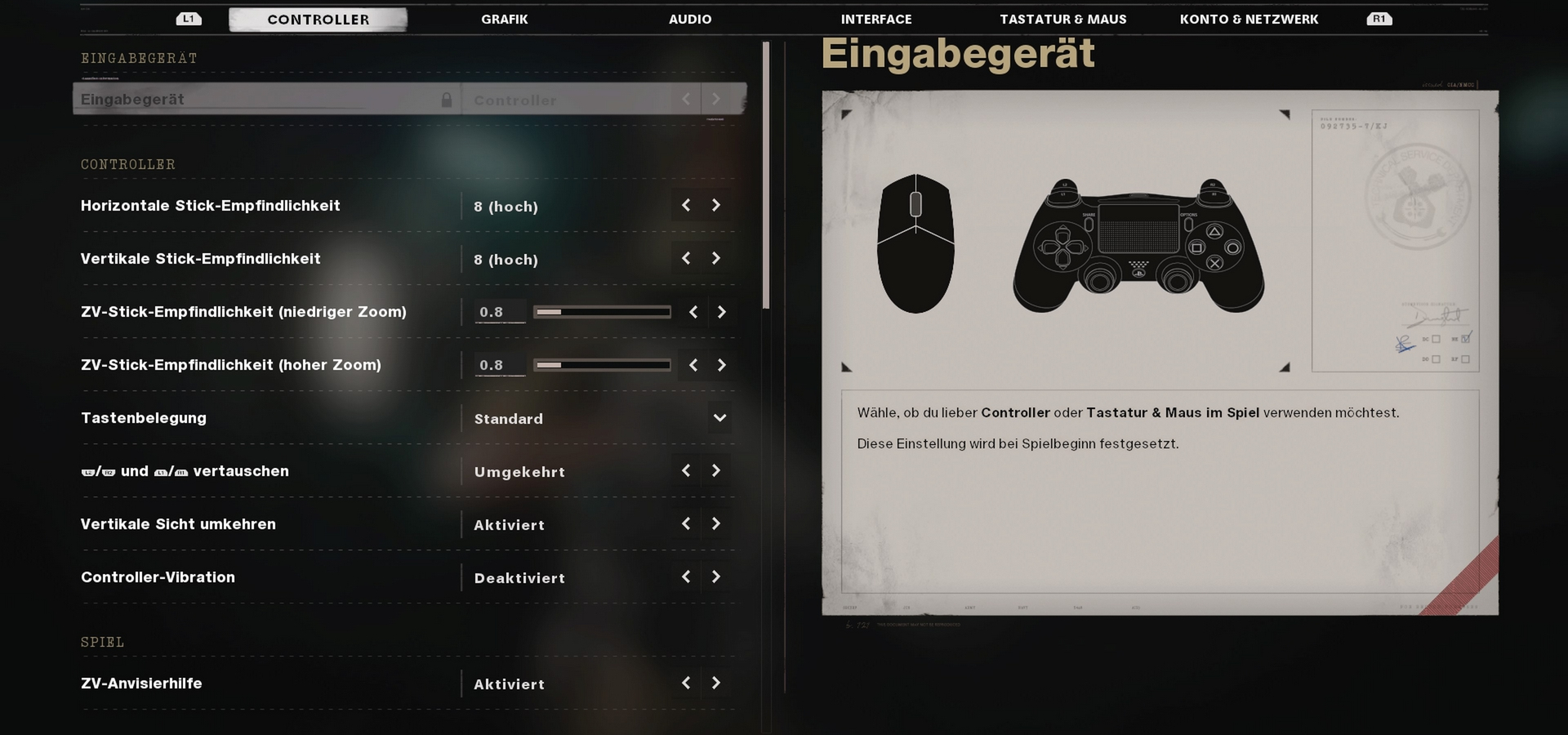
Sensitivity: Individual
Sensitivity is a very subjective setting that you should choose based on your own preferences. Higher values allow you to perform extremely fast turns, but your crosshair aiming can suffer if you’re not yet on target.
Pay attention to your sticks while gaming, and if you notice that you often hit the edges while aiming, you should raise the slider a bit. If you have trouble getting the crosshair precisely on your enemy before aiming, lower the slider.
In general, you can say this: Close-combat players using a Run&Gun style benefit from higher settings for faster movements, while long-range players can improve their aim with lower settings.
ADS sensitivity: 0.8 / 0.9
This setting gives you a small aim-boost when you scope in. For example, if you selected a value of 10 for sensitivity, while scoped in, it drops to 8. This gives you lower sensitivity while scoped in, which can help you aim better.
Higher values are quite unusual at first, and it feels like your aiming sticks a bit while scoping in. However, it can be worth it, especially if you choose high sensitivity settings for quicker rotations but want a finer setting while scoped in.
Sprinting cancels reloading: Enabled
This is an intriguing setting that allows you to cancel an ongoing reload animation. If an enemy comes at you while reloading, you are not completely stuck. However, it also carries the risk of accidentally canceling a wanted reload. Experiment a bit with this setting, but in general, the reload cancel can be quite useful.
In Call of Duty, milliseconds sometimes determine whether the enemy goes down or you hit the ground. With this setting, you might be able to gain those precious milliseconds next time. This allows you to assign your fire button to the front triggers, which often have a shorter travel distance than the rear triggers.
It sounds odd since the rear triggers simulate a gun’s trigger more closely. However, it takes a little longer to activate the rear triggers, and if you want to take every advantage you can get, assign fire/aiming to the front triggers.
Controller vibration: Disabled
Vibration can enhance the tactile atmosphere in the game, but it can also be a distraction while aiming and controlling. If you don’t want to miss out on it, the downsides are usually minimal, but it provides another opportunity to enhance your control.
This is the so-called aim assist that helps you aim at enemies in multiplayer. This setting can indeed be helpful. It decreases your sensitivity while scoped in when aiming at an enemy (ADS sensitivity) and slightly adjusts your aim with the direction of the enemy when you’re running and an enemy crosses your crosshair. If you find that the automatic correction bothers you or makes the sensitivity too low while aiming, skip the aim assist. But at least give it a try first.
This concerns the “deadzone” of your controller. Here, you set how far you need to move your sticks before the input is registered in the game. If you have a brand-new controller and are used to direct inputs, you can even set this value to 0. However, 5 – 10 feels just right, especially with respect to other shooters that often have a default deadzone above 0.
Sensitivity is a delicate decision: too high and aiming becomes difficult, too low makes you slow.
Settings for Mouse & Keyboard
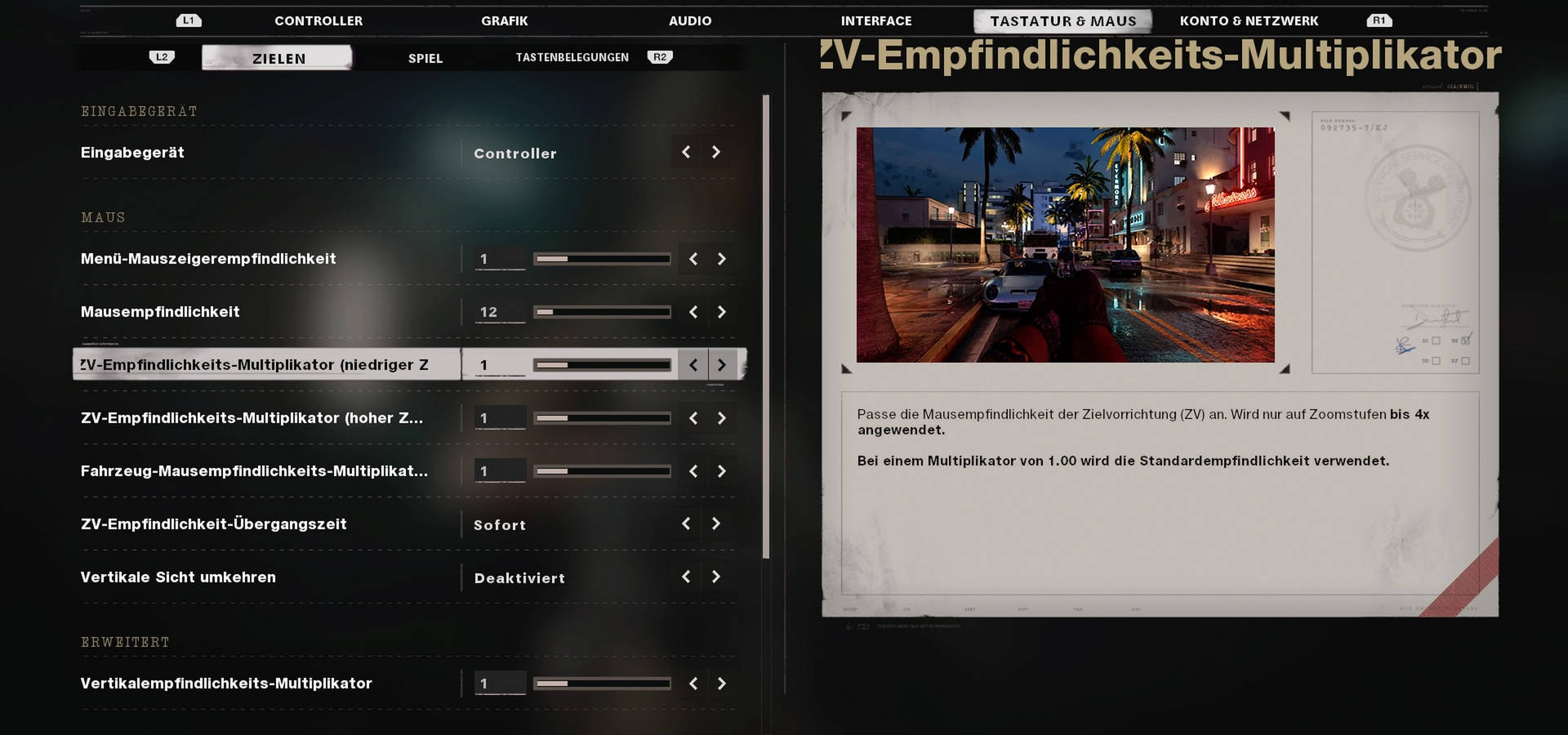
ADS sensitivity transition time: Instant
This depends a bit on what you are used to. However, with the setting “Instant”, your mouse movements impact your aiming most directly. With “Gradual”, you won’t receive your full sensitivity immediately; it builds up (fast, but noticeable). With some practice, this can give you a small aim boost again, but it distorts your control inputs.
These settings go together and determine how your mouse inputs can be influenced by a modified field of view while aiming. If you’ve changed your field of view and selected the setting “Targeting field of view: Influenced”, you can make fine adjustments here. You should decide on these settings and align your sensitivity settings before adjusting these sliders.
Choose “Relative” here to ensure that you cover the same visible distance in the game – whether scoped in or not. This means that if a 2 cm mouse movement moves your crosshair from one tree to another and you then scope in (which reduces your field of view), this setting ensures that with the 2 cm movement, you still travel the distance from tree to tree while scoped in.
Depending on your field of view settings, you will always cover the same distance in the game with your crosshair. The larger the field of view, the lower your rotation speed will be, but the distance remains the same whether scoped in or not. With the “coefficient”, you can then adjust this distance further. A higher value means more distance and thus a higher rotation speed.
Here you can find more information on the mechanics and modes of Cold War:
This section includes the 3 mouse movement settings:
Mouse acceleration – 0
Mouse smoothing – Disabled
Mouse filtering – 0
For unfiltered input, set the sliders to 0 and disable smoothing. This way, you have direct control without any game intervention.
Still, sometimes it’s worth experimenting with some settings. If you have a relatively low sensitivity, use acceleration. This increases sensitivity with quick mouse movements. If you are used to a certain delay in the mouse movement, play around with smoothing and filtering a bit.
Key mapping
Assign important keys to your mouse so you can quickly activate them without having to move your fingers greatly on the keyboard. Possible candidates for mouse buttons include:
Ping – to indicate dangers and directions
Grenades – to quickly throw tactical or primary grenades
Field upgrades – for quick activation
Your creativity is only limited by the number of mouse buttons you have. Assign a few mechanics to your mouse and see what is beneficial for you.
Unfiltered inputs offer direct control, but you can achieve slight “aim boosts” by experimenting a bit.
As is often the case, many settings depend on your preferences and willingness to adapt to new settings. It’s like with the weapons – sometimes you play your favorite weapon even if it’s not among the top guns. However, if you don’t want to be at a disadvantage, you often switch. So choose one of the best 5 weapons at the launch of Cold War, disable unnecessary tweaks in your settings, and then head out to the battlefield to sweat.
This is an AI-powered translation. Some inaccuracies might exist.
Is David Beckham about to become a new icon in Ultimate Team (FUT) in FIFA 21? Dataminers have now stumbled upon hints.
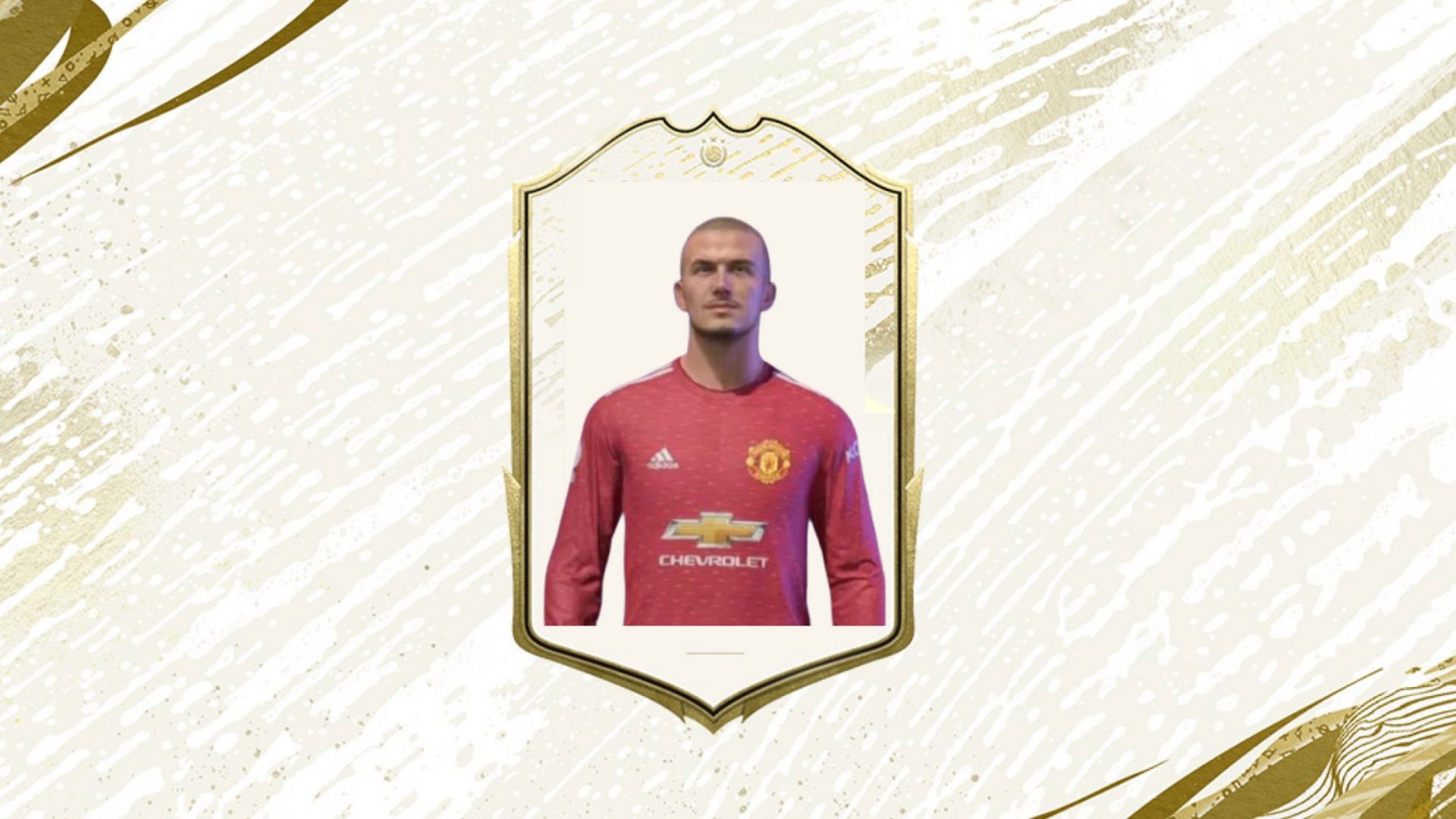
This is likely to make many people happy: It looks like one of the biggest soccer players of the 90s and early 2000s could be coming as an Icon for FIFA 21 Ultimate Team – David Beckham. Dataminers apparently found hints in the recent Title Update 5.
Beckham has always been missing as an Icon in FIFA – just like Oliver Kahn or Franz Beckenbauer. These players have always been found in the FIFA competitor PES in recent years.
You can find all Icon cards that FIFA 21 has to offer here:
This has been discovered: According to leaker ponnyslakteriet, all information and the player model of Beckham have already been added with the data from Title Update 5. However, EA still needs to activate him, so Beckham is not yet available in the game.
You can view the footage here:
Recommended editorial content
At this point you will find external content from YouTube that complements the article.
I consent to external content being displayed to me. Personal data can be transmitted to third party platforms.
Read more about our privacy policy.
He is supposed to have a rating of 92 on his Prime card and should be seen there with the buzz cut, his short hairstyle from the early 2000s. According to the leak, he only has 3 stars for Skill Moves, which seems a bit off, but is currently found this way in the data. Beckham is said to have 4 stars on his weak foot and also show work rates of High/High.
How likely is this? The data is said to come directly from the game. If that’s true, there is indeed a high likelihood that we will soon see Beckham as an icon in FUT.
What makes some skeptical: David Beckham signed a long-term exclusive contract with Konami, the makers of Pro Evolution Soccer, in 2017. However, it is unclear how “long-term” this agreement actually was, and it may well be that there is no longer any obligation or binding for Beckham in this regard.
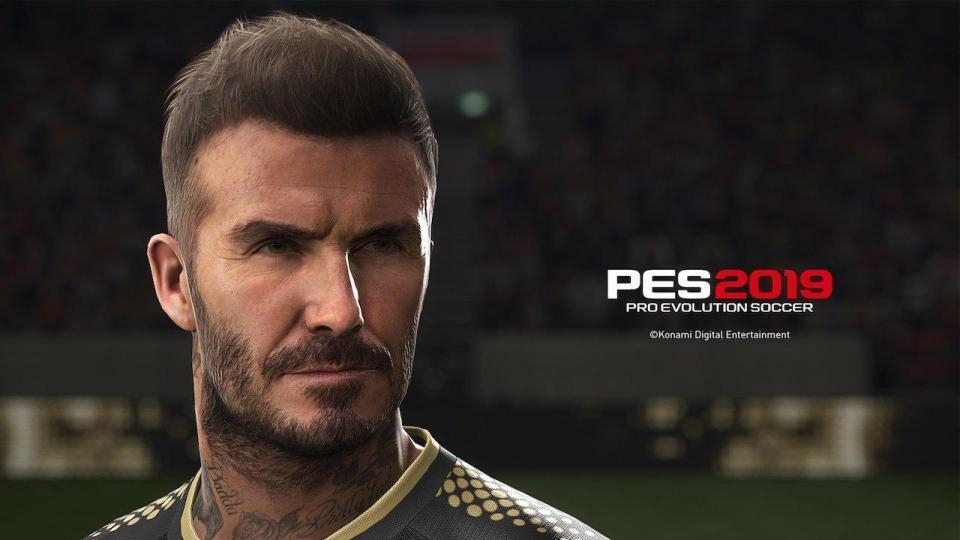
Beckham was still prominently featured in PES 2019
This is David Beckham: Whether in the league or in the English national team – Beckham is likely one of the best and undoubtedly among the most well-known players in the world who played soccer in the 90s and 2000s and captivated entire generations. Especially his phenomenal free kicks are likely to be remembered by many.
If the leak is true and Beckham actually comes as an Icon to FUT, then FIFA players can look forward to fantastic shooting and free kick stats for his Icon cards.
With the latest update for Call of Duty: Warzone and CoD Modern Warfare, Infinity Ward has quietly provided the Battle Royale on the new Xbox Series X with 120 FPS. However, the situation is different on the PS5.
For many players, the Warzone experience continues now or in the foreseeable future on the next-gen consoles. Microsoft’s Xbox Series X has been available since November 10, and the PlayStation 5 since November 12, but only in some countries. Germany and Europe will have to wait until November 19 for Sony’s new console.
Many players are traditionally particularly focused on the frame rate, that is, how many frames per second (FPS) Warzone now offers on the new hardware. Because more FPS ultimately provide a smoother experience, which is especially important for many players in fast shooters like Call of Duty. For serious shooter players, 60 FPS are considered the absolute minimum standard. So how does it look on the new console generation?
Warzone now runs at 120 FPS on Xbox Series X
What’s the deal with the 120 FPS in Warzone? In short: Warzone is already being played on next-gen. Some players on the Series X have noticed that Warzone, as well as Call of Duty: Modern Warfare, are running there at 4K resolution and 120 FPS.
What’s going on? The exciting part: It is assumed that the change came with the last major update 1.29, though it was not mentioned in the patch notes. However, the hardware experts from Digital Foundry took this as an opportunity and examined the performance of the Xbox Series X and the PlayStation 5 in Warzone.
To fully utilize the 120 FPS, you need a monitor or television that supports 120 Hz or more.
And indeed: On the Xbox Series X, 120 FPS are apparently aimed for, while the new Xbox fluctuates between 100 and 120 FPS. So there is a decent performance boost compared to the last generation.
The performance on the Xbox Series X (Source: Eurogamer/Digital Foundry)
How much FPS does Warzone offer on the PS5?
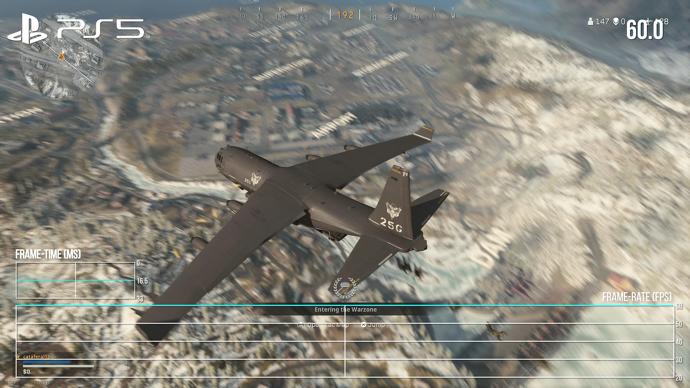
Here, the experts from Digital Foundry were puzzled. Because on the PS5, Warzone currently offers 60 FPS. According to their own statements, they have tried several methods to verify this, but each time found 60 FPS. On the PlayStation 5, you can also choose between quality and performance mode, but even in performance mode, Warzone ran there at 60 frames. There is also no way to activate the 120 FPS yourself.
The performance on the PS5 (Source: Eurogamer/Digital Foundry)
In short, my Digital Foundry: If there is a 120 FPS support in the game for the PS5, it is not yet accessible. However, Warzone runs on the PS5 as a PS4 game through the backward compatibility feature. So it might be due to that.
What do the developers say? In response to inquiries from Digital Foundry, neither Activision nor Infinity Ward has commented on this so far.
Furthermore, the experts are surprised why the developers have generally said nothing about the 120 FPS for this successful shooter. This stands in stark contrast to Destiny 2, which proudly announced 120 FPS for PvP on next-gen and delighted many fans.
Will the 120 FPS come to the PS5 with the integration of Cold War?
Currently, based on the tests, it is confirmed that Warzone is indeed already running at 120 FPS on the Xbox Series X, but at 60 FPS on the PS5. Whether 120 FPS will soon be offered for Warzone on the PS5 is still unknown. However, some speculate that it could happen with the integration of CoD Cold War into Warzone. Because the new Call of Duty is supposed to officially run in 4K and with 120 FPS on the PS5.
This is an AI-powered translation. Some inaccuracies might exist.
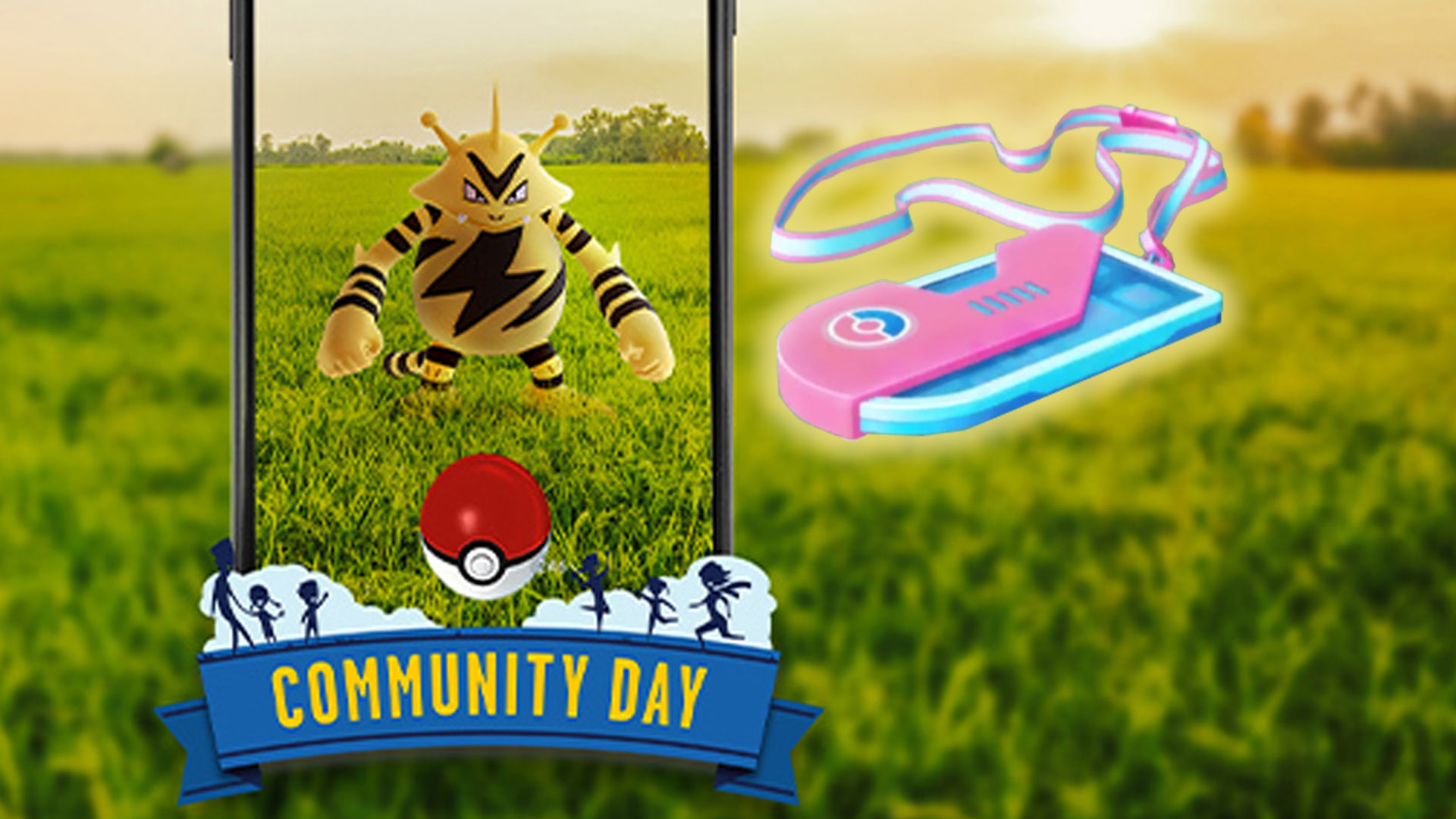
In Pokémon GO there is currently a ticket “Excitement with Electabuzz” for just around €1. This is a research task for the Community Day with Electabuzz. We will show you the tasks and rewards.
What kind of research is this? In line with today’s Community Day with Electabuzz on November 15, Niantic offers the research in the shop. You can purchase the “Excitement with Electabuzz” ticket for about 99 cents (varies depending on the store where you buy).
In this overview, we will show you all the tasks and rewards of the ticket and tell you whether the purchase is worthwhile for you.
Here you can find the ticket in the Pokémon GO shop
Special Research with Electabuzz for Community Day
Since the Community Day has already taken place in other parts of the world, trainers could summarize exactly which quests and items, as well as Pokémon encounters, are included in the ticket for €1. With this overview, every trainer can more easily decide whether the purchase is worthwhile.
Excitement with Electabuzz 1/4
Task
Reward
Use 10 Power-Ups on Pokémon
10 Poké Balls
Catch 15 Electabuzz
20 Electabuzz Candies
Land 5 great throws
Encounter with Electabuzz
Stage Reward: For completing this stage, you will receive 2,000 Stardust, 10 Nanaberries, and an encounter with Electabuzz.
If you consider the actual costs of the rewards from the ticket, you can save with this purchase. A Rocket Radar normally costs 200 coins in the shop, which is about equal to €2. If you want to buy one anyway to complete the Special Research for Shadow Mewtwo, you can save money here when purchasing.
Regarding the Stardust rewards, you need to consider that you also spend Stardust for the Power-Up task. For this, it is best to use low-level Pokémon to save as much Stardust as possible if you are aiming for the largest yield.
Keep in mind that there will be no encounters with Elekid through the research. According to Niantic, it can only be found in 2 km eggs during the Community Days.
Based solely on the value of the rewards, the purchase for just under one euro is worthwhile. Whether you want to spend a euro for these rewards remains your decision.
The waiting during the pre-event of WoW: Shadowlands is annoying. But Cortyn from MeinMMO has found enjoyment in it – as it brings social interaction.
In World of Warcraft, the pre-event for the upcoming expansion is currently happening. While the first quests keep players engaged for a while and the battle against Nathanos Blightcaller is rewarded with a cool cinematic, there is also criticism. Especially the rare mobs in Icecrown cause frustration, as they only appear every 20 minutes. For many it reminds them of an AFK simulator.
To be honest, my first thought was also: “What a dumb system, you have to wait forever until you have something to do again.”
Basically, the thought is correct. Those who only crave the loot from the rares are condemned to wait. Only three times per hour to hit an enemy for 20 seconds while hoping for a rare drop can be quite frustrating. I understand anyone who can’t get used to this system.
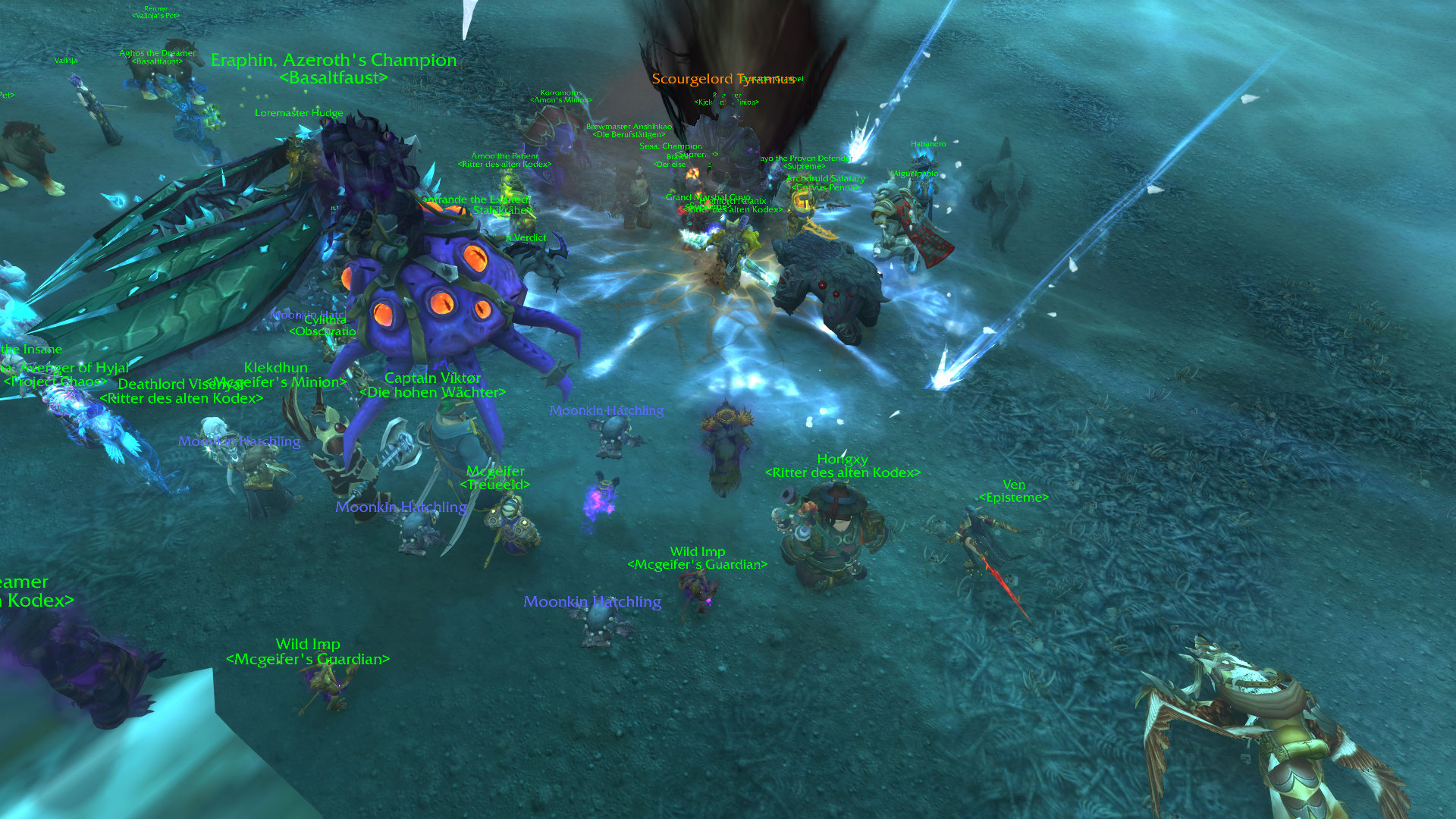
Standing around until the mob finally spawns.
Forced waiting creates opportunities for conversation
However, this waiting has also brought about a nice aspect that I have missed in WoW for a while: almost forced social interaction in the game.
Of course, at the end of the day, waiting time is still waiting time, which may seem out of place in what is essentially a fun leisure activity for most.
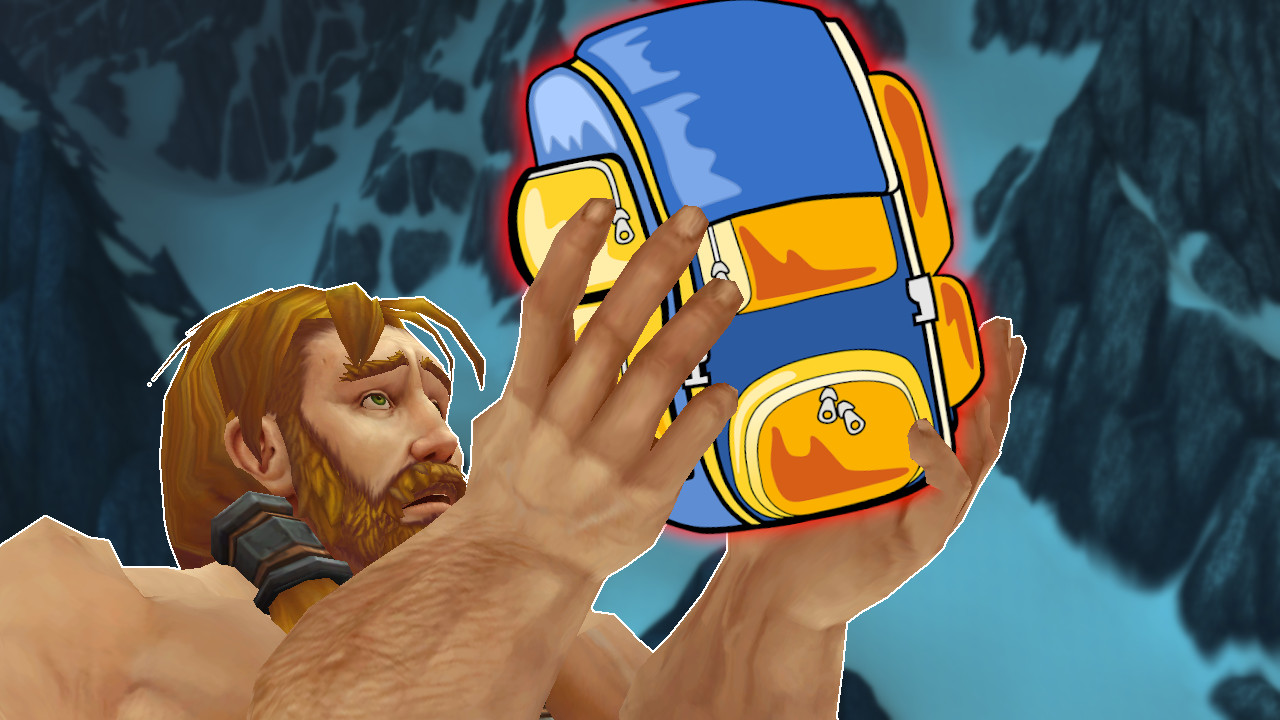
There was shared suffering when somehow everyone got Bronjahm’s bag except oneself.
A large circle was formed, where no mount was allowed to repeat – not so easy with nearly 80 players.
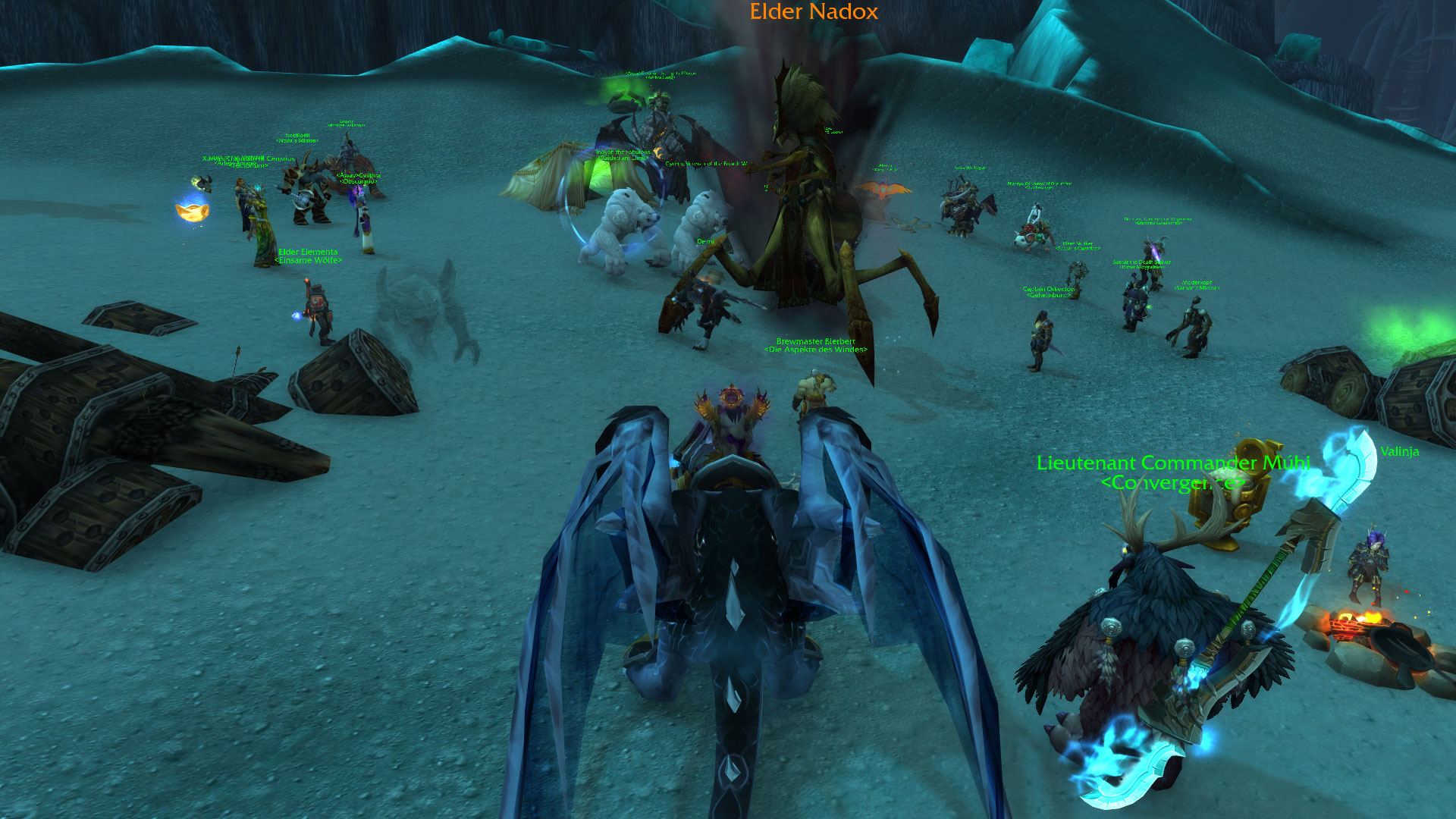
A little dance performance where everyone danced around a campfire together.
A “kneeling” circle for the poor horde player who wanted to see what kind of rare mob it was in war mode, only to get wiped out by 80 alliance players.
While waiting and hoping for the huge bag, many friendships are formed.
Basically, it’s just a cool event where you see some players that you might not have encountered in weeks or months. I kept having “Oh, you’re still around!” conversations with people I had somehow lost track of over the months and years.
If you engage with it and don’t just spread negative vibes in the sense of “Ugh, nothing to do, everything sucks!” you can experience some nice conversations and silliness.
Many are waiting for the mobs – that’s where you recognize some old acquaintances.
There are alternatives: If you can’t warm up to the idea at all, you can actually use the waiting time differently. Either you farm Scourgestones from other enemies for 20 minutes, or you simply log out so that another character can complete the pre-event quest or take down Nathanos Blightcaller. Anyone who just waits and then complains about being forced to wait is also a little bit to blame.
But honestly: The waiting time was worth it for me, as a little enforced time for social interaction in World of Warcraft was really nice.
This is not something I wish for every event, but as a change from an otherwise increasingly fast-paced game world, I really enjoyed it. I am already looking forward to spinning my “rare mob rounds” again this evening and having some conversations with the players in my realm that otherwise would never have taken place. A few even remembered me from the walks with my tree …
What do you think about it?
This is an AI-powered translation. Some inaccuracies might exist.
What are we talking about regarding Call of Duty? The latest installment of the big CoD franchise called Black Ops Cold War is set to release in just a few days. It brings a new campaign as usual and also a new online multiplayer where players can engage in firefights.
However, the current installment, CoD Modern Warfare, is still being played a lot and the free battle royale offshoot Warzone is extremely popular as well.
In our new podcast episode, we discuss what this success could mean for Cold War. Are there enough incentives to play the new Black Ops Cold War now?
Who is joining? The podcast is hosted as usual by Leya Jankowski from the MeinMMO editorial team. Her first guest is the shooter expert from MeinMMO, Sven Galitzki, whose articles you can read here on MeinMMO.
The second guest is Marco Risch from the YouTube channel Nerdkultur, where he mainly focuses on movie and series analyses. But he has also been a CoD player for over 10 years and has never missed a single title in the franchise.
Here’s how you can participate: We always appreciate constructive suggestions for improving our freshly baked podcast. Send us your feedback in the comments under the article or in our Discord and tell us how you like the current episode.
You can also make topic suggestions for the future. Is there a game or a topic that particularly interests you? Would you like to hear certain guests on our show? Then let us know and put it in the comments.
We look forward to hearing from you!
This is an AI-powered translation. Some inaccuracies might exist.
Rank 10 in the PvP League of Pokémon GO has been difficult for many trainers to reach. However, it is now easier than ever to achieve the maximum rank. We’ll tell you what has changed.
Here’s what happened: For several days now, Season 5 in Pokémon GO has started, and a new points system has also come into play.
You no longer climb through points in the PvP League, but through victories. This changes everything, making it significantly easier to reach Rank 10.
Reaching Rank 10 – Even as a Regular Player
How it used to be with Rank 10: Those who reached this rank had to really grind in previous seasons. Hundreds of victories were required, and they had to be achieved in a row.
If you won at Rank 8 or 9, you would earn a few points, and only those who racked up numerous consecutive victories and spent hours in PvP mode reached Rank 10.
Those who checked in occasionally had no chance. Often, you needed over 1,000 battles in the PvP League to reach Rank 10.
How it is now with Rank 10: Now, you don’t need nearly as many battles and can quickly reach the maximum rank. There is no points system anymore; pure victories count.
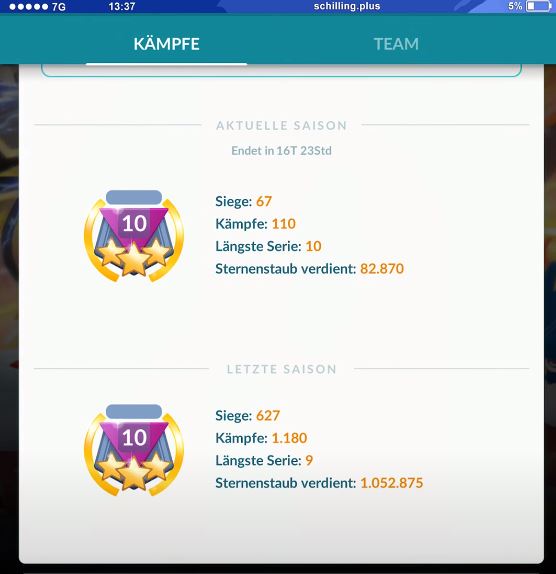
This means you may not even need 100 battles to reach Rank 10. It all depends on how many victories you obtain from your battles.
The difference is substantial. In the best case, you only need one-tenth of the battles you previously completed to reach Rank 10.
In YouTuber Spieletrend, the difference is clearly visible – This time, he only needed 110 battles for Rank 10. Source: Schilling Plus on YouTube
What you need to consider: It is important that you win your battles. However, do not expect the battles to necessarily become easier.
However, it is true that players can now reach the higher ranks more easily, and therefore you will have more choices among opponents, especially at Ranks 7 to 9, whom you might be able to defeat more easily.
How to win in the PvP League: There can be hundreds of tips here, but the most important thing is to know your team’s strengths and your opponents’ weaknesses.
Therefore, familiarize yourself with which Pokémon are often chosen and how you can defeat them.
Currently, the Mini Cup in Pokémon GO is still ongoing. Only Pokémon up to 500 CP are allowed. Bronzel is particularly popular and can decide matches. Therefore, you should know how to use this Pokémon effectively and how to counter it.
Otherwise, practice is key. Observe how your opponents defeat you and try to replicate those strategies. This is especially effective when you are already at higher ranks, as PvP experts also gather there.
If you are looking for more options in the respective leagues, check this out:
Earlier than planned, MeinMMO editor Patrick Freese has to interrupt his break from GTA Online now. Right now, there are good reasons for him to play again.
Why did I take a break? On September 19, 2020, I wrote an article here on MeinMMO, explaining that I was going on a break from GTA Online. I didn’t have a specific time in mind for how long I would stay away from the game.
For me, it was clear: GTA Online was no longer fun for me. I would return only when the next DLC arrives. Because already in the summer, Rockstar Games announced that the largest update of all time for the online mode of GTA 5 would be released in 2020.
Now the update is not here yet, but I still have to interrupt my break. Rockstar has successfully lured me back.
Why am I interrupting the break?
Basically, there are two major aspects that are bringing me back to GTA Online. Currently, there is a hefty cash bonus and a strong event.
Big Cash Gift for Doing Nothing
What is it? If you log into GTA Online in the next few days, you will qualify for a cash gift of 1 million GTA dollars. You have until Wednesday, November 18. The money will be distributed the following week, starting November 19.
Rockstar Games has previously given away a few hundred thousand GTA dollars in the weeks before. However, that did not convince me to log in. The million looks quite different. Especially when it is coupled with other strong bonuses.
What is it? Simultaneously with the new cash gift in GTA Online, the developers launched the “Heist Challenge”. The community is supposed to steal a total of 100 billion GTA dollars from heist finales within a week. If they succeed, all participating players will be rewarded with a new vehicle that will be available for free in December.
There is also a badge of honor for all participants.
This event screams cooperative action for me. I can surely rally my crew again for a few heists. Together we can contribute a part to the total revenue, earn a badge, and maybe grab a free car in December.
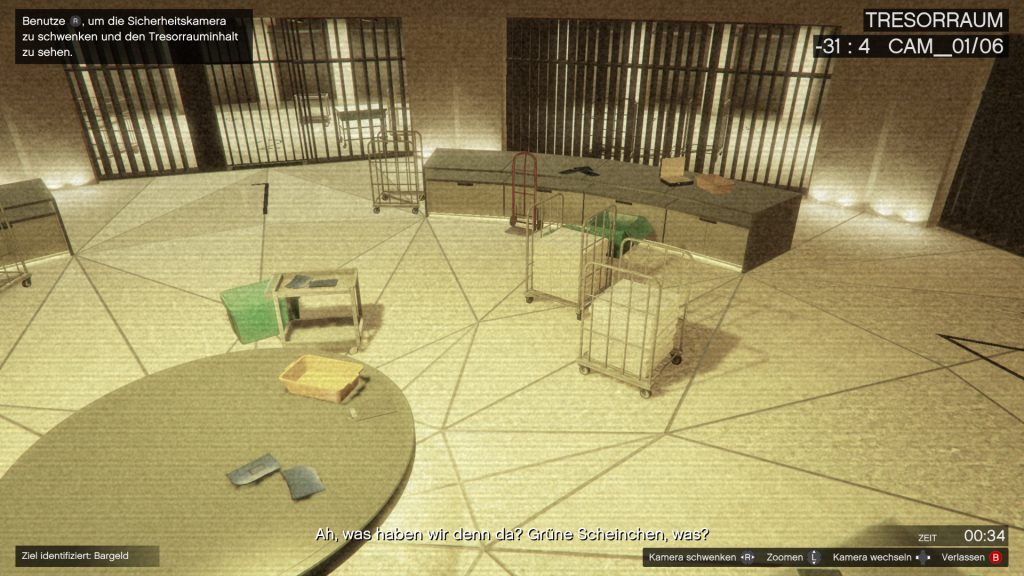
The vault room offers more than just cash, gold, or artworks, if you’re lucky.
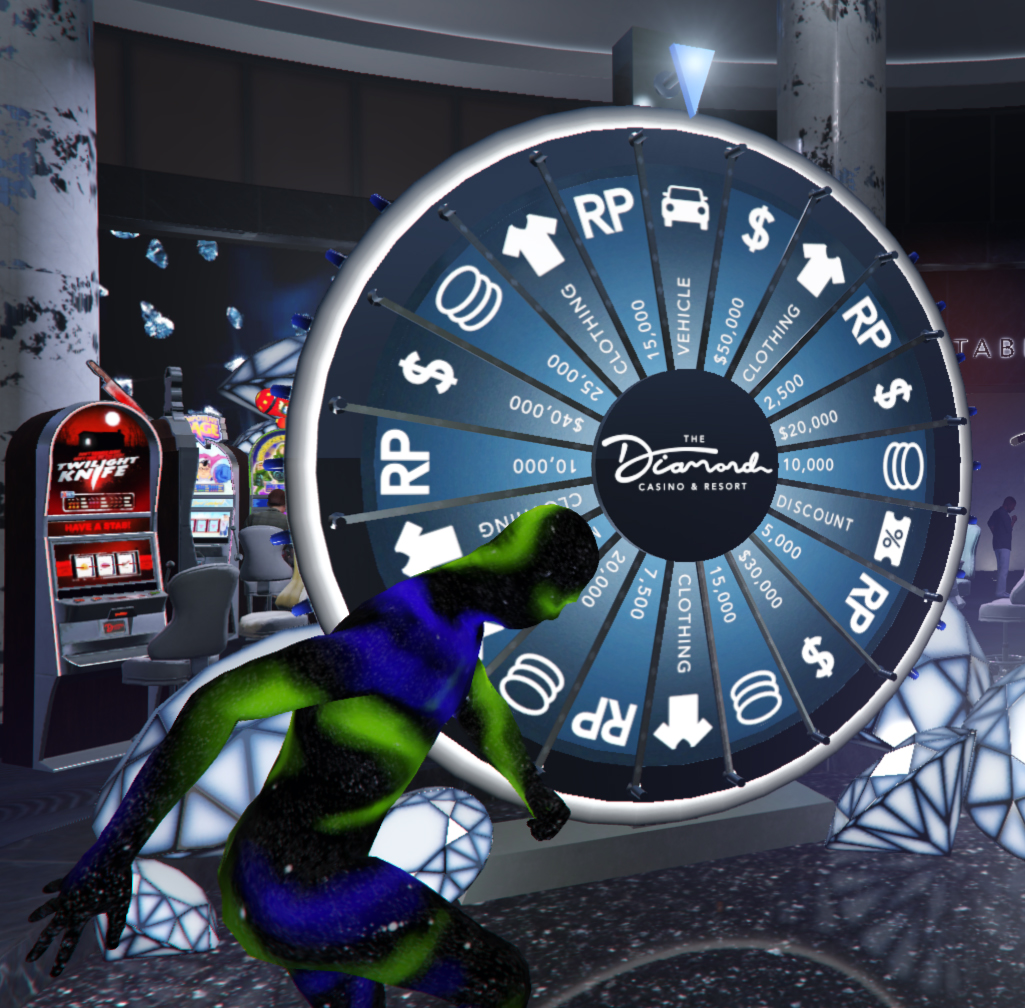
I have always loved PvE content in GTA Online. But now, with the new challenges, there are finally a few reasons to play them again. The developers explained that diamonds are back in the casino. That’s the biggest loot in the casino heist, rewarding you with over 3 million GTA dollars. Be sure to use our Casino Heist Guide to get rich quickly.
And for variety, there are also double rewards for story missions at the casino.
Conclusion: With these contents, Rockstar Games has successfully lured me back into the game. Especially the combination makes it appealing. Just the million gift wouldn’t definitely sway me. But if I’m logging in for the money anyway and then have reasons to play actively, then it’s a different story.
I will use the weekend to see what has changed in GTA Online since my break. How about you? Are you currently active in GTA Online or waiting for the DLC? Let us know here at MeinMMO in the comments.
This is an AI-powered translation. Some inaccuracies might exist.
With Monster Hunter Rise, a game is coming in March that MeinMMO author Larissa Then can invest many hours of her life into again. But before she even properly gets to play, she will probably first spend hours in the new character editor.
I came to MeinMMO last year through Monster Hunter World and have happily stayed for other games as well. However, Monster Hunter remains my great love, and that has been the case for many years.
Unfortunately, Monster Hunter World has now received its final update and will not receive any new content. Therefore, I am even more excited that a new Monster Hunter is on the horizon, and that is Monster Hunter Rise.
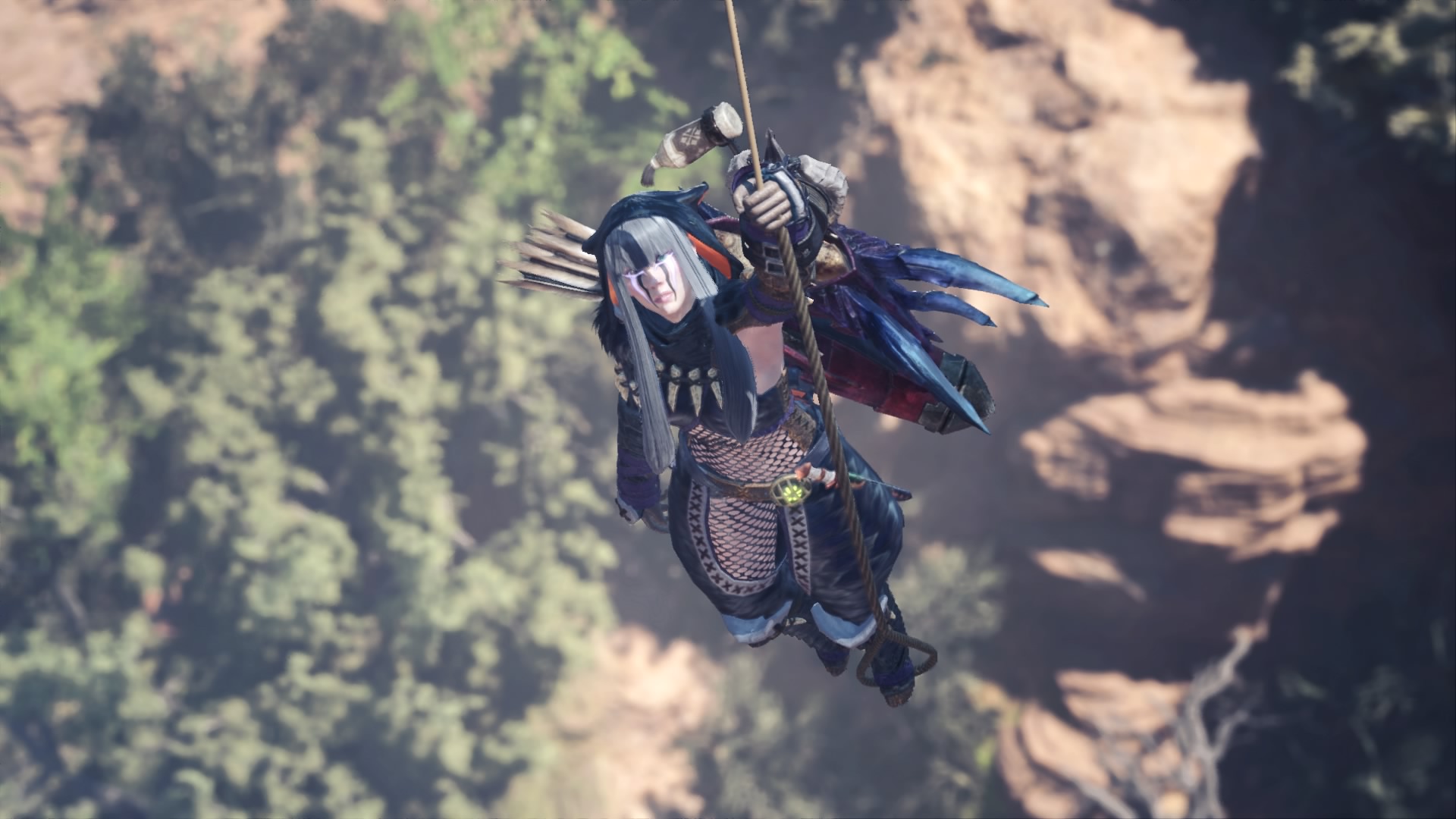
What do we know about Monster Hunter Rise? On September 17, 2020, Capcom announced the new Monster Hunter Rise. It is set to be released on March 26, 2021, unfortunately, at least initially only for the Nintendo Switch. The new game looks similar to Monster Hunter World but feels even more dynamic. For example, you can catapult yourself through the world with your grappling hook.
Additionally, a new companion is coming, this time a dog. You can ride this Palamute and even climb walls. Of course, there are also familiar faces like the Palicos and a bunch of new monsters.
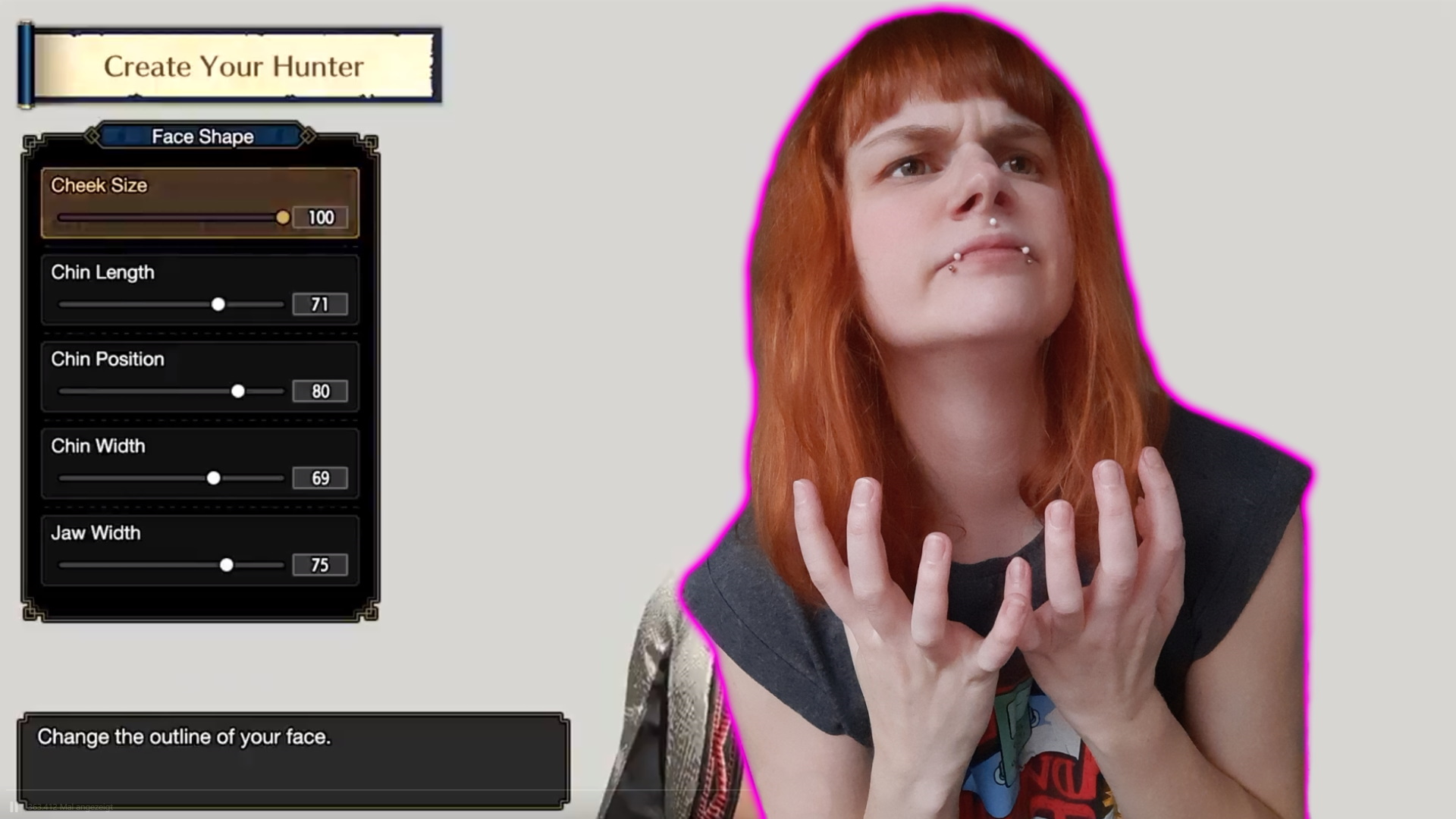
But before I even get to see these monsters, I first have to get past the character editor. And, knowing myself, that could definitely take a few hours.
Recommended editorial content
At this point you will find external content from YouTube that complements the article.
I consent to external content being displayed to me. Personal data can be transmitted to third party platforms.
Read more about our privacy policy.
I have always been able to spend a lot of time in character creation. Even in WoW Classic, whose options are rather limited, I needed a lot of patience for each character.
I remember my first playthrough of Dragon Age Inquisition. I started over 6 times after the intro sequence because I no longer liked my elf in the game. And that is a single-player game, so no one sees my character but me.
But that doesn’t bother me at all. I create my characters for myself. And if I like my character, I’m much more inclined to invest time in a game.
With a stylish character, I enjoy watching the cutscenes twice as much
In Monster Hunter World, I spent over 1000 hours, partly because I always equipped my hunter with new decoration armor, hairstyles, and makeup. That’s why I was very hyped when I saw the character editor of Monster Hunter Rise.
What does the character editor look like in Rise? First of all, Monster Hunter Rise offers an additional character. The own hunter and the Palico are known from Monster Hunter World. Now, the Palamute, a dog companion, joins them.
Also in Monster Hunter Rise, we can get really creative with our animal companions. The color can be adjusted individually, with saturation and contrast, similar to Monster Hunter World. However, there are also many faces, patterns, and more to discover.
I always leaned towards the natural side with my Palico and modeled him after my own cat. Maybe I will try some bolder colors in Rise.
But of course, it doesn’t stop with our companions; we can also customize our own hunter to our liking. Some of it we already know from Monster Hunter World, but the options seem to be much more diverse. You can see exactly what it looks like in the video:
Recommended editorial content
At this point you will find external content from Twitter that complements the article.
I consent to external content being displayed to me. Personal data can be transmitted to third party platforms.
Read more about our privacy policy.
For example, we can set the exact age in numbers or determine how muscular our features should be. Additionally, there are more detailed settings for the face shape.
And with the individual facial features like eyes, nose, or mouth, there are also many new things to play around with. It seems that soon we won’t just be able to change the position but also make additional adjustments. And I have already taken forever for each of the individual positions.
When I think that I already spent around 2 hours on creating my character in Monster Hunter World, it could be around 4 hours in Rise. So the first 4 hours of gameplay before I even get started. But honestly, I am really looking forward to those hours.
In 2019, G2 Esports made it to the finals of the Worlds, and in 2020 they were eliminated in the semifinals. Both times they were the most successful Western team. Only Korea and China were ahead.
G2 Esports after their victory in the semifinals of the Worlds 2019.
In 2019, G2 also managed to win the Mid-Season Invitational, an important international tournament. PerkZ himself has also won everything in Europe. The 22-year-old player has already won 8 championship titles and thus holds the record.
But apparently, he is drawn back to the mid lane. Ocelote hinted at this in another tweet.
However, Caps is supposed to remain the midlaner at G2 Esports, and this is not questioned by PerkZ, according to ocelote. One cannot force Caps to play a role he does not like.
But also away from esports, there are significant changes in the season. The focus is especially on new items that have already been introduced to the game with the Pre-Season patch. However, they are currently causing a lot of confusion:
The 22-year-old Croatian Luka “PerkZ” Perković is among the most successful players in League of Legends. With his team G2 Esports, he dominated LoL in Europe for the past few years. But now, his move to America is imminent. This disappoints many fans, who are now venting their frustration at the team and its owner.
An official transfer can only be announced from November 16 onwards when the transfer window for players begins.
What’s the problem? The team from G2 Esports has been playing together in its current constellation for a long time and is considered the best that Europe has ever produced. PerkZ has been a part of G2 since 2015.
Moreover, a move from Europe to America is frowned upon because the region performs significantly worse at Worlds. G2’s German coach, Fabian “Grabbz” Lohmann, said last year: Anyone who moves from EU to the USA gives up winning.
Some fans are therefore disappointed by the transfer and let their frustration run free. This was particularly directed against the organization G2 Esports and its founder, Carlos “ocelote” Rodriguez.
ocelote, the founder of G2 Esports.
Insiders report about disputes and fans see their scapegoat
What are the fans doing? On Twitter, Reddit, and in other social media, many users express derogatory remarks about G2 Esports and ocelote.
One of many triggers was the tweet by Michael “Veteran” Archer, a LoL streamer from the competitor Fnatic. He claimed that PerkZ himself did not want the transfer.
He also refers to a “wolf” that made a promise to the “sheep”. Fans see PerkZ here as the poor sheep and ocelote as the bad wolf.
Recommended editorial content
At this point you will find external content from Twitter that complements the article.
I consent to external content being displayed to me. Personal data can be transmitted to third party platforms.
Read more about our privacy policy.
On Reddit, there were numerous comments about the tweet, where users shared how much they like G2, but not ocelote. He is referred to as “slimy” and “treacherous”. Many allegedly would have been upset even if G2 had become world champions, just because of ocelote.
ocelote denies allegations: The tweet from Veteran has further fueled the already heated atmosphere. Ocelote has since responded to the allegations in several tweets.
In that, he stated that PerkZ himself wished to transfer. According to ocelote, he could have ended his career at G2.
What does PerkZ say? The soon-to-be AD carry of G2 Esports has also commented on the discussion about ocelote. The player emphasizes that the “whole hate” against “G2, ocelote, and him” must stop.
Not everything is always “black or white,” and there are things that are not discussed publicly.
Recommended editorial content
At this point you will find external content from Twitter that complements the article.
I consent to external content being displayed to me. Personal data can be transmitted to third party platforms.
Read more about our privacy policy.
PerkZ and Caps were both midlaners, one had to give way
What is the special situation regarding PerkZ? The last major transfer at G2 Esports took place in 2018 when Rasmus “Caps” Borregaard Winther joined the team from the competitor Fnatic.
In 2019, G2 Esports made it to the finals of the Worlds, and in 2020 they were eliminated in the semifinals. Both times they were the most successful Western team. Only Korea and China were ahead.
G2 Esports after their victory in the semifinals of the Worlds 2019.
In 2019, G2 also managed to win the Mid-Season Invitational, an important international tournament. PerkZ himself has also won everything in Europe. The 22-year-old player has already won 8 championship titles and thus holds the record.
But apparently, he is drawn back to the mid lane. Ocelote hinted at this in another tweet.
However, Caps is supposed to remain the midlaner at G2 Esports, and this is not questioned by PerkZ, according to ocelote. One cannot force Caps to play a role he does not like.
But also away from esports, there are significant changes in the season. The focus is especially on new items that have already been introduced to the game with the Pre-Season patch. However, they are currently causing a lot of confusion:
In the campaign of the new Call of Duty: Black Ops Cold War, we hunt a mysterious Soviet spy named Perseus. This villain is based on a historical figure who has become somewhat of a myth to this day. We take a closer look at Perseus here.
Recently, the new Call of Duty: Black Ops Cold War celebrated its release.
Since then, numerous players have dived into the Cold War Multiplayer or are hunting the undead in the popular Zombie mode. And single-player fans can rejoice as well, because this year, Black Ops also has a campaign on board. This continues the story of the arguably most popular first installment of the Black Ops series.
The story campaign places you right in the midst of the dirty geopolitical battle of the world powers, and you can experience cool agent action practically from the front row. You play as an elite agent of the CIA hunting the mysterious Soviet spy named Perseus, who is said to have infiltrated Western intelligence services and now threatens to undermine the USA’s dominance on the world stage.
A scene from the Cold War campaign
What is the story behind Perseus? The Black Ops series often draws on real historical backgrounds and conspiracy theories. This is what makes Black Ops what it is, as Dan Bunting, Co-Studio Head of Treyarch, explained to MeinMMO in the big release interview for Black Ops Cold War.
For the main antagonist Perseus, they also drew on a historical template. What is particularly exciting is that Perseus is not only a character in Black Ops, but also a real-life myth.
Dan Bunting told MeinMMO:
We tell a fictional story, we have always done that. What we’ve enjoyed is going back in history, looking at certain events and saying: OK, we see this on the surface. That could inspire us – for a mission. For a character. But everything beyond that point is mostly unknown, so we create our own stories right there. That’s where we have our fun. As developers, as storytellers.
A good example of this is Perseus, our villain. He was a real historical character. There were many speculations about who he actually was, but this was never definitively uncovered. It was as if this person just vanished. And we thought it would be a suitable villain for Black Ops.
Is this Perseus?
And as you will soon see: Black Ops could hardly have used a better template.
Who was Perseus?
In short: Perseus, also known as Mlad, Scientist X or Dr. X, is one of the most secretive and mysterious spies allegedly used by the former Soviet Union against the USA during the Cold War.
For his identity and whereabouts remain unknown to this day. No one knows his real name or background. Even his mere existence is questioned by some. He is regarded as a real-life myth, or even a ghost or mere rumor, whose name circulated in Western intelligence circles during the Cold War and caused headaches.
In CoD Cold War, you will also find yourself at the KGB headquarters
The story behind Perseus: The first information about Perseus only came to light after the fall of the Soviet Union when, in the early 90s, numerous top-secret files from the Soviet KGB were declassified and former agents began to give interviews or write books.
Perseus, who was also known by the code name Mlad, is said to have been a young American physicist at the University of Chicago in the 40s. He is said to have joined the Manhattan Project in 1944, during which the USA designed their atomic weapons in Los Alamos. At that time, he is said to have been recruited by the Soviets and supplied them with highly classified information for years until he ended the collaboration in 1946 and joined a movement against nuclear weapons testing.
However, the corresponding files and “sources” were quickly sealed again by the Russian successor secret service FSB, making this theory unverifiable. Some believe it, others do not.
Other known theories state that Perseus joined the Manhattan Project directly in 1939 and never ended his cooperation with the Soviet Union. Or that Perseus was a disinformation campaign by the Soviets to protect their agent Theodore Hall, who is said to be the “real” Mlad.
There were also rumors that it might not be a person, but an entire network of spies, or that Perseus was at least part of this grouping. This involved so-called Atomic Spies – a collective of Soviet intelligence officers who were said to have infiltrated parts of the US military and especially the nuclear weapons program.
In the mid-90s, decoded secret messages from the Soviets by US counterintelligence caused further unrest. These contained the unidentified code name “PERS,” which many involved believed referred to the mysterious Soviet agent who stole secrets from the USA. Furthermore, documents from US intelligence services are said to substantiate Perseus’s existence, although these have never been made public.
At the end of the 90s, there was a scandal surrounding Perseus when scientist Jeremy Stone claimed in his memoirs that a renowned physics professor at the Massachusetts Institute of Technology was the mysterious Soviet spy. The affected Philip Morrison was eventually able to prove his innocence, and Stone was forced to apologize.
In Cold War, the president sends you to hunt Perseus
Who or what Perseus ultimately is and whether he ever existed is still not conclusively clarified to this day. However, Black Ops Cold War skillfully incorporates his story and lets you hunt this agent myth.
In Destiny 2, you can now benefit from the new seasonal artifact “Tooth of Xivu Arath”. However, you first need to find this powerful item. MeinMMO shows you how and which powerful mods await you in Season 12.
That’s why artifacts are so important: Seasonal artifacts accompany players throughout the season and make you stronger. With the start of Season 12 and the expansion Destiny 2: Beyond Light, a new artifact is also in the game: “Tooth of Xivu Arath”.
You have until February 9, 2021, to level the artifact and utilize its bonuses. With the start of Season 13, you will receive a new artifact – the current one from the Season of the Hunt will then disappear.
With an improved artifact, you gain two advantages:
Here’s how to easily obtain the new artifact: When you start Destiny 2 since November 10, you have a new quest to complete. The task is called “Vanguard Communication”. You need to find a gift from Osiris in Zavala’s office.
The quest is completed very quickly, but it is also extremely important. This is the only way to obtain the new artifact from Season 12.
From the starting point in the Tower, go right, past Weapons Master Banshee-44, and find an elevator there.
Take this elevator all the way down and stay left.
You’ll already be in Zavala’s office. Quickly interact with the large screen and voilà – you have the artifact.
We show you the exact route to Zavala’s office in the video:
Recommended editorial content
At this point you will find external content from YouTube that complements the article.
I consent to external content being displayed to me. Personal data can be transmitted to third party platforms.
Read more about our privacy policy.
You only need to collect the artifact with one character; the others will then have it automatically in their inventory. Also, the progress is account-wide. You do not have to level it again for each of your characters. The skill tree is individual for all characters.
All Powerful Artifact Mods from the Season of the Hunt in Destiny 2
Important information about artifact mods: Through “Tooth of Xivu Arath,” you gain access to a total of 25 artifact mods from 5 categories. You can use 12 different mods at the same time. Fortunately, you can’t really screw up your builds, as you can reset the artifact for Glimmer.
Here you can see the progress of the artifact
At each tier, there are 5 mods that become more powerful with increasing tier or improve other aspects of your Guardian’s daily routine. To unlock the next tier of mods, you need to have unlocked and activated a certain number of mods in previous tiers.
We now provide you with all tiers, including the mods, the energy costs required, and the items in which the modification is equipped.
More guides and useful tips about Destiny 2: Beyond Light can be found here on MeinMMO:
These mods are designed to combat the annoying Champions with primary weapons. Champions shield themselves with barriers, attack continuously, or heal themselves – unless you have the right mods ready.
For the first time, you’ll find these mods on your armor, allowing exotic weapons to be effectively used against Champions as well.
Overload Rounds (Auto Rifles):
Consecutive hits on enemies cause disruptions that delay ability energy regeneration and reduce damage dealt to the enemy
After a fireteam member disrupts a Champion, auto rifles receive a damage bonus against Champions
Strong against Overload Champions
Energy cost: 1 (Armored Mod)
Unstoppable Hand Cannon:
Using the aiming device of any hand cannon charges a powerful explosive charge that staggers unshielded enemies
Strong against Unstoppable Champions.
Energy cost: 1 (Armored Mod)
Anti-Barrier Hand Cannon:
Grants any hand cannon anti-barrier to bypass the defenses of opposing enemies
Hand cannons receive a damage bonus against Barrier Champions
Strong against Barrier Champions
Energy cost: 1 (Armored Mod)
Overload Rounds (Scout Rifle):
Consecutive hits on enemies cause disruptions that delay ability energy regeneration and reduce damage dealt to the enemy
After a fireteam member disrupts a Champion, scout rifles receive a damage bonus against Champions.
Strong against Overload Champions
Energy cost: 1 (Armored Mod)
Anti-Barrier SMG:
Grants any SMG anti-barrier to bypass the defenses of opposing enemies
SMGs receive a damage bonus against Barrier Champions
Strong against Barrier Champions.
Energy cost: 1 (Armored Mod)
The mod selection in Season 12
Tier 2 Mods (1 Artifact Mod Required)
Tier 2 mods make your weapon handling better or easier. All mods here are equivalent to the previous “enhanced mods” in strength.
Hand Cannon Aiming:
Improves aim assist, accuracy, and aim down sights speed for hand cannons.
Energy cost: 1 (Helmet Mod)
Calm Pulse Rifle Aiming:
Reduces flinching when hit while aiming with pulse rifles
Energy cost: 1 (Chest Mod)
Scout Rifle Aiming:
Improves aim assist, accuracy, and aim down sights speed for scout rifles
Energy cost: 1 (Helmet Mod)
Shotgun Readiness:
Shotguns are readied faster and are stowed faster
Energy cost: 1 (Armored Mod)
Grenade Launcher Loader:
Increases the reload speed of grenade launchers
Energy cost (1 Armored Mod)
To ensure you have a suitable grenade launcher, MeinMMO has a guide for the new Stasis exotic:
These mods are similar to those from Tier 2 and are designed to improve your weapon handling. Bungie has removed the “Wealth Mods” from previous seasons, which were hardly used.
Calm Hand Cannon Aiming:
Reduces flinching when hit while aiming with hand cannons
Energy cost: 1 (Chest Mod)
Pulse Rifle Loader:
Increases the reload speed of grenade launchers
Energy cost (1 Armored Mod)
Calm Pulse Rifle Aiming:
Reduces flinching when hit while aiming with pulse rifles
Energy cost: 1 (Chest Mod)
Shotgun Ammo Finder:
Increases the chance of finding ammo while equipped with a shotgun
Energy cost: 1 (Helmet Mod)
Grenade Launcher Plunderer:
Grenade launchers receive bonus reserves when you pick up ammo
Energy cost: 1 (Leg Mod)
Your gear’s energy level and the new mod slot
Tier 4 Mods (7 Artifact Mods Required)
Here you’ll find mods that make you better in combat against dangerous Champions or support the entire team in battle.
Pulse Siphon:
Charges your melee ability when you or the fire team stagger a Champion
Energy cost: 1 (Class Item)
Wave Eater:
Charges your grenade ability when you or the fire team disrupt a Champion
Energy cost: 1 (Class Item)
Unstoppable Black Hole Capacitor:
Void melee abilities stagger unshielded fighters
Strong against Unstoppable Champions
Energy cost: 2 (Class Item)
Thermal Overload:
Solar and Stasis grenades cause disruption, delaying ability energy regeneration and reducing damage dealt from enemies
Strong against Overload Champions
Energy cost: 2 (Class Item)
War Booty:
Defeating Champions with finishers grants heavy ammo for you and the fire team
Energy cost: 6 (Class Item)
Improve your weapons to meet the new dangers
Tier 5 Mods (10 Artifact Mods Required)
Here you’ll find the strongest artifact mods, which are usually also high-cost. The bonuses here are suitable for building new strategies or circumventing existing rules.
Unstoppable Shotgun:
Shotguns unleash a powerful explosive charge that staggers unshielded enemies
Strong against Unstoppable Champions
Energy cost: 7 (Armored Mod)
Heated Embrace:
Using the solar super fully restores health and shields
Energy cost: 4 (Class Item)
Berserker:
When the super ends, you gain a temporary bonus to weapon damage
Duration and strength increase with the number of enemies defeated with the super
Energy cost: 6 (Class Item)
Abyssal Charge:
Become “Charged with Light” by defeating enemies with Void melee abilities
Energy cost: 4 (Combat Style Armor Mod – fits in the new slot of each piece of armor)
Thermal Bloom:
Rapidly defeating combatants with Solar or Stasis melee attacks creates a sphere of power for the whole team (formerly orbs of light)
What do you think of the new artifact from Season 12? Do you have any suggestions for builds or do you think it’s good that Bungie has removed the Glimmer and resource mods?
This is an AI-powered translation. Some inaccuracies might exist.