

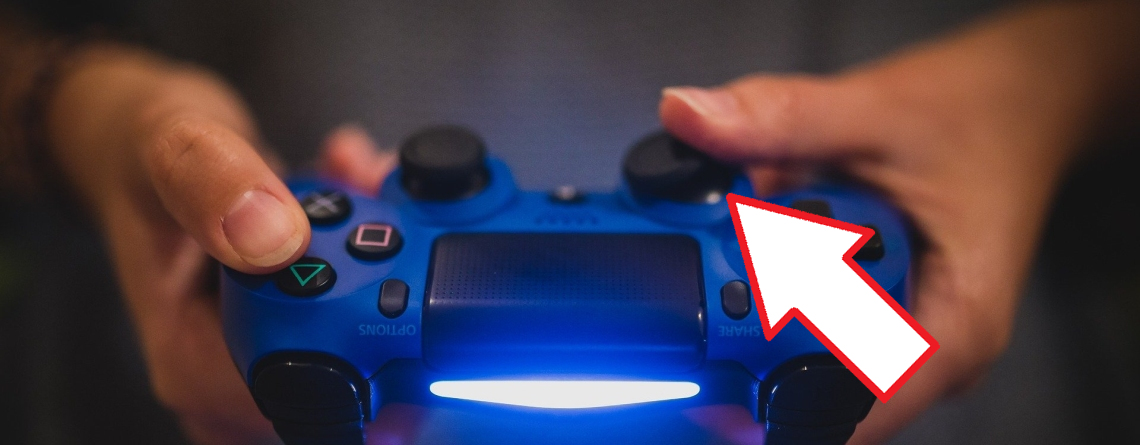
Who plays Call of Duty: Modern Warfare or CoD: Warzone with a controller, like on PS4 or Xbox One, can be pleased about a new option: The setting for the dead zone. MeinMMO explains how to use this setting properly to aim better.
What is the “Deadzone”? The dead zone, or “Deadzone”, refers to the area between the controller’s movement and the actual transmission in the game. Specifically, this means:
- a smaller dead zone transmits movement to the game sooner
- a larger dead zone transmits movement to the game later
With a larger dead zone, you have to move the analog stick further until a reaction appears in the game. This allows you to aim more precisely, which is particularly important for controller players due to crossplay between PC, PS4, and Xbox One.

Since the Update 1.20 on April 29, 2020, you can change the dead zone directly in the options of Modern Warfare/Warzone. You will find the setting under Options → Controller → Dead Zone.
By the way, there was another update yesterday, on May 8: CoD MW & Warzone: Update from May 8 brings new mode, playlists, and helicopter
Set Deadzone settings correctly and aim better
How to set the Deadzone correctly: If you want to customize the dead zone settings to fit you and your controller, follow these steps:
How to set the optimal deadzone settings
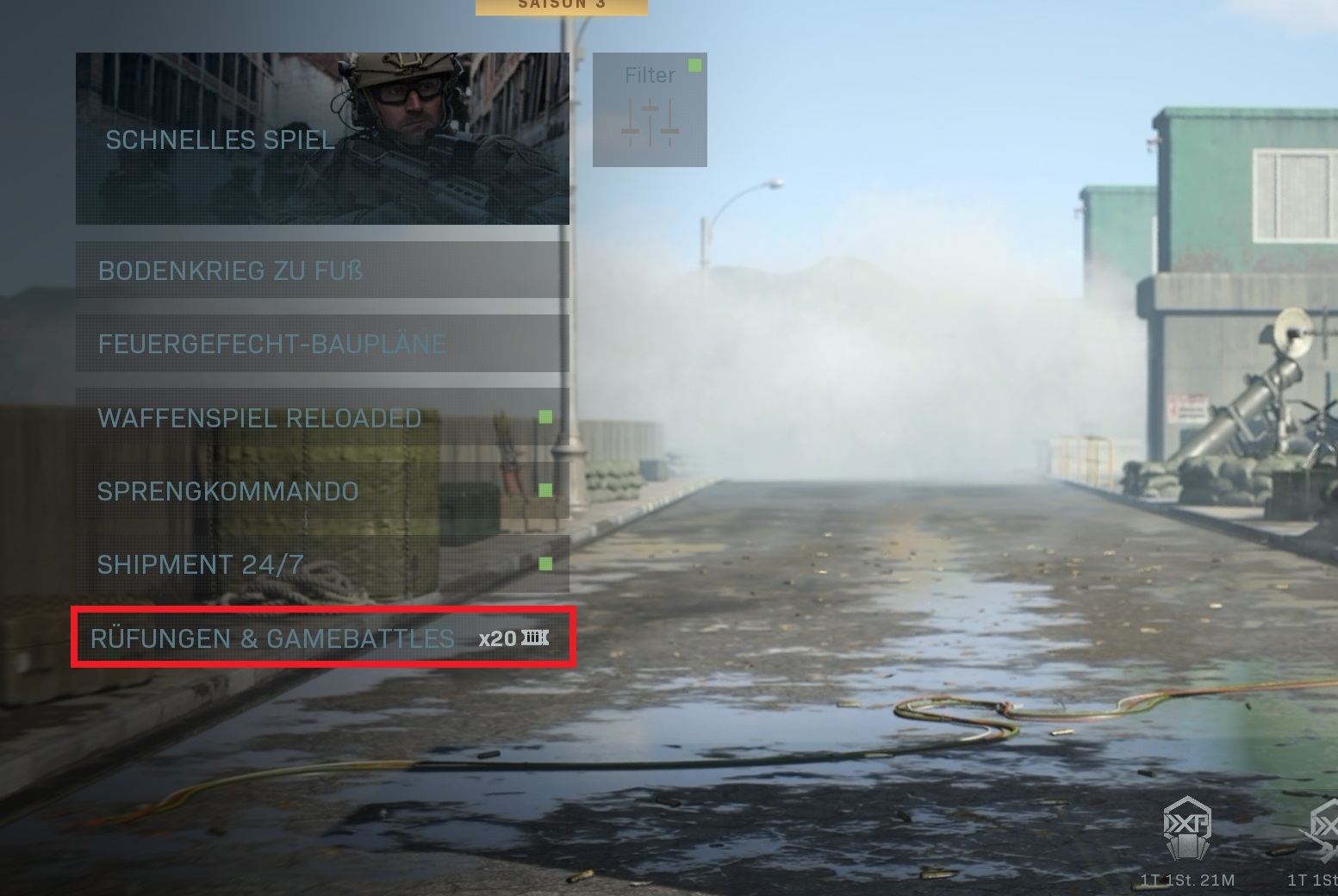
- Create a custom game
Create a custom game, preferably without a time limit. Players who only own the Free2Play mode Warzone should find a quiet spot in a cash round
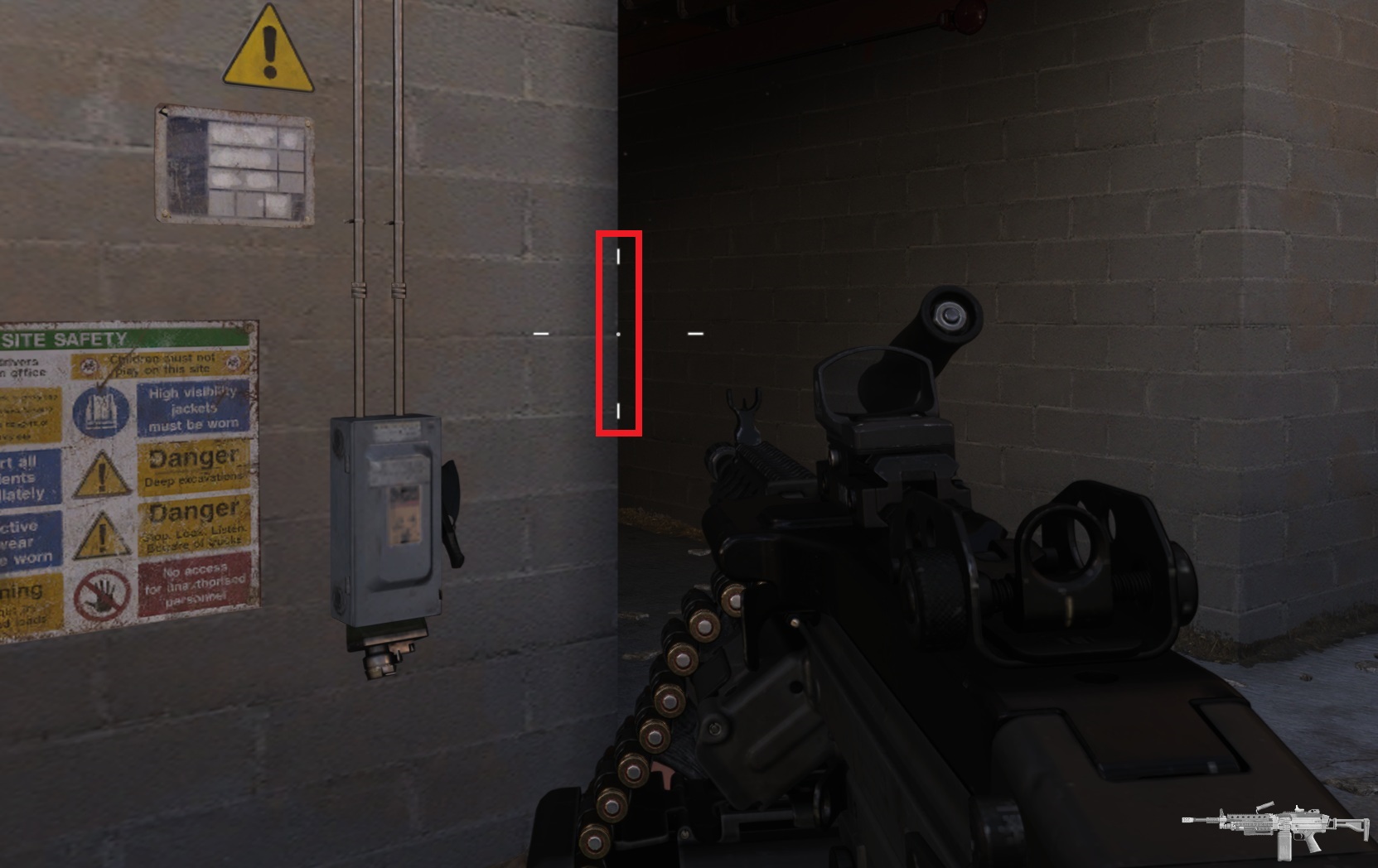
- Find a suitable test site
Find a nearly vertical edge where you can align your crosshair
- Adjust sticks
Set the settings for ‘Horizontal’ and ‘Vertical Stick Sensitivity’ to 20 (Maximum)
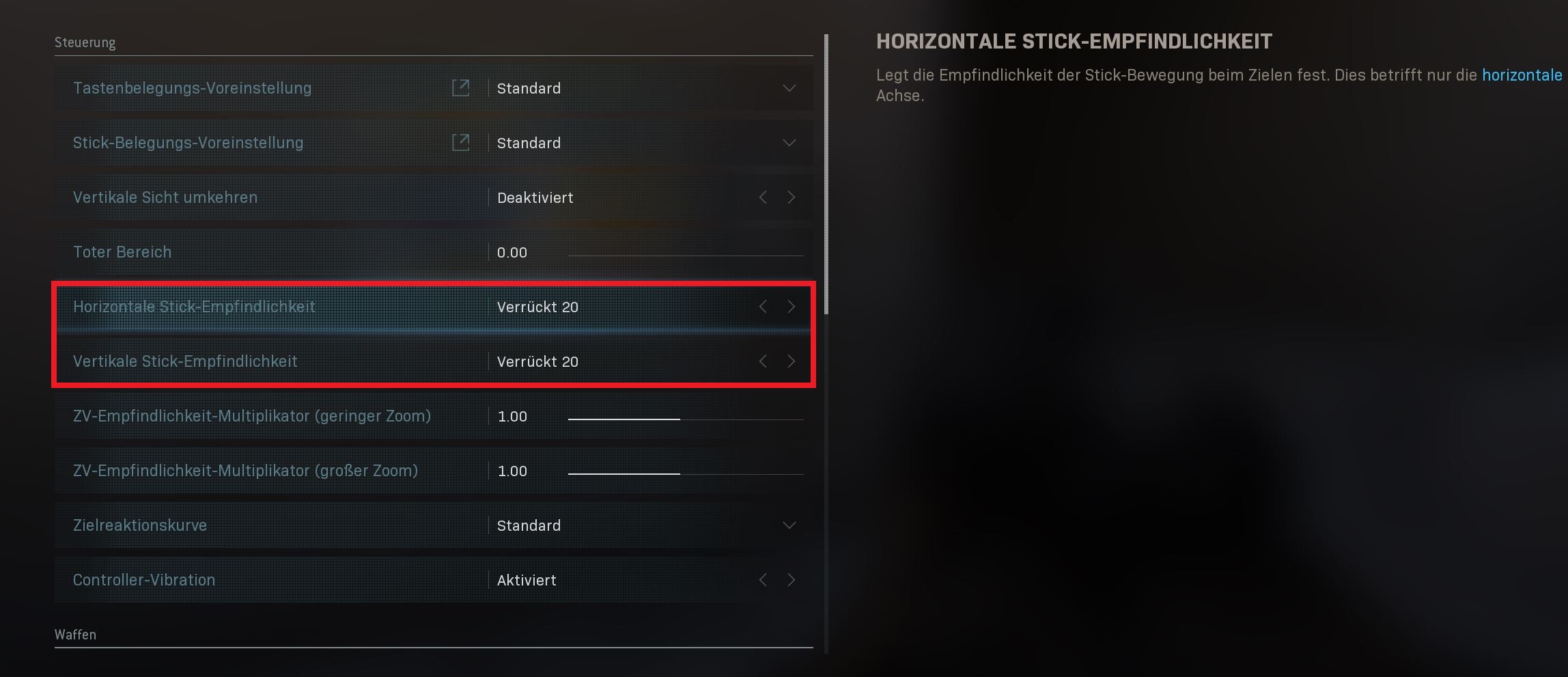
- Set Deadzone
Set the Dead Zone to 0.00 (Minimum)
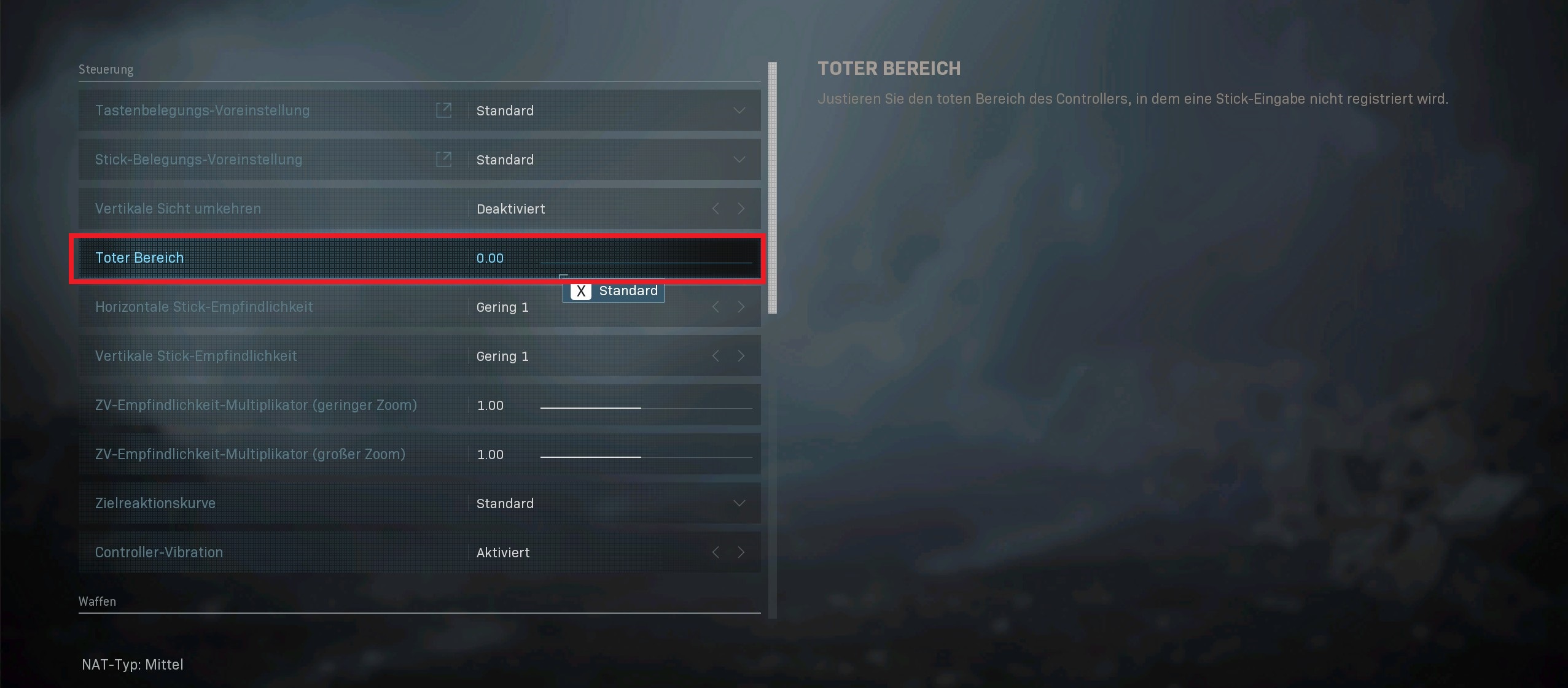
- Check movement
Move the sticks and let them go. Then watch your crosshair – does it move?
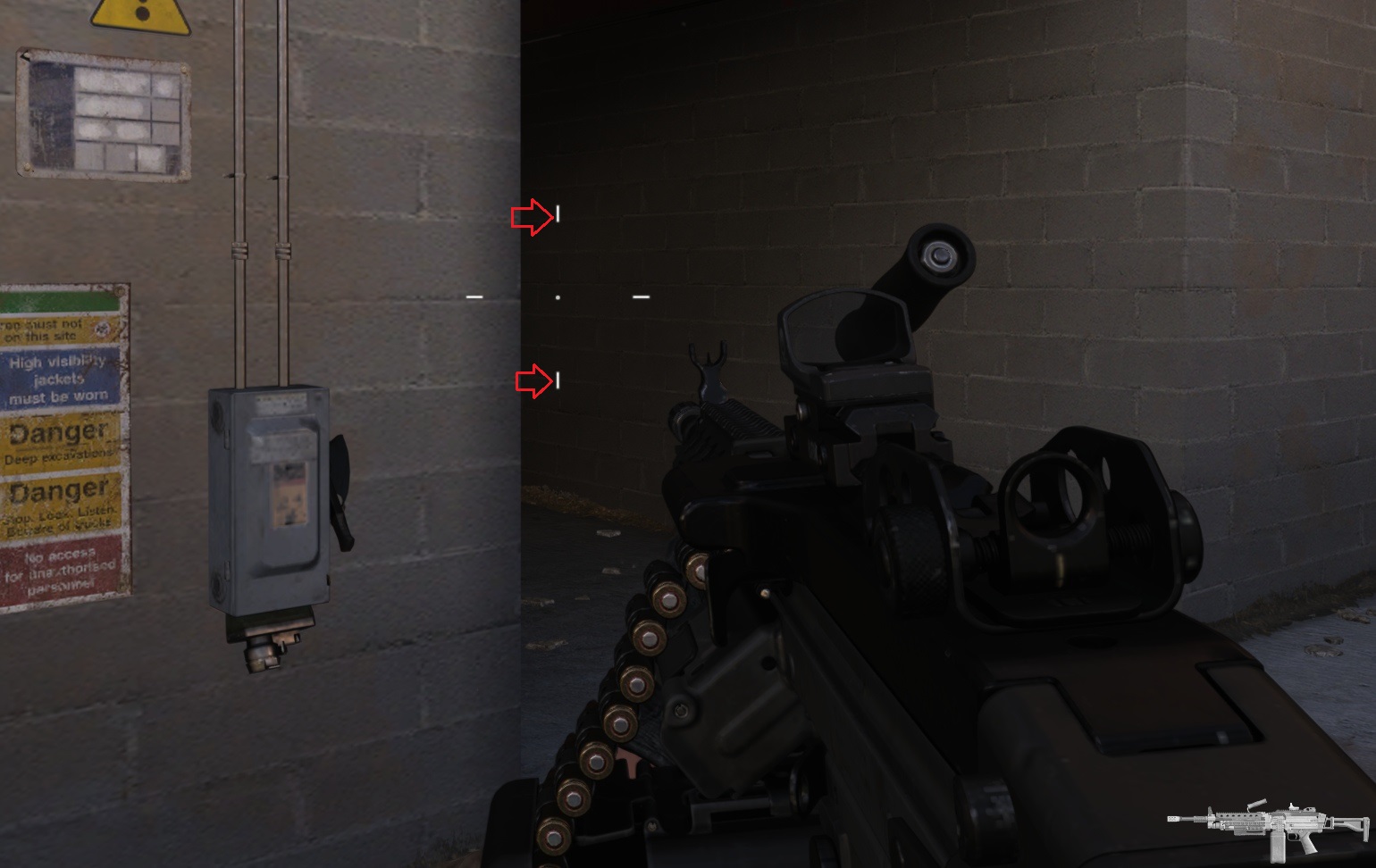
- Adjust Deadzone
If your crosshair moves by itself, increase the dead zone by 0.01
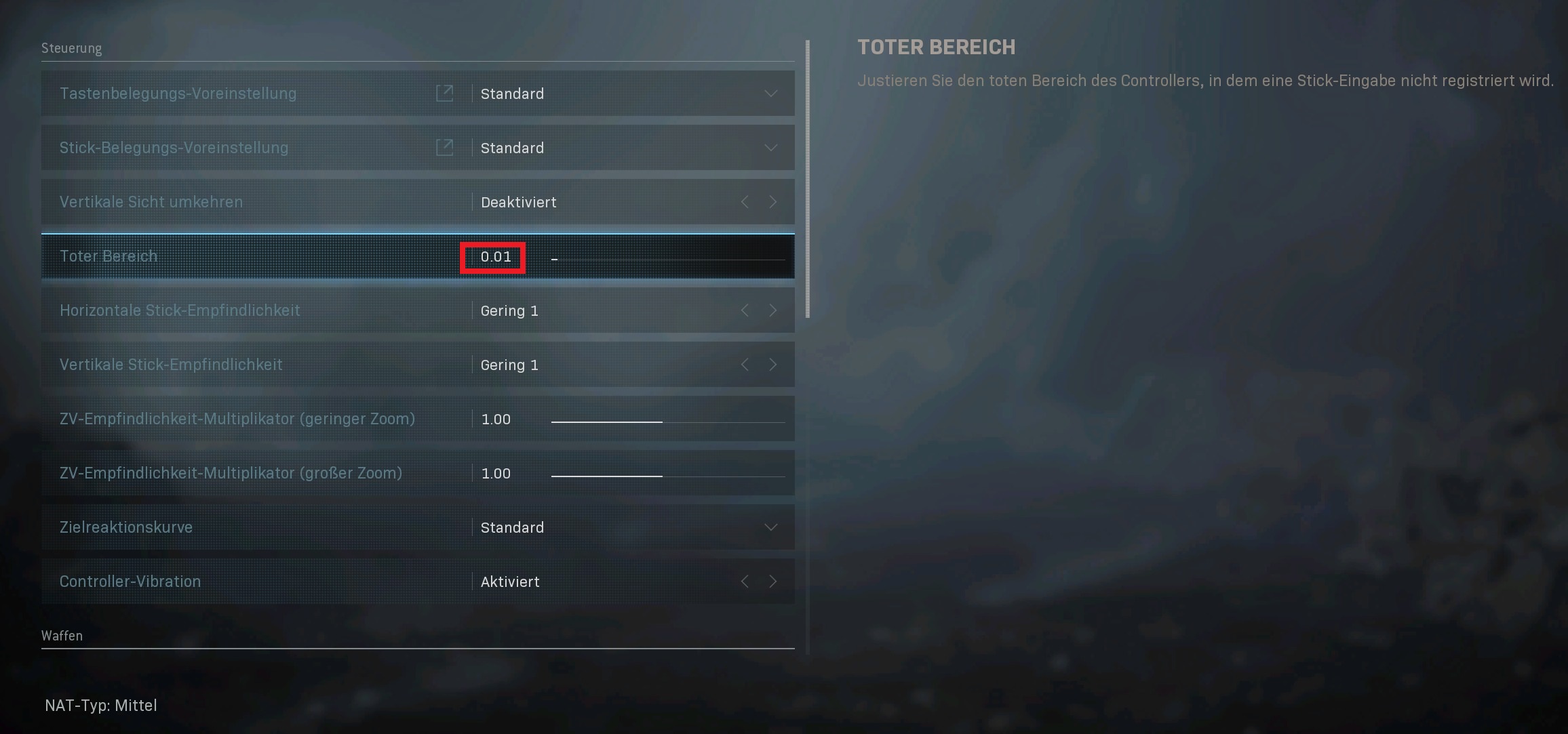
- Check again and repeat
Repeat until your crosshair doesn’t move when you’re not touching the sticks
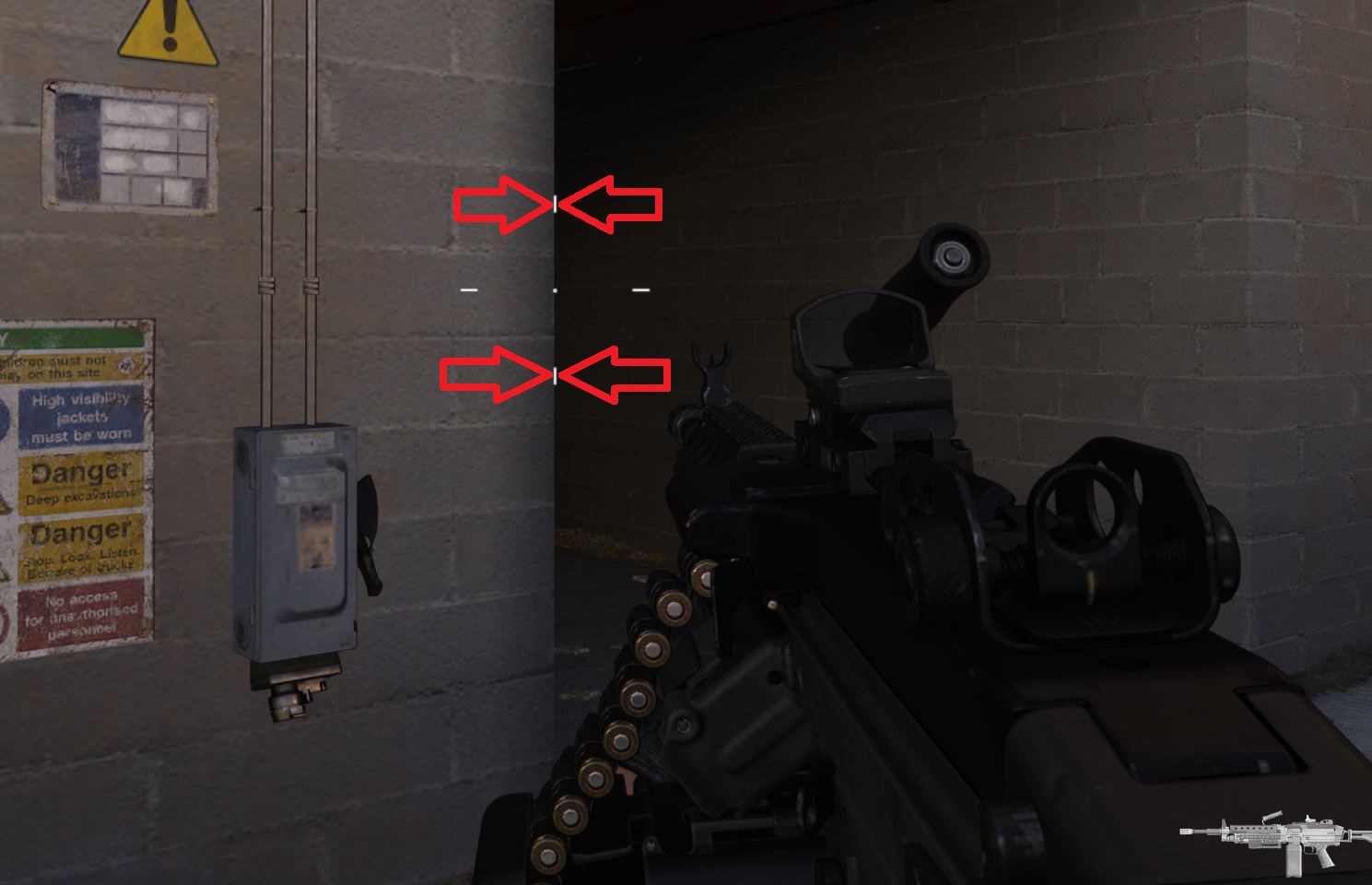
- Complete settings
Once you’ve found the ideal setting for the dead zone, reset the remaining settings to your preferences and keep those for the dead zone
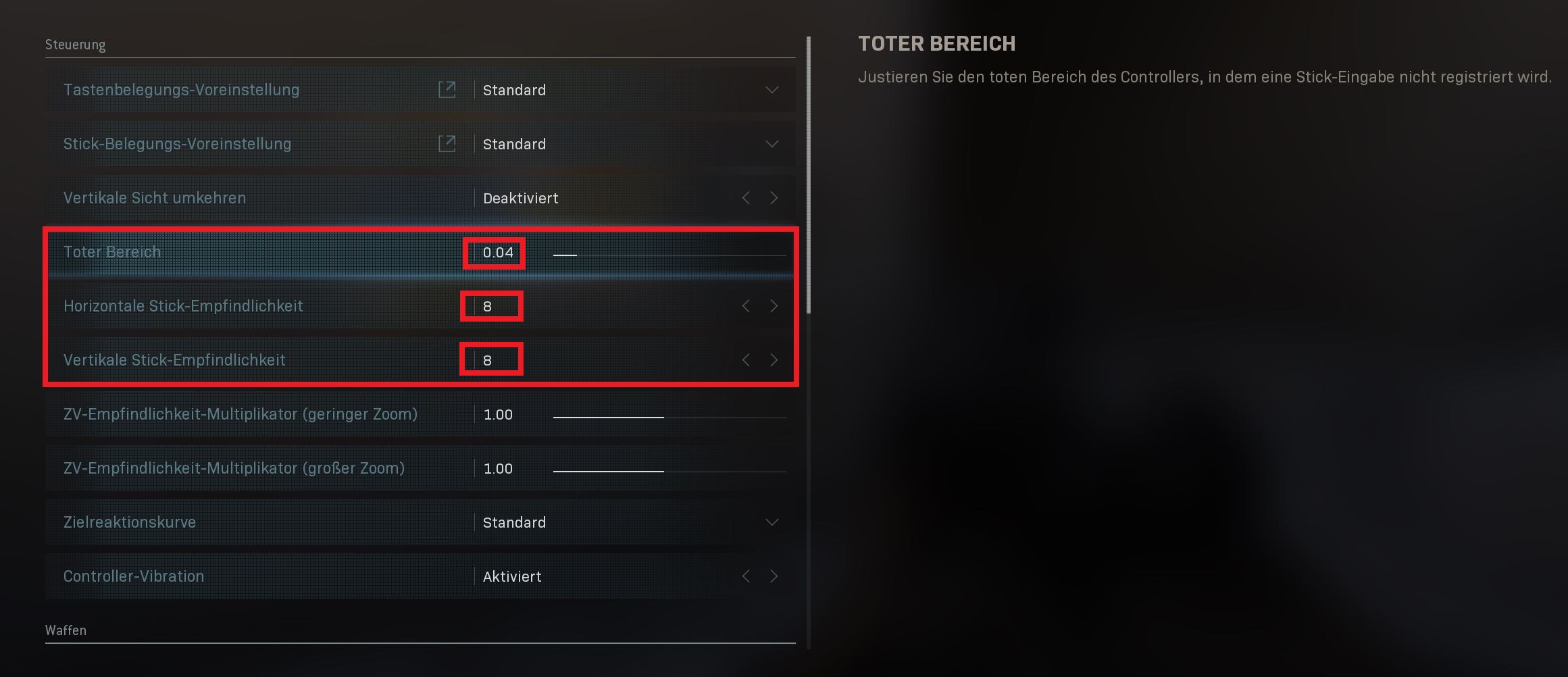
The CoD expert and YouTuber TheXclusiveAce has published a video on this tutorial. In it, you can also see what the setting brings exactly and how it looks. We embed it here for you:
Why is this important? With this setting, it is possible for you to aim and hit more precisely. Especially if you are already using the best attachments for better aiming and still not hitting, it could be due to the dead zone setting.
If you use your controller frequently, it may happen that the sticks are slightly “worn out”. Then they do not respond as well, and the dead zone can shift on its own, which is why you can adjust it with this option. However, even new controllers can have this problem, as Ace’s video shows.
If you are still at a disadvantage in Battle Royale, our 10 tips to gain a decisive advantage in Warzone can help you.

Your opinion is important to us!
Do you like the article? Then let us know!
Comments