

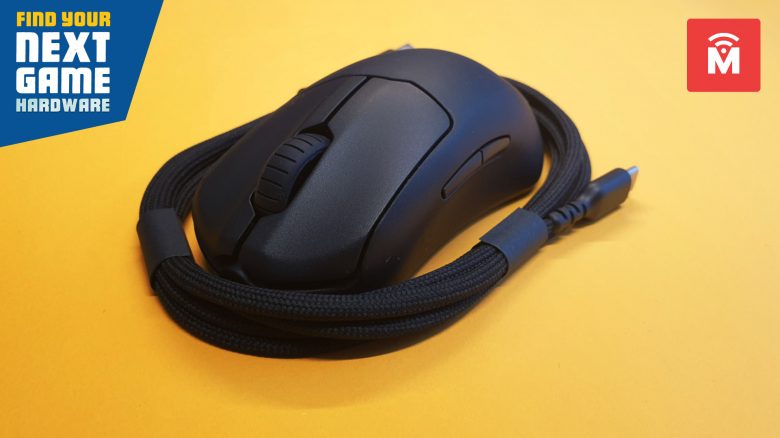
With the Prime Mini, manufacturer SteelSeries has launched a particularly small and lightweight mouse. Weighing only 61 grams, this little rodent has been tested by MeinMMO, revealing how good the device actually is.
The most important points at a glance:
- The Prime Mini is a wired, right-handed gaming mouse.
- The price for the gaming mouse is 69.99 euros.
- In the test, the mouse proves to be a successful lightweight for people with small hands. Gamers with large hands may not be entirely happy.
Which gaming mouse is it? The SteelSeries Prime Mini is a small, lightweight gaming mouse from SteelSeries. The mouse is available in both wired and wireless variants. The Prime Mini is the smaller version of the standard SteelSeries Prime.
Features and technical details:
| Sensor | TrueMove Pro |
| Resolution | Up to 18,000 DPI |
| Switches | Magnetic-Optical switches, 100 million clicks |
| Buttons | 5 |
| Design | Black mouse with adjustable RGB lighting on the scroll wheel |
| Gliding feet | 3 |
| Cable | 2.08 m |
| Weight | 61 grams |
| Price (MSRP) | 79.99 euros / 149.99 euros (Wireless) |
SteelSeries Prime Mini in detail
In the following section, we present the gaming mouse in detail. We focus on the following aspects:
- Package contents
- Design and construction
- Build quality
- Software
Afterward, we will explain how the mouse performs in practice. We will discuss the weight, speed, and performance of the little rodent.
Package contents, design, and construction
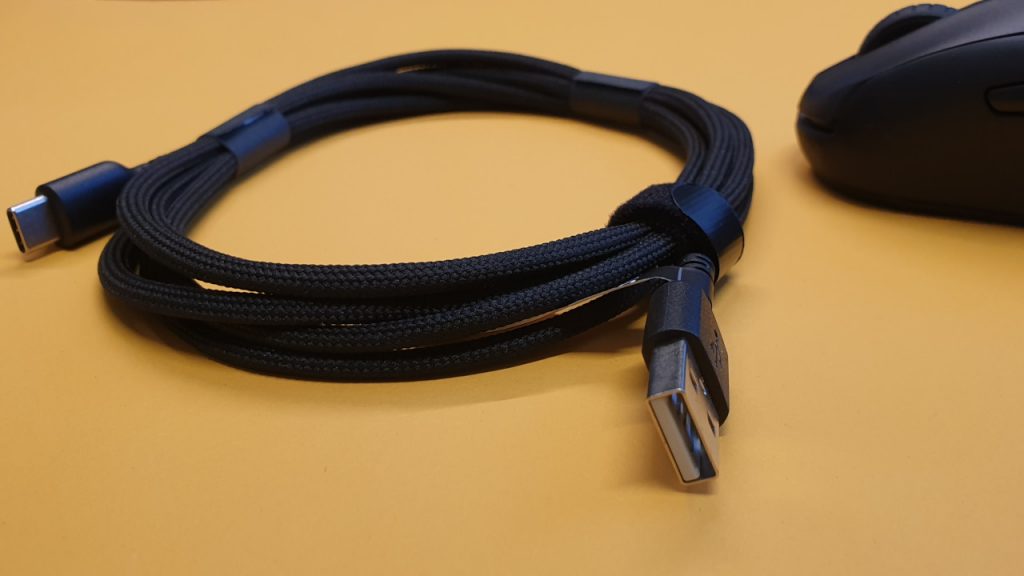
What does the package include? Besides the mouse, there are USB cables for the mouse and a user manual included in the orange box.

What does the gaming mouse look like? The mouse is kept in a simple black design and thus resembles other well-known representatives of the genre. Unlike other very lightweight mice, SteelSeries has omitted a hole or honeycomb pattern on the Prime Mini.
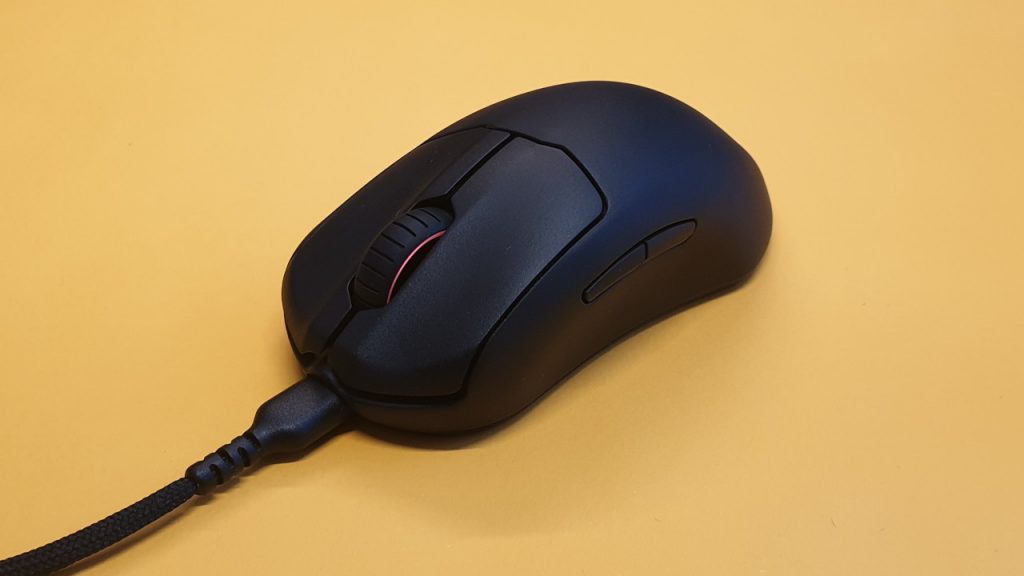
Otherwise, the manufacturer’s logo is on the mouse, and the scroll wheel is RGB-lit. The manufacturer has foregone any additional lighting on the Prime Mini. The mouse’s cable is detachable, but our mouse can only be used via cable. The detachable cable is practical for transport.
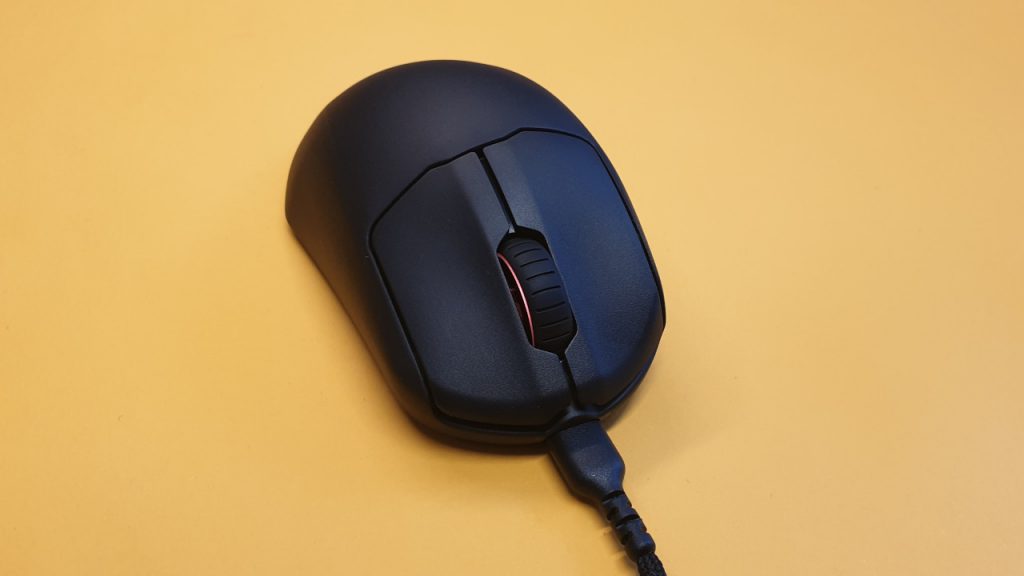
How is the mouse held? The mouse is a right-handed mouse and can only be used by right-handed users. The thumb buttons are only located on the left side of the mouse and are not mirrored. The mouse is particularly aimed at fingertip and claw grip players. Palm grip gamers may find the mouse overall too small.

Build quality
What we like: The mouse appears well-constructed and feels more premium than comparable competition. Razer’s Viper Mini also weighs 61 grams and is a pure right-handed mouse, but it does not feel as well made as the Prime Mini, and the cable is also non-detachable.
The build quality is overall successful. Shaking the mouse results in virtually no rattling, and despite its low weight, the mouse does not feel fragile.
Software
What we like: SteelSeries uses Engine software for its mouse. Through the software, all settings for the gaming mouse can be adjusted.
What is less successful: SteelSeries wants to offer a complete package for gamers with its Engine. You can not only control your gaming devices like mouse, keyboard, and headset, but you can also save streams and add your games to a library. If you only want to configure your mouse, you need at least three clicks. That is somewhat cumbersome, and we would have preferred one less click.

On the next page, we will explain how the Prime Mini performs in practice. We will look at weight, ergonomics, and handling. We will also discuss mouse buttons and scroll wheel.

Your opinion is important to us!
Do you like the article? Then let us know!