

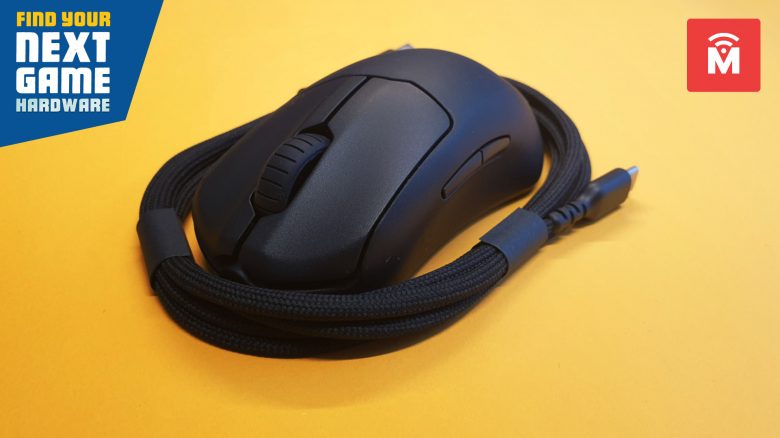
The SteelSeries Prime Mini in practice
In this section, we will show you how the mouse performs in practical tests. We will discuss weight and speed, but also what sensor works in the mouse and what possibilities the mouse offers in practice.
Weight, ergonomics, and handling
The Prime Mini is one of the particularly small representatives on the desk, and you can feel this in the length and width of the mouse. With very large hands, the mouse feels almost too small. Palm grip is possible with the mouse; however, the device fits significantly better in fingertip grip.
Especially in smaller hands, the mouse feels really good. In the test, both my girlfriend and I used the Prime Mini. While the mouse feels very small in my hand, with my thumb and pinky resting on the mouse pad, it sits almost perfectly in my girlfriend’s hand. The finger situation is better resolved by the Roccat Kone Pro, which provides a thumb rest. Also, the tiny DPI button is more suited for small fingers than for my large fingers.
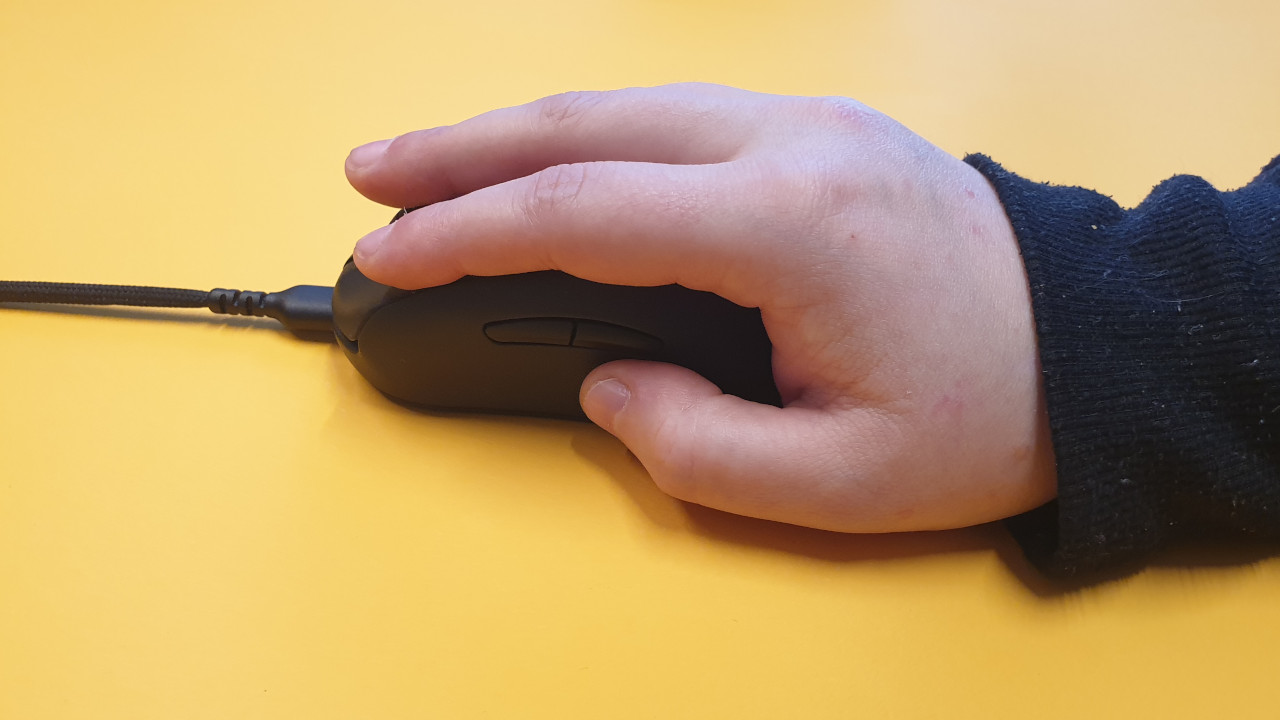
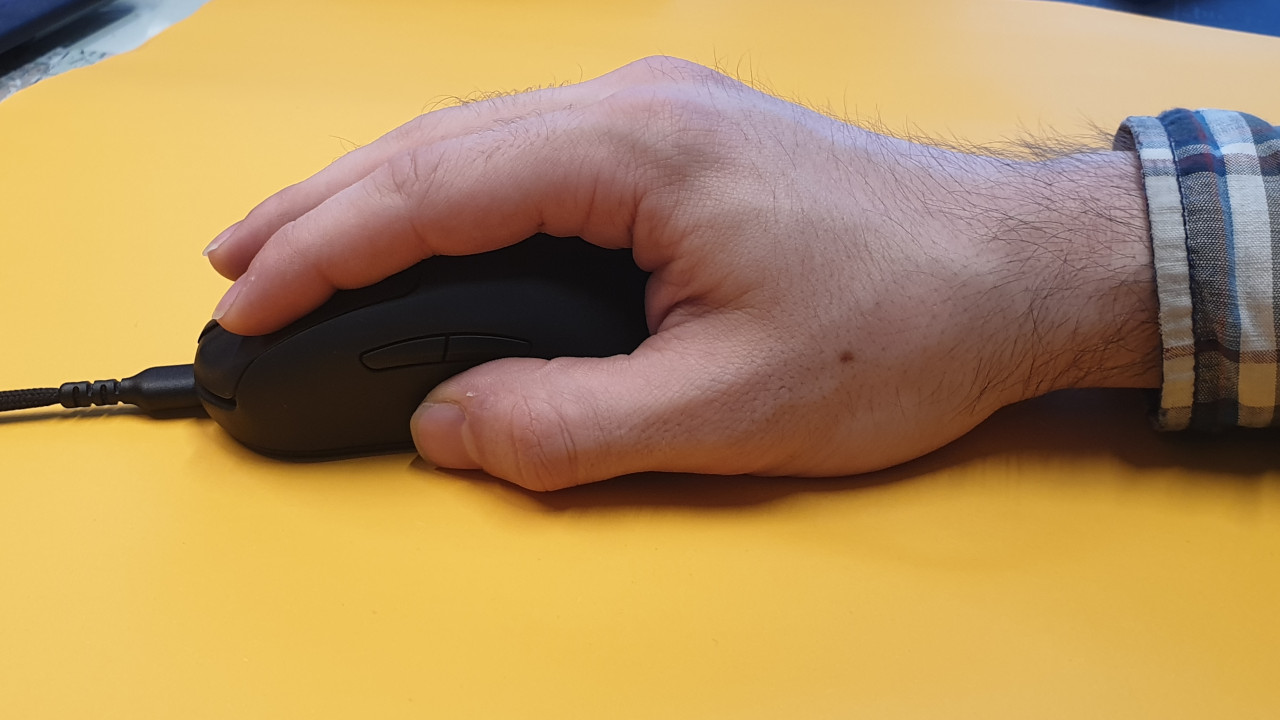
The surface is pleasantly rough, which positively affects handling and haptics. This way, the mouse feels secure in the hand. The detachable cable is also very practical when transporting the mouse, without risking a cable break.
By the way, the cable does not affect the handling and normal weight of the mouse. The cable is not noticeable in daily use, and quick movements are also possible without problems. The fabric-coated cable feels robust and is wonderfully smooth. With its good 2 meters, the cable is also long enough if, for example, your gaming PC is on the floor and you have to run the cable across half the desk.
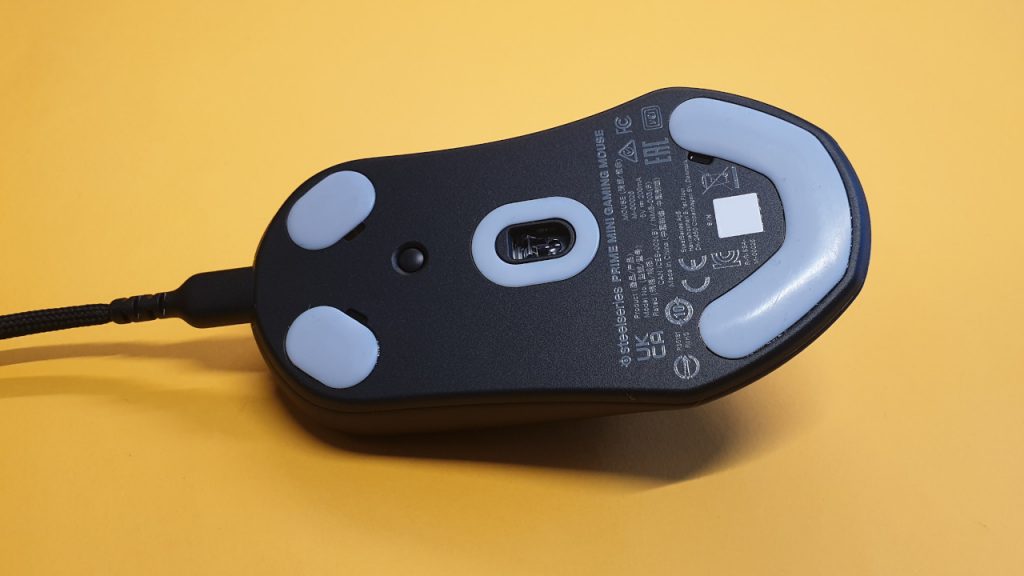
Like other manufacturers, SteelSeries hides the DPI button on the underside of the mouse. A quick switch between different DPI levels is therefore not easily possible. The DPI button is also somewhat small.
The mouse buttons and scroll wheel
The mouse buttons feel satisfyingly “clicky” and precise. The clicks are clearly audible and tactile, which is not a disadvantage. The scroll wheel has a slight resistance, preventing accidental scrolling in either direction. However, this is just a matter of habituation.
Sensor
The TrueMove Pro sensor is the latest optical sensor developed by SteelSeries and PixArt. The sensor offers a resolution of 18,000 DPI and a maximum acceleration of 450 IPS. This refers to the tracking speed of the mouse and how quickly the device responds to movements.
Conclusion – Great light mouse for small hands, not always suitable for large hands
Who is the mouse suitable for? The SteelSeries Prime Mini is primarily aimed at users looking for a very light gaming mouse with few buttons for right-handed use. The mouse from SteelSeries focuses on the essentials and dispenses with additional frills like cool lighting or extra buttons.
The pleasant rough surface is complemented by the good mouse buttons. The price increase from the wired model to the wireless device of around 70 euros is only worthwhile in our opinion to a limited extent, as the mouse’s cable is hardly noticeable anyway.
What alternatives are there?
- Logitech G Pro X Superlight is slightly heavier at 63 grams and offers an even faster sensor on paper. This is also a right-handed mouse and is priced at the level of the wireless Prime Mini (around 150 euros).
- Viper Mini: Wired and weighing 61 grams, just as heavy as the Prime Mini. However, we feel that the Viper Mini does not appear to be as well made as the Prime Mini, and the buttons on the SteelSeries mouse feel better.
- Roccat Kone Pro (Air): Larger and slightly heavier (66 grams) than the Prime Mini and with significantly louder clicks. We prefer the ergonomics of the Kone Pro, but the Prime Mini is ahead, especially regarding switches and cable.
More gaming mice on MeinMMO: Are you looking for a suitable gaming mouse for yourself? Then take a look at our top list of gaming mice. In our MeinMMO list, we present the best gaming mice that you can currently buy.

Your opinion is important to us!
Do you like the article? Then let us know!