

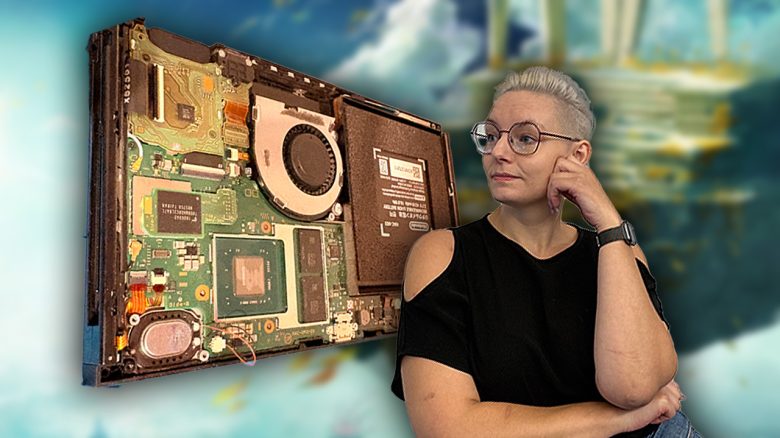
After Sony’s PS5, Nintendo is now also raising the price of the Switch 2. MyMMO editor Sophia Weiß is groaning at rising prices, even though her old Switch 1 is struggling. But her resourceful friend has the solution.
After my PS4, the Nintendo Switch was my second self-purchased console in 2017. I was in my first job after graduation back then and was eager to play The Legend of Zelda: Breath of the Wild.
The mentioned Switch has been around for a good nine years in 2026. It worked well, especially in docked mode. The handheld mode was perfect for traveling or on vacation, but gaming became increasingly difficult: The battery was failing.
I was very close to shutting down the console and burying it permanently. Or at least using it docked only. My Steam Deck would have sufficed as a handheld then. However, my hardware-modding partner said he could help me relatively cheaply. So we did what a Switch model is supposed to do, which will be released next year: Replace the battery.
Guided battery replacement for beginners
A major hobby of my partner is to repair consoles and refurbish old ones. We have corresponding consoles from the last 50 years in the basement that are still usable today: Nintendo 64, NES, Sega Saturn, PC Engine, Dreamcast … and all are, of course, thoroughly cleaned, some equipped with modern HDMI connections and Micro-SD readers, so you don’t have to buy all the old games as hard copies.
Accordingly, our household is already equipped with all the tools needed to open a console. My partner said: We can open the Switch and replace the battery.
So we did exactly that.
On the internet, for example, on Amazon, Ali Express and iFixIT appropriate kits for replacing the battery are available. Prices range from 14.90 euros to 34.95 euros. We purchased from iFixIT because they offered the original battery. We also used the iFixIT guide for battery replacement as a template.
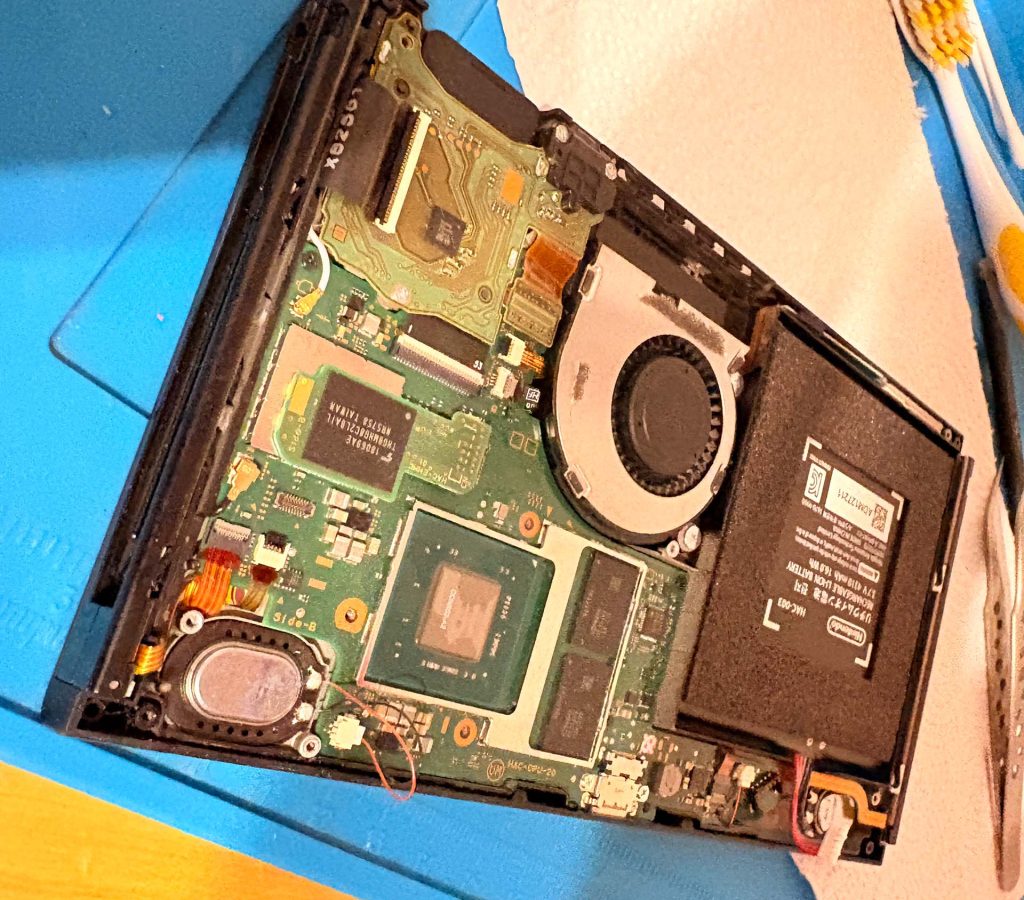
The main part of the work was done by my friend: unscrewing, removing the shielding plate, exposing the battery, disconnecting it. I helped with removing the battery. Nintendo sticks it in firmly. With caution, targeted use of isopropyl alcohol (do not drink!), and two plectrum-like plastic chips, I was able to carefully lever out the component.
Additionally, I actively helped scrub off dried thermal paste from components and reapply it. Placing the new battery, connecting it, and reassembling everything I left to my partner and his steady hands.
And since then, gaming on my Switch has been excellent again, even on the go.
Out of warranty, let’s get to work
I probably would have never touched the Switch, my PS4, or even my Steam Deck if I didn’t already have a hardware-savvy partner. It goes against my instinct to just pick up the screwdriver. I always think, yes, but then the warranty expires
or I can’t do that
.
In fact, replacing most components with similar parts isn’t that difficult. You need the replacement, the right tools, and some courage to take apart the devices that have already slipped out of warranty.
It’s only important that your device is already out of the two legally required years of warranty. If I have the choice to do it myself or let a pro (for free) do it, I will always choose the latter. So here’s a reminder:



Maybe I’ll also try to save my aging hardware myself in the future. We made my PS4 fit for the next 10 years through a deep cleaning and fresh thermal paste. This saves me the money for a new PS5. Maybe I’ll just upgrade directly to its successor when it comes out. As mentioned, I also upgraded my Steam Deck in the meantime instead of buying a new one for almost 1,000 euros. What exactly I did can be read here: I’m modding my Steam Deck to last a long time so that I don’t have to worry about high prices

Your opinion is important to us!
Do you like the article? Then let us know!