

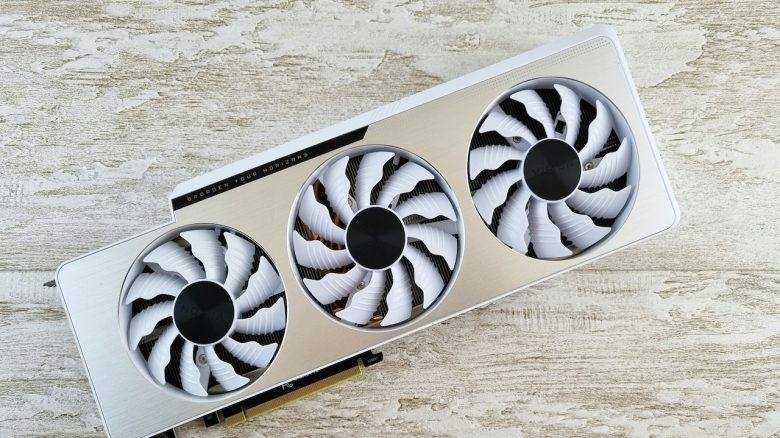
A recent driver update from AMD is causing a serious problem for some users: The fans of their graphics cards are not turning on – and this can become critical while gaming.
Which update is it about? With the Adrenalin driver 26.5.1, AMD actually delivered new improvements for its Radeon graphics cards on May 6, 2026. However, shortly after the release, first users reported on Reddit about a rather critical error.
After the monitor’s standby or certain idle phases, the so-called “Zero RPM” feature remains active. This means: The GPU fans do not turn on – even when the graphics card is back under load. (TomsHardware)
The problem is not immediately visible. The GPU continues to work normally, but without active cooling, the temperatures rise significantly.
In general, the update also fixed some bugs and not just created new ones: As ComputerBase reports, AMD has fixed two bugs with the Adrenalin 26.5.1 – including stuttering in Resident Evil Requiem on the Radeon RX 9000 and graphical errors in God of War Ragnarök on RDNA-4 hardware. Five other known issues are still present according to the release notes.
Meanwhile, the latest version 26.5.2 has also been released. While the official patch notes do not mention the Zero RPM problem. (AMD) Other users on Reddit share that the problem seems to persist even in a newer version.
No cooling = heat
Why is the problem so problematic? The Zero RPM feature is actually meant to keep the graphics card silent while idle. Normally, the fans automatically turn back on once a certain temperature is reached.
Due to the bug, this happens, but apparently not reliably. Reddit user Evelyne-Tourneciel first discovered the bug: As soon as the monitor goes to sleep or is turned off, Zero RPM activates normally – but after waking up the monitor, the mode does not deactivate, causing the GPU fans to remain off permanently. (TomsHardware)
This can lead to, in the worst case:
- The graphics card’s performance is throttled to prevent damage
- The system becomes unstable or crashes
- In the long term, the hardware is put under greater stress and suffers damage
Are there workarounds? According to Extremetech, various methods to fix the issue are circulating. The simplest and fastest solution is to restart the PC each time the problem occurs.
As a longer-term solution, preventing standby mode is also mentioned. A more complicated solution is resetting the drivers. User Evelyne-Tourneciel has also updated regarding the many feedbacks from affected users in the post:
A complete clean with DDU and the offline reinstall of version 26.5.1 seem to have solved the issue. Having to reset everything, reinstall, and redo all settings each time is not user-friendly.
It seems that either just a reinstallation or even downgrading the driver version currently solves the problem. (via Reddit)

More about graphics cards: Are you looking for the best graphics card for gaming in 2026 or just a good upgrade for your gaming system? MeinMMO presents the best and recommended graphics cards for gamers: The best graphics cards for gaming for every budget in 2026 ranked

Your opinion is important to us!
Do you like the article? Then let us know!