

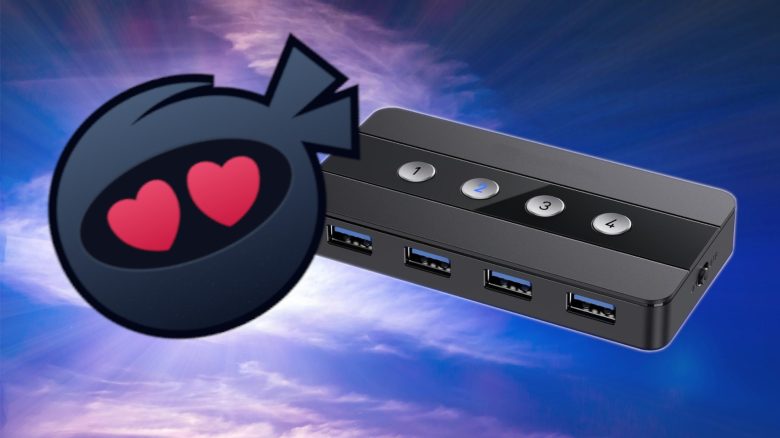
MeinMMO-Tech author Julian Schröder would not have believed some time ago that a small box for around 50 Euros would solve one of his most annoying desk problems – but that is exactly what happened. Since then, he has to plug considerably fewer cables when switching between his work laptop and gaming PC.
Many people probably know the problem of wanting to combine work and gaming at the same desk. During the day, the work laptop is connected to the mouse, keyboard, and webcam. After work, the gaming PC is supposed to take over. And suddenly, the annoying plugging ritual begins.
That was the case for me, anyway. I unplugged the mouse, keyboard, and other USB devices from the laptop, climbed under the desk, and connected everything back to the gaming PC. The next morning, the whole process went in the other direction so I could work.
It wasn’t a disaster. But still quite annoying. At some point, I thought: There must be an easier way. The solution was a small box that I should have known about much earlier: a KVM switch.
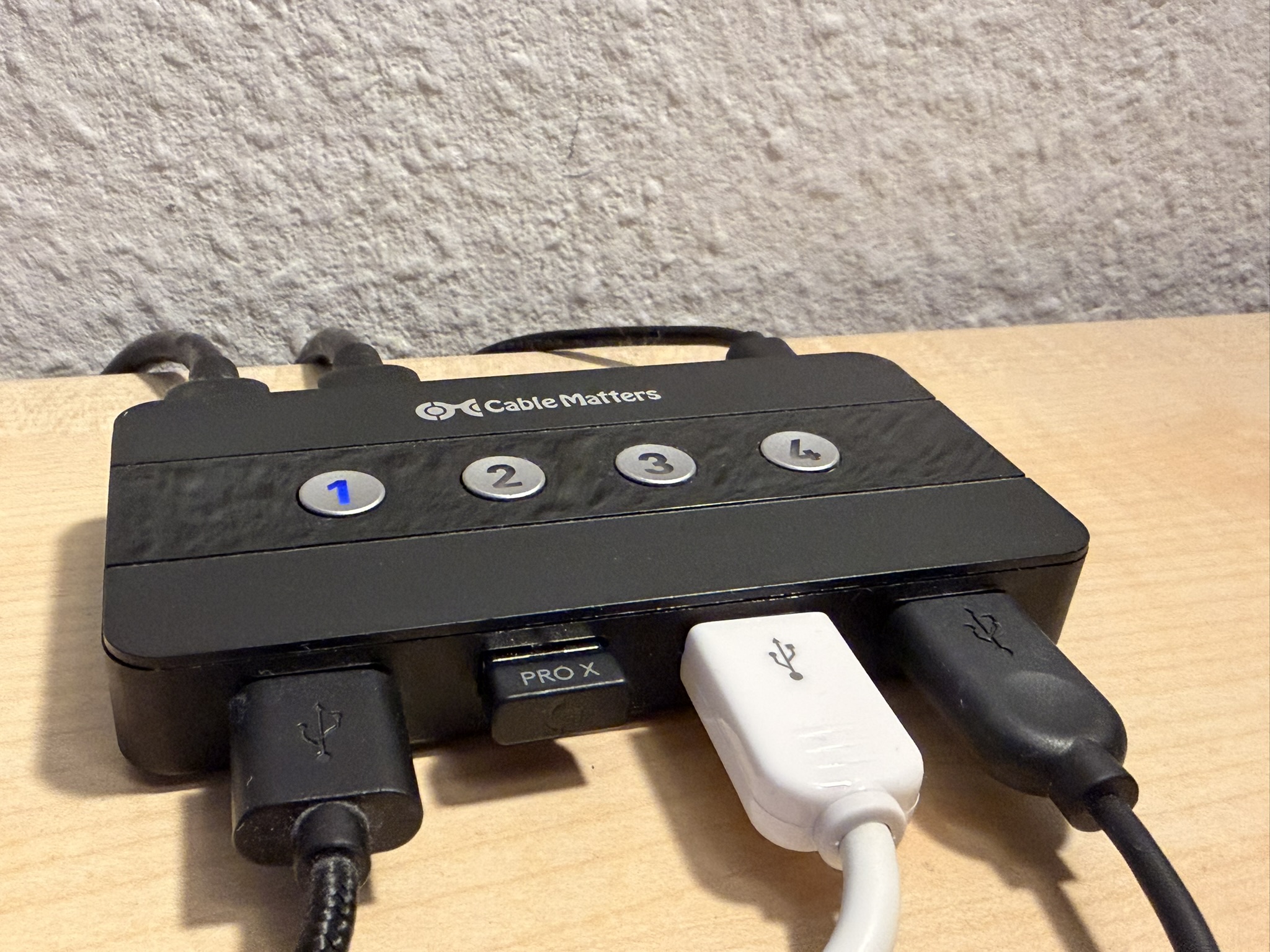
A KVM switch is a device to which you connect your mouse, keyboard, and other USB devices. The switch itself is then connected to two computers, for example, a work laptop and a gaming PC. With a press of a button, you decide which computer gets to use the mouse, keyboard, and so on.
KVM actually stands for Keyboard, Video, Mouse. However, I am using a model without video functionality because my work computer and my gaming PC are anyway connected to my monitor at the same time. So, I was mainly concerned about not having to constantly unplug my USB devices.
How I Use the Gadget Every Day
My setup looks like this: I have a monitor that is connected to both my work laptop and my gaming PC. The laptop is connected to the screen via USB-C, and the gaming PC via DisplayPort. So, in my case, the KVM switch does not handle the video signal.
Instead, my keyboard, the USB dongle of my mouse, and my USB speakers are connected to the switch. A USB cable runs from the KVM switch to the gaming PC and another one to the work laptop.
If I want to work, I press a button on the switch and set the monitor to USB-C. If I want to game, I press another button on the switch and change the monitor input to DisplayPort.
At first glance, this sounds like a small thing, but this little device keeps my desk organized and completely removes the annoying plugging.
Who Is It Worth It For?
A solution like this is particularly recommended for people who want to use multiple PCs at one desk. And here:
- don’t want to constantly plug cables
- only want to use one keyboard and mouse
- want a more organized setup
However, it is less worthwhile for people who:
- only use one computer
- want to do everything wirelessly
- want to switch multiple monitors with high frame rates
What You Should Consider When Buying
Before you buy such a device, you should carefully check what you actually want to switch. For my setup, a simple switch that switches the mouse, keyboard, and other USB devices between two computers is sufficient. The video signal runs separately through the monitor for me. Therefore, I don’t need a full-fledged KVM switch that also handles HDMI or DisplayPort.
This is important because it can quickly get confusing. Some devices are sold as KVM switches but essentially only switch USB devices. Other models also handle the video signal but are significantly more expensive. Especially if you play with 4K, high frame rates, HDR, or an ultrawide monitor, you should pay close attention to the supported connections and standards. Otherwise, you might end up with less cable clutter, but a new problem with resolution or refresh rates.
Also, pay attention to how many USB ports you really need. Mouse and keyboard can be accommodated quickly, but perhaps a webcam, microphone, headset, speakers, or a USB dongle will be added.



An external remote control is also practical. Then the actual box can disappear somewhere under or behind the desk while a small remote control remains within reach.
In short: Think beforehand about whether you only want to switch USB devices or also the monitor. For simple setups with a work laptop and gaming PC, often a cheap solution available for 10 to 20 Euros is sufficient. However, anyone wanting to run a complete high-end gaming setup with multiple monitors, high resolution, and high frame rates through a single switch must spend significantly more.
What does your setup look like? Do you also have a KVM solution? Or how do you manage multiple PCs at one desk? Feel free to tell us in the comments!
And if you want to know what a really good method is to stream your own Steam games with good quality to your living room, take a look here: With a small device, I comfortably play my Steam games on the sofa without having a bulky gaming PC in the living room

Your opinion is important to us!
Do you like the article? Then let us know!