

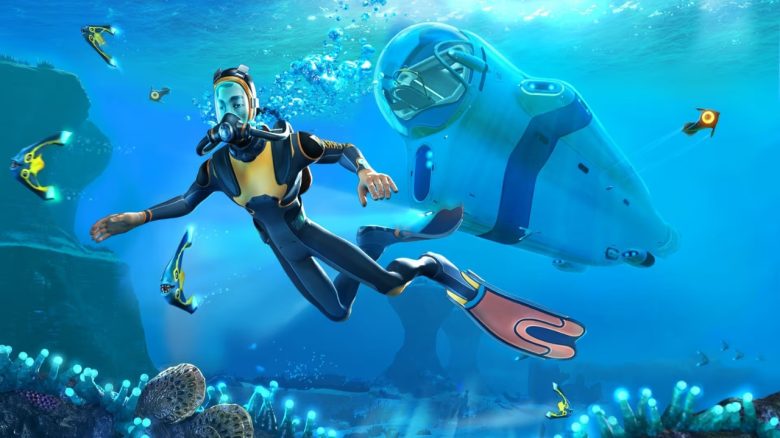
Subnautica 2 has entered Early Access and currently offers only a part of its content. If you have already seen everything there and are now switching to the predecessor, we show you five mods that significantly ease your life in Subnautica 1 on Steam.
Why are many people playing Subnautica 1 now? While an average of around 5,000 players were active simultaneously over the past months, the number climbed to over 48,000 on May 17, 2026 (Source: SteamDB). This makes sense since Subnautica 2 in Early Access does not yet offer the full scope.
If you are among the players who have completed the new part for the time being and now feel a certain emptiness, you should give Subnautica 1 (another) chance. However, the new part spoils you with many modern comfort features.
To prevent frustration during your excursion into the predecessor, we have chosen the five best mods for you.
How is the list structured? We have examined, tried out, and compared many of the most popular mods. You will find the results in our overview. The selection mainly consists of “Quality of Life” features that make gameplay in Subnautica 1 more comfortable.
The best mods for Subnautica 1 at a glance
You can find all the mentioned mods on the well-known platform “Nexus Mods”. To save you from searching for a long time, we directly link you to the respective product pages for a quick download. Now let’s get to our selection:
EasyCraft
- Link to the mod: nexusmods.com
When you start Subnautica 1, you will quickly notice that your fabricator does not automatically access your crates as in the sequel. Instead, you have to have all materials ready in your inventory.
With EasyCraft, you bypass this problem and craft conveniently directly from your crates. The mod even completes intermediate steps automatically: For example, if an item requires a battery, it will build it in the background itself – provided you have copper and acid mushrooms in storage.
Map
- Link to the mod: nexusmods.com
This mod adds a full-fledged in-game map, which can be opened by default with the “M” key. At the beginning, the map is covered by the so-called “Fog of War”, so you will not get spoiled and the map will only be revealed gradually through exploration.
On the map, you can see your current position along with your viewing direction, discovered wrecks, and alien structures, and you get a color-coded overview of the different biomes. In addition, you can set your own pings.
No Food Decay
- Link to the mod: nexusmods.com
Unlike in Subnautica 2, cooked food in the first part spoils over time. This is particularly annoying for those who like to stockpile. The mod helps here and completely disables food spoilage.
Quick Slots Plus
- Link to the mod: nexusmods.com
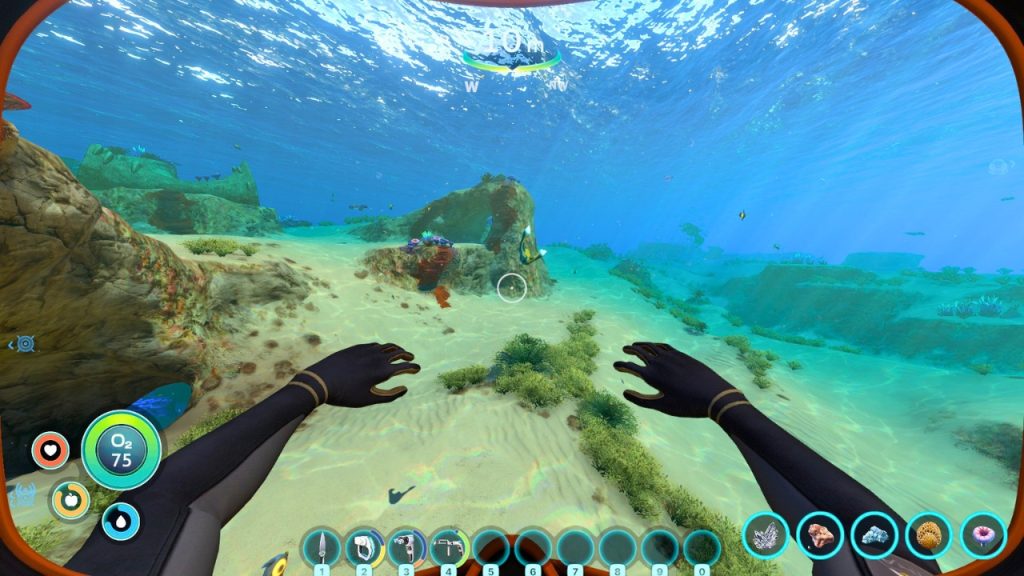
In Subnautica 1, you only have five slots in the quick access bar for your tools. So if you equip a flashlight, construction tool, knife, repair tool, and scanner, the bar is full. This mod expands the bar by default to 10 quick slots, which you can even increase in the menu to up to 20 slots if needed.
Inventory Stacking
- Link to the mod: nexusmods.com)
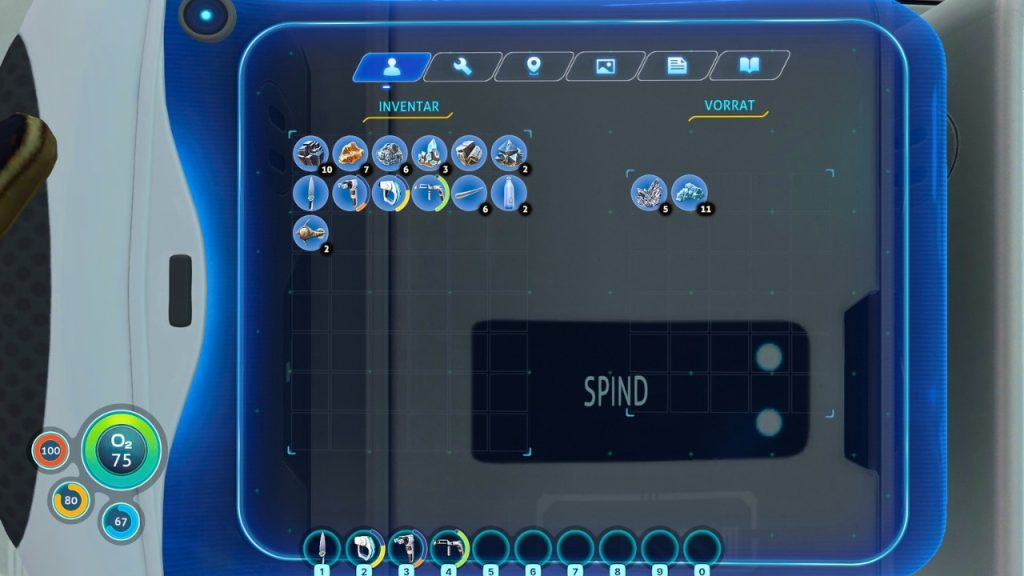
In Subnautica 1, each resource is stored individually in the inventory and in chests. This quickly clogs your storage spaces and means that you constantly have to return to base to unload. The mod allows you to stack identical items in the inventory and in cabinets up to 100 pieces.
This saves you a lot of space and you no longer have to interrupt your exploration tours constantly because your pockets are full. In the main menu, you can individually adjust the maximum stack size if needed.
Bonus Mods for Even More Comfort
The following mods are also useful if you want to explore and farm even more comfortably:
- Increased Resource Spawns (to the mod on Nexus Mods)
- Increases the density of ore nodes (such as limestone, sandstone, shale), metal scraps, crystals, and other collectible items on the seabed.
- BiomeResourceHUD (to the mod on Nexus Mods)
- Displays with an icon in the HUD which resources can be found in the current biome, so you don’t have to search aimlessly for hours.
- Shoulder Flashlight (to the mod on Nexus Mods)
- Allows you to build a shoulder flashlight that you can equip as a mod to your character and emit a light point with “L”.
- Seamoth Depth Modules Redux (to the mod on Nexus Mods)
- Allows the construction of modules that extend the depth limit of your Seamoth to up to 1,700 meters.
- PassiveCreatures (to the mod on Nexus Mods)
- Makes creatures “passive”, so they no longer attack you and your vehicles – perfect for exploring and questing. Note: Dangerous plants still attack you if you get close!
How to install mods in Subnautica 1
How do I use mods in Subnautica 1? To use mods in Subnautica 1, you basically need three components:
- BepInEx: The technical basis for using mods in the game. You can find it here on Nexus Mods.
- Nautilus: Ensures that the mods function properly. You can find it here on Nexus Mods
- The mods of your choice
Once you have downloaded the two cornerstones, you first drag the extracted BepInEx folder into the main directory of Subnautica 1, i.e., where you also find the .exe file. To do this, right-click on the game in your Steam library, go to “Manage” and open the local files.
Then start Subnautica 1 once, wait until the main menu has loaded, and close the game again. If you now look in your Steam folder, BepInEx has automatically created new subfolders. Open the “plugins” folder within BepInEx – this is where all your mods will be placed from now on. The path looks like this: SteamLibrarysteamappscommonSubnauticaBepInExplugins
Next, unpack the Nautilus zip file and place the “Nautilus” folder directly into this “plugins” folder of BepInEx.
How do I add mods? Once this foundation is set, you can browse Nexus Mods at your leisure. However, keep the following points in mind:
- Subnautica 1 was released in 2018, so many mods are outdated. Make sure that the modifications have received an update in the last few months.
- Always download the files on the platform using the “Manual” button, not through the mod manager Vortex.
- No mod folders with exactly the same names can exist, as the game cannot read them properly otherwise.
Once you’ve downloaded your desired mods, unpack the zip files and also move the respective mod folders into the “plugins” folder. The folders usually have the same names as the respective mods.
When you start Subnautica 1 next time, you will find new tabs directly in the main menu, through which many of the installed mods can be individually adjusted.
These were the best mods for Subnautica 1. If you have any other recommendations for the community that should not be missing on any dive, feel free to share your suggestions in the comments. Even though Subnautica 2 is still in an early phase, the developers already have concrete plans for the future: Subnautica 2: Roadmap – Everything about new content in Early Access

Your opinion is important to us!
Do you like the article? Then let us know!