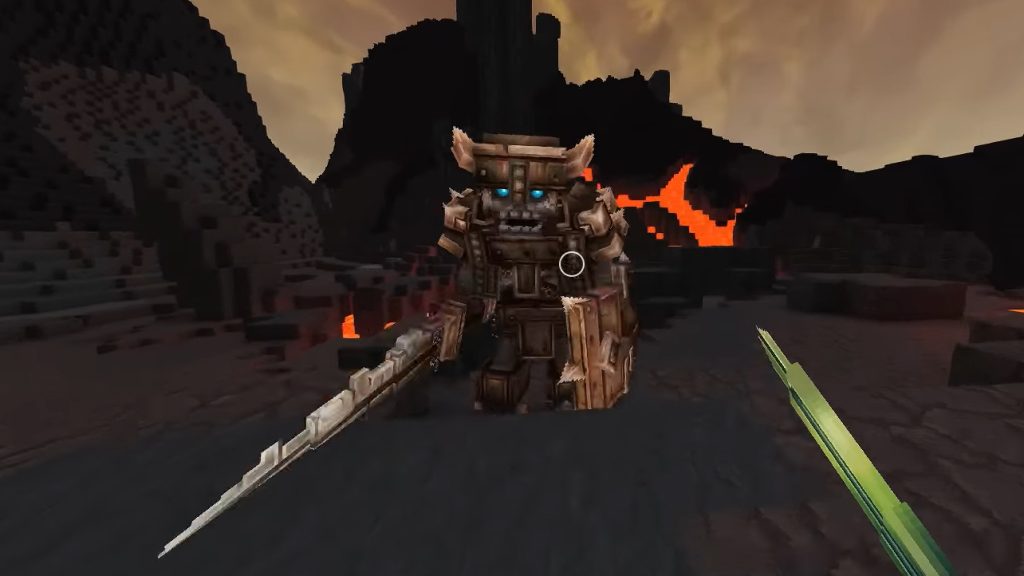

Hytale is the new sandbox game for fans of Minecraft. Many interested players want to experience an adventure with their friends, but some of them have problems with multiplayer. We show you how to connect with your friends.
[toc]
How can I play with friends? There are two ways to meet up with friends in Hytale. Either you host a game world and let other players join, or you join a world yourself. Hytale uses your router with UPnP (Universal Plug and Play) to establish a secure connection.
Depending on what you want to set up, you will need to follow different steps to meet up with your friends. We explain both options and also provide solutions if there are issues connecting.
Hytale: Host Your Own World
To host a world, you should proceed as follows:
- Create a world in singleplayer
- Press ESC and open the pause menu
- Click on “Online Play”
- Set “Allow Other Players to Join” to “On”
- (Optional) Enable a password to restrict access
- (Optional) Enable “Include Password in Share Code” to embed the password.
- Save your settings
Hytale will now communicate with your router to enable UPnP. Once the process is complete, a code will be displayed on your screen. Additionally, the connection status of UPnP and the NAT type will be shown below.
Now click on “Copy to Clipboard” and send the code to your friends. With this, they can join your world.
Hytale: Join a World
To join a world, you should proceed as follows:
- Open the menu with ESC and go to the “Servers” menu item
- Click on “Join via Code”
- Paste the code that you received from your friends
- (Optional) If a password is active, you must enter it now
- Click on “Connect”
The client will attempt to establish each connection in order of priority until a connection is successful.
With these steps, you should be able to connect, but some players still report issues when setting up a session. Below we will now show you some solutions that could be the cause of the problem.



Multiplayer Not Working – How to Fix the Error
In Hytale, there could be various reasons why you cannot join a world or generate codes. We will now provide different solutions for various issues that you can try.
Error 1: Code Cannot Be Generated
Problem Occurrence: No code has been generated when attempting to generate a code for your world. The system is blocking it and you may receive an error message.
| Reasons | Solutions |
|---|---|
| UPnP is disabled on the router | Log into the administration interface of your router and enable UPnP. |
| Router does not support UPnP | Use manual port forwarding (Source: support.hytale.com) or let one of your friends host the world. |
| Multiple routers are active | Enable UPnP on all routers or connect your PC directly to the main router. |
| Firewall blocks Hytale | Allow Hytale through your firewall. |
Error 2: Friends Cannot Join
Problem Occurrence: The code was successfully generated, but friends cannot connect to the world. The result is timeouts and errors.
| Reasons | Solutions |
|---|---|
| CGNAT | Your internet provider shares a public IP address with multiple customers. Therefore, UPnP port forwarding does not work. Friends should take the role of the host. |
| Firewall blocks incoming traffic | Allow Hytale in the Windows firewall for private and public networks. |
| UPnP mapping expired | Save the online game settings again to update the mapping. |
| Antivirus interference | Temporarily disable or add Hytale as an exception. |
| Internet providers block game ports | Contact your internet provider or use Tailscale (Source: support.hytale.com) |
Those are all the important infos we can provide you for multiplayer in Hytale and creating a game world. If you can offer additional solutions that we haven’t listed, feel free to mention them in the comments – we will then update them. You can find more about Hytale here: Hytale has 2.8 million players at release, surpassing even the warnings from developers, who are pushing the first patch

Your opinion is important to us!
Do you like the article? Then let us know!