

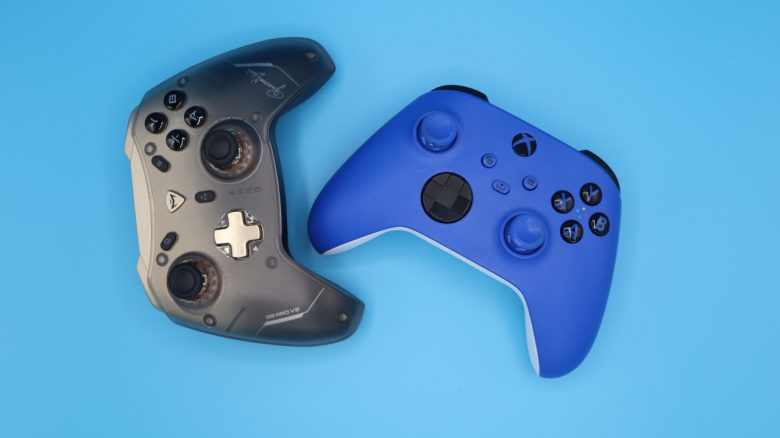
The first reviews of the Steam Controller are public and not everyone is enthusiastic. If you are looking for a new controller for your PC and do not want to wait for the Steam Controller? MeinMMO editor Benedikt Schlotmann recommends four alternatives that are not only better but also partly cheaper.
By now, the first reviews of the Steam Controller are online, but they are mixed: Critics primarily point to the inconsistent ergonomics, the high price, and the strong reliance on Steam. Because with other platforms or Windows, you cannot use the controller.
However, if you want to buy a really good gaming controller for PC, you don’t have to wait for the release of the Steam Controller: I present several controllers that are better and in some cases significantly cheaper and are also not tied to Steam. And if none of my suggestions appeal to you, the official Xbox controller offers a fair deal.
8Bitdo Ultimate 2 Wireless Controller
I have now bought the 8Bitdo Ultimate 2 controller twice. Once as a Bluetooth controller for my wife, who uses the controller on her Switch. And once for my PC setup, where I use the controller myself.
The 8BitDo Ultimate was long considered a secret tip and is now recommended by many gamers and can hardly be considered a secret any longer. With TMR joysticks, Hall Effect, and tactical triggers, you get modern technology for around 60 euros. Additionally, there is a charging station where you can charge and store the controller.
The variant of the controller without Bluetooth is 10 euros cheaper, but does not work on the Switch 2 where you necessarily need Bluetooth. The long battery life and ergonomics complete the overall picture. Especially with small hands, you get a really good alternative to the official Xbox controller with the 8Bitdo Ultimate 2 controller.
Razer Wolverine V3
With the Wolverine series, you get several very good controllers for PC and Xbox from Razer. Razer uses TMR analog sticks, and the rubber coating gives you a good grip. The highlight of the Wolverine V3 are the buttons and triggers that click and feel and sound almost like mouse buttons in everyday use. This makes gaming feel unbelievably precise. Razer’s Raiju V3 Pro for PS5 builds on the same strengths.
By the way, the Wolverine offers several additional buttons and so-called claw-grip bumpers located above the triggers. I find them ergonomically not so well placed: With small hands, you cannot really reach the additional buttons well.
What you should also note: The Wolverine V3 is wired. The wireless model is significantly more expensive, for the pro version you pay about 170 euros, for the normal Wolverine V3 “only” 90 euros.
Machenike G5Pro V2
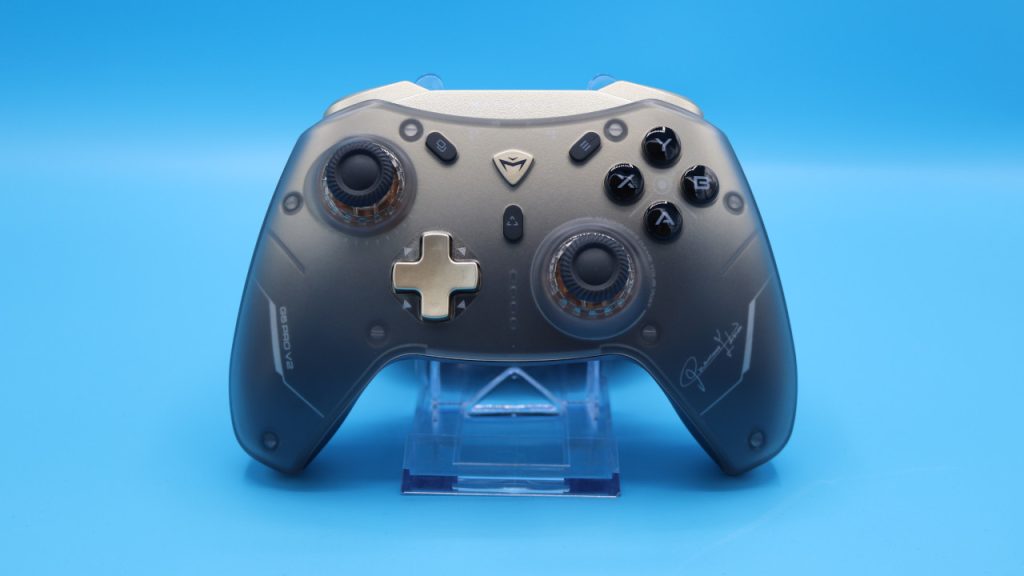
The Machenike G5Pro V2 is my insider tip when it comes to gaming controllers for PC and Xbox. Similar to Razer, Machenike also relies on optical microswitches. Additionally, it has hot-swappable Hall joysticks: You can not only remove the joysticks but also exchange the switches underneath. Unfortunately, no replacement parts are included in the package.
The highlight of the device: The controller costs only 55 euros and is not only significantly cheaper than the Steam Controller but also cheaper than the official Xbox counterpart.
If you do not need dedicated software, do not need a swappable battery, and do not necessarily want to play on Xbox, then in my opinion, the Machenike G5Pro V2 is always the better choice compared to the official controller and costs almost the same. However, if you need your controller on Xbox as well, then the official controller is still the better choice.
Sony’s DualSense (Edge)
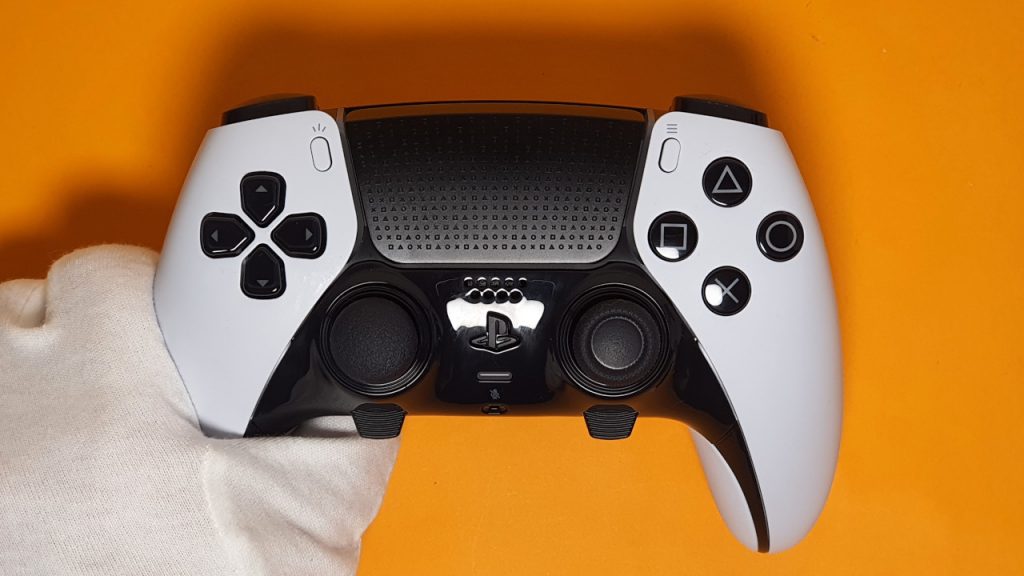
What does Sony’s official DualSense controller do in a PC list? Quite simply, the controller can be wonderfully used on PC and under Windows and supports numerous games directly.
This also means you can use the adaptive triggers of the DualSense even under Windows and Steam. This applies to games like Stellar Blade, Final Fantasy XIV, or games like Spiderman. This way, you can use the exclusive features of the DualSense even under Windows without a PlayStation console.
However, there is one disadvantage: You must connect the DualSense with a cable in order to use the features. Via cable, it is recognized directly as a DualSense under Steam.
The DualSense Edge, the pro controller for PS5, can also be easily used on PC and under Steam. It offers more functions but is also significantly more expensive.



The Steam Controller was actually introduced back then together with the Steam Machine and the Steam Frame. All important information about the Steam Machine, which is already known, can be found in the following article directly on MeinMMO for you as an FAQ: Steam Machine: The most important questions and answers

Your opinion is important to us!
Do you like the article? Then let us know!