

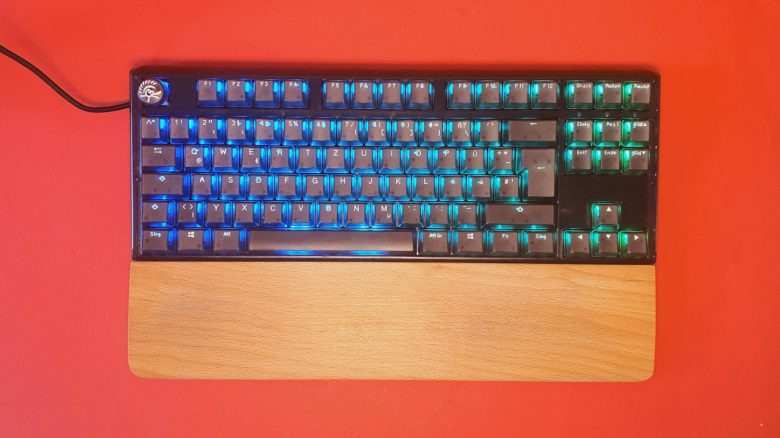
With the Ducky One 3, the manufacturer of the same name offers a range of high-priced keyboards. MeinMMO editor Benedikt Schlotmann was able to test the Ducky One 3 TKL and explains how the gaming keyboard performs in the test.
The most important points at a glance:
- MeinMMO editor Benedikt Schlotmann tests the Ducky One 3 TKL gaming keyboard
- The keyboard features an 80% design and uses “Gateron Baby Kangaroo” switches
- The package includes interchangeable keys and a tool to change the switches
- The keyboard does not have software, and the wrist rest is missing
- In the test, the switches and workmanship impress, but the price is high
Which keyboard is it about? With the Ducky One 3, the manufacturer of the same name offers a whole range of keyboards. I was able to test the small TKL version of the Ducky One 3. My model features RGB lighting and “Baby Kangaroo” switches from Gateron.
In my test, you can read how Ducky’s keyboard performs in everyday use and whether I can recommend the TKL keyboard. Additionally, I will introduce you to a few alternatives at the end.
Who has tested it?
I am the Tech Editor at MeinMMO and have a fondness for peripherals; I test mice, keyboards, and gaming headsets. I have been testing hardware for our readers since 2019. Particularly, gaming mice are among my absolute favorites. Besides the PS5, I also play on my Steam Deck and my Nintendo Switch.
Ducky provided me with the Ducky One 3 TKL for a test.

Benedikt Schlotmann
Hardware Editor MeinMMO
Features and Technical Details
(to expand):
| Design/Interface | Wired, TKL model |
| Key Type | Mechanical switches (Gateron Baby Kangaroo) |
| programmable keys | Yes |
| Lighting | Yes |
| Compatibility | PC |
| Package Contents | Keyboard, mounting tool for switches and keycaps, additional keycaps for replacement |
| Special Features | 80% design with detachable USB cable |
| Price (RRP) | 179.99 Euros |
Package Contents, Design, and Setup
What does the package include? The box contains, in addition to the keyboard, a set of interchangeable keys, such as two additional Enter keys, differently colored arrow keys, and special keys with the Ducky logo. Along with the cable for the keyboard, there is also a tool in the box to swap the keycaps and switches.

How is the keyboard structured? The keyboard comes in an 80% design, also known as Tenkeyless (TKL). The keyboard ends on the right side behind the special keys and arrow keys. Therefore, there is no numeric keypad.
At the back is where the keyboard’s cable is attached, which can also be detached. However, the keyboard cannot be used wirelessly.
What does the keyboard look like? My keyboard comes in a simple black. However, Ducky also offers several other color variations, such as green, a nice blue, or yellow. Sometimes, different switches are also used under the keys.
Otherwise, Ducky uses semi-transparent pudding keycaps made of polycarbonate (PC) for its model. The lower half of the keycaps is transparent, and only the upper part is solid. The disadvantage is that the letters themselves do not light up and are therefore difficult to read in dark rooms.
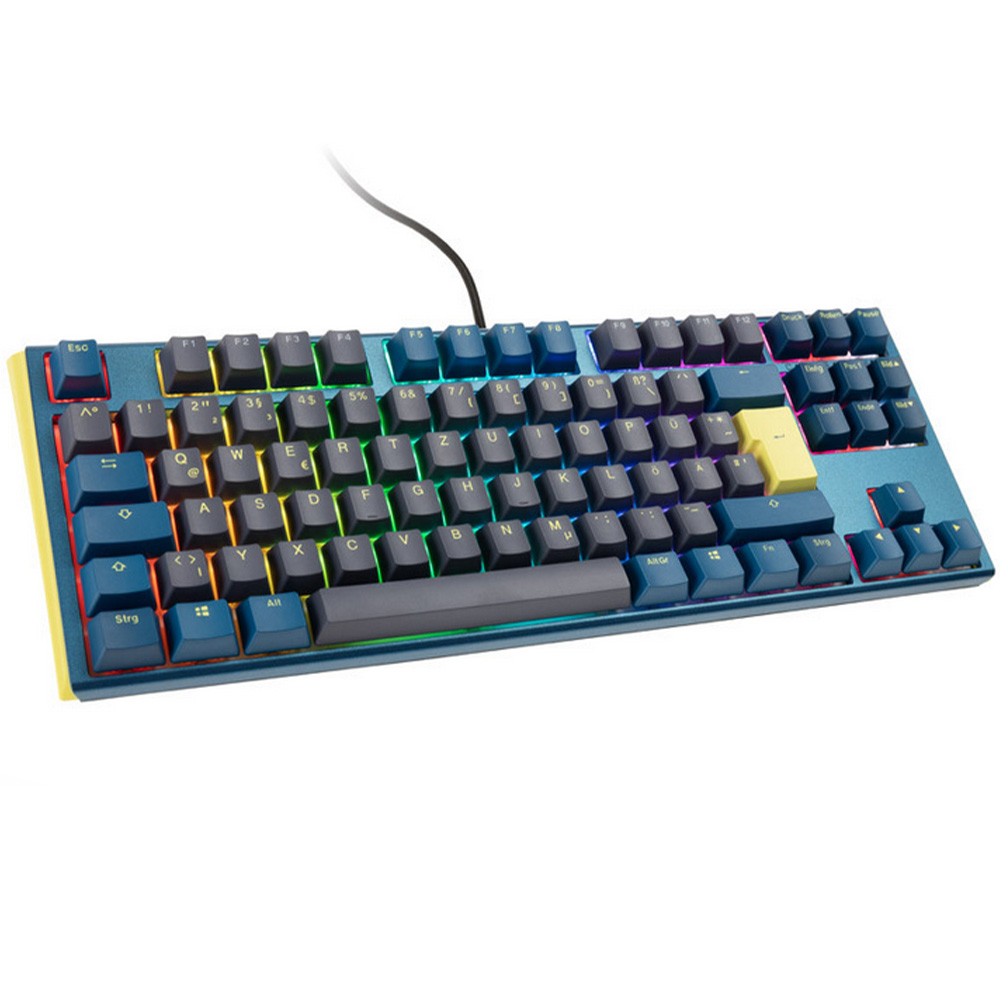
Gaming-Tastatur
- TKL-Design und deutsches Layout
- PBT-Tastenkappen
- Hotswap-Switches
- keine Software
Gaming-Tastatur
- TKL-Design und deutsches Layoutgute Verarbeitung
- Hotswap-Switches
- Keine Software
- keine RGB-Beleuchtung
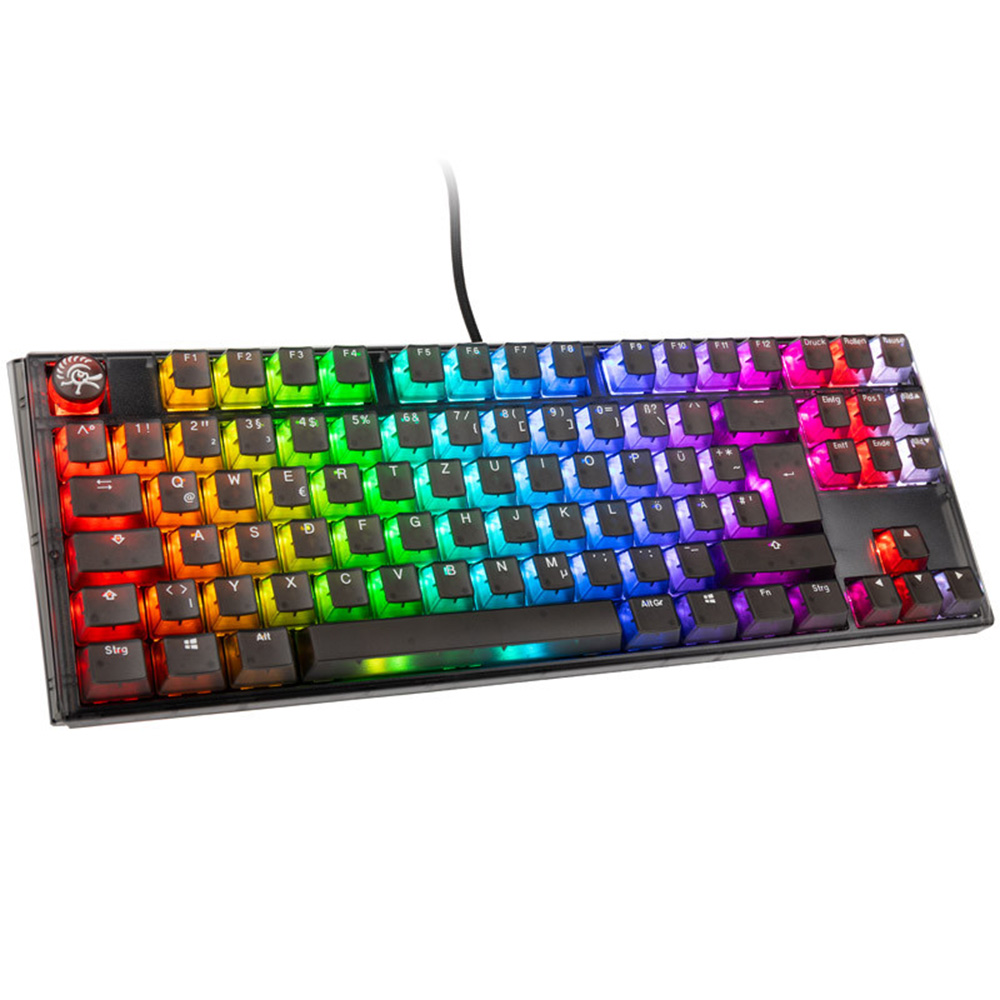
Gaming-Tastatur
- TKL-Design und deutsches Layout
- tolles Tipp- und Spielgefühl
- gute Verarbeitung
- Hotswap-Switches
- Tasten im Dunkeln schlecht lesbar
- Keine Software
Workmanship
The keyboard uses a semi-transparent plastic body. This looks quite sleek, but does not feel as premium as other manufacturers that use an aluminum plate in their surface, such as Roccat in its Vulcan series.
It is worth mentioning that the keyboard’s cable can be detached and replaced with any USB-C cable. Less optimal: If you want to route the cable through the keyboard’s cable channel, you have to bend the USB cable sharply. This is not really sensible for the cable, nor does the cable hold very well.
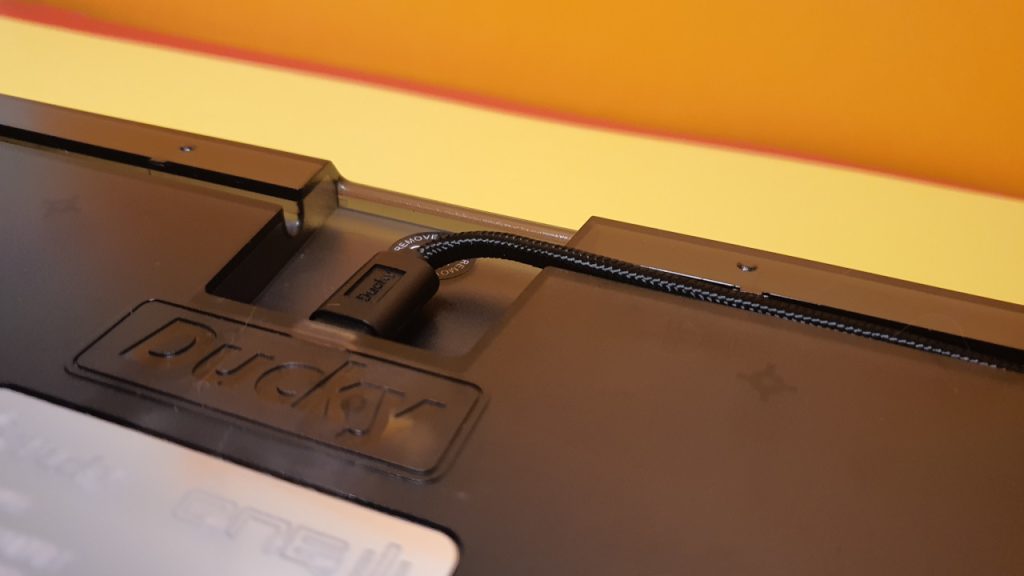
Another plus point: The Ducky One 3 features hot-swap switches. So, you can remove all switches from the PCB without soldering and replace them with others.
Basically, you can disassemble the entire keyboard and use your own components:
- Keycaps.
- Switches.
- Cables.
Everything is easily interchangeable. At a price of 180 Euros, I think it is not very sensible to disassemble the keyboard and equip it with new components. Instead, I would go directly for a barebone. Barebones are PCBs without keycaps and switches.
Ducky chose to use polycarbonate (PC) for the keycaps instead of PBT keycaps. These are manufactured in a double-shot process. Compared to PBT keycaps, PC keycaps are more prone to wear and can lose their strength and color over time.
However, during my testing period, I did not observe any significant wear. The keys still look good after a few days and do not feel greasy and shiny like cheap ABS keycaps without a double-shot process.

Software
With the Ducky One 3, there is no software. And in my eyes, that is quite a shame. If you want to make adjustments, you have to do so directly through the keyboard. Using the FN key, for example, you can set specific lighting modes and also record.
Additionally, there are DIP switches on the underside of the keyboard. You can enable or disable specific keyboard functions, such as deactivating the Windows key. Drawback: To use it, I have to turn the keyboard over every time. That could have certainly been solved more elegantly.

On specific keys, there are also multimedia functions. For instance, if you hold FN, the Windows key, and A at the same time, your sound will be muted. The idea behind it is good but quickly turns into a memory game if you really want to remember all the keys and their corresponding macros. You can find all macros and settings directly in the manual (via duckychannel.com).
On the next page, I will discuss the ergonomics and the keys of the gaming keyboard. In the concluding summary, I will explain for whom the keyboard might be worth it and what alternatives there are.

Your opinion is important to us!
Do you like the article? Then let us know!