

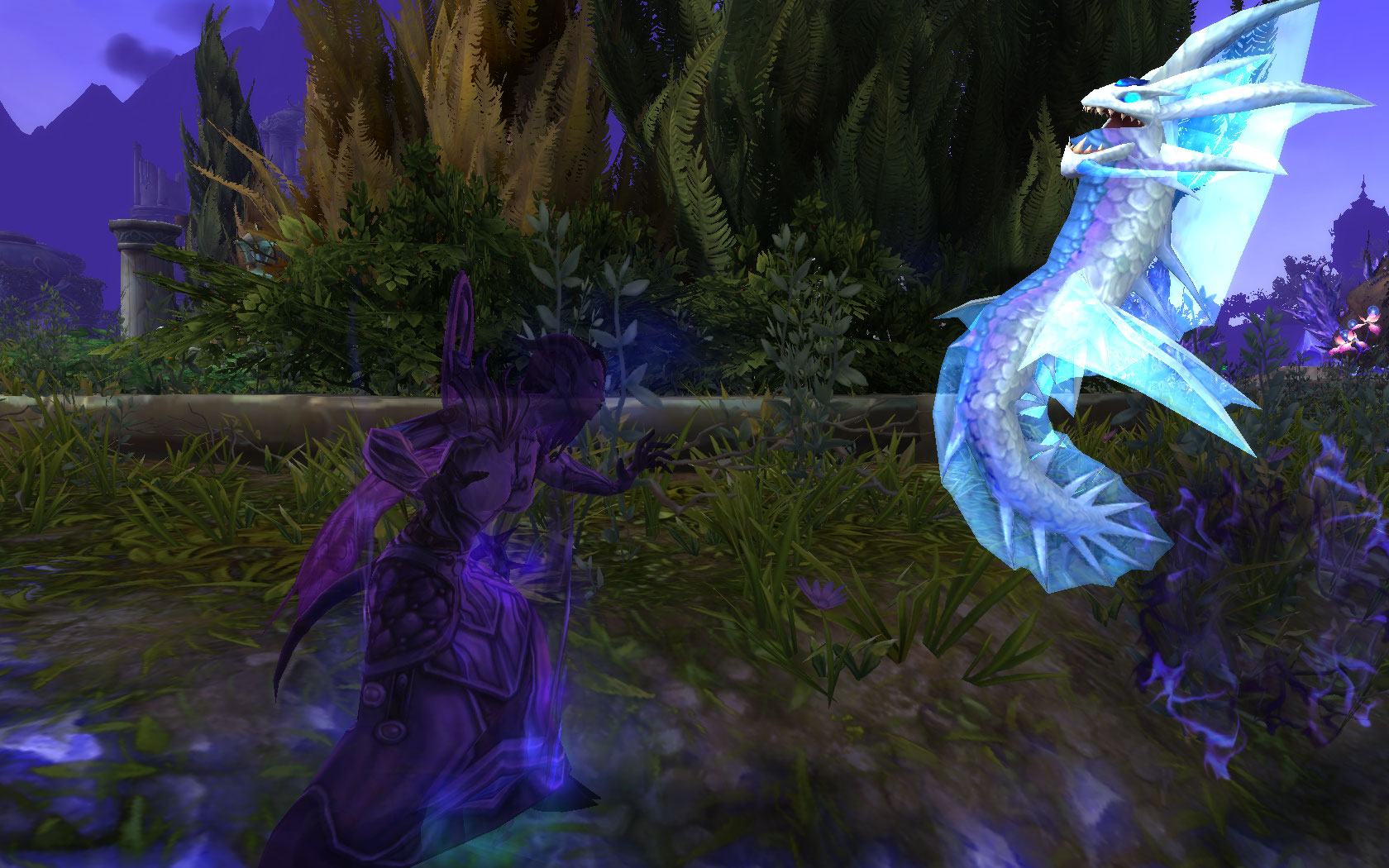
Patch 7.1 of WoW has brought back the ActionCam. We’ll tell you how to activate the settings.
Alongside all the small and big changes from Patch 7.1 Return to Karazhan, there was also a sneaky setting that has sneaked back into World of Warcraft. After the “Action-Cam” system was extensively tested in the beta of WoW: Legion and there were complaints from some players, the feature has now been implemented back into the game.
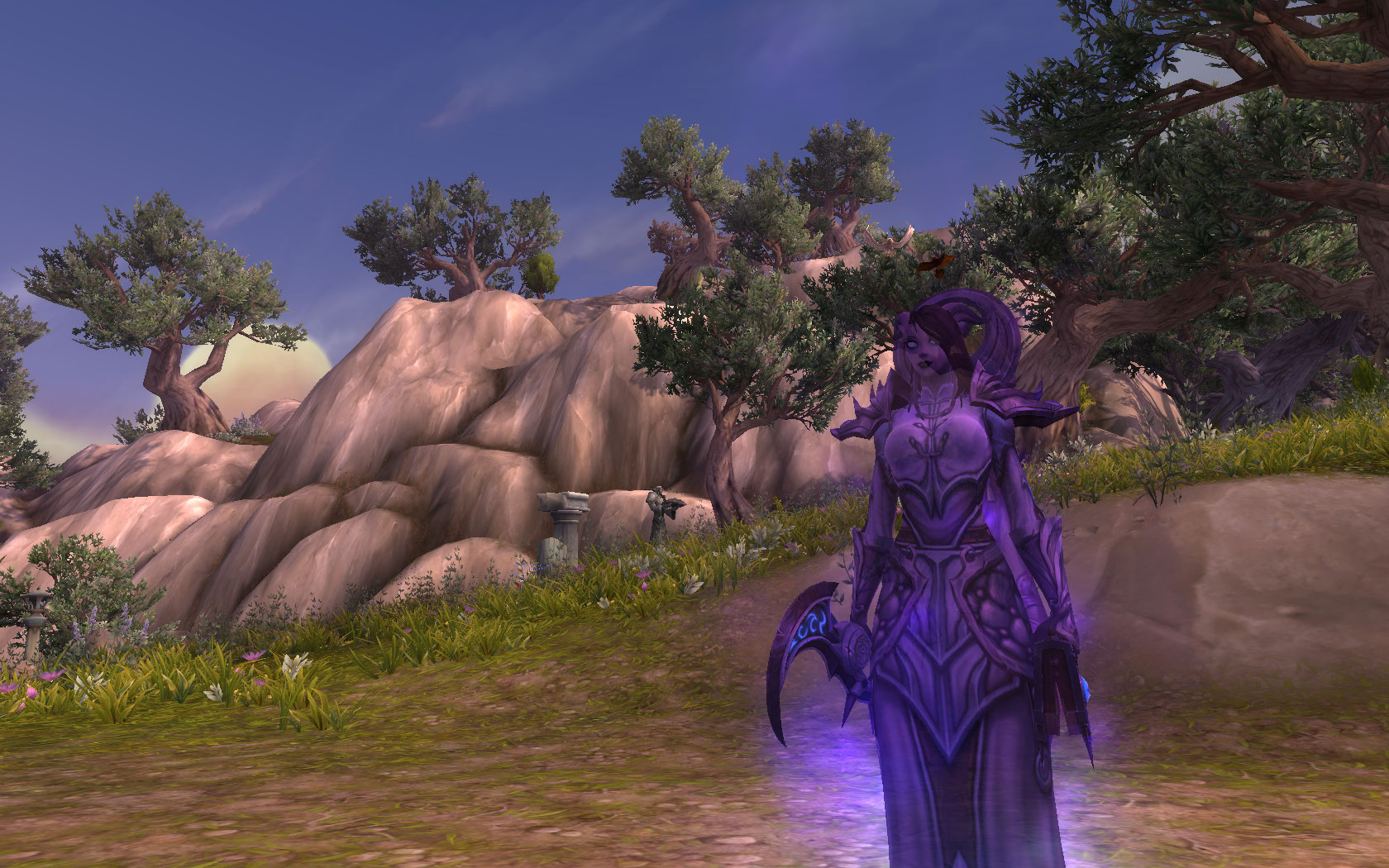
The ActionCam ensures that the camera is not statically positioned behind your character but rotates slightly to the side and changes the perspective depending on the target the player is aiming at. Anyone who enjoys taking screenshots of the environment or their character and doesn’t always want to be in full center will have a lot of fun with the camera. It is also worth a look for all melee fighters who like to be “up close” to the action, as the game feels significantly more action-oriented.
If you want to try out the ActionCam yourself, just type the following command in the chat window: /console ActionCam full
A prompt will follow asking if you really want to activate the ActionCam, as this feature is still in a testing phase (which is why it’s not found in the interface options).
If you aren’t convinced by the new view and camera movements or want to have more control over the camera again for the raid, you can disable the feature with this command: /console ActionCam off
We have more information about Patch 7.1 here for you:
- Undocumented changes from Return to Karazhan
- The Blood Vendor of Patch 7.1
- Hidden Feature “Action-Camera” – How good is it?

Your opinion is important to us!
Do you like the article? Then let us know!
Comments