


In Call of Duty: Modern Warfare, the new battle royale mode Warzone is celebrating its release today on PS4, Xbox One, and PC – and for free for all owners of the game, as well as a standalone free-to-play version “Call of Duty: Warzone”. We will show you when the preload starts, who can jump into the Warzone and with what trick you can load it earlier.
What is Call of Duty: Warzone? Warzone is an in-house battle royale mode of Call of Duty: Modern Warfare, which will enrich the multiplayer part of the game starting today. So far, only traditional formats were represented.
Warzone will not only be available for free as part of the game for owners of Modern Warfare, but also as a standalone free-to-play version “Call of Duty: Warzone” without the main game – so as a standalone version that does not require Modern Warfare.
Here we have summarized the most important official information about Warzone:
- CoD MW: The trailer for Warzone is finally here – Today it begins
- CoD MW: Warzone starts with trio mode and 5 vehicles
- CoD Warzone says: No PS Plus required on PS4, but I think we need it
- The best new battle royale idea from CoD Warzone is the Gulag
- Warzone allows crossplay – Here’s how
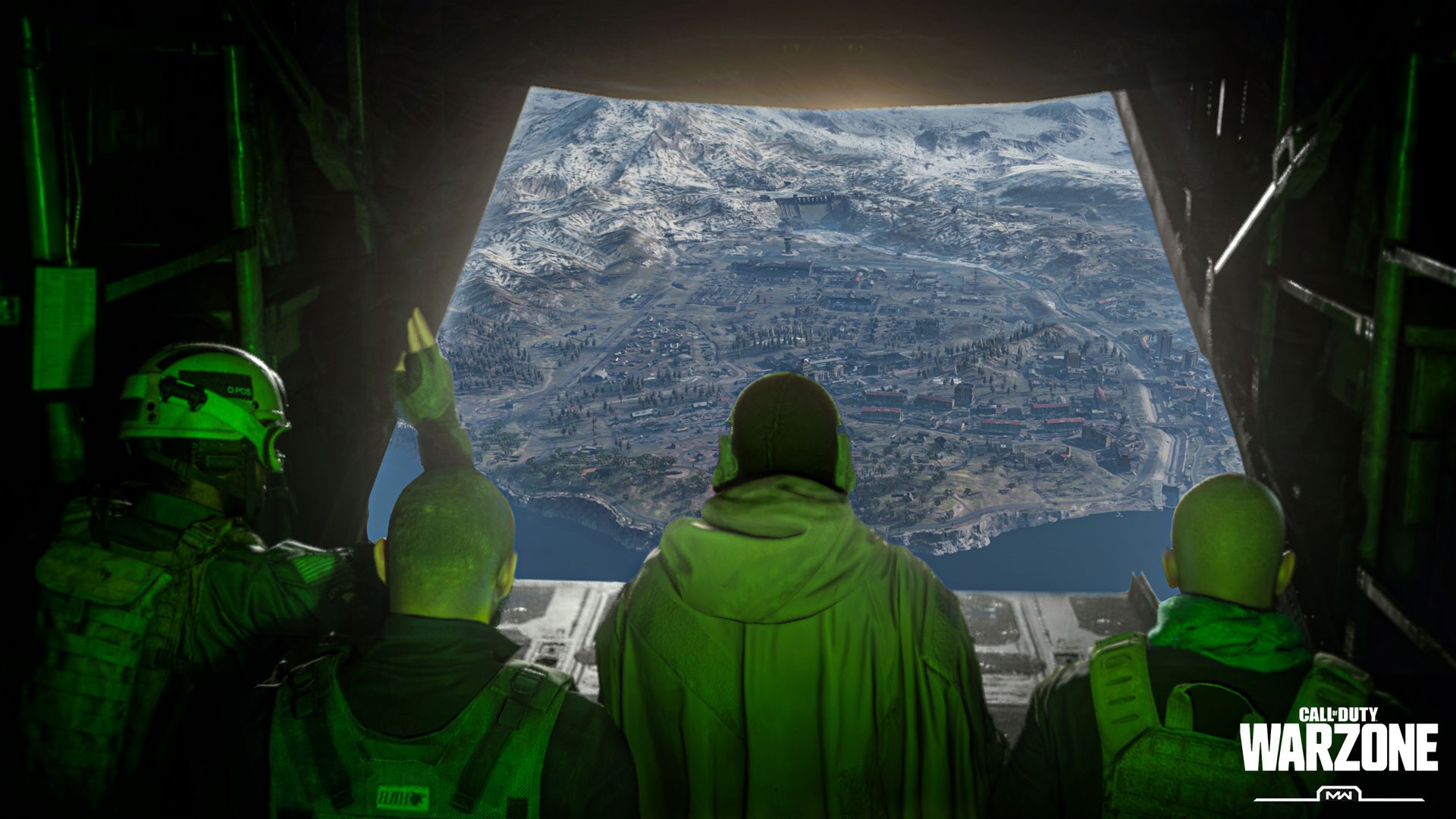
How to kick off right on time for the Battle Royale: Warzone has been eagerly awaited by many players for weeks. To ensure you get off to a good start and can jump into the new mode on time or as early as possible, we also summarize the most important information about the preload/download and the start time of Warzone below.
With a trick, however, you can start the preload earlier as a non-owner – right now, if you want. We have explained the trick in more detail below.
When does the preload for Warzone start?
This depends on whether you are a owner of Call of Duty: Modern Warfare, or if you want to jump in with the free standalone version.
Warzone preload for owners of Modern Warfare
When does the preload start? If you already own the main game CoD: Modern Warfare, then the preload starts for you on all platforms – on PS4, Xbox One, and PC – today, March 10th, at 4:00 PM German time.
This is a kind of early access for owners of the base game, as the preload for the free-to-play version starts later.
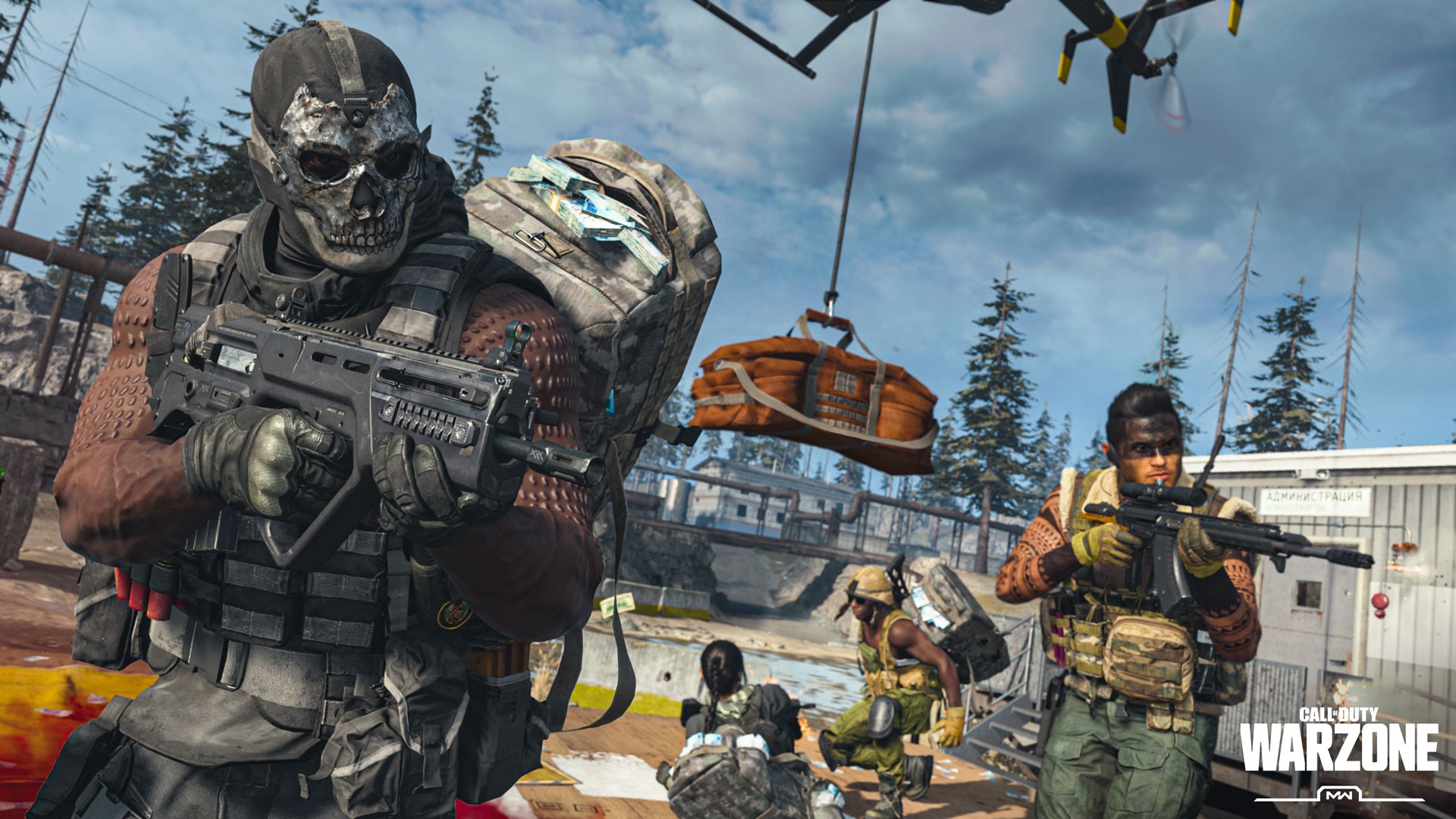
What is the download size? If you have installed all previous updates for Modern Warfare, the download for Warzone will be platform-dependent, between 18 and 22 GB.
If you haven’t touched Modern Warfare for a while and missed the last major updates, you may need to download up to 80GB.
How can I load the Warzone update? This should happen automatically as soon as you start the respective console or launcher on PC.
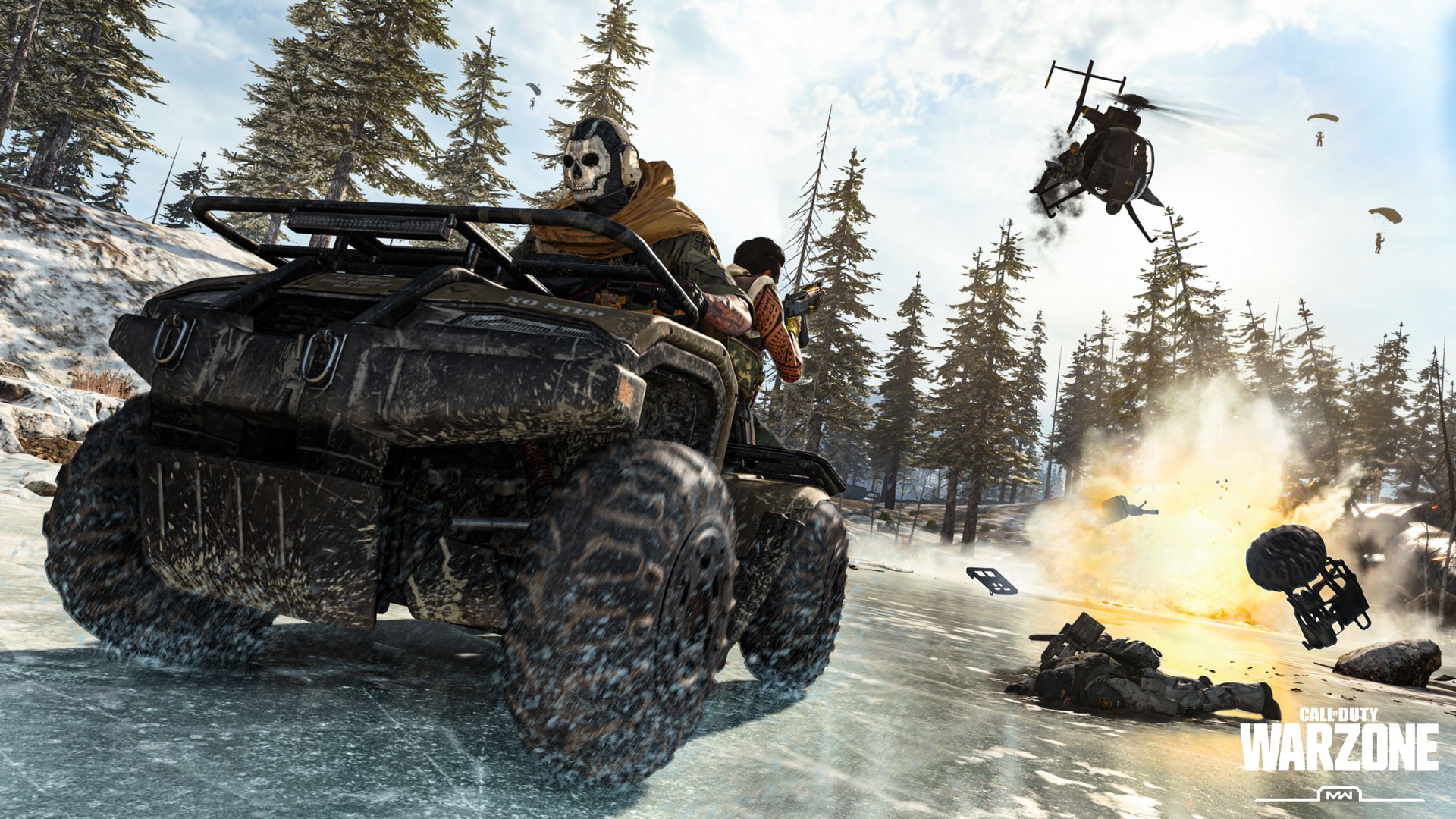
Warzone preload for the free-to-play version
When does the preload start? All those who want to start with the free-to-play version of Warzone will be able to download it on March 10th, starting at 8:00 PM German time via the respective platform store (PS Store, MS Store) or the corresponding launcher (PC).
How large is the download? The download could take a while depending on the connection. If you do not own Modern Warfare, the download depends on the platform and is between 80 and 101GB.
How to download the free-to-play version Call of Duty: Warzone? If you want to download the free version, follow these links:
- PS Store: Call of Duty: Warzone (PS4)
- MS Store: Call of Duty: Warzone (Xbox One)
- Blizzard Store: Call of Duty: Warzone (PC)
Keep in mind: In the PS Store, Warzone costs 25 cents without PS Plus for age verification.

Buy Call of Duty: Modern Warfare: If you gain interest in the main game through Warzone and want to check out the campaign or the traditional multiplayer – CoD: Modern Warfare is reduced on all platforms at the release of the Battle Royale:
- PS Store: Call of Duty: Modern Warfare Standard Edition (PS4) for €45.49 (instead of €69.99) – you save 35%
- MS Store: Call of Duty: Modern Warfare Standard Edition (Xbox One) for €45.49 (instead of €69.99) – you save 35%
- Blizzard Shop: Call of Duty: Modern Warfare Standard Edition (PC) for €38.99 (instead of €59.99) – you save 35%
Exclusive gift for PS Plus members on PS4: At the launch of Call of Duty: Warzone, PS Plus members receive an exclusive gift – The Call of Duty: Warzone combat package.
Here you can find out what’s inside and how to get it: CoD MW: Snag the Warzone combat package for free with PS Plus in the PS Store
Trick for instant preload of Warzone (free-to-play)
What kind of trick is that? A reader from GameStar has pointed out that you can already download Warzone now (via GameStar). To do this, you need to log into your account on the Battle.net website and navigate to the download section. Go directly to the downloads.
In that section, you will find the entry “Call of Duty: Modern Warfare.” Start the download and you will be able to download the file Modern-Warfare-Setup.exe.
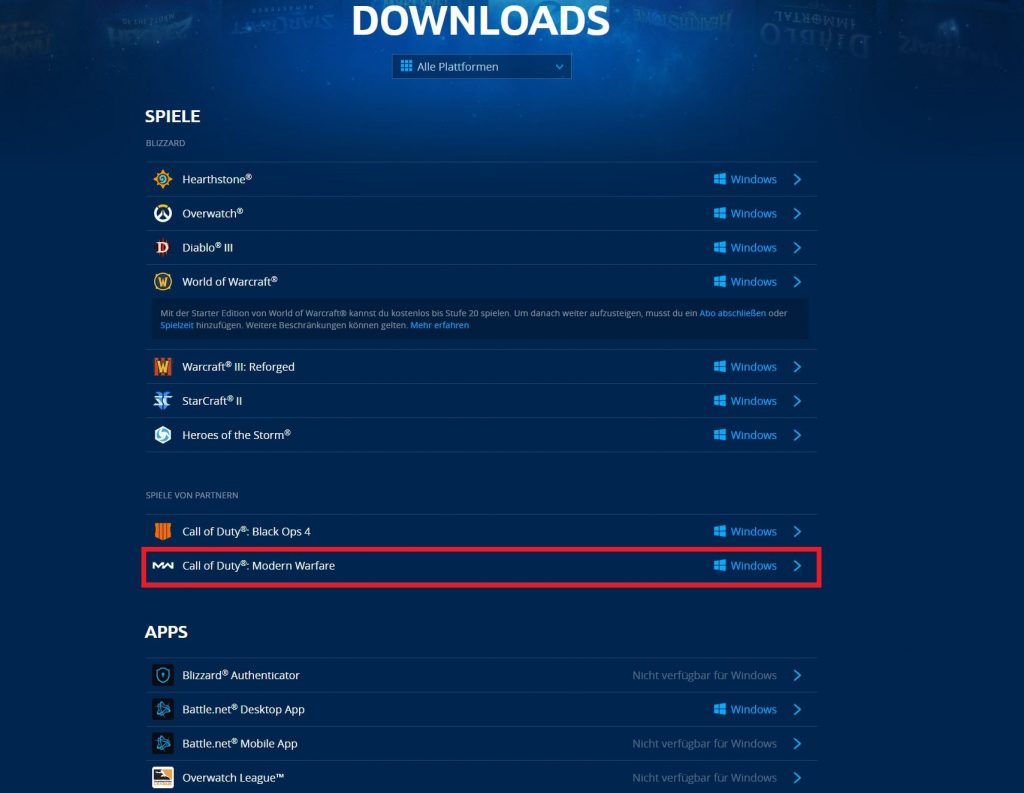
If you run it, the Battle.net client should automatically open and start the installation, even if you do not own the game. Then start the free-to-play version of Warzone today at 8 PM, you will only need to download the approximately 20GB patch instead of the approximately 100GB game.
However, the trick only works on PC. Players on PS4 and Xbox One will have to wait.
When exactly does Warzone start at CoD Modern Warfare?
This also depends on whether you have already purchased and installed Modern Warfare or whether you want to play the standalone version.
Warzone start time for owners of CoD: Modern Warfare
When can you start with CoD: Warzone? You can start on all platforms as soon as the download of the update (available from 4 PM) is finished.
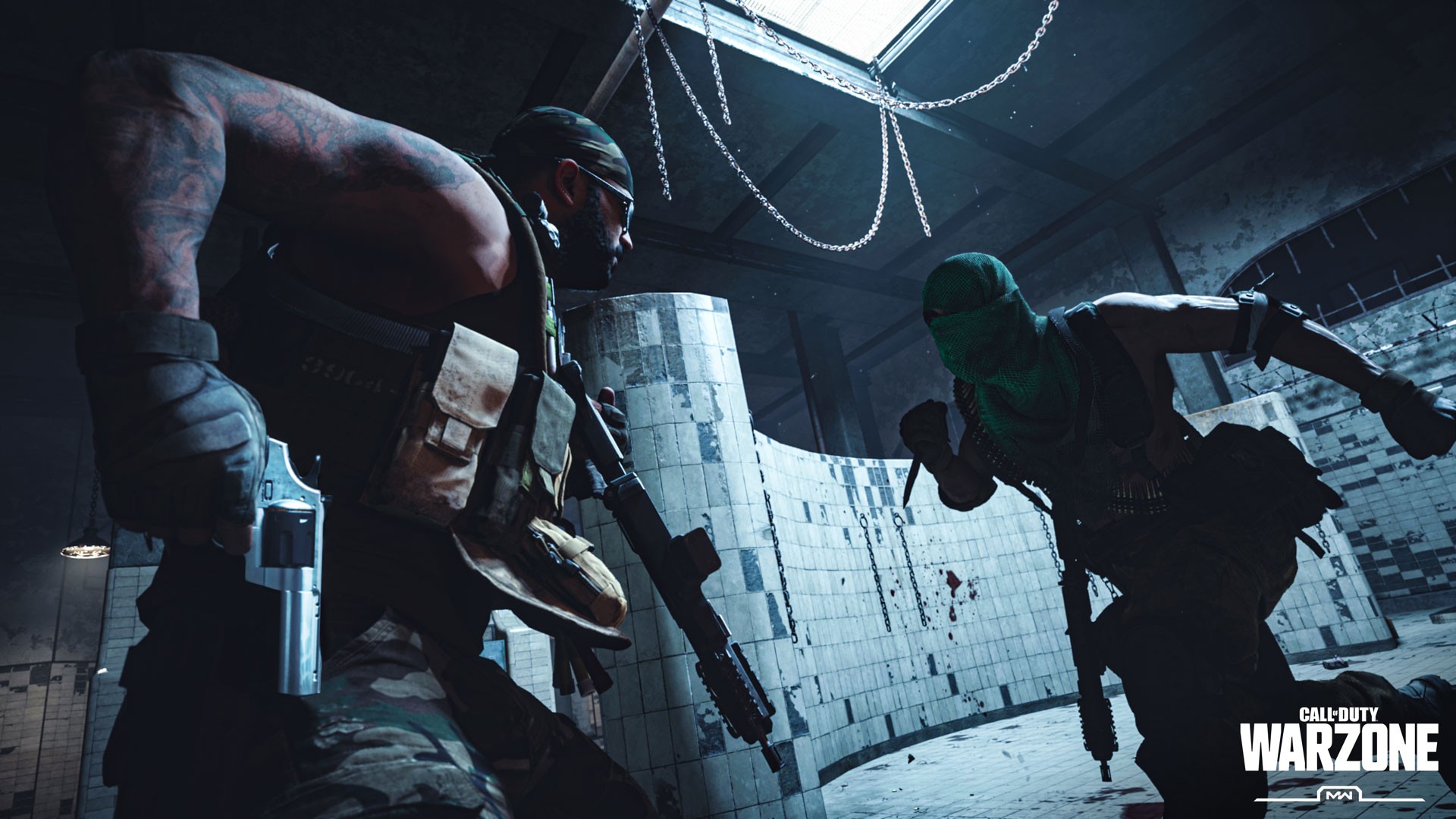
Then, in the main menu, the point that was previously considered “secret” will be unlocked as Warzone, and you can jump into the new battle royale mode. Here a countdown is even running.
Warzone start time for the free-to-play version
When can you start with the F2P version of CoD: Warzone? Again for all platforms: As soon as you have completed the download (available from 8 PM). However, since you may have to download up to 100GB here, a quick start is not possible for everyone.
The download of the free-to-play version is segmented. After the first 20GB, you can already start Warzone and have some fun in offline solo gunfight matches against bots. The download will continue to run in the background.
Once the rest of Call of Duty: Warzone is loaded, you must leave the gunfight match and restart the game. Then Warzone will finally be available to you as well.
However, expect longer waiting times in the first rounds, as many players currently leave lobbies. However, if you find a game, the victory will be especially sweet:

Your opinion is important to us!
Do you like the article? Then let us know!