

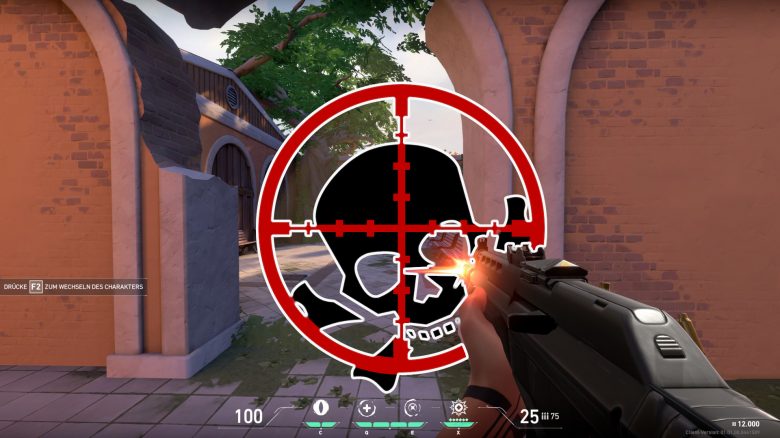
In Valorant, you can customize your crosshair in various ways and make different adjustments. Because only those who can aim accurately at their opponents have the chance to deliver precise headshots, just like pros such as shroud. With the tips and tricks from MeinMMO, you too will become top shooters in Riot’s team shooter.
Where can you find the crosshair settings? You can find the settings for the crosshairs in the game settings. There is a tab called “Crosshair”. Here, you will find a whole list of more or less clear settings. We will explain everything you can adjust to aim optimally here.
These are the settings for the crosshair
What can you set? The settings for the crosshair in Valorant are extremely diverse. There are settings for length, width, color, outlines, and transparency. This applies to both the inner and outer crosshair. Additionally, you can define a center point and even make obscure adjustments for fire and movement errors. All these aspects will be explained in the following paragraphs.
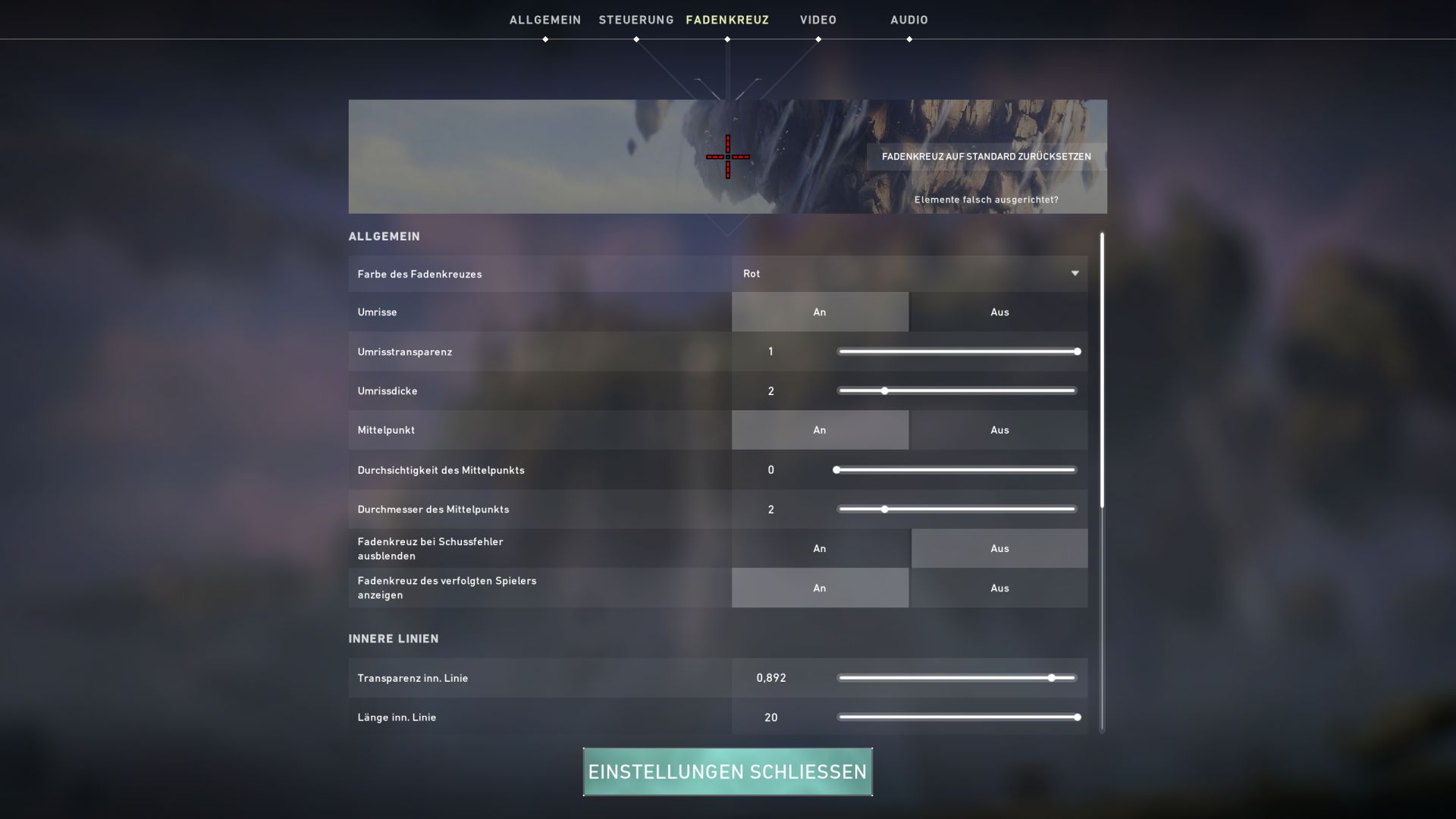
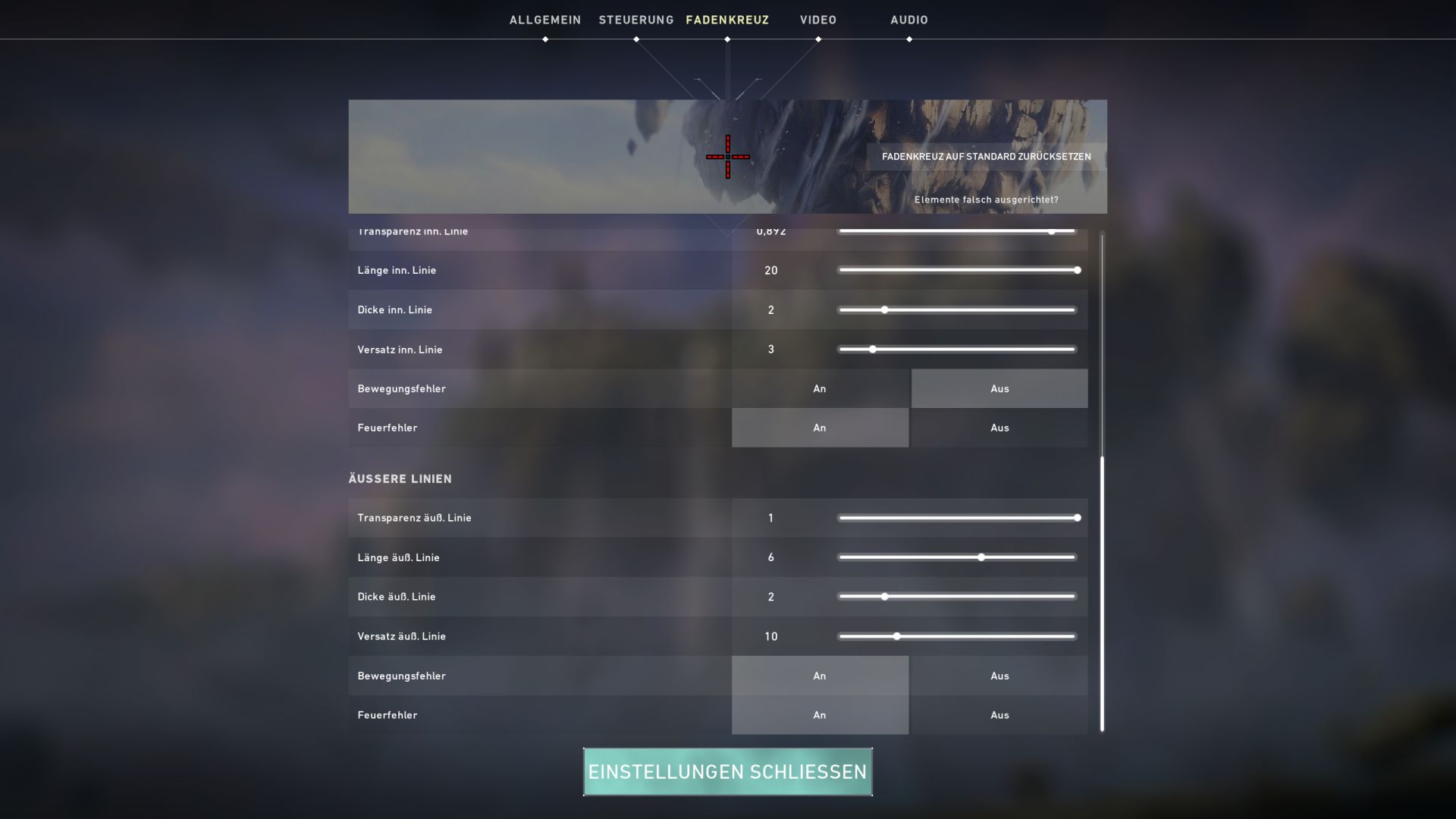
This is the golden rule: Always keep in mind the golden rule for the crosshair in Valorant: less is more! The less the crosshair obstructs your field of view while still providing relevant aiming aids for you, the better.
Color settings for the crosshair – Stay away from red!
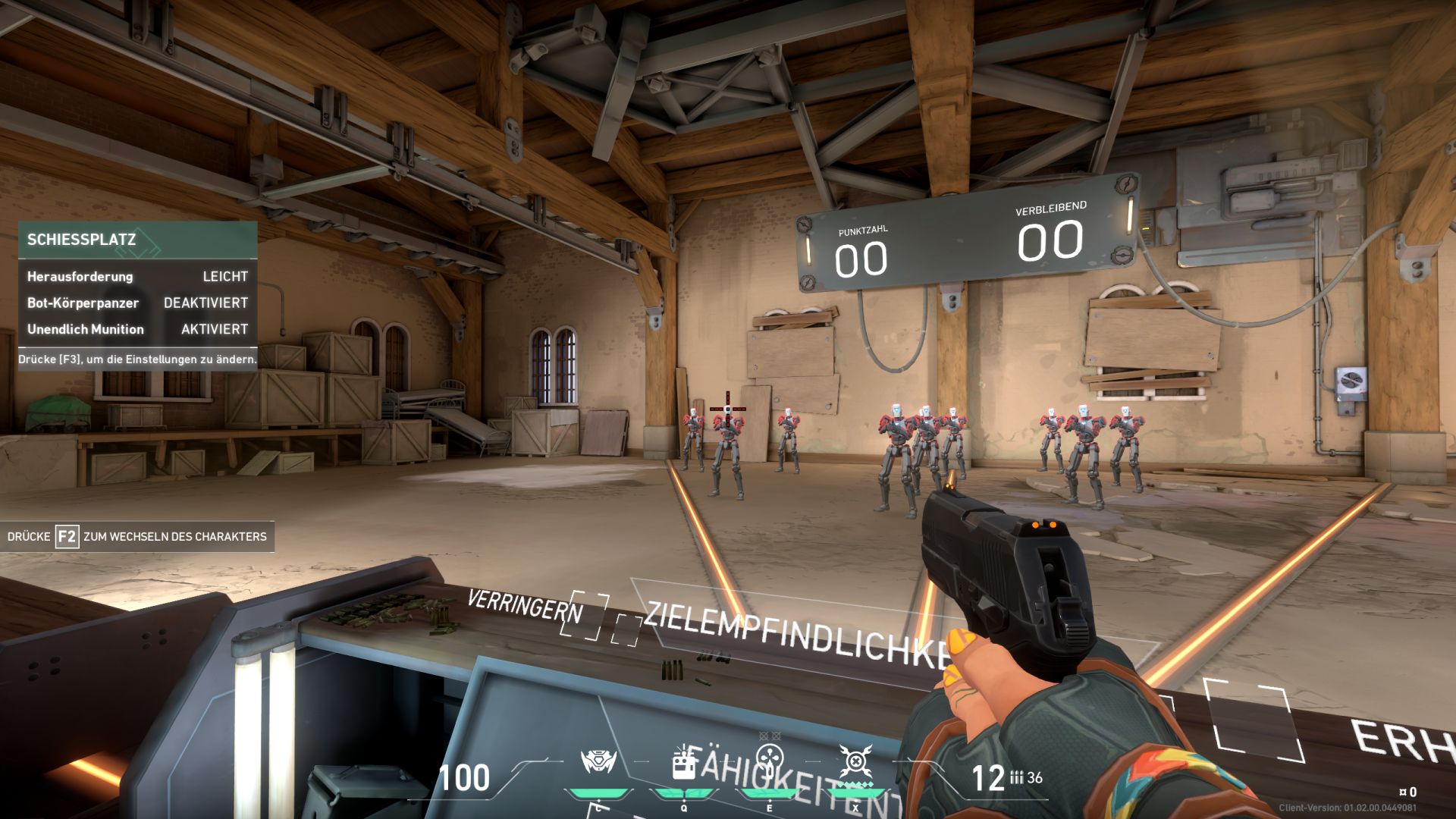
This is the ideal color: By default, your crosshair is white. However, it can appear in a variety of colors. Since the crosshair should stand out well from the background and other displays, shades that do not occur in the game are recommended. These would be:
- Pink: Since almost no objects in the game are pink, this color is very effective for always seeing the crosshair.
- Green: Green shines brightly and, apart from Viper’s poison gas, is rarely found in the game.
However, red, white, and blue are less suitable. White often gets lost in the background, while red frequently blends with the red outlines that enemies have in the game. With blue, the issue is that your teammates are outlined in blue, which is less problematic than the red of the enemies. If you still want to use red as the color of the crosshair, you should adjust the outline color of the enemies.
Inner lines, outer lines, center point – what do you need?
What you need to know about the inner line: The “inner line” represents the area of the crosshair that arranges itself around the center point. You can make this line more visible using the “Transparency” setting or completely hide it.
Since the inner line shows the area around the ideally most precise impact point of your projectile, it should be clearly visible. However, it is better to avoid edges, as the crosshair should not obscure too much of the field of view.
This is how the outer line should look: The outer line gives you an even larger crosshair, and if you adjust the “Offset” accordingly, you can create gaps in the crosshair in conjunction with the inner line. This can be useful for sniper shots at long distances, as you can better see the bullet deviation and the lead angle through the gaps.
However, since most fights in Valorant occur at medium to close range, this is rarely necessary. Therefore, many pros completely disable the outer line to have a freer field of view.
Do you need a center point? The center point indicates where your first shot ideally lands. This is particularly useful for beginners. So feel free to enable the point in your first rounds, as it provides a reliable aid.
But, as with all other settings, the same applies here: less is more. Therefore, you should give up the point once you develop a feel for the shooting behavior in the game to have more field of view available.
Those who are particularly minimalist have ONLY the point on and nothing else. This setting guarantees maximum visibility of the playing field with minimal aiming assistance. However, to achieve something with this, you must have a very good feel for the weapons in the game. Most players still hit better with a minimal crosshair, while pro player summit1g uses this setting.
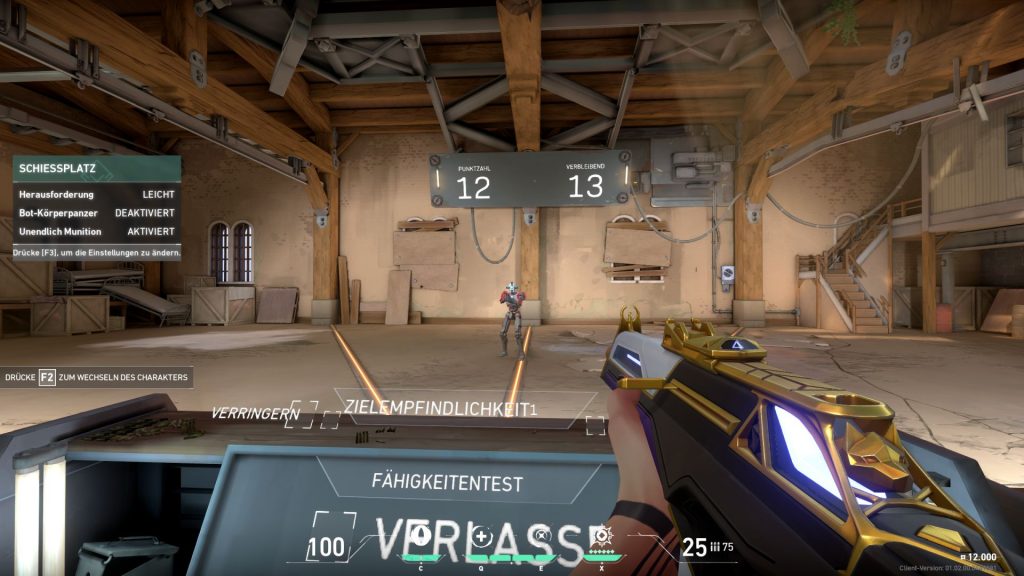
Outlines – Useful or not? Outlines make the crosshair more visible and are suitable if you want to play with a color that is otherwise rather unfavorable. The outline clearly distinguishes the crosshair. However, it also makes it thicker, thus covering more of the field of view. Therefore, if you are using a color that is already high in contrast, you can safely turn off the outlines.
Settings for fire errors and movement errors
What are movement and fire errors? These settings indicate whether the crosshair remains static or changes when you perform actions that lead to inaccuracy. If the “Movement Error” setting is enabled, the crosshair expands when you move, showing how far your shots can deviate.
The same applies to “Fire Errors”. The crosshair widens when you have already fired, and the recoil makes your follow-up shots less accurate.
Should you use these options? You can make these settings separately for inner and outer lines. This setting is especially useful for newcomers, as it helps them develop a feel for the varying aiming accuracy.
However, those who are well-versed in the game often perform better with a static crosshair that always points to the same place. If you can accurately assess where your shots land with movement and fire, then you should disable this option.
The Settings of the Pros
How do the pros shoot? Professionals place great importance on the perfect crosshair for them. That’s why we have presented three settings here that are used by top players.
The crosshair of shroud
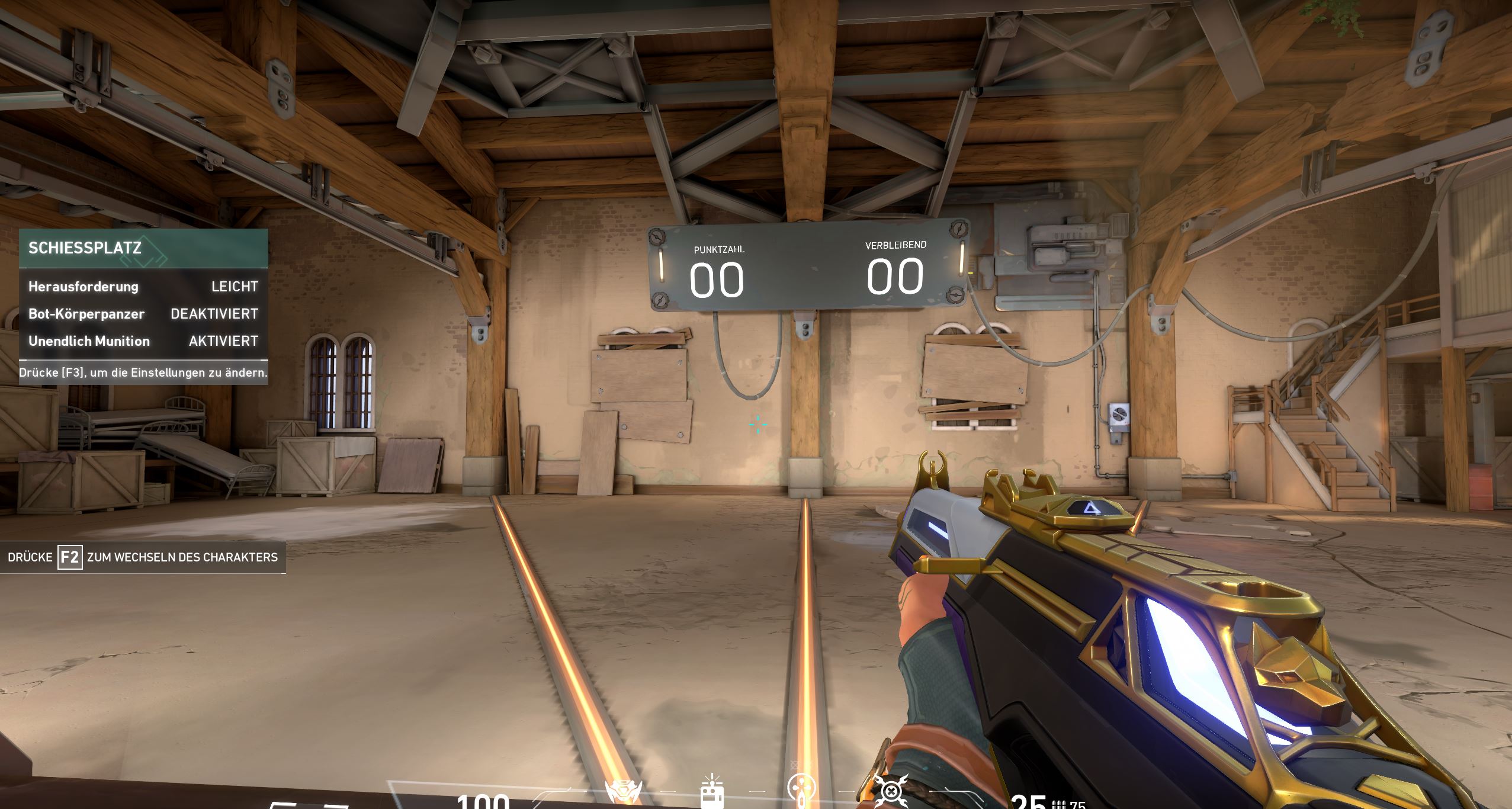
Shroud is considered one of the best shooter players and is also referred to as a human aimbot. To hit well, shroud uses the following settings:
| Color | Cyan |
| Inner Line | 1/8/2/3 |
| Outer Line | 0/0/0/0 |
| Outlines | None |
| Center Point | None |
| Movement Error | Off |
| Fire Error | Off |
The crosshair of summit1g
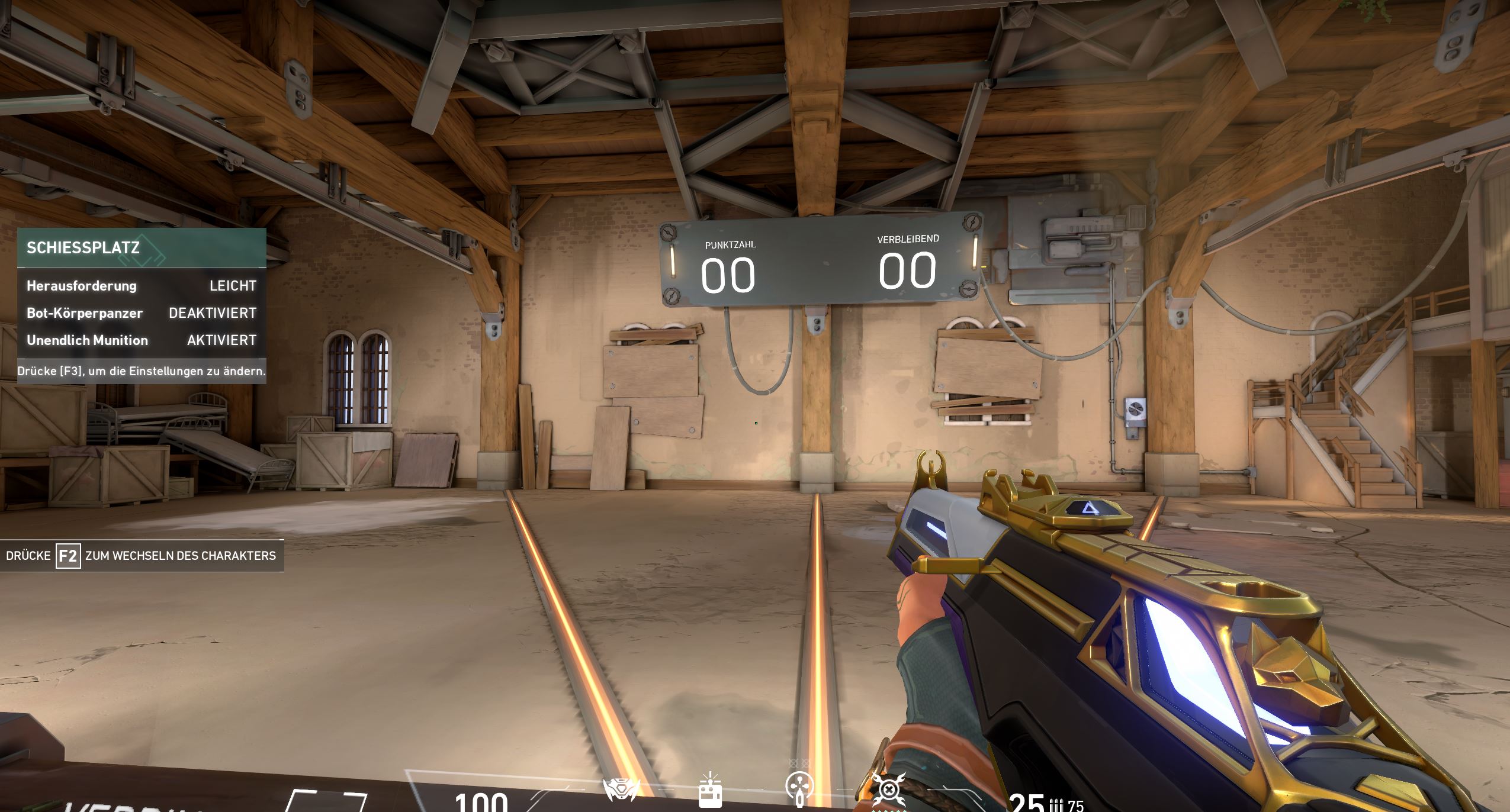
Summit1g was often on Valorant during the beta and preferred an extremely minimalist view of the crosshair. This actually consists only of a center point!
| Color | Green |
| Inner Line | 0/0/0/0 |
| Outer Line | 0/0/0/0 |
| Outlines | On |
| Center Point | On, with a thickness of 4 |
| Movement Error | Off |
| Fire Error | Off |
The crosshair of brax
The former Counter-Strike pro brax uses a very tight, precise setup for his crosshair.
| Color | Cyan |
| Inner Line | 1/6/2/3 |
| Outer Line | 0/0/0/0 |
| Outlines | None |
| Center Point | None |
| Movement Error | Off |
| Fire Error | Off |
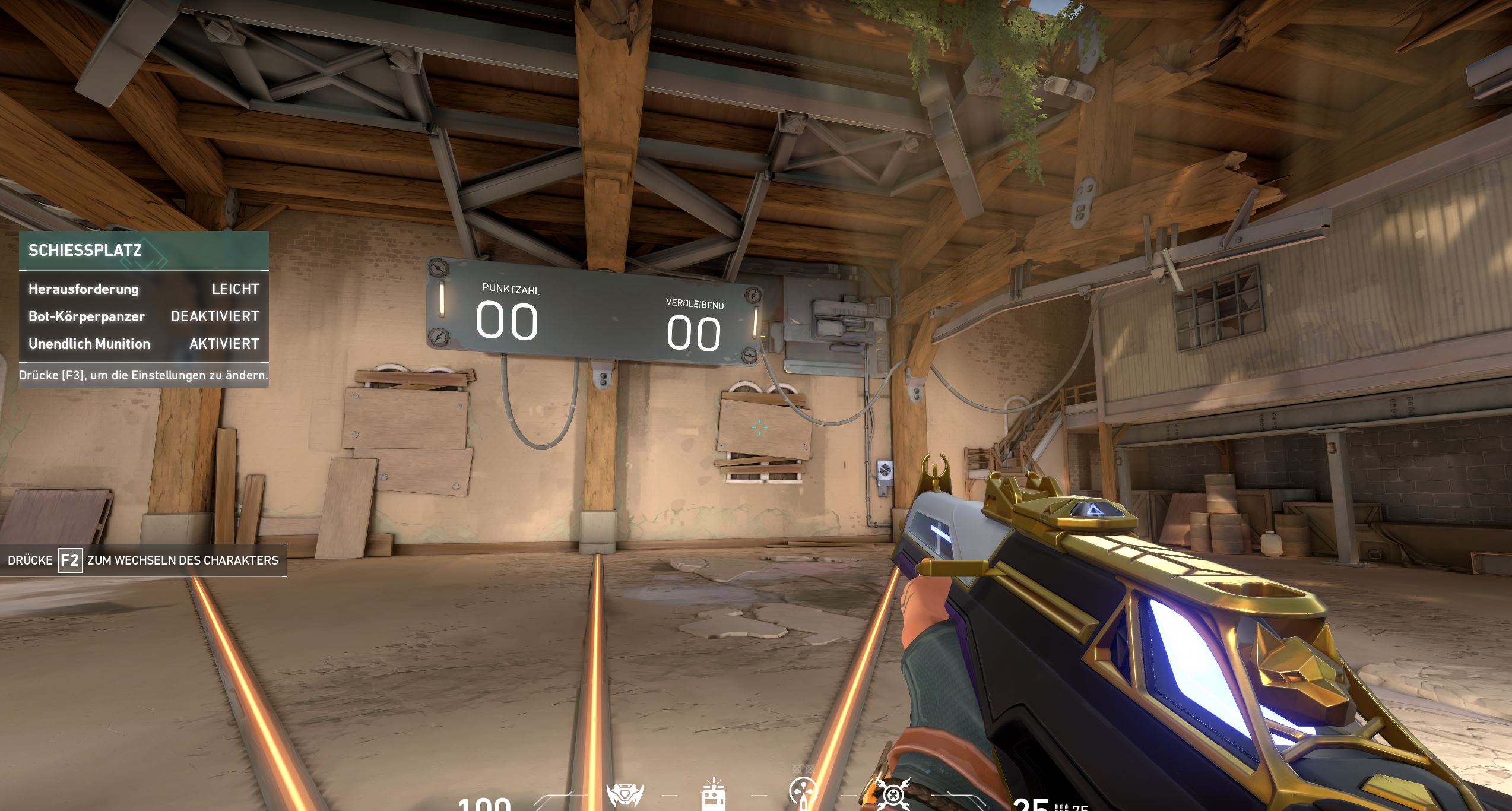

But no matter what the pros do, in the end: the perfect crosshair is the one with which you can play best. So if you prefer a thick monster in the center of your screen because you land many good hits with it, then use that. You can find more information about the settings in Valorant from pro shroud here.

Your opinion is important to us!
Do you like the article? Then let us know!