

Since the release of Valorant , some players have been plagued by certain errors from time to time. Fortunately, there are solutions for two of them with error codes 29 and 7 that you can tackle yourself. MeinMMO shows you how to fix them.
What are error codes 29 and 7? The relevant codes describe errors that can prevent you from playing Valorant. Both errors have been occurring repeatedly for players since the release of Valorant on June 2. We cannot say exactly how often they occur, but they are very annoying for those affected.
- Error code 29 describes a problem with the internet connection, which may stem from the firewall or security programs.
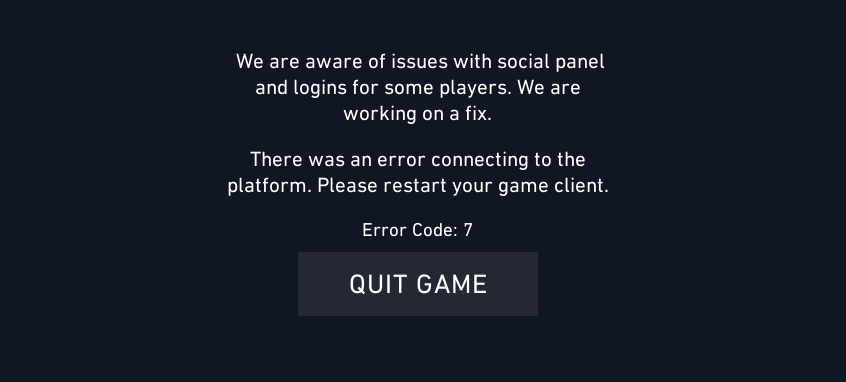
- Error code 7 describes a connection problem to the game servers or an issue with the internet provider itself. It can usually be fixed by the player.
The developers are already working on solutions that should appear in upcoming updates. However, there is no information on when exactly. But with our tips, you can at least try to get rid of them yourself.
Fix error code 29
Fixing the error with code 29 requires a bit of knowledge about your system. First, check whether you are using any third-party antivirus program or firewall (not Windows). Check in the relevant programs whether Valorant is classified as a threat.
If that is the case, add Valorant and the controversial anti-cheat software Vanguard to the exceptions. If that does not help or if that is not the case, try the following steps:
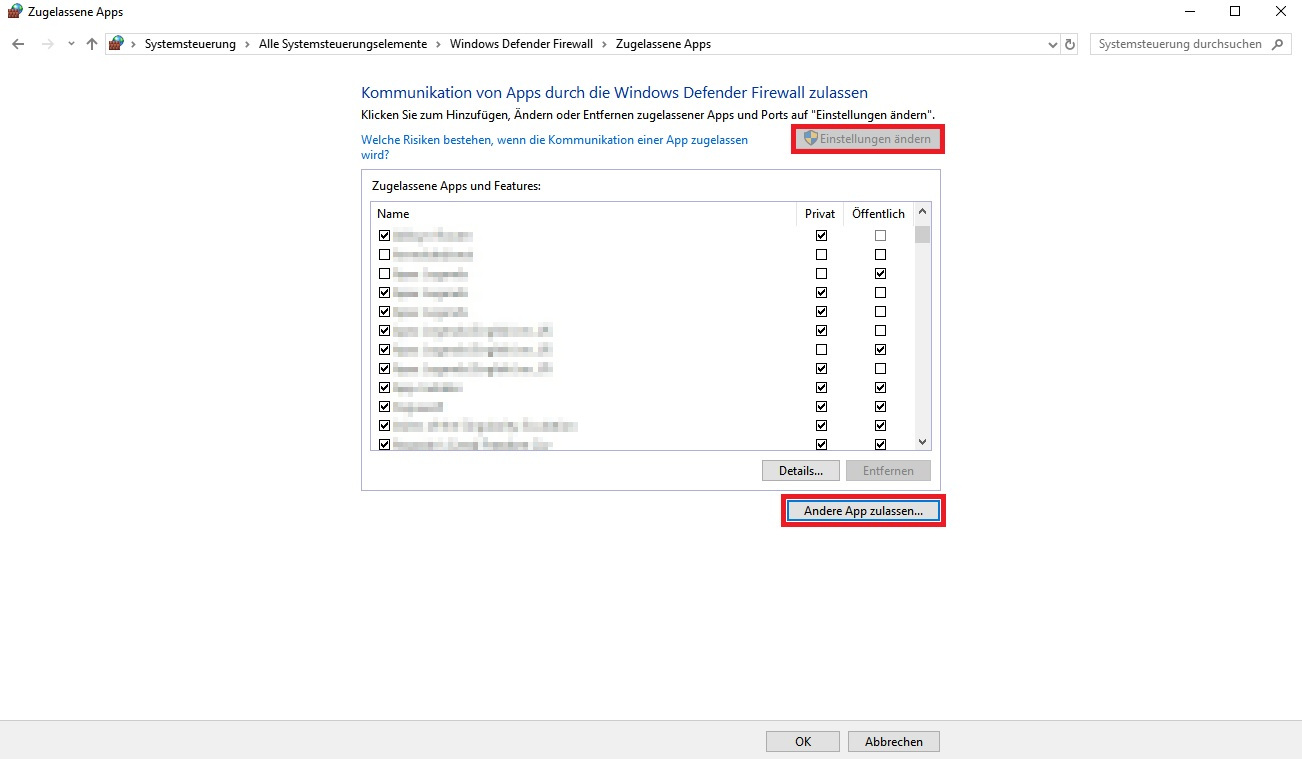
- Open the firewall options under Control Panel (Large Icons) → Windows Defender Firewall
- Click here on “Allow an app or feature through Windows Defender Firewall”
- Click “Change settings” (requires administrator permission)
- Look for Valorant, Vanguard, and the launcher in the list or navigate to the installation directory of Valorant using the “Allow another app…” button
- Check all boxes for the three programs and click “OK”
After that, error 29 should be resolved.
If you are uncomfortable using the anti-cheat software, you can find tips here on how to remove Vanguard and the compromises of the developers.
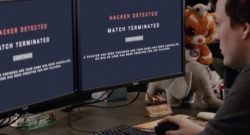
Fix error code 7
The error with code 7 is significantly easier to fix, but it is not necessarily your fault. If you receive the corresponding message that something is wrong with the “Social Panel”, try the following solutions:
- Restart Valorant – this usually resolves the problem
- Restart your PC if a restart of Valorant doesn’t help
- Check your internet connection for errors. If you also have issues with other services, it could be related. Ask your provider if in doubt
If none of these solutions work, unfortunately, you will have to wait for a fix from Riot.
If you are experiencing problems in the game itself that do not come with a specific error, it could be due to other circumstances – such as insufficient hardware if your game is lagging. In such a case, you should consider an upgrade. Learn here how strong your hardware needs to be for Valorant to run perfectly.

Your opinion is important to us!
Do you like the article? Then let us know!