

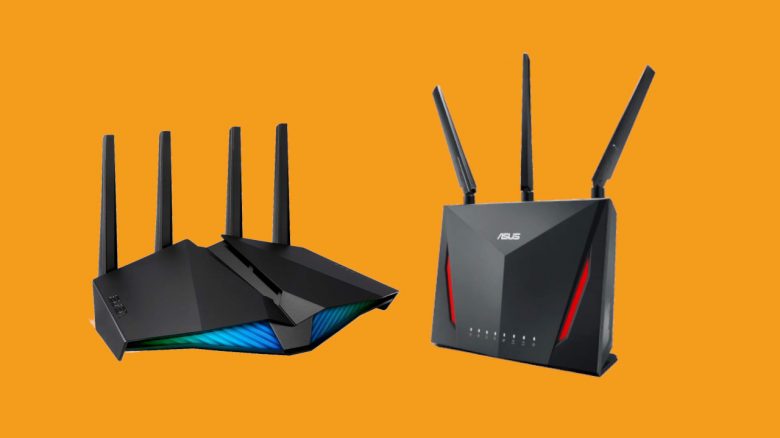
Why do you actually need gaming routers? MeinMMO author Benedikt Schlotmann presents three reasons why he will buy a gaming router.
Gaming routers and mesh routers are an expensive matter. I have long considered whether the price is worth it, or whether a cheaper router could suffice, which you just hang in the apartment.
Because the devices look really cool, but that’s usually not really relevant, since they are mostly hanging or standing in a corner of the apartment and go unnoticed for weeks – until there are issues with the connection.
If I were alone, the purchase wouldn’t be worth it either, because I know all the devices here. But by now, the household has grown, and a good half dozen devices want to connect regularly via Wi-Fi, and then you notice how the Internet struggles.
What’s this article about? But what do so-called gaming routers or mesh systems actually offer me? And what added value do they provide? At this point, I would like to present three reasons why I will buy a gaming router.
Tell me in the comments: Do you think gaming routers and mesh systems are overpriced, or do you consider them a worthwhile investment?
What else interests me from Prime Day, you can find out in this article: 6 gaming items I want to buy on Prime Day 2020.
Update 18.10.2020: Information on bandwidth and SU-MIMO added.
What is a gaming router?
As gamers, we are mainly interested in keeping our latency as low as possible during gaming. Latency indicates how much time it takes for my data to reach the server and for the server to send data back to me. The lower the latency, the better.
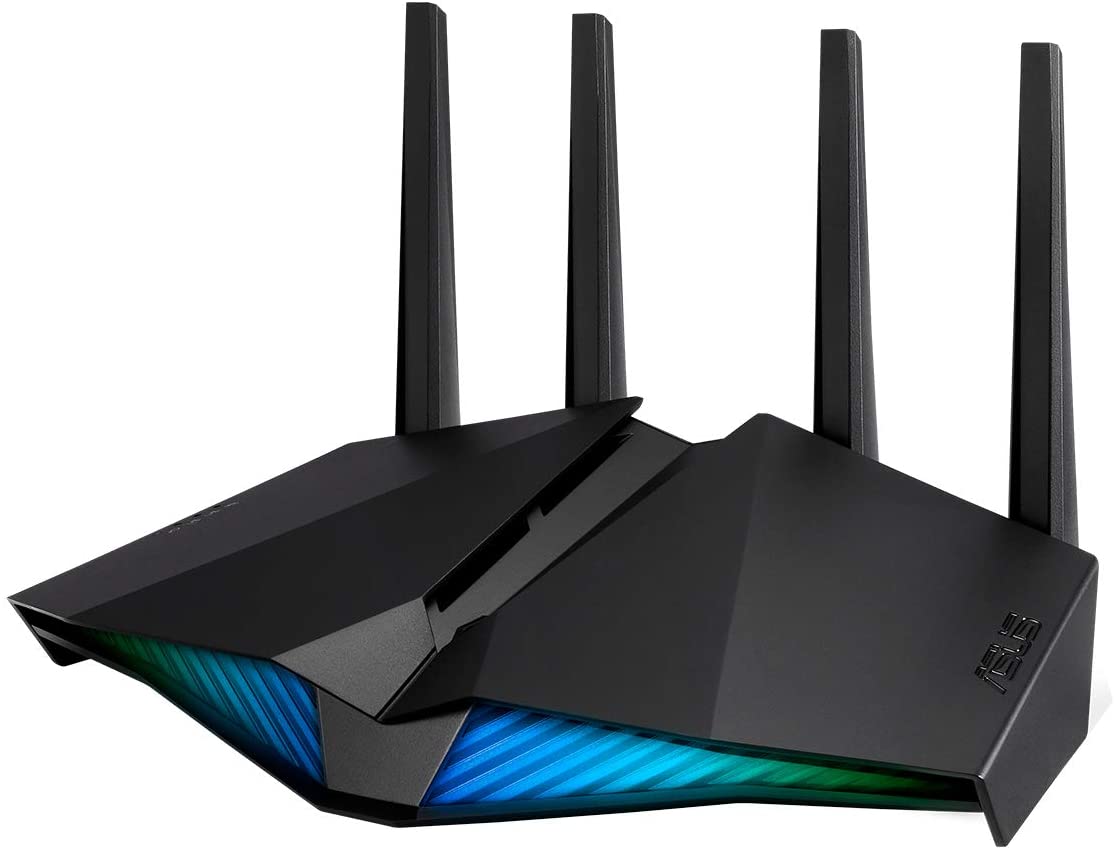
Gaming routers bring specific benefits tailored to gaming. These include various control options with which we can improve the connection. Some routers can create a virtual network that optimizes the connection to the game server. The closest comparison is with Gamers Private Network (via wtfast.com). This network establishes a connection between us and the game server in the shortest way possible.
Some devices like the ROG Rapture GT-AC5300 also offer a gaming center where you can get specific information about gaming. This is helpful if you want to check your ping. These data centers are geared towards games.
Don’t regular routers offer that? Regular routers also provide features like Quality of Service, which will be elaborated on in more detail below. The important difference is that a gaming router is tailored to gaming – be it through software, a dashboard, or the ability to send your network through a virtual gaming network to reduce latency.
Better Coverage Area
You usually place your Wi-Fi router where the cable connection is located. It’s a hassle if the router is at the end of your apartment and your work or gaming room is at the other end.
Then you either have to hang a repeater in every room or lay a cable through the apartment. My girlfriend is far from enthusiastic about the latter. By the way, internet cables are a popular toy for pets.
The Alternative: Mesh Systems
Regular Wi-Fi extenders usually use the existing network and build a new one. Modern Wi-Fi extenders continue to use the official network. Poor repeaters open a Wi-Fi with their own name. Another disadvantage of repeaters is that a part of the bandwidth is lost, as the device requires some bandwidth to communicate with the router.
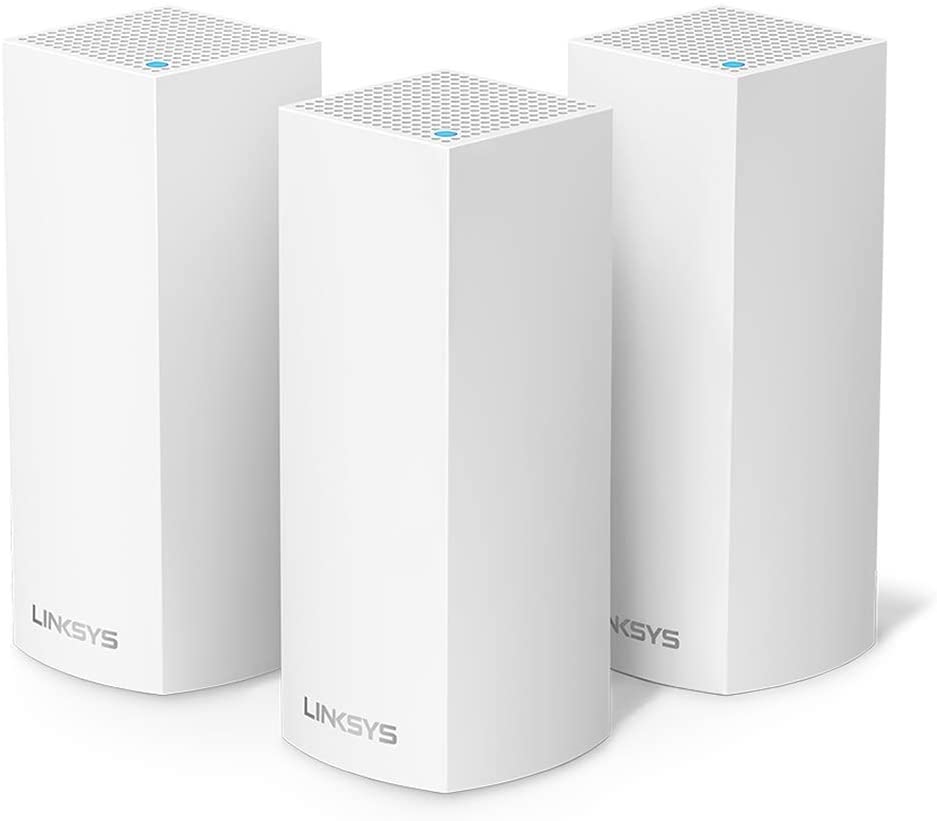
Mesh systems take it a step further. These mesh routers are expensive, but they communicate directly with each other and build a common, extensive network. The entire network operates under the same network ID. Two or three devices then create a common network. With mesh, the issues seen with repeaters do not occur and switching from the router to the actual mesh system is significantly smoother.
- Linksys WHW0303 Velop Tri-Band Mesh Wi-Fi System, 3-Pack* for €264.99 (
€429.99), you save 38%. - Linksys WHW0303B Velop Tri-Band Mesh Wi-Fi System, 3-Pack* for €256.96 (
€374.26), you save 31%.
MU-MIMO /SU-MIMO Technology
MU-MIMO, short for Multi-User Multiple-Input Multiple-Output technology, is a technique that helps routers communicate with multiple devices simultaneously and transfer large amounts of data. In fact, behind the abbreviation lie two systems. (via linksys.com).
MU (Multi-User) allows multiple devices to be served simultaneously. This significantly reduces the time each device needs to receive a signal. The router can communicate with several devices at the same time and no device has to wait for its turn.
MIMO (Multiple-Input Multiple-Output) indicates that multiple antennas of the device can be used. This brings a significantly higher transfer rate. With four antennas, you can then send four times the amount of data, allowing large amounts of data to be sent simultaneously (via elektronik-kompendium.de).
SU-MIMO: SU (Single User) allows the same data packet to be sent via multiple data streams (Spatial Streams, short SS) to a single address. This increases the amount of data that reaches my device. Instead of serving multiple devices, the same device is served through several antennas (via itwissen.info).
Thus, I would benefit from it: Especially those who connect many devices to their Wi-Fi or network are likely to feel a noticeable benefit from this technology. A lot can add up: While I’m moving around the network with my desktop PC and smartphone, my girlfriend is also using her PlayStation 4, smartphone, and tablet on the same network. My cheap router can hardly keep up, supplying all five devices with data.
For other users, that means: If hardly anyone else uses the Wi-Fi? Then MU-MIMO is not a must, and you can do without it. However, if many devices use your network and you want to send large amounts of data within the network, then MU-MIMO should indeed be an option. But you should note that your devices must support MU-MIMO; otherwise, the technology won’t do you much good.

Quality of Service
Quality of Service is a feature that modern routers support.
Imagine you want to make a purchase, but you only have a few moments left. Or you are about to win in Call of Duty: Warzone, but you need to survive the last two teams. Just at that moment, your internet connection falters because your children are watching Netflix and your refrigerator wants to sync the shopping list with your smartphone. You throw away your victory, and that’s very frustrating.
What does Quality of Service do? This feature prioritizes network services (via elektronik-kompendium.de). Via software, you can determine at the router who is the most important in the network. Do you want your desktop PC to always have the highest priority compared to your children’s gaming console or the refrigerator? No problem.
It is also possible to prioritize specific ports, so devices connected via cable are always rated higher than devices running on Wi-Fi.
What should a router for gaming also offer?
802.11ac Wi-Fi: Currently offers the fastest and largest bandwidth in Wi-Fi. The higher the standard, the more data streams can be offered: While 802.11n provides a maximum of 4 data streams, 802.11ac offers 8 data streams.
However, one must be careful: not all devices support the latest standard, but often the older standard can still be activated. 802.11ac Wi-Fi supports both 2.4 GHz and 5.0 GHz.
Even faster is 802.11ax, which supports 6 GHz. Not all devices currently support this standard: for example, the PlayStation 5 will support 802.11ax.
Dual-Band or Triple-Band: Dual-Band should be the absolute minimum, because Single-Band can only serve 2.4 GHz or 5 GHz. Additionally, if one connection drops, typically the second one takes over. This provides additional stability.
Gaming Routers and Mesh Systems: Pros and Cons
Finally, here’s a summary of the pros and cons of the systems for you.
Who is a gaming router worth it for?
- You share your network with many other users who utilize data-intensive services
- You have many devices connected to the same network.
- Your apartment is labyrinthine or very large and you need a high range
- You enjoy competitive gaming and a stable network connection is important, even when you’re not alone online.
Who is it not worth buying?
- You live alone and have only your PC and maybe one other device like your smartphone connected to the network.
- Your apartment is very small
- You mainly play single-player games and rarely or never play competitively online
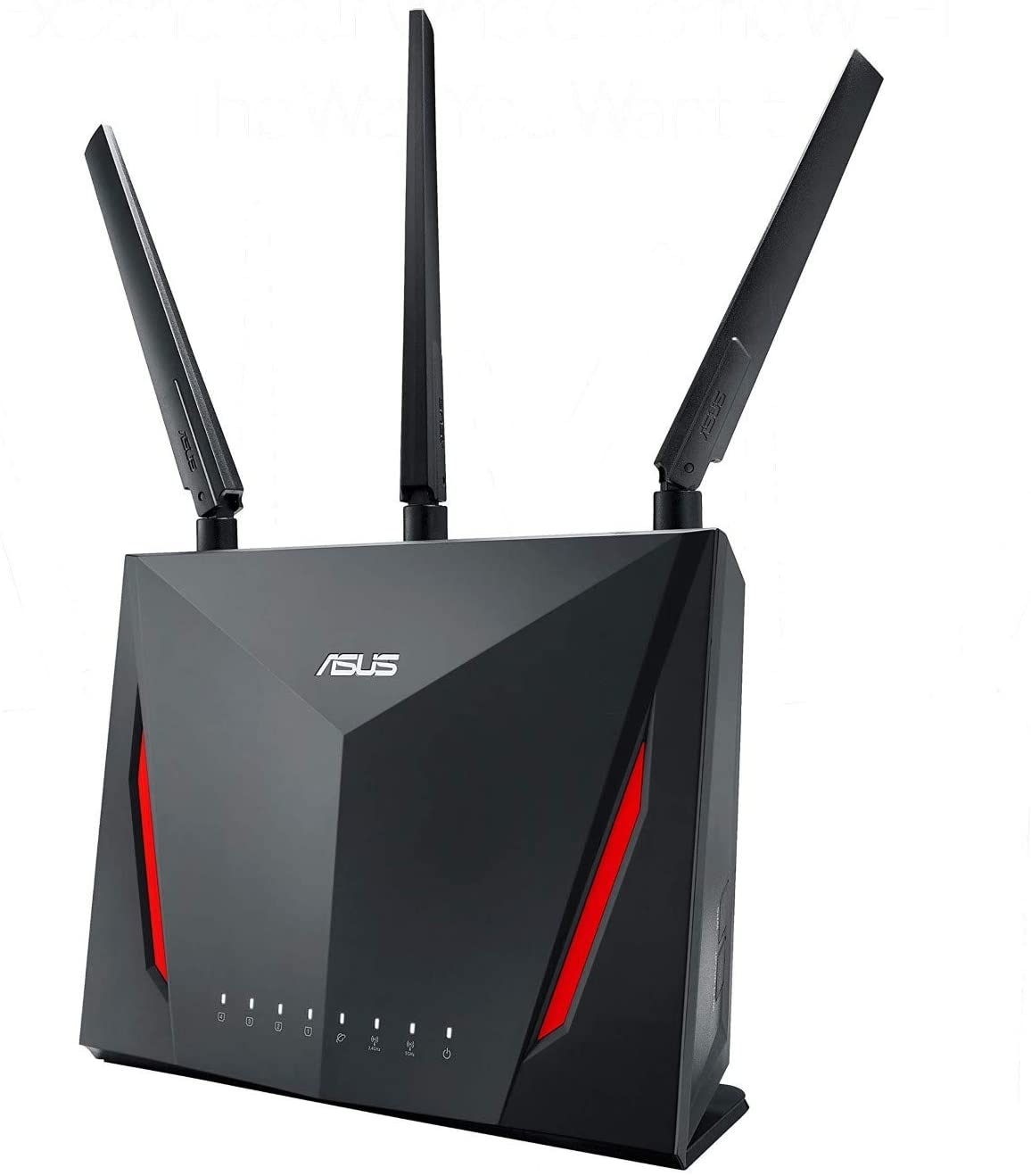
Gaming Router: Which router should it be? According to cnet.com, the Asus RT ACC86U is particularly good: Besides excellent latencies that are important for online gaming, the Asus router also offers a very good app for control and a clear web interface. The system design is also practical, as many functions are easy to find and are also user-friendly for beginners. The Asus router offers QoS, Dual-Band, and supports 802.11n, 802.11b, 802.11a, and 802.11g. Some users have pointed out to me that the router also supports 802.11ac. The only disadvantage that remains is the generally high price.
- Asus RT-AC86U Home Office Router* for €124.99 (
€199.95), you save 37%.
Alternatives on Prime Day: Other alternatives that are on sale would be:
- Asus RT-AX82U Gaming Router* for €149.99 (
€203.48), you save 26%. - Linksys WRT3200ACM-EU Wireless AC3200 Open Source Router* for €159.99 (
€249.99), you save 36%.
Amazon Prime Day 2020
What is the Amazon Prime Day? The Prime Day takes place in 2020 in October due to Corona. Normally it’s in July. Prime members can choose from a whole bunch of offers.
How long does the Prime Day 2020 last? From October 13 to 14, 2020. The Prime Day starts at midnight and ends again at midnight. You have therefore 48 hours to check out the offers.
Further Prime Day offers: Are you looking for more tech offers for your PC or consoles? The best deals around Prime Day from Amazon have been summarized here for you. You can find the best Prime Deals of the day directly with us on MeinMMO.

Your opinion is important to us!
Do you like the article? Then let us know!