

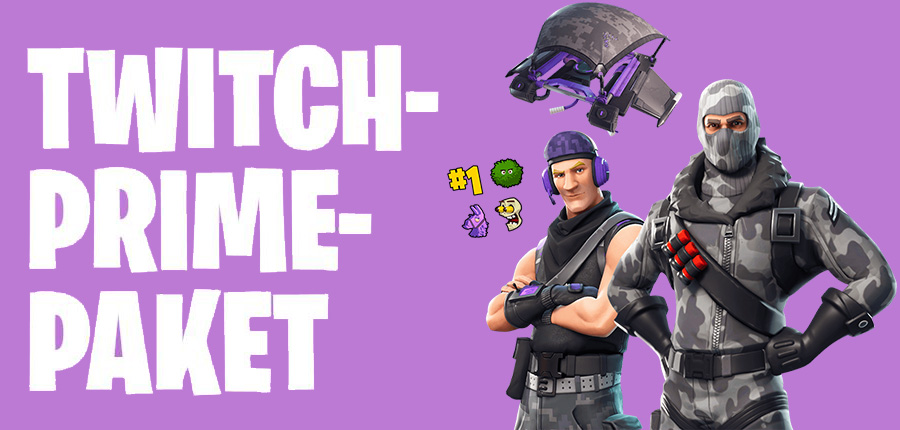
Amazon Twitch Prime subscribers get exclusive items for Fortnite this month. You can easily secure the special loot.
For Fortnite, not only does Update 3.1.0 for PS4, Xbox One, and PC release today, but you can also secure an exclusive loot through Twitch Prime. In addition to special items, you will also receive four exclusive emotes for the Twitch chat.
Curious: German professional footballers celebrate in Fortnite style
Contents of the Fortnite Twitch Prime Loot
The Twitch Prime loot for Fortnite consists of several items that we list for you below. These are all included in the game as soon as you complete the redemption process.
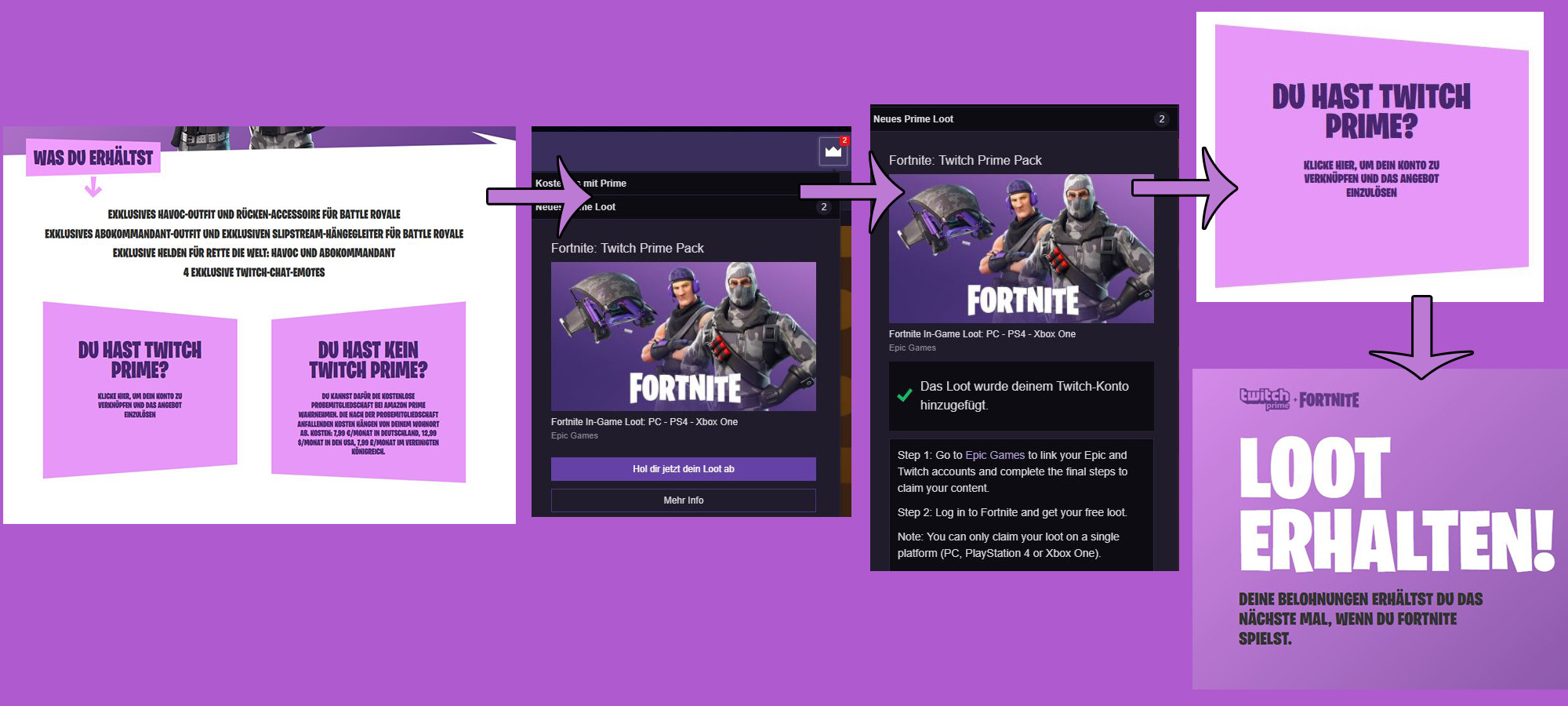
- Exclusive Havoc Outfit and Back Bling for Battle Royale
- Exclusive Sub Commander Outfit and Exclusive Slipstream Glider for Battle Royale
- Exclusive Heroes for Save the World: Havoc and Sub Commander
- 4 exclusive Twitch chat emotes
How to obtain the Twitch Prime Loot for Fortnite
Everything you need is a Twitch Prime subscription. If you’re only interested in the new items and don’t want to permanently use Amazon Prime, you can simply complete the free Prime trial membership. This lasts for 30 days, and if you cancel it immediately after signing up, you won’t have to worry about any charges afterwards. Amazon Prime otherwise costs you 7.99 euros or 69 euros per year. The monthly subscription can, of course, be canceled at any time.
Complete Twitch Prime subscription
Next, you need to link your Amazon account with your Twitch account. You can easily do this via this link on Amazon.
Once you are a member of Twitch Prime, you can visit Epic’s promotional page and log in there. Then follow the instructions and finally link your Fortnite account with your Twitch account.
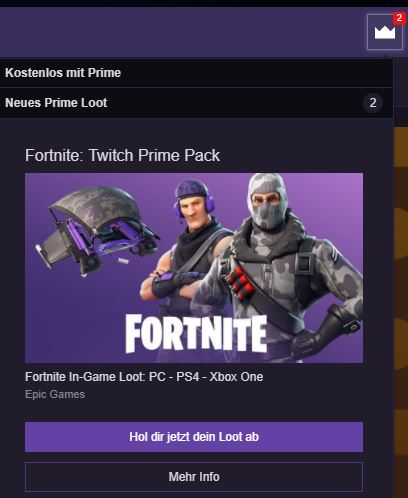
After that, you can visit Twitch.tv and click on the crown at the top right next to your account name. Fortnite is visible there first, and you can add the loot to your account. Now click on the link to Epic Games or simply use this direct link to Epic Games. Then you need to click on “Do you have Twitch Prime?” again.
After that, you should see “Receive Loot” after a short search. You may get a query about which platform you want to use the loot for. You can only receive and use the exclusive loot for one.
Summary of the steps:
- Complete Twitch Prime subscription if you don’t have one yet (trial month is sufficient)
- Link Twitch account with your Amazon account
- Visit the Fortnite Twitch Prime web page, select the “Do you have Twitch Prime?” button and follow the steps
- Visit Twitch.tv and click on the crown at the top right to secure your loot
- Now visit Epic Games over this link and click again on “Do you have Twitch Prime?”
- Now you should see the image displayed above on the Fortnite page. Only with this do you have secured the loot.
Benefits of Twitch Prime
Amazon Prime offers several benefits. With Twitch Prime (included in Amazon Prime), you can subscribe to your favorite streamer for free once a month, thereby supporting them at no cost.
Additionally, there are items and special promotions for games available every month with Twitch Prime. For Call of Duty: World War 2, you currently receive a Heroic Uniform Supply Drop, for example. There is also exclusive loot for Paladins at the moment. Occasionally, games are also available for free.
Another significant advantage of Twitch Prime is ad-free streams and exclusive discounts on game pre-orders on Amazon. Besides Twitch Prime, Amazon Prime also includes Prime Video and Prime Music. Moreover, you enjoy free premium shipping with Amazon.
Complete Amazon Prime subscription
The offers displayed here are equipped with so-called affiliate links. By purchasing through one of these links, we receive a small commission from the respective provider. This has no impact on the price.

Your opinion is important to us!
Do you like the article? Then let us know!
Comments