Ergonomics
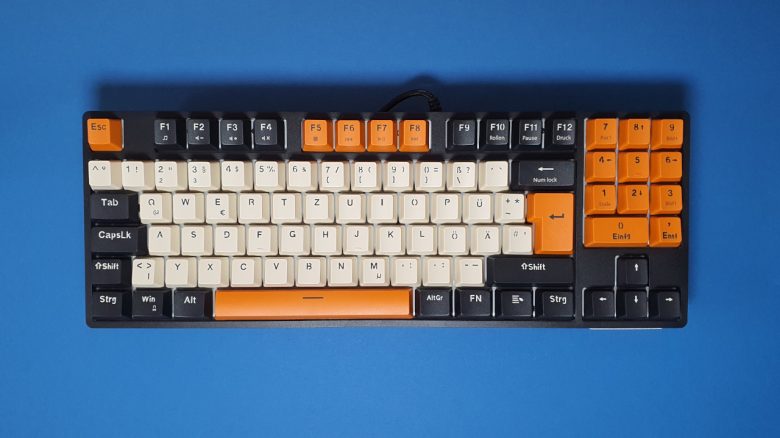
The advantage of small keyboards is mainly in better ergonomics. With TKL keyboards, you can position your arm with the mouse closer to your body, as the area with the numeric keypad is omitted.
The height of the keyboard is generally pleasant with raised feet; however, a wrist rest also doesn’t hurt. This way, the keys are even easier to reach. For me, with large hands (19 cm), a wrist rest was not strictly necessary.
The keys
Under the keycaps of my keyboard lie red Jixian switches. Jixian is among the manufacturers, alongside Outemu and Kailh, that closely mimic the switches from Cherry. Jixian is the smallest of these manufacturers. Thanks to the cross design (see the following image), you can also mount your own keycaps.
The device offers full N-Key rollover and anti-ghosting for all keys.
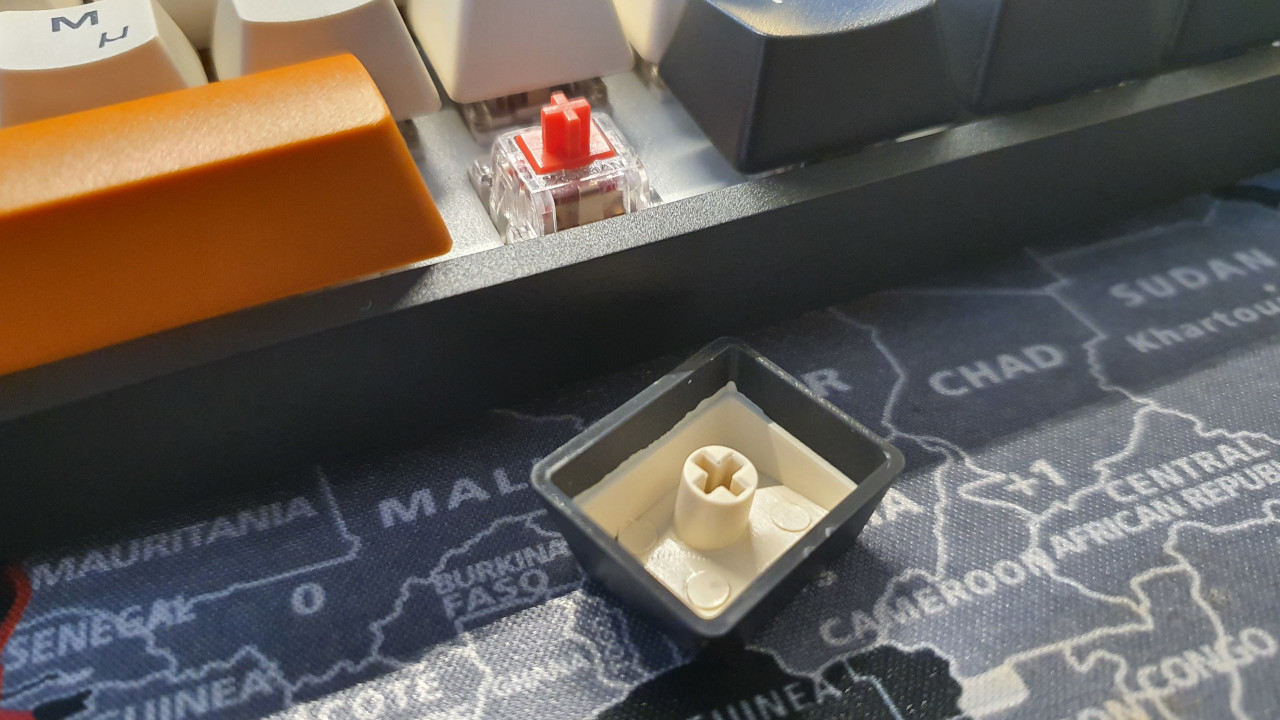
How do the keys feel? The Jixian switches offer a pleasantly crisp actuation.
I really like the typing feel on the red switches, although I miss the clear pressure point compared to brown switches. But that is a matter of taste as to which switches one prefers.
The installed switches feel soft. This means that the switches respond quickly and do not require much force. The behavior strongly reminds me of Cherry switches or similar switches from Gateron. Some SteelSeries keyboards use Gateron switches.
How loud is the keyboard? Red switches are linear, so you can hardly hear the switches at all. However, you can clearly hear the striking of the fingers and also the plastic caps. Overall, the keyboard is pleasantly quiet and not very intrusive. In everyday life, with open headphones, I only somewhat perceive the keyboard.
Conclusion: Unbeatable for a price of 50 euros (almost)
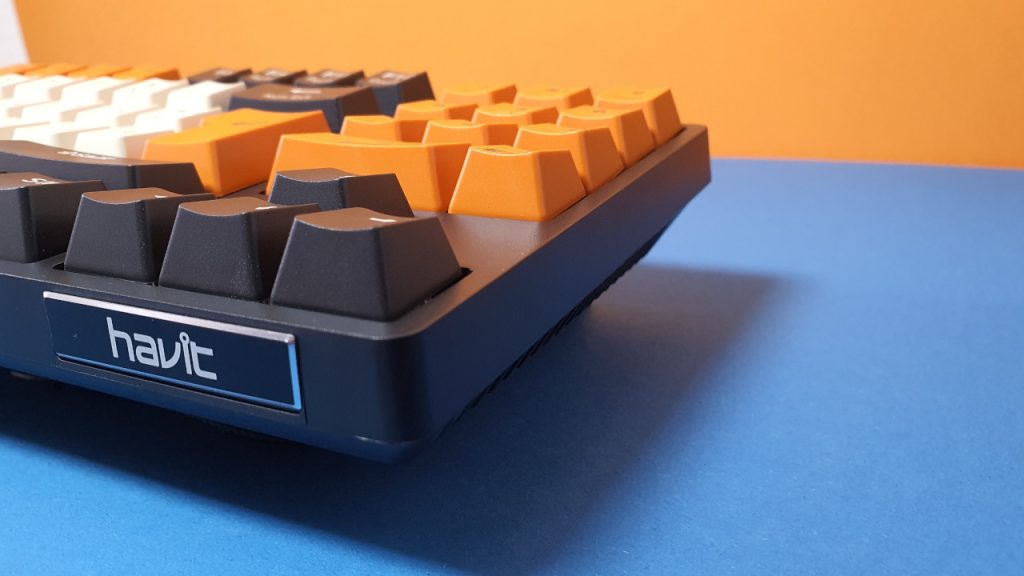
For a price of 50 euros, you get a real price-performance tip. The keyboard is robust, the keys feel pleasant, and the switches offer a good typing experience. If you are looking for an affordable keyboard with basic features, then the gaming keyboard from havit is a real insider tip.
Especially if you are already using a cheap or budget keyboard that often comes with computers, the investment of 50 euros is definitely worthwhile in my opinion.
| Preview | Product | Rating | Price | |
|---|---|---|---|---|

|
havit Mechanische Tastatur 90 Tasten Kabelgebundene Gaming Tastatur mit Buntes PBT Höhen... | Zu Amazon |
*Affiliate-Links. Wir erhalten bei einem Kauf eine kleine Provision von Amazon. Vielen Dank für Eure Unterstützung!
What alternatives are there?
- The SteelSeries Apex 3 is a recommendation if you don’t want to spend more than 50 euros. However, you will get rubber dome keys and no mechanics. On the other hand, the Apex 3 is almost silent.
- With the Logitech G413 TKL SE, you get a good gaming keyboard for around 70 euros. With blue switches and PBT keycaps, you get a good offer.
- For just under 100 euros, you can now get the Roccat Vulcan TKL. This keyboard offers great switches with unique design and detachable cable. Unfortunately, Roccat does not use PBT keycaps.
More gaming keyboards: Are you looking for more recommendations in the peripherals area? Then take a look at the following buying guide on MeinMMO. Here we explain which keyboards are currently worth it the most:
The best gaming keyboards you can buy right now
- 1
- 2