

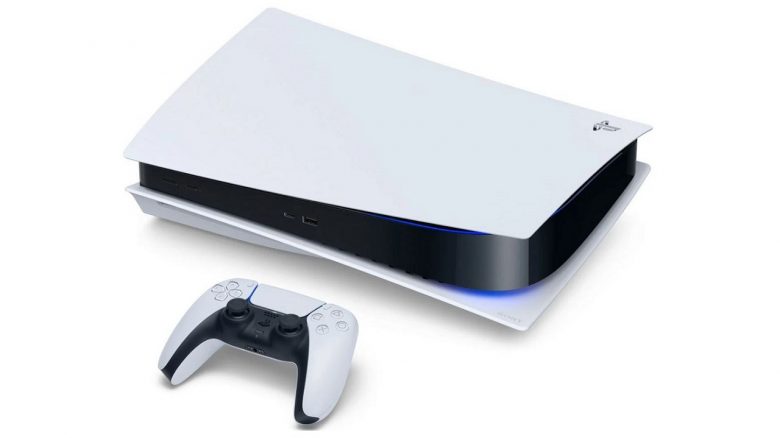
The new DualSense controller of the PS5 features a built-in microphone. This is super convenient if you don’t have a compatible headset and want to communicate with others. However, it is enabled by default, which can lead to unpleasant situations in multiplayer. We at MeinMMO reveal how to easily turn it off.
What’s going on? The PS5 is being released today, November 12, in the first countries, while we in Germany have to wait another week. Some testers were able to try out the next-gen console and came across an interesting detail.
As it turns out, the microphone on the new DualSense controller is always enabled by default. Anyone who doesn’t know this might accidentally transmit sounds from their living room or bedroom, or the insults from other players, for everyone to hear.
How do you disable the microphone? Fortunately, the microphone can be easily disabled. There is a small button near the microphone that you simply have to press. An orange light will indicate that it is no longer active.
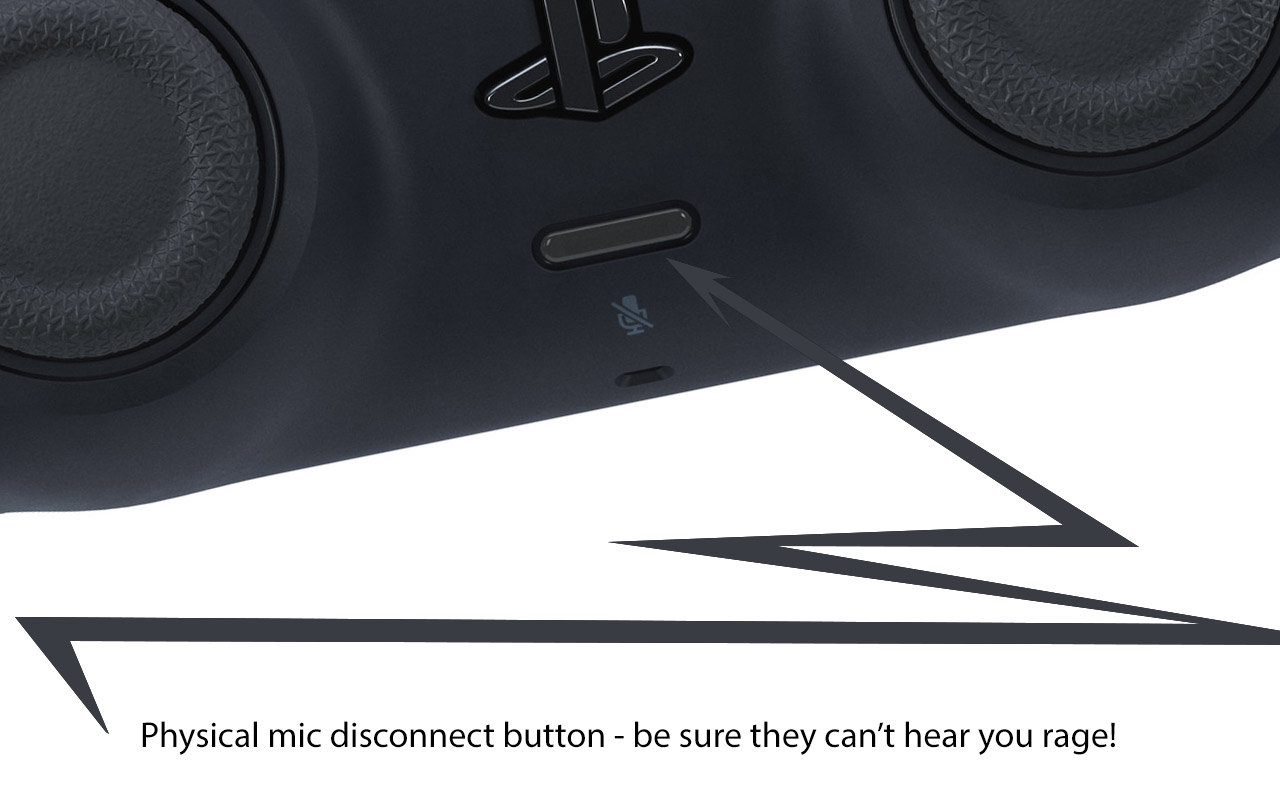
Continuously activated microphone is an invitation for disaster
Why is the situation so problematic? The issue was pointed out by editor Chandler Wood, who writes for PlayStation LifeStyle. He reportedly transmitted a conversation with his wife to all players:
As Wood describes in an article, during the waiting period in a multiplayer lobby, he received a call from the organization Fnatic, advising him to quickly turn off his microphone, as the entire lobby could hear his conversation.
What sounds funny at first can turn into a disaster, especially when discussing private matters that are none of everyone’s business.
Moreover, multiplayer lobbies with dozens of players, all of whom have their microphones active, are hard to tolerate. Therefore, for the sake of yourself and your fellow players, you should rather disable the microphone.
By the way, here you can find all important information about the PlayStation 5.

Your opinion is important to us!
Do you like the article? Then let us know!