

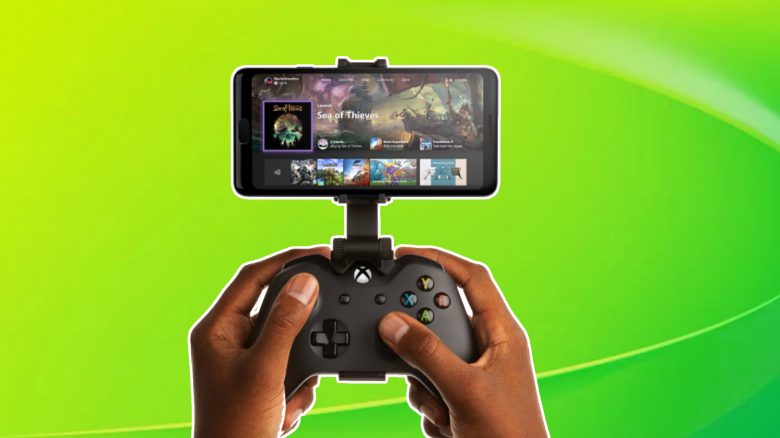
On Android devices, Xbox Cloud Gaming runs perfectly with a good network, but iOS users with Apple devices have previously been left out. However, there is now an app that enables cloud gaming on iPhones and iPads, at least somewhat.
What is Xbox Cloud Gaming? Xbox Cloud Gaming is Microsoft’s game streaming service. With it, you can stream over 100 games from your Xbox Game Pass to your mobile device. This works exceptionally well on Android, as our author Jürgen Horn noted. If the data connection is sufficient – 4G or LTE should be fine – nothing stands in the way of mobile gaming fun.
On Apple devices, this has not been possible until now. Apple blocked game streaming apps like Stadia or Xbox Cloud Gaming. However, there is now a special feature that allows an iOS app for cloud gaming to work nonetheless.
The colleagues from Kotaku have tested the Apple app for cloud gaming, and we summarize their experiences and further feedback from the community here for you.
How complicated cloud gaming works on Apple devices
What are the requirements? According to Kotaku, you first need the following prerequisites for iOS cloud gaming:
- iOS 12 (even though the app itself only requires 10)
- Internet connection of 10mbps or LTE, 4G, or even 5G
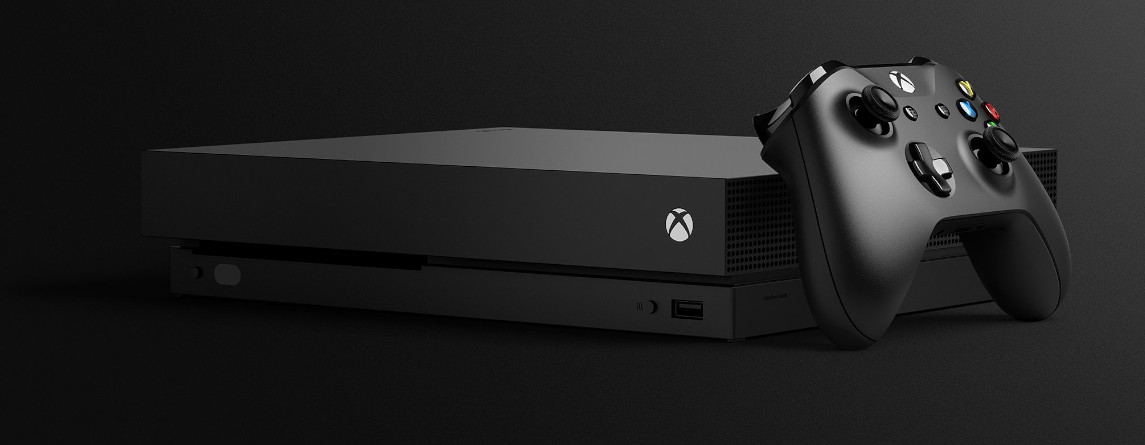
- An Xbox One console (Xbox Series X/S will also work later)
Why do I need an Xbox? This last point differs from the Android version. The games are launched from this console, whereas the Android version does not require a console and you play the games from the Game Pass directly from the Microsoft servers. Strictly speaking, the iOS version is not even cloud gaming, but “just” a remote play function.
That still sounds okay, what is the problem? According to Kotaku, until now things were still okay. You just have to register with Microsoft and link the Xbox with the app. Then you can activate “Remote Play” and theoretically stream the game from the console to the Apple Phone. However, for the Kotaku author, the problems only started here:
- It takes several minutes for the stream to sync with the phone. It can happen that you accidentally interrupt the connection.
- You must connect a controller via USB or Bluetooth to the smartphone. However, older Xbox controllers cannot connect to an iPhone. At Kotaku, a PS4 controller was eventually connected, which ironically worked. However, since there was no Xbox button, he couldn’t return to the main menu and had to go back to the console for that.
- The Kotaku author had a strong network in his New York apartment, yet the stream was not flawless and there were constant stutters.
- At least with LTE mobile speed, mobile gaming is hardly possible
Overall, the cloud gaming feature on iOS seems to be still in its infancy according to Kotaku and is not even proper cloud gaming.
This is what the players say: There are several reports about this topic on reddit. However, the attitude there is generally more positive.
- PM_Your_Green_Buds has had good experiences during at least a short session: “I tested it on an iPhone and iPad with a different internet connection than the Xbox. RDR2 ran, and it was quite fast. I need to try a long session still.”
- Bleachjit is also satisfied and even uses the new Kishi controller from Razer, but has issues: “Beautiful. I’m struggling a bit with the controller. With a Razer Kishi. I want to configure the Home button to work as the Xbox controller’s Home button.”
- Deeptrip however complains that despite being close to the router and console, the connection is poor: “My connection via the iPhone is bad, and I’m only about 2 meters away from my router and Xbox.”
According to the players, it seems to work, even though the procedure on iOS is considerably more complicated than on Android, where you utilize “real” cloud gaming without having to awkwardly interpose a console. One can only hope that Apple will relent and allow cloud gaming as on Android after all. In the meantime, you can still enjoy pure mobile games for iOS.

Your opinion is important to us!
Do you like the article? Then let us know!