For World of Warcraft: The War Within, you can currently earn cool rewards. We will reveal how the Twitch Drops work.
The latest expansion of World of Warcraft has launched. To celebrate the launch of The War Within, there is a whole series of promotions where you can earn additional rewards – such as mounts or pets. Especially the Twitch Drops are a popular way to simply get something cool “on the side”.
Currently, there are two rewards, but only one is completely free.
Active Twitch Drops for WoW: The War Within
At present, there are two active Twitch Drops that you can earn.
Twitch Drop: Mount Ghastly Charger
(“Ghastly Charger”)
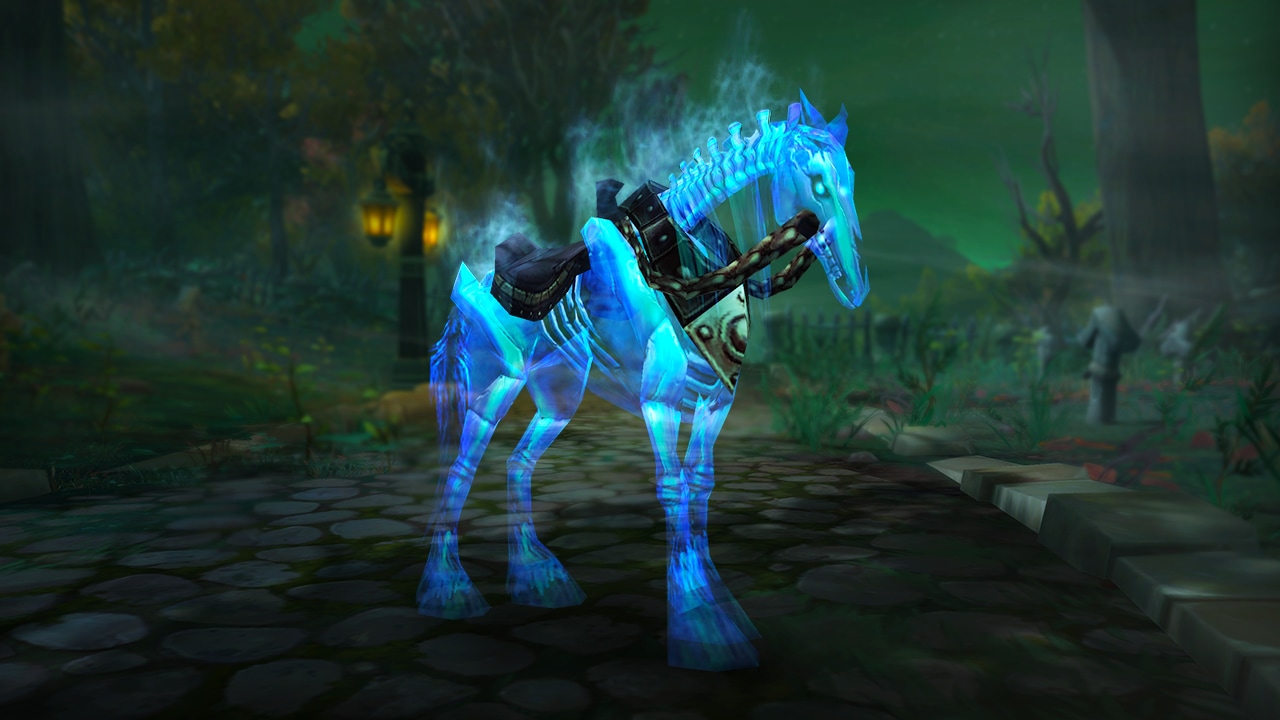
Requirements: Watch a participating stream for a total of 4 hours. This reward is free.
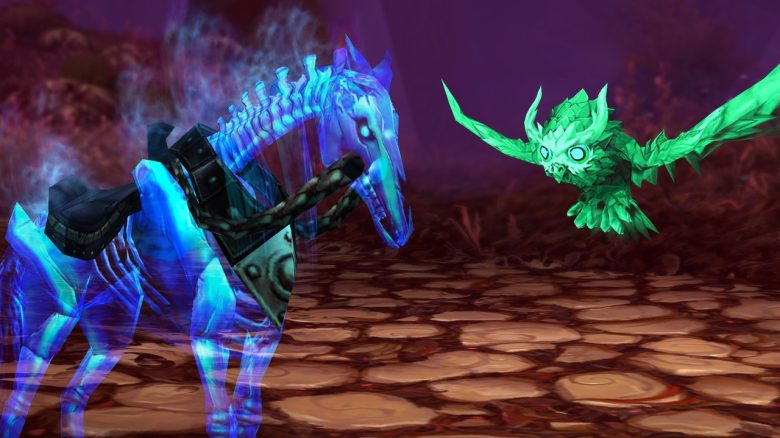
Reward: You will receive the “Ghastly Charger” as a permanent mount in World of Warcraft. It is a transparent, undead horse that you might already know from the dungeon Karazhan.
Period: August 27, 2024 – September 19, 2024
Support a Streamer: Battle Pet Watcher of the Huntress
(“Watcher of the Huntress”)
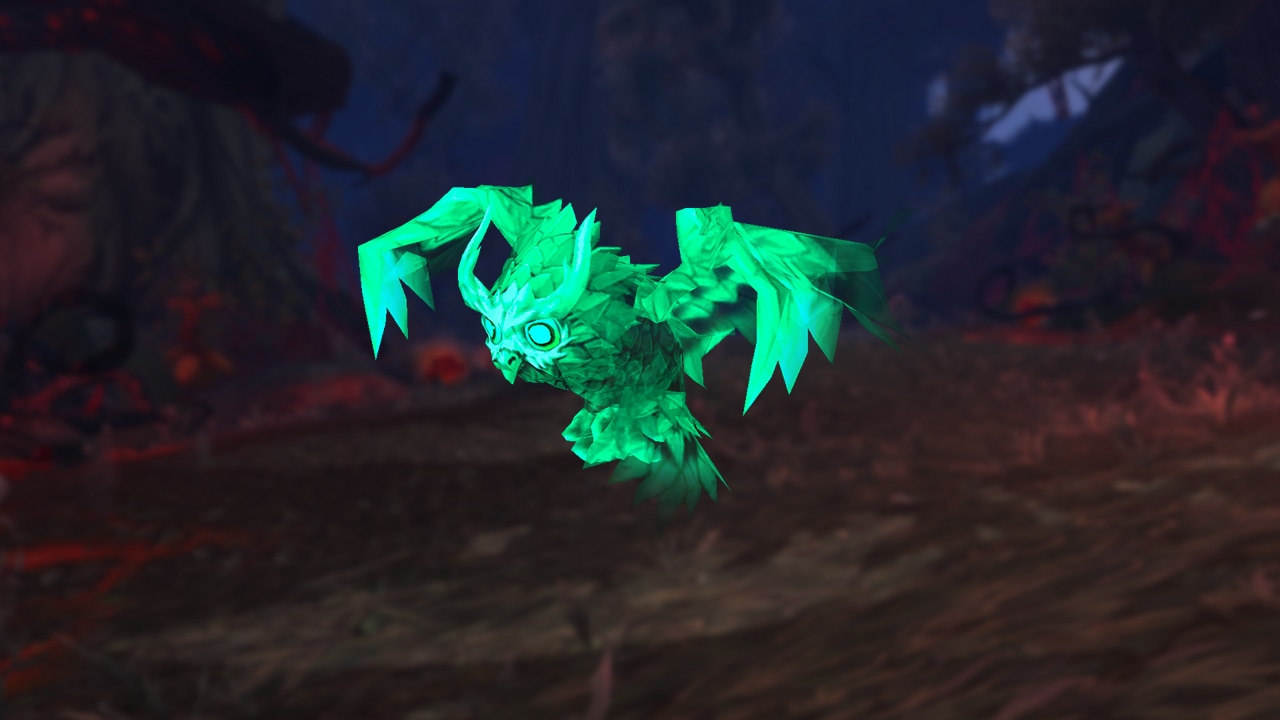
Requirements: Purchase at least 2 subscriptions of any tier on Twitch while streaming World of Warcraft on the channel. This incurs costs! It is not a classic Twitch Drop.
Reward: The battle pet “Watcher of the Huntress,” which comes in creepy jade green and can accompany you on all adventures in the future.
Period: August 27, 2024 – September 26, 2024
How Twitch Drops Work in World of Warcraft
What are Twitch Drops? “Drops” are special rewards added to your account when you spend a certain amount of time on the streaming platform watching content from a game.
What do you need for Drops? To receive Drops, a few requirements must be met, which can be quickly achieved:
- You need a registered Twitch account.
- Your Twitch account must be linked to your Battle.net account in the settings. This can be done on the official Battle.net page.
After that, you are ready to earn the Drops.
Which streamers provide Drops? Most streamers who have Drops enabled indicate this in their channel description. Just make sure they have “World of Warcraft” set as the category.
You can check the current progress of your Drops on Twitch. Simply click on your profile icon in the upper right corner and then select “Drops & Rewards.” If you have already made progress, it will be displayed here. Once the progress reaches 100%, you can claim your reward.
You do not have to watch the time continuously, and you can also pause or switch channels in between.
Please note that some time may pass between claiming the reward and the actual unlocking in the game. This can sometimes take up to 24 hours, depending on the load.


Do you have to watch actively? No, that is not necessary. Your progress for the Twitch Drop runs even if you mute or minimize the corresponding stream. It is purely about the time your Twitch account spends with a WoW stream open.
So, if you prefer to quest and enjoy the world, you don’t have to pay attention to the stream and can completely minimize it. However, if you don’t place much value on quests and story, you might learn a few new tips about the game or simply be entertained in the streams.