

On September 15, Microsoft officially launches its service “Xbox Cloud Gaming”. We present the new service and explain for whom the offer is actually worthwhile.
With Xbox Cloud Gaming, another cloud service is starting. If you’ve been wondering about the name: Microsoft’s service, which was known as xCloud during beta, is now called Xbox Cloud Gaming.
What is Xbox Cloud Gaming? Xbox Cloud Gaming is a streaming service from Microsoft. Similar to services like GeforceNow, games can be streamed online without installation.
How does it work? Similar to other cloud services, you play directly via the servers. With Xbox Cloud Gaming, the calculations run on Microsoft’s own Azure server network, which handles the computations. The player’s input is sent to the server, which calculates the output and sends back the video and image signal that the player then sees.
You need this for Xbox Cloud Gaming
These are the requirements you need to meet if you want to use Microsoft’s cloud gaming service:
- You need a subscription to Xbox Game Pass Ultimate. We explain how you can save money.
- A smartphone or tablet. This must support Android 6.0 or higher.
- Additionally, you need a controller that supports Bluetooth. Therefore, your smartphone should also support at least Bluetooth 4.0. In our controller article, we also presented some good Bluetooth controllers among other things.
- You also need an internet speed of at least 10 Mbit/s download speed.
Xbox Cloud Gaming: Pros and Cons
What is the advantage? Players are not bound to powerful hardware. Cloud services like Google Stadia do not require more processing power than when you stream a series on your smartphone.
Your game saves are stored in the cloud via your Xbox profile across devices.
What disadvantages are there? Anyone who wants to use the cloud service needs an Xbox Game Pass Ultimate. There is no free version. Also, like any other cloud service, you need a stable internet connection. The audio output via the headset jack of a controller is also not supported.
For whom is Xbox Cloud Gaming particularly worthwhile? If you own the Xbox Game Pass Ultimate, you can use the streaming service at no additional cost starting September 15, 2020.
Xbox Cloud Gaming – Crossplay, Games and iOS
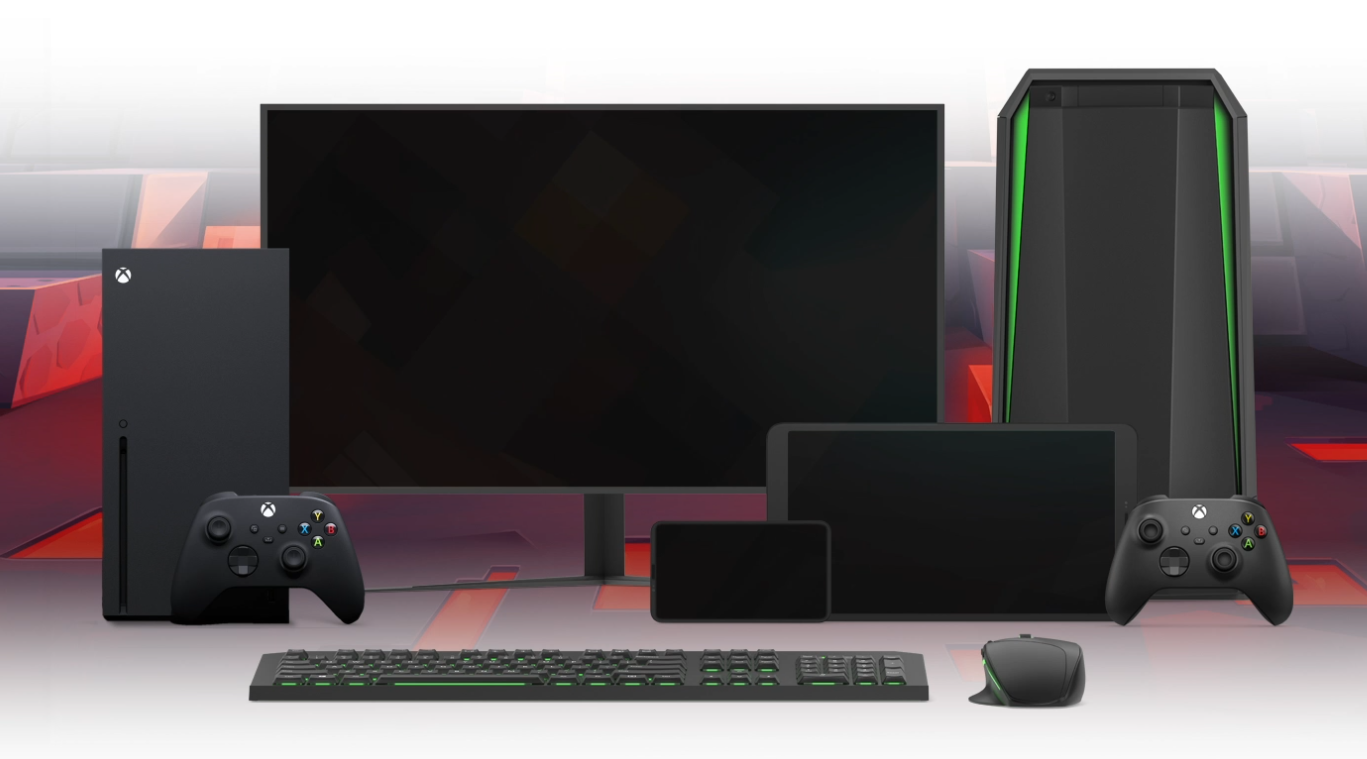
Which games are available to me? Starting on September 15, you will have direct access to 150 games available to stream on your Android smartphone. Among them are some well-known titles such as
- Darksiders III (Action-Adventure)
- Forza Horizon 4 (Racing game)
- Halo: The Master Chief Collection (First-person shooter)
- and Hollow Knight (Metroidvania).
In addition to many single-player titles, you can also dive into multiplayer battles: The 10 best MMOs that you can play with Xbox Cloud Gaming are presented by MeinMMO here:

Is crossplay supported? Yes, crossplay between devices is supported. All Xbox, PC, and mobile players can play together, and saves are also available everywhere.
If you play on your Windows PC in the afternoon, you can continue gaming in the afternoon on your smartphone with the same save – the cloud makes it possible.
What about Apple and iOS? Currently, Xbox Cloud Gaming is not officially available via the App Store. However, this may change now that Apple has slightly adjusted its guidelines:
Cloud services like Stadia, GeForce Now, or Xbox Cloud Gaming can now appear on iOS, but they must meet certain requirements, including that you must download each game you want to stream fully to your device (via eurogamer.de).
What is the difference to Google Stadia or GeForce Now?
What are the differences between the services? In this table, we present the differences between the main cloud services Google Stadia, GeForce Now, and Xbox Cloud Gaming.
| Google Stadia | GeForce Now | Xbox Cloud Gaming | |
|---|---|---|---|
| Free | free streaming for purchased games, maximum Full HD | free sessions up to one hour with a queue | – |
| Paid | Stadia Pro €9.99 Premium subscription with included games | GeForce Now €9.99 sessions up to 6 hours at a time | Xbox Game Pass Ultimate €12.99 with game subscription. |
| Game Selection | games must be purchased for Stadia | GeForce Now supports your own collection on Steam, Uplay, and more. | 150 games available in the subscription at launch |
| Devices | Windows PC, browser (Apple and Linux), Android app | Windows PC and Android app | Android app |
| Internet | at least 20 Mbit/s (Full HD) | at least 25 Mbit/s (Full HD) | at least 10 Mbit/s |
Other cloud computing offers: Another competitor in terms of cloud services is the service Shadow from France. With it, you not only stream games but an entire Windows PC. What Shadow is and why it can be an alternative to Stadia, we explain in our article.

Your opinion is important to us!
Do you like the article? Then let us know!