

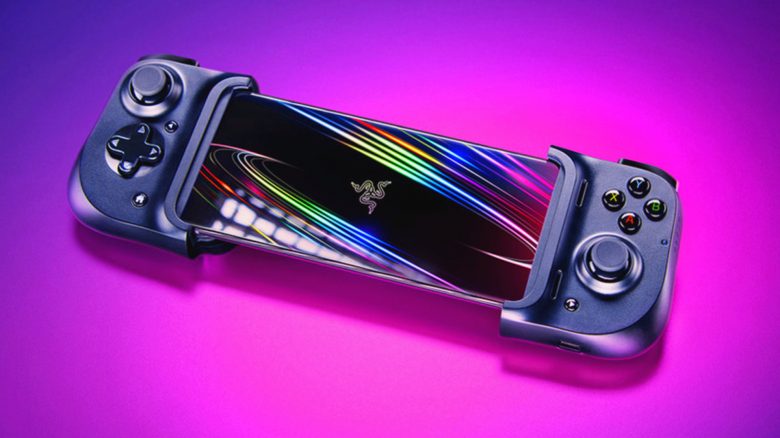
The Razer Kishi controller is specifically designed for smartphones, making your phones look like a trendy version of the Nintendo Switch. Especially with game streaming services like the integrated Xbox Cloud Gaming service in Xbox Game Pass (formerly XCloud) or Google Stadia, the controller is supposed to provide optimal control for mobile gaming. But does the device live up to its promises in the test? MeinMMO author Jürgen Horn has tested the Razer Kishi for you.
What is the Razer Kishi? When I first saw the Kishi, I thought, “Wow, Razer is releasing a handheld console styled like the Nintendo Switch? Cool!” It wasn’t until a closer look that I realized that the Kishi is a new type of controller where you place a smartphone between the two halves of the controller, effectively turning the phone into a kind of Switch.
The Kishi is meant to enhance mobile gaming and is primarily advertised for use with game streaming services like the newly known Xbox Cloud Gaming, previously known as XCloud, or Google Stadia.
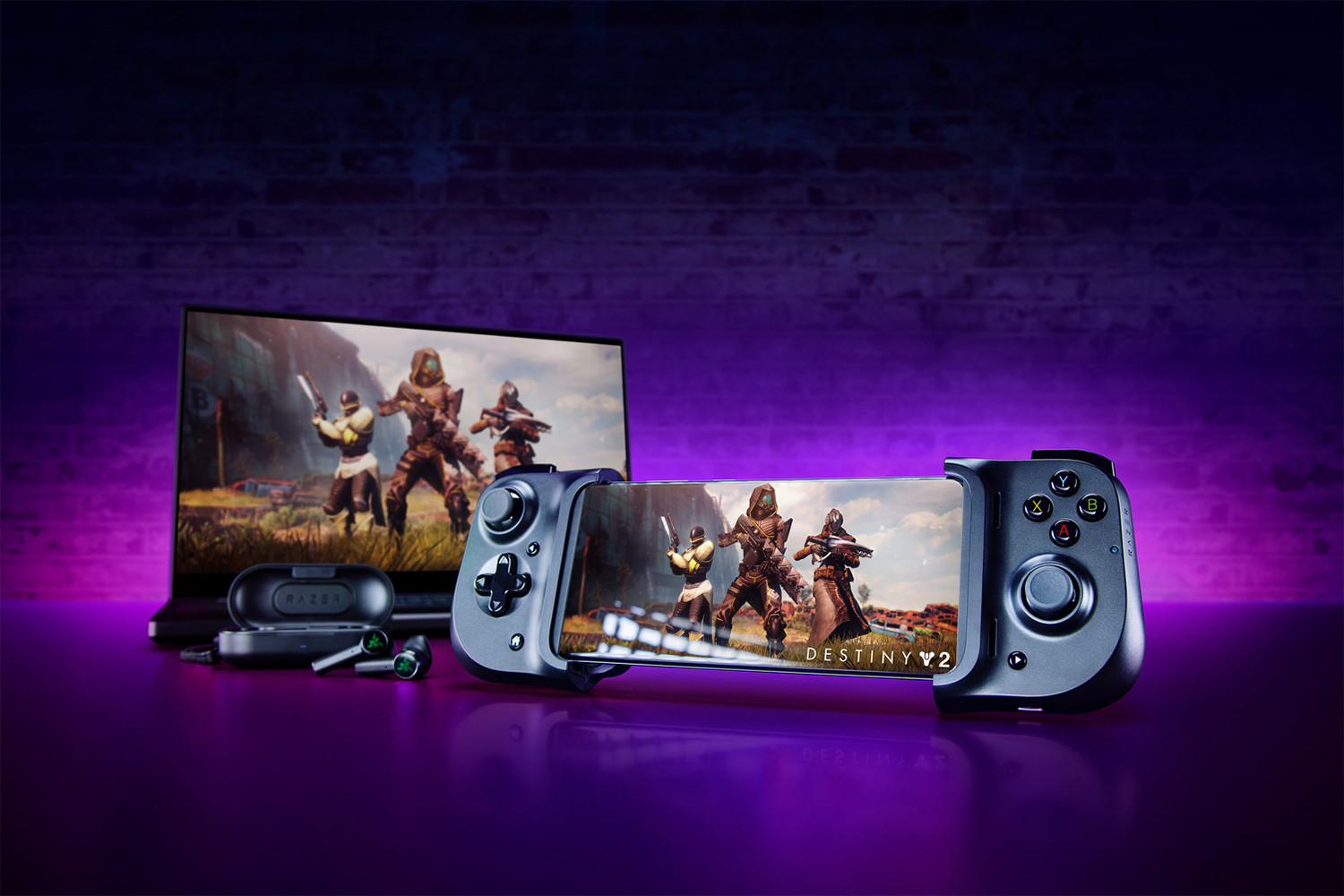
Technical specifications: Before I go into my experiences with the Kishi, here are a few quick technical specifications.
| Connection type | USB-C (Lightning for iOS) |
| Battery life | None, runs off the phone |
| Dimensions | 94.33mm x 134.1mm x 37.3mm |
| Weight | 163 grams |
| Price | 89.99 € (Android), 109.99 € (iOS) |
The Kishi has the same number of buttons as a current controller on the Xbox or PS4. The button layout is roughly similar to that on the Switch.
Which phones are compatible with the Kishi? Officially, the following Android devices fit in the Kishi:
- Samsung Galaxy S8, S8+, S9, S9+, S10, S10+, S20, S20+
- Samsung Galaxy Note 8, Note 9, Note 10, Note 10+
- Google Pixel 2, 2 XL, 3, 3 XL, 4, 4 XL
- Razer Phone 1 and 2
- Smartphones with maximum dimensions of 145.3 – 163.7 mm x 68.2 – 78.1 mm x 7.0 – 8.8 mm
The Apple version fits the following iPhones:
- iPhone 11, 11 Pro, 11 Pro Max
- iPhone X, XR, XS, XS Max
- iPhone 6+, 6s+, 7+, 8+
What did we test with? I tested the Kishi with my Samsung Galaxy S9 Plus and my new Galaxy Note 20 Ultra. The Note Ultra is technically too big for the Kishi, but it still fits just right.
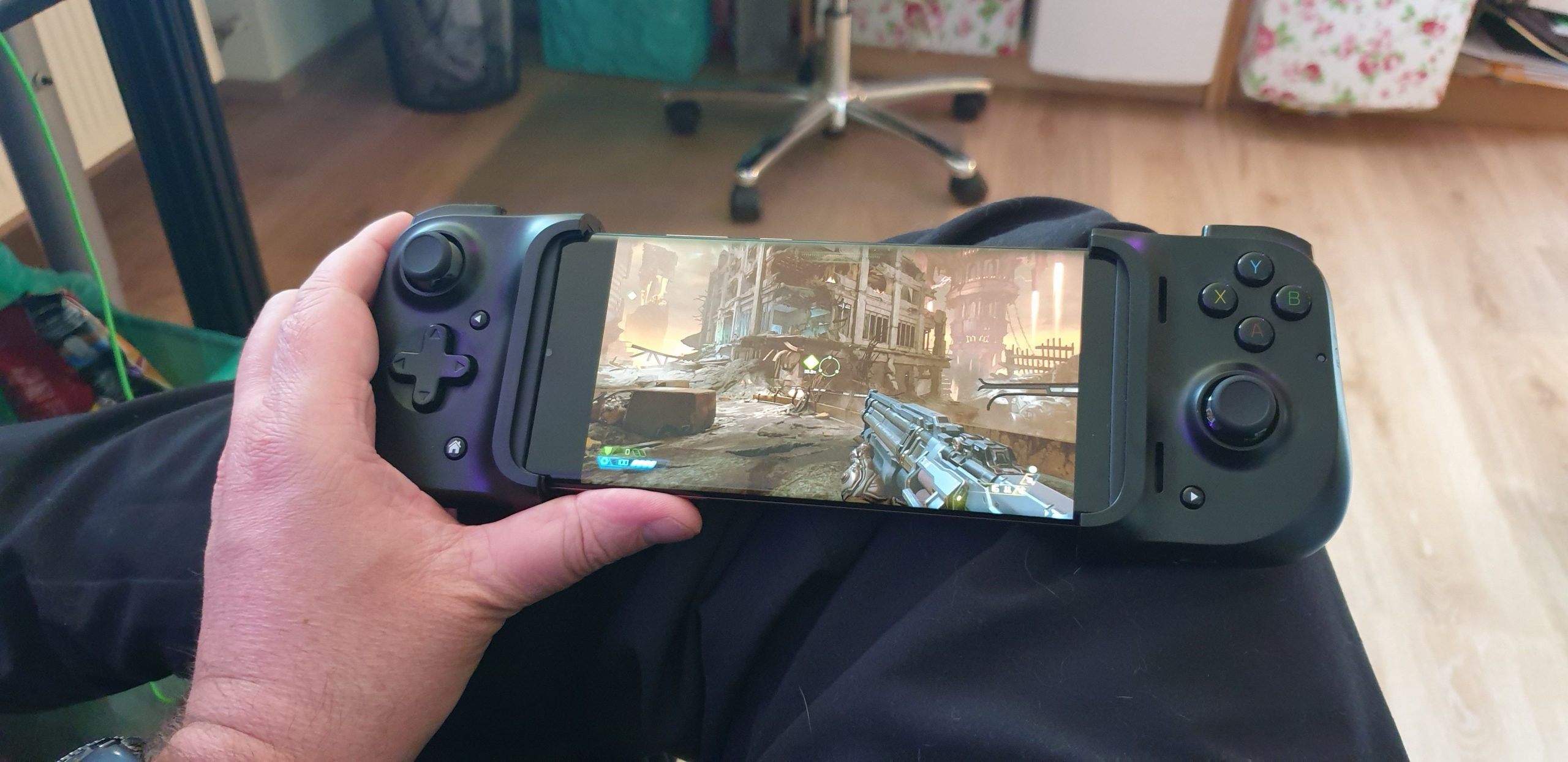
The Kishi in the test – Is it suitable for the intended use?
That was the first impression: The Kishi doesn’t look like much at first glance. It’s a small, folded bundle of buttons. You can unfold it via two clamps on the back and then have two half controllers in your hands. These are connected to the back with an elastic band and a plastic plate. The latter serves to stabilize it when the thing is folded up.
By anchoring a fixed USB-C connector (for the Apple version, it’s a Lightning connector), you attach one half with the connector to the phone’s charging socket. Since it only has USB-C and no room for adapters, older phones with Micro-USB ports are already out. The Kishi only works with relatively modern phones.
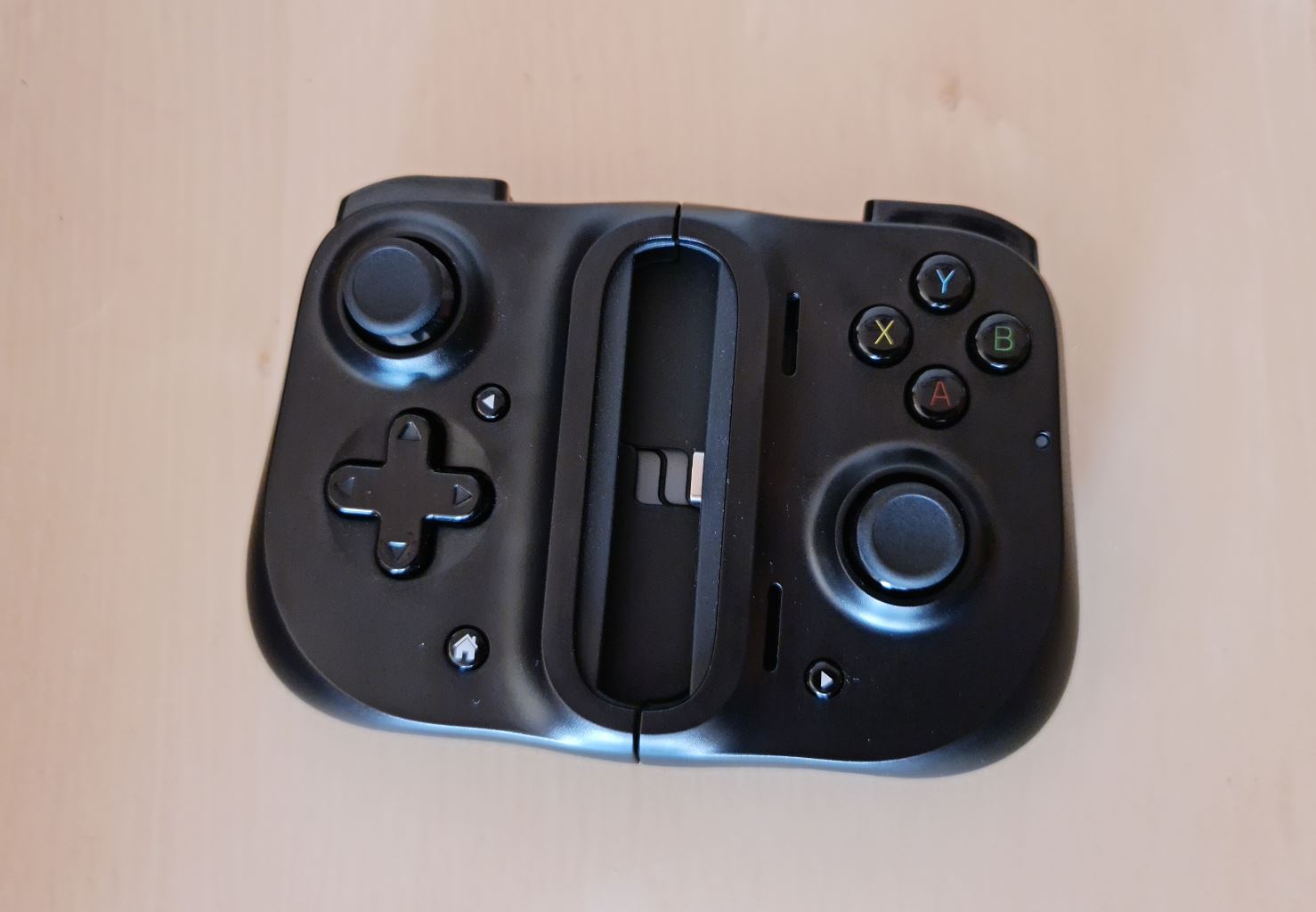
Once the phone is plugged in with the charging port on the right half of the Kishi, you just need to slip the other side of the controller over the top of the phone. A rubber flange will then securely hold the phone between the two halves of the Kishi, along with some slight pressure from the rubber band.
This gives you a solid gaming device that really looks like a sexy version of the Switch. Since the Kishi doesn’t have its own battery, it draws its power from the smartphone. A USB-C charging port at the bottom of the right half allows for further charging. However, it is only a charging port, you cannot connect headphones there.
Since the controller blocks the audio outputs on most phones, dampening the sound, you will have to use wireless headphones for the optimal audio experience. The headphone jack will likely be blocked as well.
Which games work with the Kishi? Through the free Kishi app, you can select mobile games that are specifically designed for use with the Kishi. These include games like Angry Birds GO, Goat Simulator, Aerofly 2 Flight Simulator, or the MMORPG Crusaders of Light. You can download them directly via the app and configure them for the Kishi.
However, for my test, the focus was on games typically played on PC or console, and thanks to streaming services like Stadia or Xbox Cloud Gaming, can now also be played on a phone.
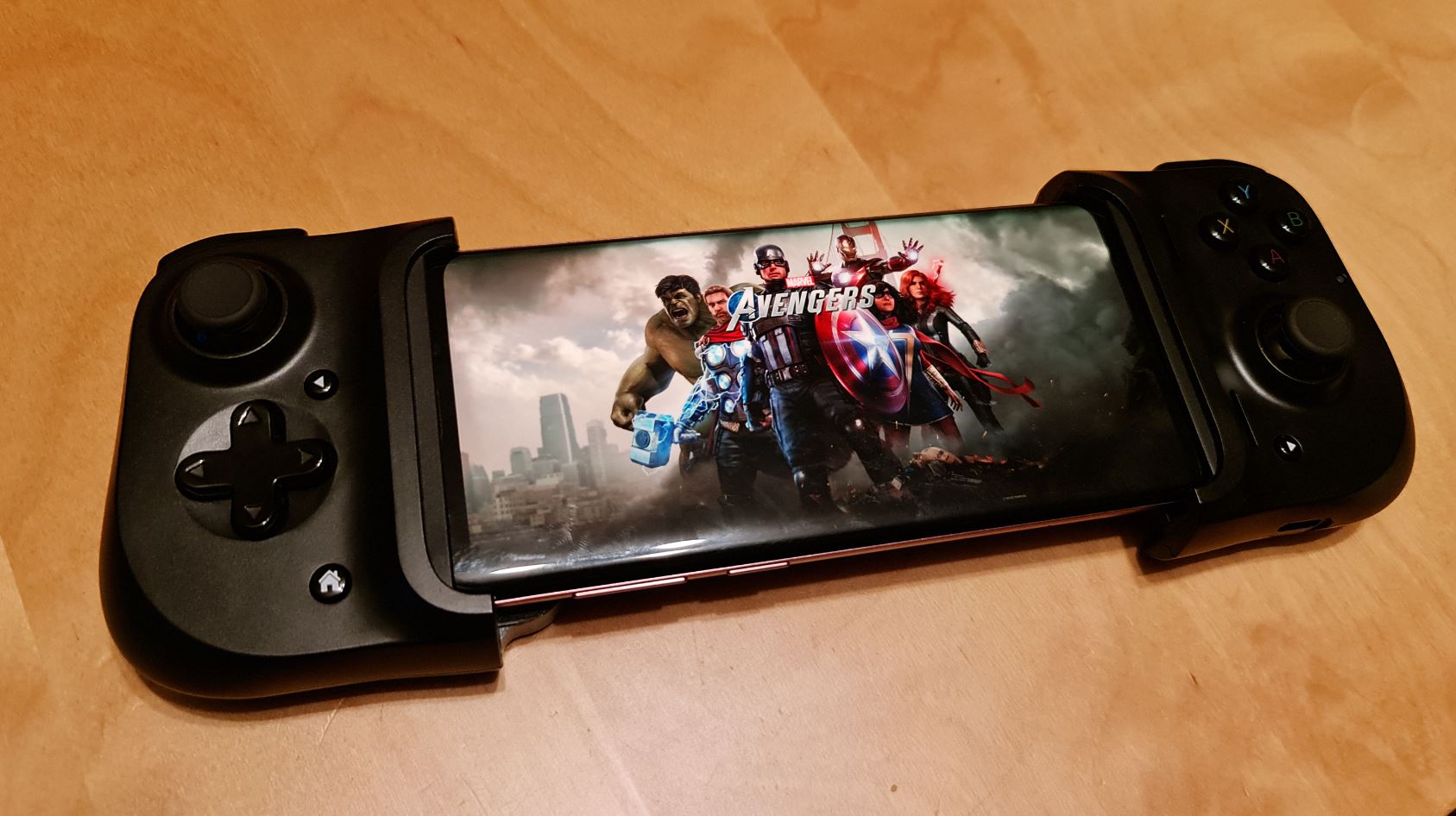
While a pure mobile game is primarily designed for touch screens, games like Marvel’s Avengers, Sea of Thieves, ESO, or DOOM Eternal are not. If you want to play such games on the go, you will inevitably need a suitable input device.
Therefore, I sequentially tested Doom Eternal and ESO with Xbox Cloud Gaming, and later Hotline Miami, Assassin’s Creed Odyssey, and Marvel’s Avengers via Stadia.
You can find a list of cool mobile games from 2020 here:
How does it feel to play with the Kishi? After I placed the phone in the Kishi, it was ready to go. Even without the app, the Kishi is immediately usable, and I started the first games.
It started with Doom Eternal via Xbox Cloud Gaming. Everything went smoothly. Although I generally struggle with shooters and controller controls, with a bit of practice, the mayhem went well. All buttons did what they were supposed to, and I shot, punched, and sawed my way through hordes of demons.
Next was ESO. Here too, everything was easy. All inputs were accurately executed, and the Kishi felt good in the hand with the phone in place.
The same applied to Hotline Miami, Marvel’s Avengers, and Assassin’s Creed Odyssey, all of which I tested on Stadia. Google’s streaming service also supports the Kishi perfectly, and the controls worked well.
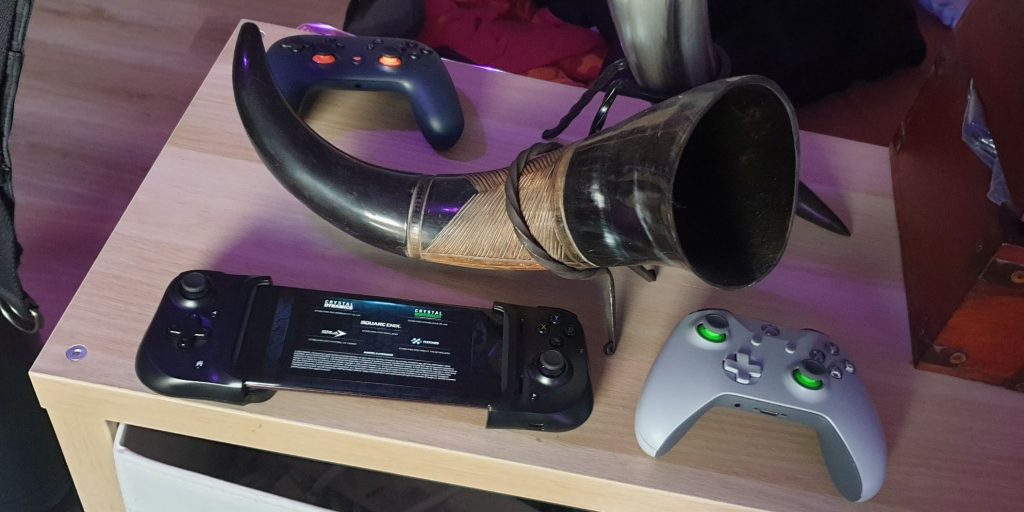
Once you get used to the button layout, the controls become intuitive and relaxed, allowing you to concentrate fully on the game displayed on the phone screen while holding the phone between the two Kishi halves.
Since the device is firmly attached via the charging port and the rubber flange, you also don’t have to worry about your expensive phone falling out and getting a spider app.
However, I must note that the ergonomics feel better with the smaller S9 Plus than with the oversized S20 Note Ultra. While the display is larger and nicer, the phone is so long that it is a bit less comfortable to play with the Kishi. However, you do get used to it with time.
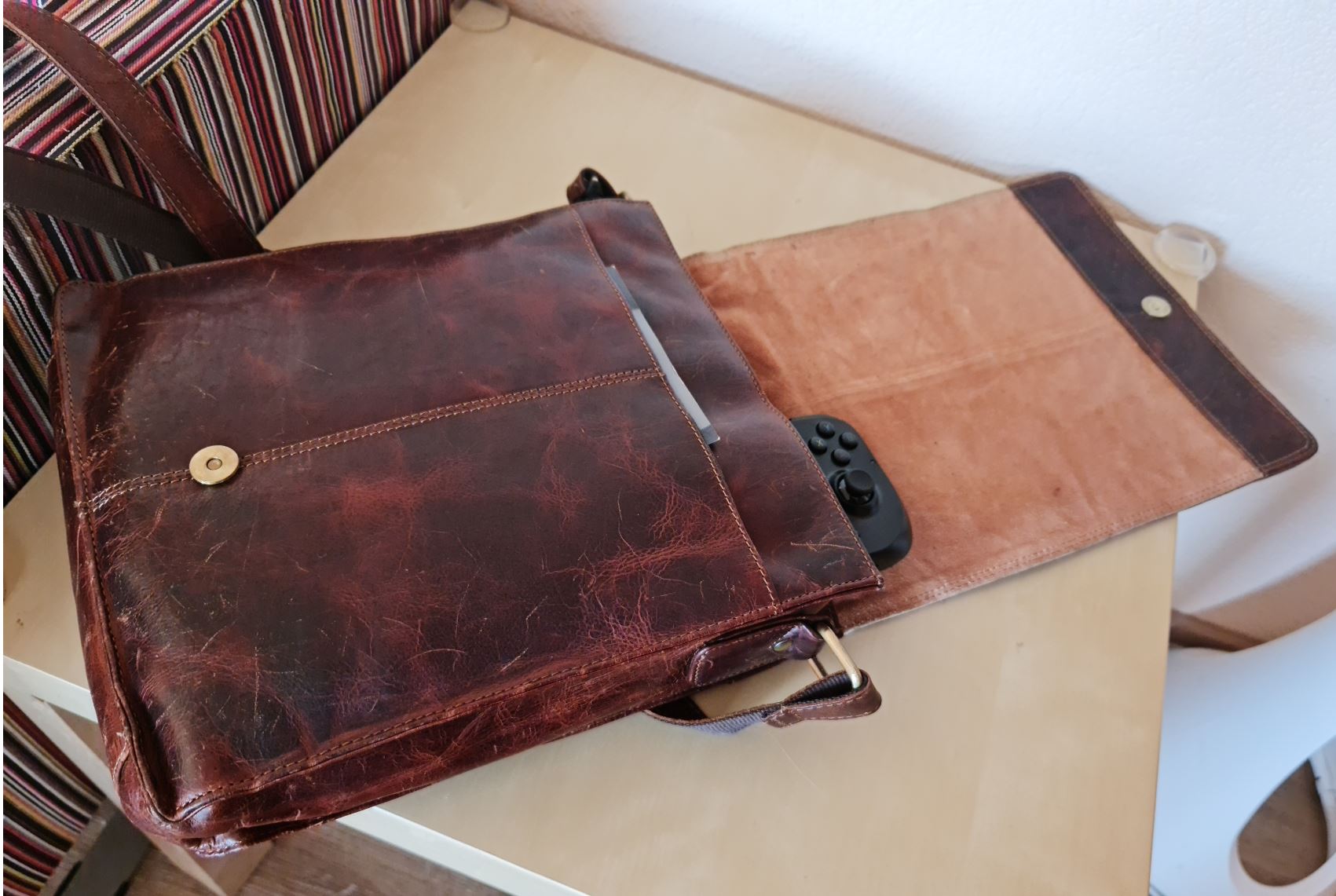
How practical is the Kishi: Since the Kishi is roughly the size of a cigarette pack when folded and weighs hardly anything, you can easily slip it into your pocket. It also fits easily in my trendy man bag alongside a tablet and power bank.
I believe this is the most important aspect of the Kishi. Because to play streaming games properly on a smartphone, you need a controller, and who really drags an Xbox or Stadia controller around all the time? Those things are horrendously heavy and need their own case to avoid damage.
When you’re ready to play, you either have to set the phone somewhere or awkwardly strap it to the controller with a kind of “claw.” That looks silly and isn’t comfortable, as together with the phone and controller, you have quite a bit of weight in your hand, which can strain your wrists during longer gaming sessions.
Here, the solution with the Kishi is better. Just take the Kishi out of your pocket, unfold it, attach the phone, and you’re ready to play Marvel’s Avengers during your lunch break or on the train to work.
Finally, a suitable controller for streaming
I have always loved the idea behind the Switch, a mini console that I can always have with me. But the game selection wasn’t my thing at first, and the technology of the Switch was much too weak. I also wanted to play my existing games on the go in good quality.
All of this was achievable with the combination of a powerful smartphone and streaming services like Xbox Cloud Gaming or Stadia. Only the control was an issue. I specifically bought an Xbox controller and awkwardly attached the phone with a claw. However, that was terribly cumbersome, uncomfortable, and looked ridiculous.
Sitting in a café and awkwardly clutching such a monstrosity of a phone and Xbox gamepad is a pitiful sight, and I felt like a fool.
With the Kishi, those moments are finally history. This thing I can confidently pack in any bag. When I’m gaming with it, it looks cool and trendy – not silly and embarrassing.
This way, I can now take out my phone anytime and play a few crafting quests in ESO or a quick round of Avengers when I have to wait somewhere or have unexpected free time. I certainly do not regret purchasing the Kishi and can recommend the device to anyone who is even slightly interested in mobile gaming.

Jürgen Horn
Editor at MeinMMO

Your opinion is important to us!
Do you like the article? Then let us know!