

MeinMMO presents you with the best gaming monitors currently available for purchase. We showcase various monitors in Full HD, WQHD, and 4K that are suitable for gamers.
If you want to fully utilize your graphics card’s performance or value a particularly high-contrast image, you need a good gaming monitor. After all, the screen is there to display the image.
This is what you will find in this article: In our article, we present the currently best gaming monitors available for your gaming PC. We showcase Full HD, WQHD, and 4K monitors. Additionally, we explain what you should consider before buying a monitor.
All gaming monitors in our buying guide offer at least a refresh rate of 144 Hz and provide either FreeSync or G-Sync.
How was our article created? We checked several buying guides for you and gathered information and expertise. This is complemented by experiences from our editorial team.
You will find all recommended models in this list with the corresponding jump link to the model:
- Best gaming monitor Full HD – Dell Alienware AW2523HF
- Best gaming monitor WQHD with FreeSync – Samsung Odyssey G7
- Best alternative WQHD: Gigabyte AORUS FO27Q3
- Best gaming monitor 4K – Dell Alienware AW3225QF
- Best gaming monitor Curved – Dell Alienware AW3423DW
- Best gaming monitor 240 Hz – ASUS ROG Swift OLED PG27AQDM
- Best gaming monitor 360 Hz – Acer Nitro XV252QF
- Best gaming monitor with G-Sync – ViewSonic Elite XG270QG
- Best gaming monitor PS5 and Xbox Series X – Sony INZONE M9
- Best gaming monitor under 200 Euros – ASUS TUF Gaming VG249Q
Last updates: 22.11.2024, 01.03.2024, 19.07.2023, 15.5.2022, 25.11.2021
What you should consider when buying a gaming monitor
Size: In principle, you should be clear about how large your future monitor should be. If you are sitting directly in front of the screen, a smaller monitor is more suitable. If you want a larger monitor, it is better to sit a bit further away. How to find the best size for your gaming monitor can also be read on MeinMMO.
Resolution and Refresh Rate: The higher the resolution, the more details can be recognized. From a size of 27 inches, WQHD resolution is recommended, otherwise individual pixels can become quite noticeable.
However, be aware that the load on the graphics card increases the higher the resolution of the monitor. For a 4K/UHD resolution, you need at least a GeForce RTX 4070 Ti or faster. The best graphics cards for gaming can be found listed on MeinMMO.
FreeSync and G-Sync: G-Sync ensures that there is no input lag and no tearing when the graphics card delivers fewer FPS than the monitor. Tearing means that the image “tears” and you have strange artifacts in the image. G-Sync synchronizes the monitor’s refresh rate with the GPU’s FPS. If the GPU delivers more FPS than the monitor, you will need V-Sync, which you can then enable in the game.
FreeSync is mainly used by AMD graphics cards, but Nvidia graphics cards now also support the technology. G-Sync is Nvidia’s technology for synchronization.
Response Time: The response time describes how long it takes for a pixel to change from one color to another. Too slow response times can lead to unsightly representations: moving objects leave a visible trail behind them, this problem is called “Motion Blur”.
Here, you should pay attention to the GtG value (Grey to Grey). Monitors with a GtG value of less than 10 ms are recommended.
Brightness and Colors: Colors describe how good the image looks in the end. The more natural the colors look, the better. Brightness plays a role especially when you want to game in a dark room.
Who should choose Curved? A curved monitor means that the monitor is bent. This aims to better cover the user’s view and provide a better immersive experience in games.
However, it also depends on which games you enjoy playing the most. Games that focus on immersion like shooters or racing games can benefit from it. Strategy games or hack ‘n’ slash RPGs like Diablo, where you view the action from above, benefit less from it.
Best Gaming Monitor for Full HD – Dell Alienware AW2523HF
Resolution: Full HD (1080p) | Refresh Rate: 360 Hz | Price (according to Geizhals): 380 – 520 Euros |
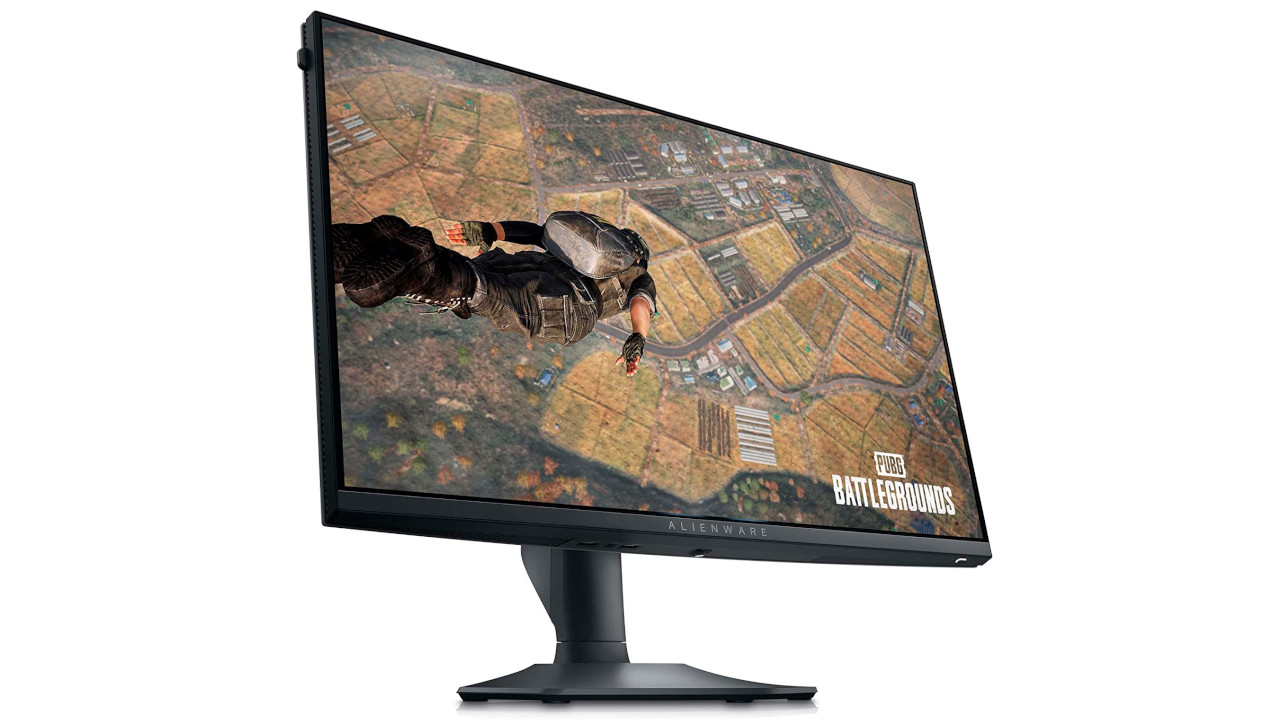
This is what the monitor offers: The Dell AW2523HF offers you a Full HD resolution (1080p) with 360 Hz. With a correspondingly fast graphics card, you can also take advantage of the refresh rate. The monitor also offers FreeSync VRR and G-SYNC to reduce tearing.
The site rtings.com criticizes that the monitor’s contrasts are only average overall. If you prefer to game in a dark room, then the model is only conditionally suitable for you. Otherwise, you will need to manually increase the contrasts, as black appears more like gray otherwise.
Best Gaming Monitor for WQHD with FreeSync – Samsung Odyssey G7
Resolution: WQHD (1440p) | Refresh Rate: 240 Hz | Price (according to Geizhals): 449 – 520 Euros |
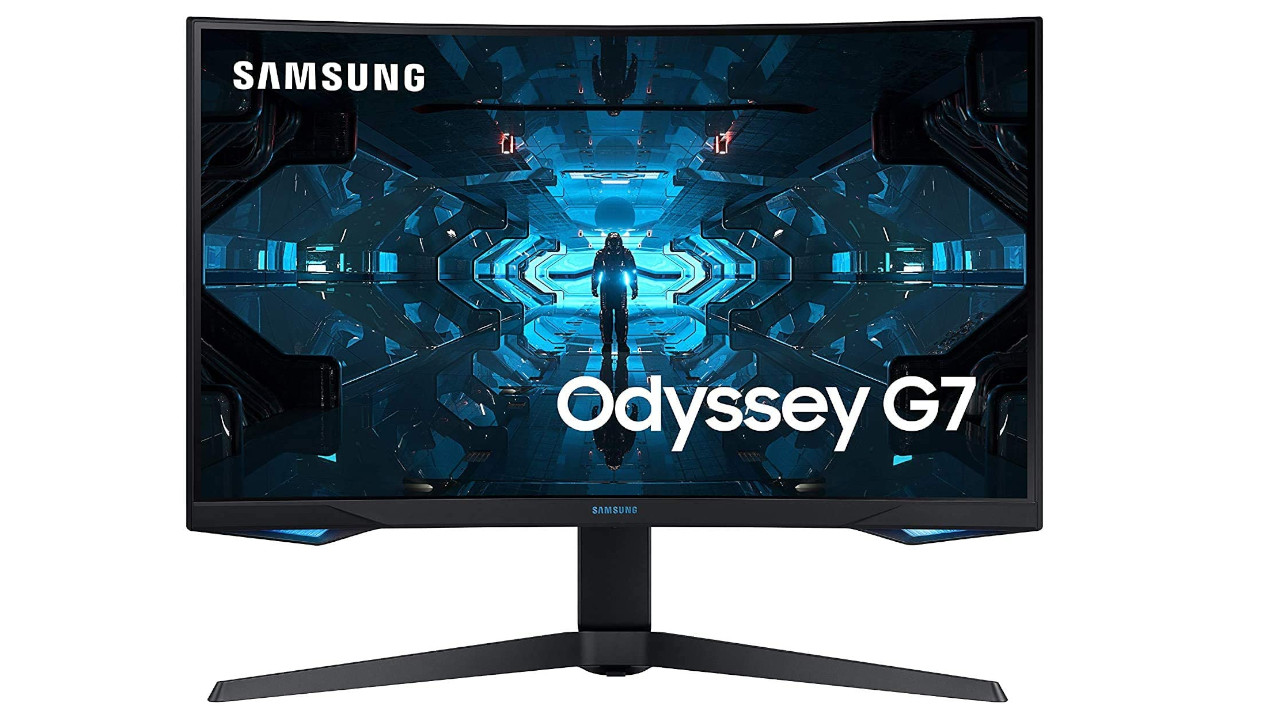
This is what the monitor offers: The Samsung Odyssey G7 provides you with a refresh rate of 240 Hz at 32 inches and WQHD resolution. The monitor also supports FreeSync as a synchronization technology but also supports Nvidia’s G-Sync. Incidentally, the Samsung Odyssey G7 is among the best gaming monitors with 240 Hz.
Due to its low input lag, the monitor is very suitable for competitive gaming. According to TomsHardware, the colors are already properly calibrated (via tomshardware.com). Additionally, it comes with an ergonomic stand and numerous connection options on the back of the device.
DisplayNinja praises the excellent image quality, rich colors, and the numerous connections (via displayninja.com). However, the testers also state that the strong curvature of the display may not be suitable for all users.
Best alternative with OLED: Gigabyte AORUS FO27Q3
Resolution: 2560 x 1440 | Refresh Rate: 360 Hz | Price (according to Geizhals): 649 Euros |

This is what the monitor offers: The Gigabyte AORUS FO27Q3 is a 27-inch monitor with a resolution of 2560 x 1440 and a refresh rate of 360 Hz. The monitor from Gigabyte uses a QD-OLED panel from Samsung. In addition, you get modern connections such as HDMI 2.1, allowing you to use the monitor with your PS5 or Xbox Series X/S. Additionally, you get a USB-C port and a KVM switch. The latter is practical if you want to use the monitor with multiple devices.
The English-speaking magazine Rtings.com rates the monitor in the gaming category with 9.2 out of 10 possible points. For console gaming, Rtings gives it 9.1 out of 10 points. Praise is mainly for the fantastic color fidelity and the very fast response time of the display. Criticism primarily comes for the flickering when using VRR and that ambient light makes black appear rather purple on the monitor.
Best Gaming Monitor 4K – Dell Alienware AW3225QF
Resolution: 4K | Refresh Rate: 240 Hz | Price (according to Geizhals): 1,119 Euros |
This is what the monitor offers: Dell introduced the AW3225QF right on time for the CES 2024. This model is the first 4K QD-OLED gaming monitor with Dolby Vision HDR. The monitor offers you a refresh rate of 240 Hz.
The colleagues from rtings rate the gaming monitor with 9.3 out of 10 possible points in the gaming category. They state that the monitor is excellent for gaming: The outstanding response time, the nearly unlimited contrast ratio, and the perfect black representation speak for the monitor. Included is HDMI 2.1, allowing you to enjoy 4K games with a maximum refresh rate of 240 Hz.
However, there is one downside. While the monitor connects easily with the PS5 or an Xbox Series X, it cannot process the 1440p signal. Additionally, there are some minor issues with Dolby Vision.
If you want to buy the monitor, you can currently get the Alienware AW32225QF in Dell’s official shop.
Best Alternative: Samsung Odyssey Neo G8
Resolution: 4K | Refresh Rate: 240 Hz | Price (according to Geizhals): 798 – 1,045 Euros |
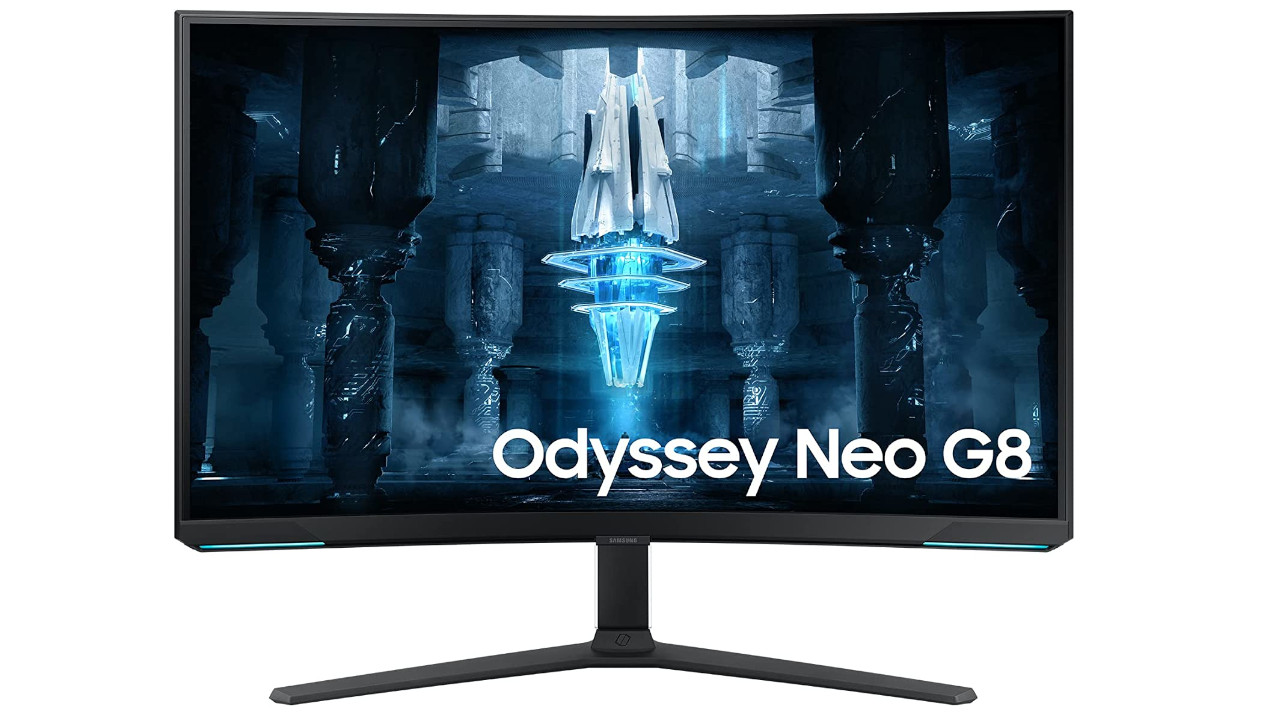
This is what the monitor offers: The Odyssey Neo G8 offers you a 4K display with 240 Hz. Additionally, the model features HDMI 2.1, making it very suitable for the PS5 or Xbox.
The experts from rtings rate the monitor in the gaming category with 9.0 out of 10 points. Praise goes to the excellent black levels, the low input lag, and the fast response times. Rtings criticizes that there may be flickering at very low frame rates.
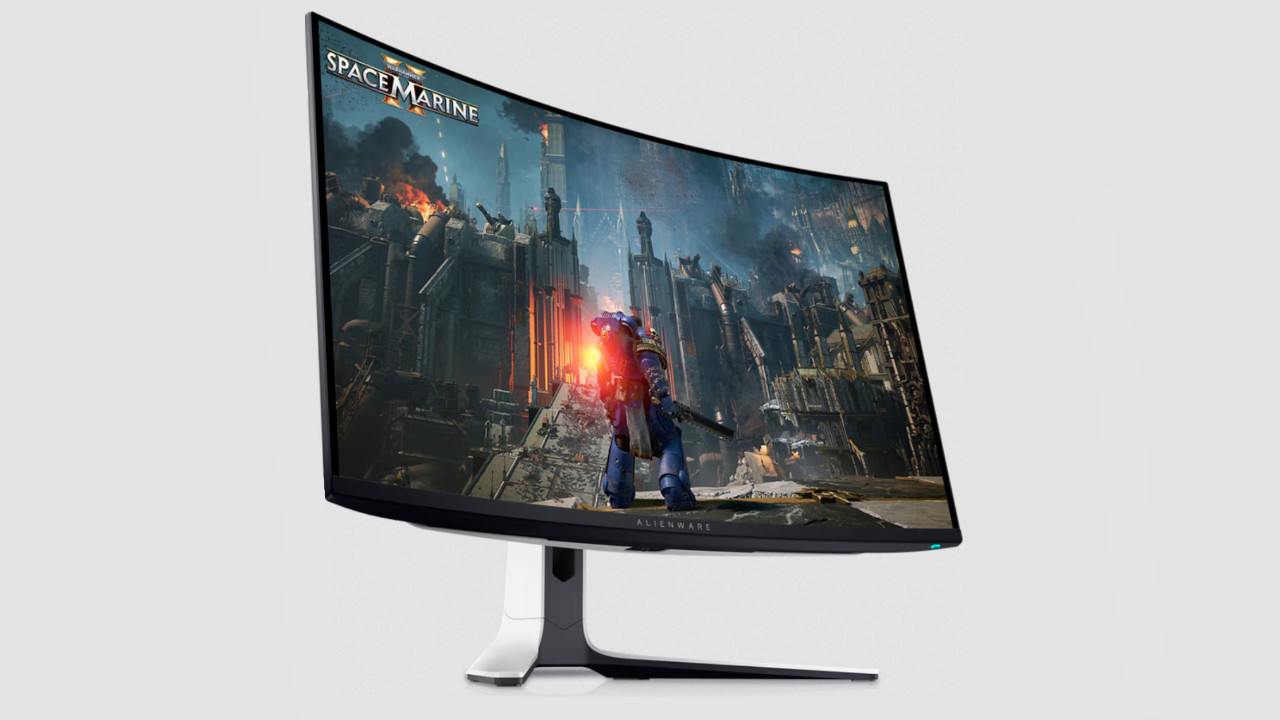
Best Gaming Monitor Curved – Dell Alienware AW3423DW
Resolution: UWQHD (3440×1440) | Refresh Rate: 175 Hz | Price (according to Geizhals): 900 – 1200 Euros |
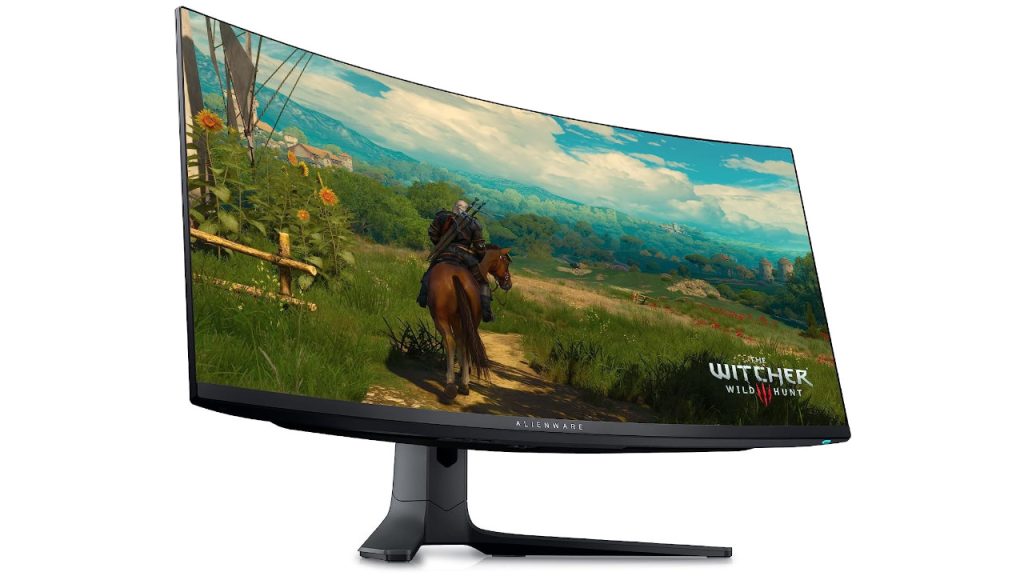
This is what the monitor offers: The Dell Alienware AW3423DW is one of the first QD-OLED screens. QD-OLED is a technology that aims to combine the strengths of OLED and quantum dot displays to create perfect black levels with a wider color spectrum.
The model has a high refresh rate of 175 Hz with native G-SYNC support; FreeSync also works. The input lag is low for high frame rate signals but increases slightly at lower frame rate signals. The extended 3-year warranty from Alienware for “burn-in” damage is also practical.
Thanks to the excellent contrast ratio, the device is perfect for dark rooms; in bright rooms, the contrasts suffer a bit. Additionally, it has very good viewing angles from all viewpoints. The model also handles reflections well. Rtings.com rates the model in the gaming category with 8.7 out of 10 points.
With your PS5 or Xbox Series X, you can generally use the monitor; however, you will unfortunately have to live with black bars, as the consoles do not support ultrawide monitors.
If you are looking for a very good alternative with an IPS panel, take a look at the LG Electronics 34GP950G-B. This offers weaker black levels but a similarly good overall picture.
Best Gaming Monitor 240 Hz – ASUS ROG Swift OLED PG27AQDM
Resolution: WQHD (1440p) | Refresh Rate: 240 Hz | Price (according to Geizhals): 850 – 1200 Euros |
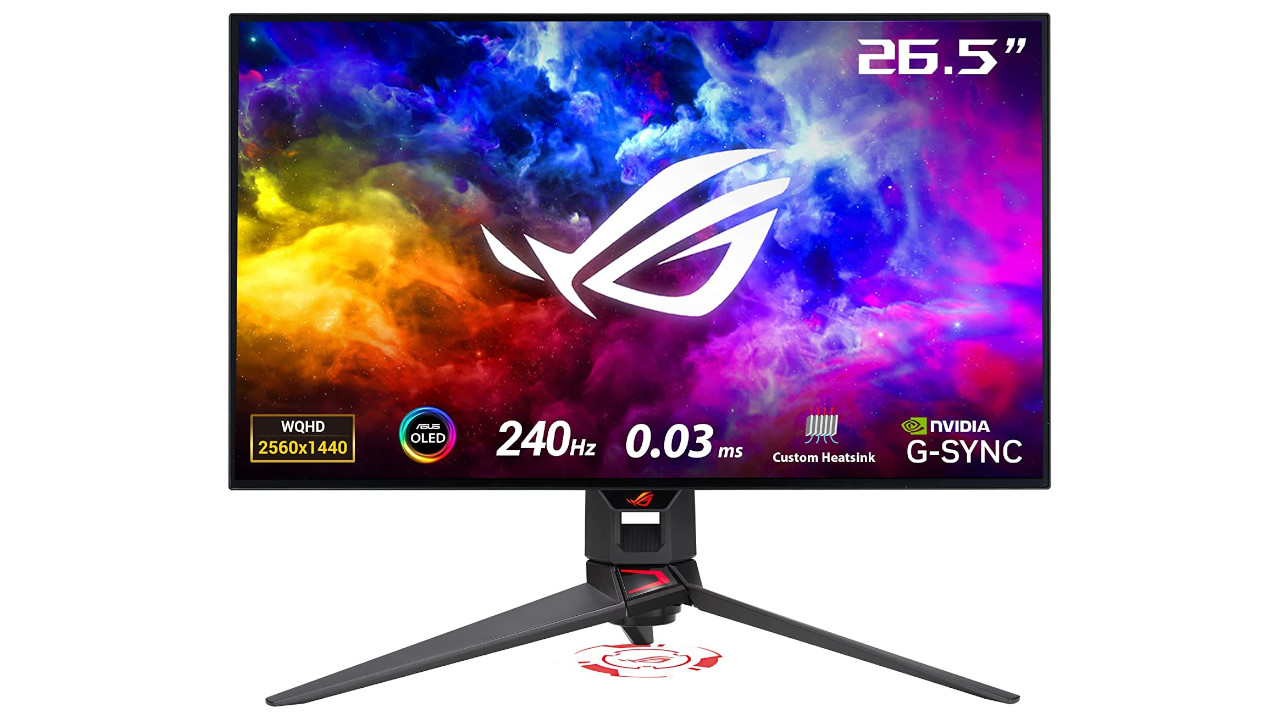
This is what the monitor offers: With the ASUS ROG Swift OLED PG27AQDM, you get an excellent monitor with a 27-inch WQHD resolution (1440p) and 240 Hz. You get an OLED display; ASUS itself claims that various features (such as “Pixel Cleaning”) are designed to prevent burn-in.
Rtings.com rates ASUS’s model in the gaming category with 9.1 out of 10 points. Much praise is given for the outstanding contrast, rich blacks, and the response times. Thanks to good contrasts, the monitor is also very well suited for dark rooms. The biggest disadvantage is that the monitor only offers HDMI 2.0; for the PS5 or Xbox, there are better alternatives.
A cheaper alternative with the same panel would be the Corsair XENEON 27QHD240. This also offers HDMI 2.1, but lower brightness values than the ASUS model:
Best Gaming Monitor with 360 Hz – Acer Nitro XV252QF
Resolution: Full HD (1080p) | Refresh Rate: 360 (390) Hz | Price (according to Geizhals): 450 – 650 Euros
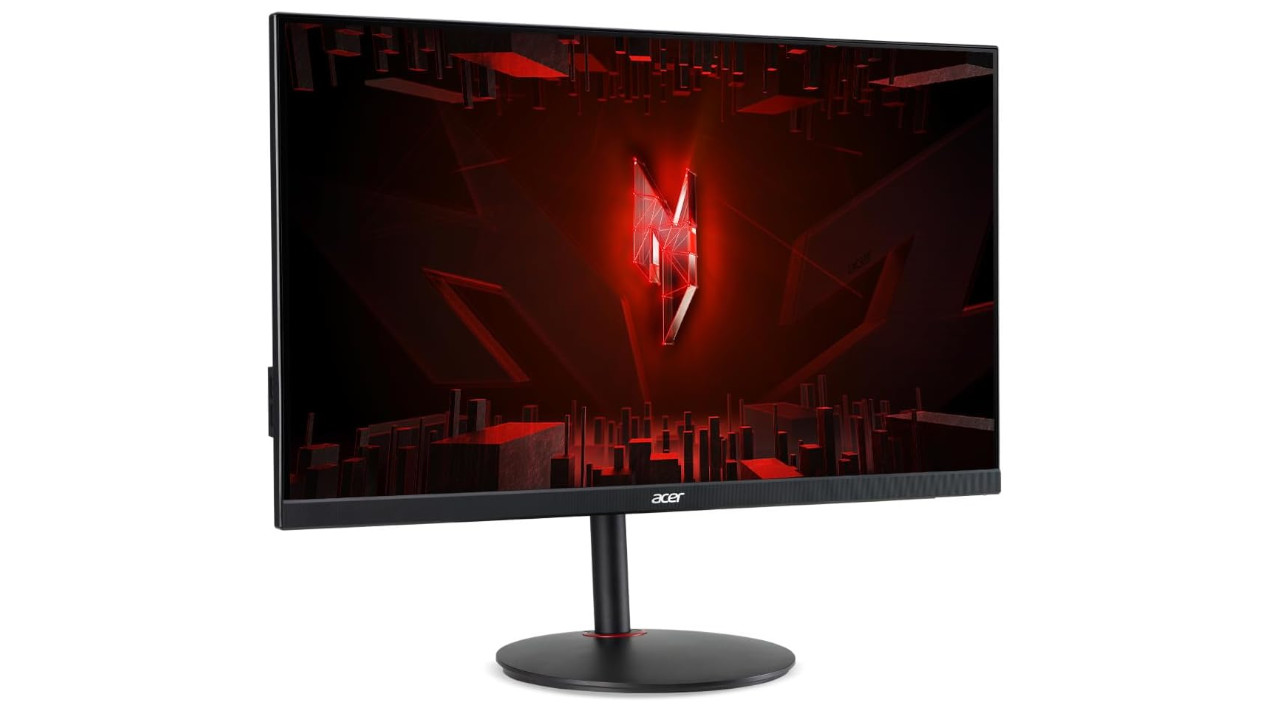
This is what the monitor offers: The Acer XV252QF offers you a Full HD resolution with 25 inches. The preset refresh rate is 360 Hz, but you can overclock the IPS display up to 390 Hz. This makes it one of the fastest monitors currently available for purchase.
The colleagues from rtings rate the monitor with 8.3 out of possible 10 points in the gaming category. Praise goes especially for the very low input lag, fast refresh rate, and fantastic motion representation without noticeable blur with quickly moving objects. The monitor also offers FreeSync, but it is not compatible with purely HDMI devices like the PS5 or Xbox Series X/S.
Best Gaming Monitor with G-Sync – ViewSonic Elite XG270QG

This is what the monitor offers: The device from manufacturer ViewSonic offers you a resolution of 27 inches in WQHD. It also has a refresh rate of 144 Hz, which can be overclocked to 165 Hz using software.
The device uses G-Sync and offers extremely low reaction times, which is particularly important for fast movements (via rtings.com).
However, the monitor does not support HDR, and the IPS display cannot portray deep black colors.
Best Gaming Monitor PS5 and Xbox Series X – Sony INZONE M9
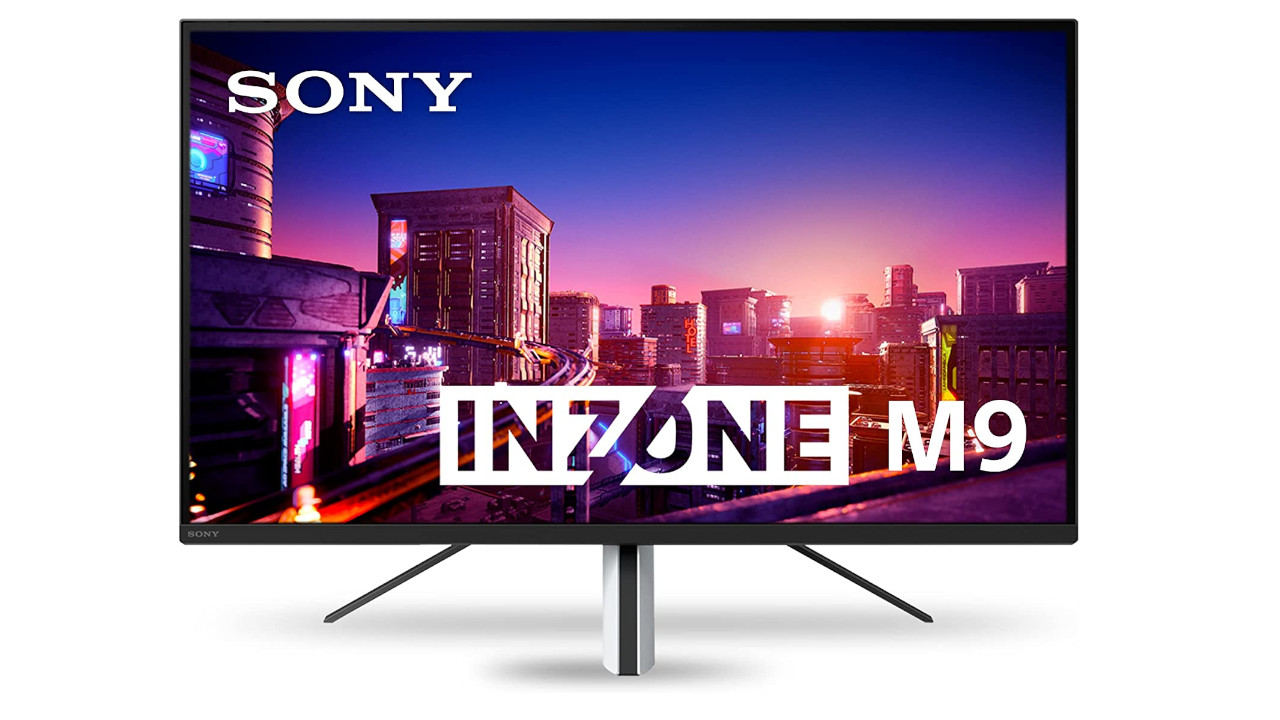
This is what the monitor offers: Sony’s own INZONE M9 offers you 4K resolution on 27 inches with 144 Hz. The monitor offers both HDMI and DisplayPort, so you can also connect the device to your PC outside of your PS5 or Xbox. HDMI 2.1 is used, which makes it particularly recommended for PS5 and Xbox. Sony uses an IPS display.
Another advantage is that the monitor supports GSync. The PS5 now also supports the VRR function, which makes the image on the PS5 look significantly better. All games that support VRR on the PS5 can be found here on MeinMMO.
The colleagues from Tomsguide praise the high image quality and sharpness and are impressed by the minimalist design. Criticism is primarily for the weak internal speakers and the lack of the ability to rotate or pivot the monitor.
Another excellent alternative is the Samsung Odyssey Neo G8, which we presented to you as the best alternative as a 4K monitor. The Neo G8 offers you an even larger display and a similarly good image:
More recommended gaming monitors for PS5 and Xbox Series X can also be found in this article:
Best Gaming Monitor under 200 Euros – ASUS TUF Gaming VG249Q
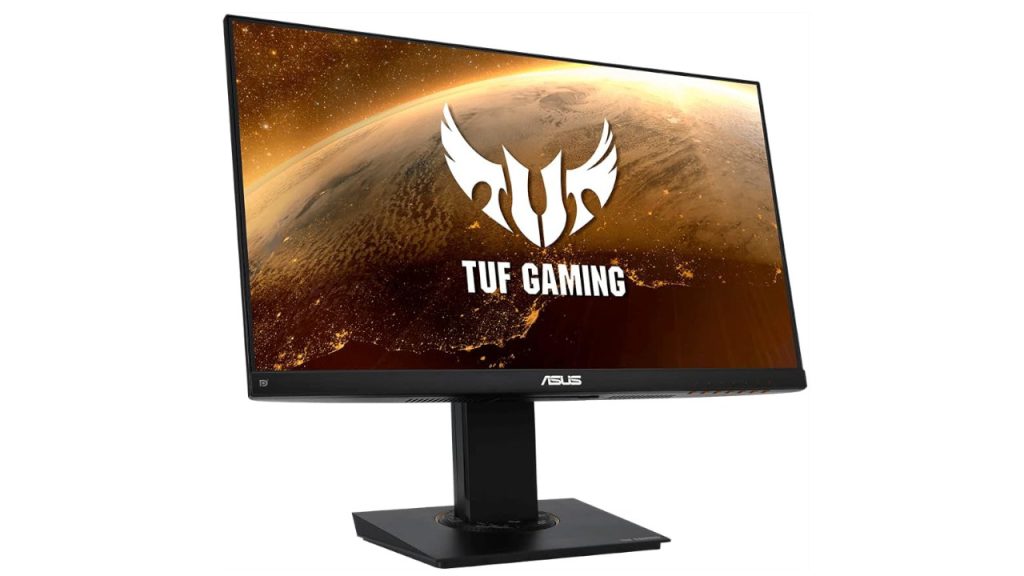
This is what the monitor offers: With the ASUS TUF Gaming VG249Q, you get a gaming monitor with a 23.8-inch Full HD resolution. The device also offers a refresh rate of 144 Hz.
In addition, it supports variable refresh rates (VRR) to reduce screen tearing and offers several additional gaming features like backlighting and even a virtual crosshair.
The colleagues from rtings rate the gaming monitor with 8.4 out of 10 possible points in the gaming category.
Best Alternative under 200 Euros: Viewsonic VX2719-PC-MHD
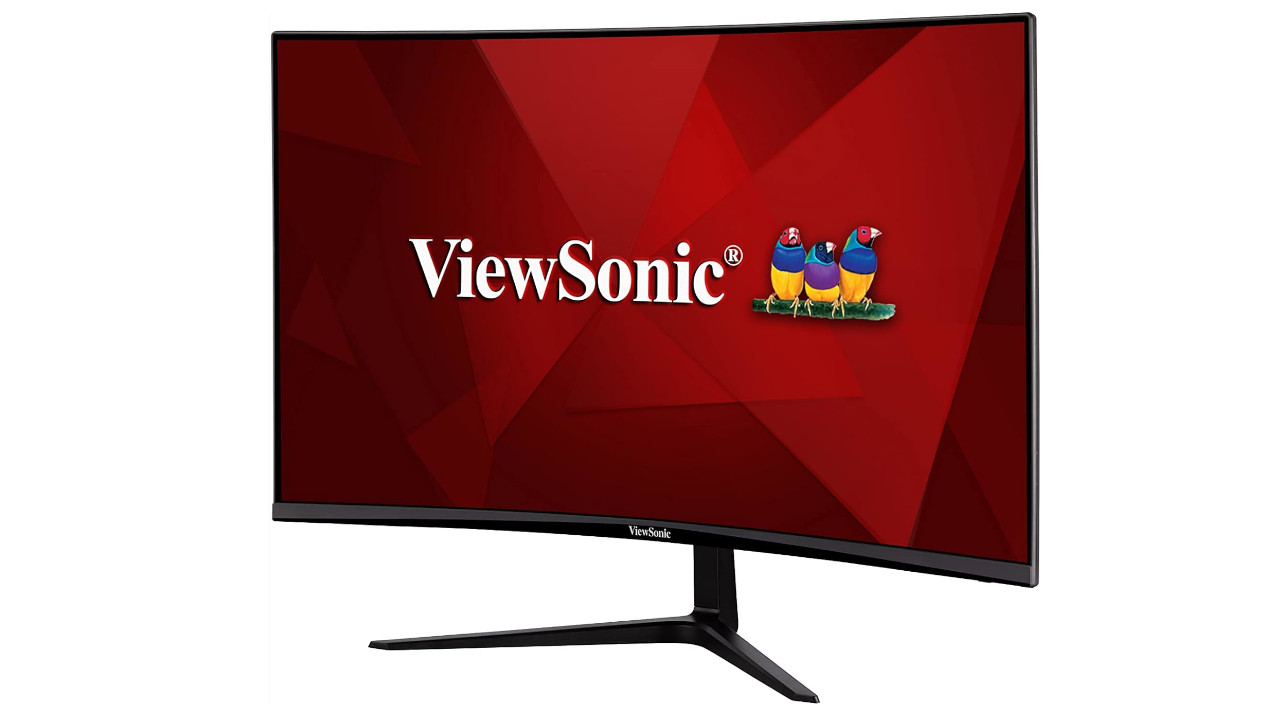
This is what the monitor offers: With the Viewsonic VX2719-PC-MHD, you get a gaming monitor with a 27-inch Full HD resolution. The device also offers a refresh rate of 240 Hz. Additionally, the monitor has a slight curve and belongs to the curved models.
The strength of the monitor lies in its good VA panel; the downside mainly lies in the weak ergonomics: you can only tilt the monitor forward or backward and neither rotate nor pivot it. However, you usually pay no more than 200 Euros for the model.
Best TV TV for Xbox and PS5: If you don’t like gaming monitors or find them too small, then check out TV screens. If you want more tips and hints about TV screens, check the buying guide for TV screens for next-gen.
The offers listed here contain so-called affiliate links. By purchasing through one of these links, you support MeinMMO: Without affecting the price, we receive a small commission from the provider.

Your opinion is important to us!
Do you like the article? Then let us know!