

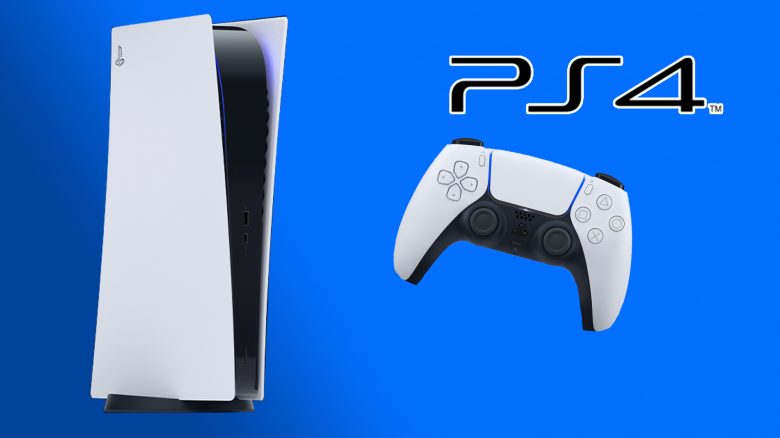
The backwards compatibility of the PlayStation 5 (PS5) is an important topic. Which PS4 games run on it and how well? And what about PS Plus titles? The key answers were given by Sony.
Where do the answers come from? In a blog post, Sony addressed some questions regarding the backward compatibility of the PlayStation 5.
Meanwhile, the PS5 was presented with its price and release date. Many people wonder what will happen to their old PS4 games when they buy a PS5. Will they even run on the new console, and what should be considered?
We summarize here the most important findings you need to know about your new PS5.
1. Can I play PS4 games on my PS5?
Yes, and here’s how you can do it. Right at the launch of the PS5 on November 5, over 99% of the more than 4,000 PS4 games should be playable on the PS5.
This is much more than previously assumed. Because there was already a statement from Sony in September 2020. It said that 99% of the tested PS4 games would run on the PS5. How many were tested at that time was unclear.
When playing or downloading, pay attention to whether you select the PS4 version or the PS5 version of a game.
What you need to consider: For some PS4 games, you have to pay extra if you want to play them in next-gen.
Games like FIFA 21 even offer this advantage for free. A list of PS4 games that get a free PS5 upgrade.
2. Is the PS5 backward compatible with the PS3, PS2, and PS1?
The backward compatibility of the PS5 only extends to the PS4. PS1, PS2, and PS3 games do not run on the new PlayStation 5. This was confirmed by PlayStation head Jim Ryan.
The reason for the lack of compatibility of the PS5 with older generations is the lack of time.
Your old gems will have to be played on older consoles.
3. List – Which PS4 games do not run on the PS5?
Sony explains that you can recognize the unsupported games in the store. Pay attention to the labeling “PS4 Only” or “Only PS4” in the PlayStation Store.
Additionally, a list has been published where all PS4 games that will not run on PlayStation 5 are listed:
- Afro Samurai 2: Revenge of Kuma Volume One
- DWVR
- Hitman Go: Definitive Edition
- Joe’s Diner
- Just Deal With It!
- Robinson: The Journey
- Shadow Complex Remastered
- Shadwen
- TT Isle of Man – Ride on the Edge 2
- We Sing
More info on the PS4 games that you cannot play on the PS5 can be found on MeinMMO.
4. Differences with PS4 games on disc between the two PS5 models
Sony explained what differences it makes when playing your PS4 games on the PS5 Digital Edition or the PS5 with Blu-ray drive.
They explain that the gaming experience is the same. There are only differences in how you can access the content.
The most important and obvious difference is that on the PS5 with a drive, you can also use the game discs for your PS4 games. PS4 games that require a disc will not run on the digital version of the PS5.
The compatible PS4 games can be played on both the digital and Blu-ray version of the PS5.
Once you log in with your PSN account on the PS5, you will see your PS4 library there.
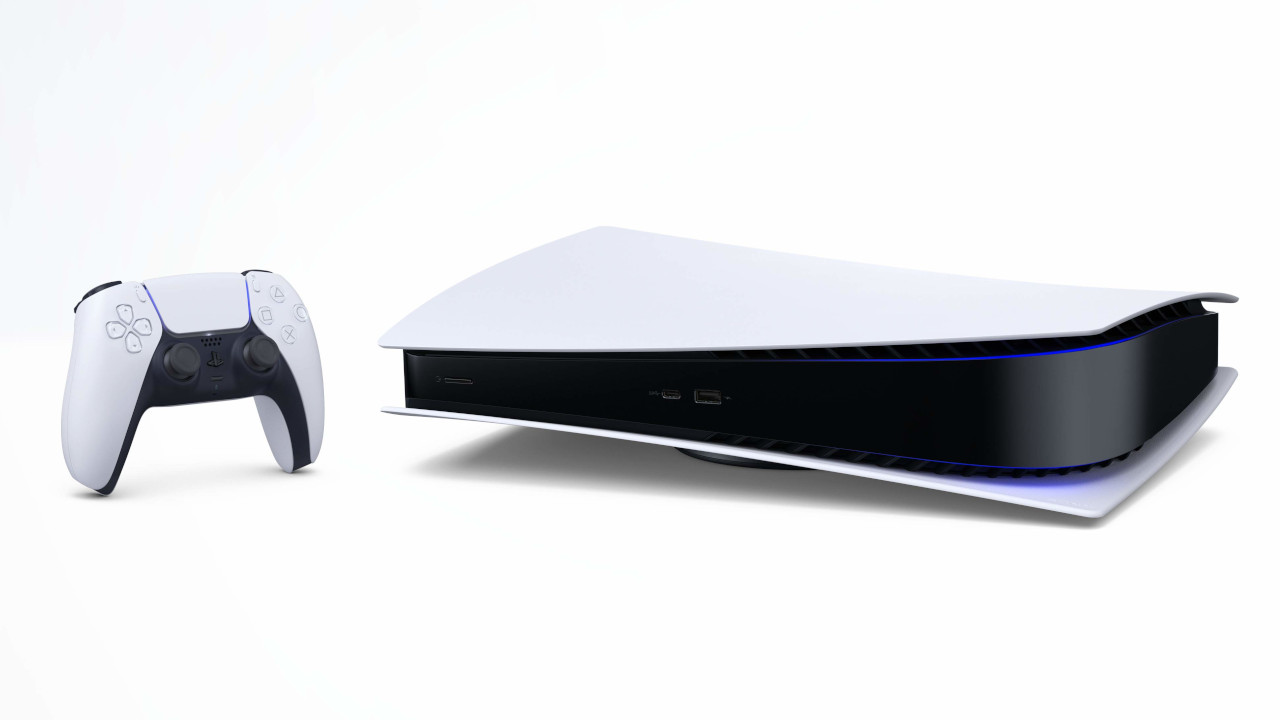
Still unsure which version you should buy? This speaks for and against buying the Digital Edition of the PS5.
5. What about my PS4 games from PS Plus?
Every month, Sony distributes free games to its subscribers as part of PS Plus. Over the years, many players have accumulated quite a library.
The games you received through PS Plus or PS Now can also be played on the new PS5. They just need to be compatible titles.

6. Is the PS5 backward compatible with the PS4 controller (DualShock)?
The answer here is not clear. Yes, you can connect your PS4 DualShock to the new PS5. But it will only work in a limited capacity.
Which games can I play with it? You should not have issues playing most PS4 games on the PS5 with your DualShock.
You can also navigate the interface, launch and use apps, and start games with it.
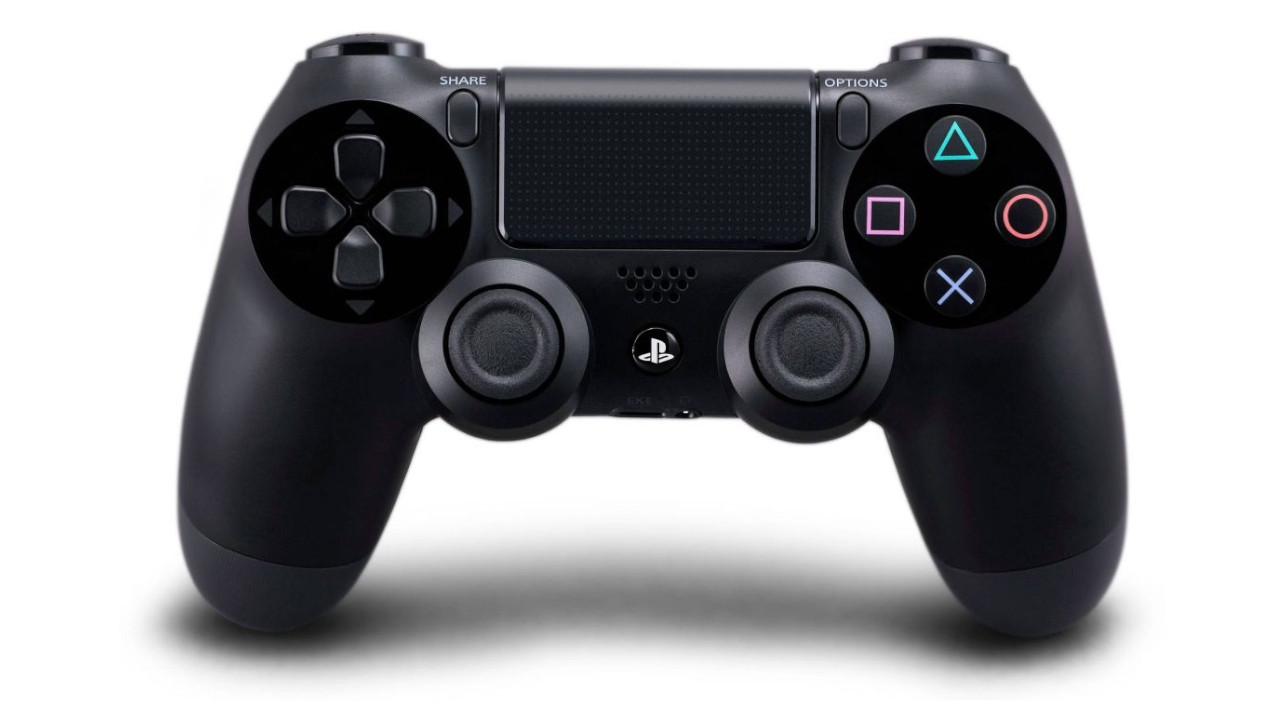
What can’t the DualShock do on the PS5? You can start your PS5 games with the DualShock, but you cannot play them. Sony requires the new DualSense for PS5 games.
What other options there are with the DualShock on the PS5.
7. How well do PS4 games run on the PS5?
Many wonder how their old games perform on the new console. Sony explains that PS4 titles should run even better on the PS5.
Most importantly:
- Improved loading times
- Increased or more stable frame rates
- Games without frame rate limits could show more consistent FPS
- Games with dynamic resolution up to 4K could maintain it more consistently
8. What about “PlayStation VR” games?
You can also play PS4 virtual reality games on the PS5. However, keep in mind that you will still need the equipment, such as a PS VR headset, to play the games.
Importantly, the PS5 HD camera is not compatible with PS VR on the PS5. You need to use the PS4 camera and connect it to your PS5 with the free camera adapter in order to use PS VR on the PS5.
9. Can I stream PS4 games on PS5?
Sony confirms that remote play from PS4 to PS5 and streaming from PS Now is supported. This has the advantage that you can save space on the hard drive of your PS5.
However, PS4 games that you stream to the PS5 do not benefit from the game boost.

10. Can I transfer my PS4 save files?
The option is available, but it depends on the game developer whether it is supported for their respective games.
You can transfer your digital games, game content, and save files from the PS4 to the PS5. This can be done with:
- LAN cables
- Via Wi-Fi
- or even with USB sticks

Your opinion is important to us!
Do you like the article? Then let us know!