

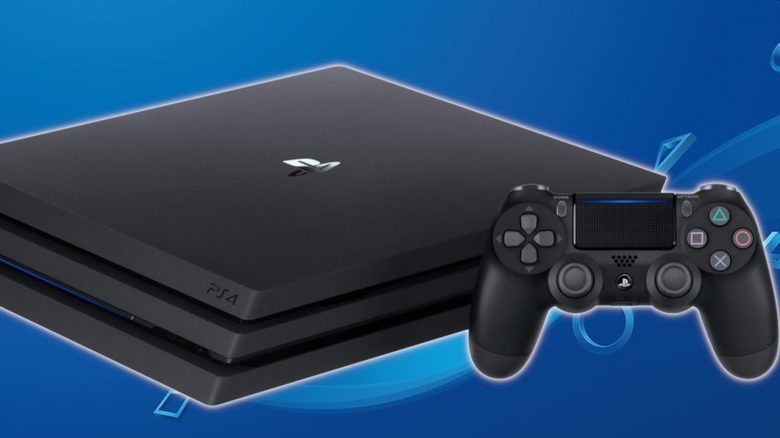
The PSN is down for maintenance due to the new firmware 7.55 for the PlayStation 4. Thousands of players are now waiting with error codes like CE-30035-1 for it to continue. What is going on and how long will it take?
Update – 1:30 PM: There are more and more reports from players who can play normally again. For them, it was enough to install the new firmware update 7.55.
Meanwhile, on the official PlayStation website the patch notes are already available. According to these, the update 7.55 improves the system’s performance.
Original message – This is the problem at the moment: Currently, there are reports from players that they cannot connect to the PlayStation 4 services. They are receiving various error codes, such as:
- CE-32899-1
- NP-34957-8
- NP-39226-2
Additionally, players report that they cannot select their PlayStation 4 as their primary device or access their games. There are issues connecting to the server to verify licenses:
By the way, is your PS4 loud? PS4 gets loud and hot – 6 tips and tricks on what you can do about it
PSN Issues and Error Codes
What do these codes mean? Each of these error codes indicates a connection issue and suggests maintenance work or network errors. Sony advises checking your connection. In this case, it seems to be originating from PlayStation itself.
So far, there have been no reports from PlayStation or Sony themselves addressing the issues or stating how long the maintenance will last. According to the official support page, all services are online.

Maintenance for the new firmware 7.55
Where is the problem coming from? Players report that after starting their console, they are prompted to download the new firmware update with version number 7.55. It is about 470 MB in size.
Apparently, this update is currently the reason why players cannot connect to the PSN. According to the patch notes, the update is supposed to improve system performance.
If an update does not start for you, check your system settings to see if a new version of the firmware is available and manually download and install it. This ensures you can bypass the issues as quickly as possible.
If you are also interested in Sony’s next-gen console: PlayStation 5 – Everything we know about Sony’s upcoming PS5
This article is still in progress and will continue to be updated for you

Your opinion is important to us!
Do you like the article? Then let us know!