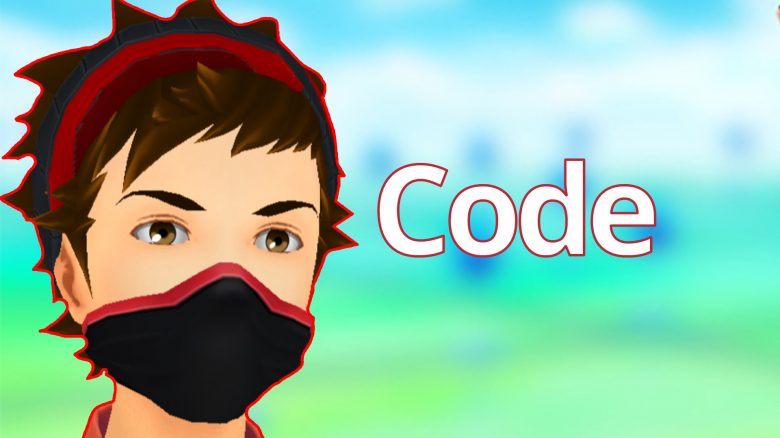
A new promo code in November 2020 for Pokémon GO is here. Together with Verizon, the game is giving away 4 clothing items. Here’s how to redeem it on iOS and Android.
What kind of code is this? In collaboration with Verizon, Pokémon GO is offering you new gifts this November, which you can redeem in the game using a code on Android or iOS.
Verizon is a US telecommunications company.
The new code is:
- LRQEV2VZ59UDA
What gifts are available? This promo code is a bit different from the last ones you could redeem. Because as a reward, there are no balls or stardust. Instead, you’ll receive clothing for your avatar.
These are two black masks and two jackets. The masks are black with red accents and the jacket is black/gray with a red hook in the middle. There are versions for both male and female characters – hence there are four gifts, but you’ll initially see only two of them.
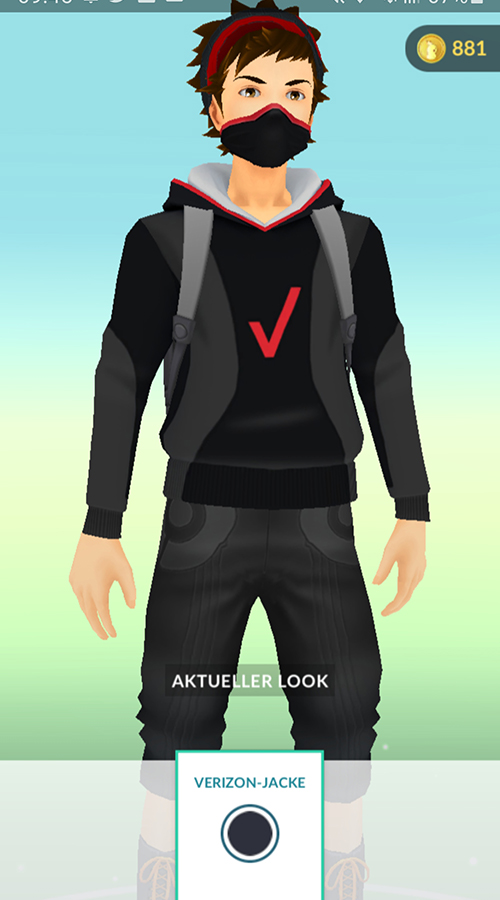
If you like these clothing items and want to unlock them, we’ll now show you how to unlock the clothing for your accounts.
Redeeming the promo code on Android and iOS
How do you redeem the code on Android? Users of an Android device have a straightforward process for entering it.
- First, copy the promo code from the top of the article
- Now open Pokémon GO and select the shop via the Pokéball in the center
- Scroll all the way down in the shop
- Here you will find the field for entering the code
- Paste the copied code there and click redeem
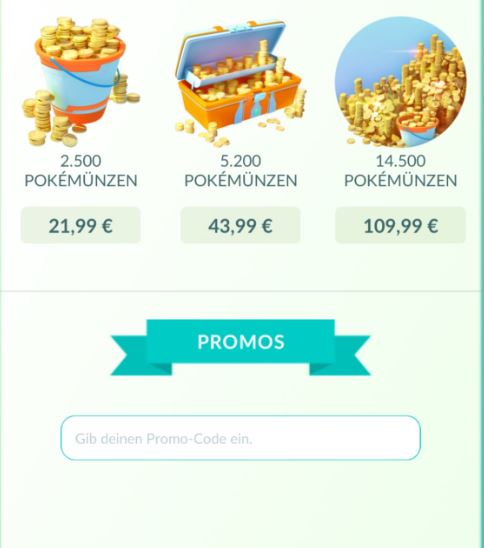
How do you redeem the promo code on iOS? On iOS devices like iPhones, redeeming the code is somewhat more complicated.
- Copy the promo code from the top of this article
- Now visit the Niantic website (rewards.nianticlabs.com)
- Log in there with your login credentials or Google account that you also use to sign in to Pokémon GO
- Now paste the code you copied from the article
It may take a few minutes for the items to be unlocked in the game. However, usually, it should happen within a few seconds.
How long is the code valid? This is currently unclear. If you want the clothing items, you should redeem the code quickly for safety.
Where can I find the clothing in the game? Equipping the clothing is quite simple. Start Pokémon GO and tap on your trainer portrait at the bottom left.
Then tap on the hanger “customize”. Under the “masks” tab, you will find the Verizon mask. In the “tops” section, you will find the Verizon jacket.
How do you like the gift of this promo code? Do you think it’s good that Niantic doesn’t always give away items like balls, but that you can now dress your character for free, or would you have preferred to receive something else? Share your thoughts here on MeinMMO in the comments.
What you need to know about the new event with the lake trio