

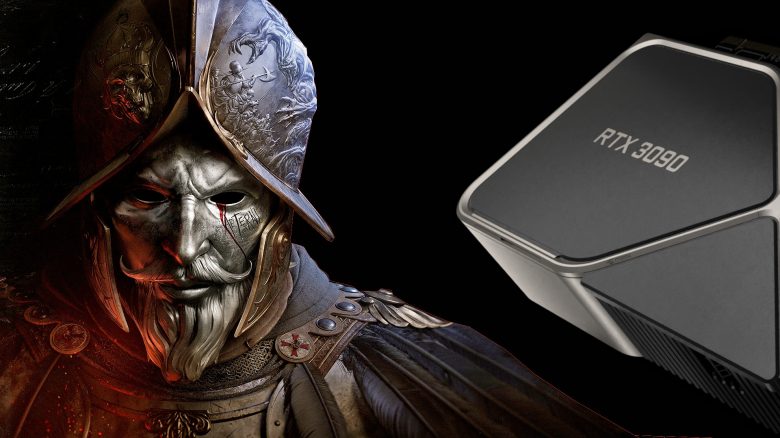
The release of New World is just around the corner. But which graphics settings are worth it the most? MeinMMO presents you with optimal graphics settings for New World.

On Tuesday, September 28, 2021, the release of the MMORPG New World is scheduled. Shortly before the launch, New World continues to dominate the MMORPGs.
And New World also offers you a variety of settings and options in the menus to customize your game to your liking. But how do you actually get the best performance from your hardware?
We at MeinMMO present you with the optimal graphics settings that you should use at the launch of New World. We are assuming the best possible performance. This is also a recommendation, and you can of course adjust the settings to your preferences.
However, you do not necessarily need a GeForce RTX 3080 or a high-end processor if you want to play New World reasonably:

The optimal graphics settings for the best performance
Which settings have the greatest impact? In particular, effect details and shadow details have a strong impact on performance.
The number of player nameplates can also significantly affect your frames per second. If you have a less powerful processor with fewer than 4 cores, you should keep the number of nameplates to a minimum.
We recommend playing the game in Full HD (1920×1080), but you will generally achieve better performance and more FPS by reducing the resolution.
Which settings have minimal impact? Both lighting details and post-processing have no strong impact on your frame rate. You can leave these settings on high if you want better performance.
That’s why you should limit your FPS: Players have complained that New World is damaging their hardware. For this reason, the developers have integrated an FPS limiter in the menu. We would still advise you to limit your FPS. This way, you can prevent your graphics card from being severely overloaded.
However, you will have to test for yourself how high you want to set the maximum. It is best to check your graphics card’s temperature with an external program like HardwareMonitor.
The optimal graphics settings for New World:
| Settings | |
|---|---|
| Display mode | Fullscreen |
| Screen resolution | Full HD (1920×1080) |
| Field of view (FoV, vertical) | 55-60 |
| Graphics quality | Custom |
| Effect details | Medium |
| Lighting details | High |
| Object details | Medium |
| Post-processing details | High |
| Shadow details | Low |
| Terrain details | Medium or High |
| Texture details | Medium |
| Water details | Medium or High |
| V-Sync | Off |
| Maximum FPS | 60 or test yourself. GPUs can be heavily stressed, better to set a cap. |
| Amount of player nameplates | 5 |
Do I need to use exactly these settings? No, you don’t have to. It’s of course up to you how you will play New World.
After the initial issues with various graphics cards, we would still advise you to limit the FPS in the game, at least at launch. Better to be safe than sorry before your graphics card breaks. Because in the current situation, where you can buy graphics cards for thousands of euros on eBay, you don’t want to have to replace a broken GPU for expensive money.

What you need to play New World
How large is the New World download? The client of New World, which you can download via Steam, is 37.5 GB.
System requirements at a glance:
| Minimum | Recommended | |
|---|---|---|
| Operating System | Windows 10, 64 bit | Windows 10, 64 bit |
| Processor | Intel Core i5-2400, AMD CPU with 4 physical cores | Core i7-2600K or AMD Ryzen 5 1400 |
| Memory | 8 GB | 16 GB |
| Graphics Card | Nvidia GeForce GTX 670 2GB or AMD Radeon R9 280 | GeForce GTX 970 or AMD Radeon R9 390X |
| DirectX Version | 12 | 12 |
All basic information about the release of New World can be found in our overview here on MeinMMO. Here we present everything you need to know about the release of the new MMORPG.
Everything about the new MMO New World from Amazon – Release, Beta, Pre-order, Gameplay

Your opinion is important to us!
Do you like the article? Then let us know!