

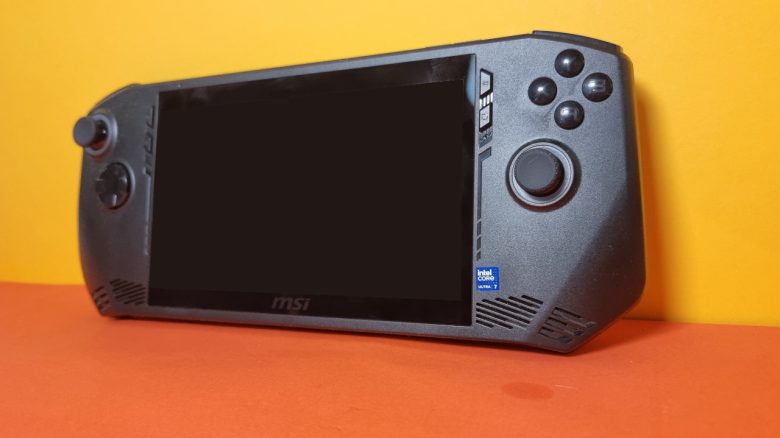
MeinMMO editor Benedikt Schlotmann has taken a look at the MSI Claw. How does the gaming handheld from MSI perform compared to others?
On March 11, 2024, the MSI Claw was released as a new gaming handheld. However, there were numerous issues at release, and the criticism was predominantly negative. Nevertheless, the team behind the MSI Claw has diligently provided updates and drivers for the device.
I checked out the device 5 months post-release, played with it, and examined it otherwise as well. After 5 months, things look significantly better for the MSI Claw. But is that enough for a strong recommendation? With a recommended retail price of 929 euros for the fastest model, the handheld is not exactly cheap.
Who tested this?
I am the Tech Editor at MeinMMO and have a penchant for peripherals, testing mice, keyboards, and gaming headsets. For MeinMMO, I have been testing hardware for our readers for many years. Particularly, gaming mice are among my absolute favorites. Besides the PS5, I also play on my Steam Deck.
Transparency note: The model was provided to us as a review sample by the manufacturer MSI. There was no influence on the test.

Benedikt Schlotmann
Hardware Editor MeinMMO
Design
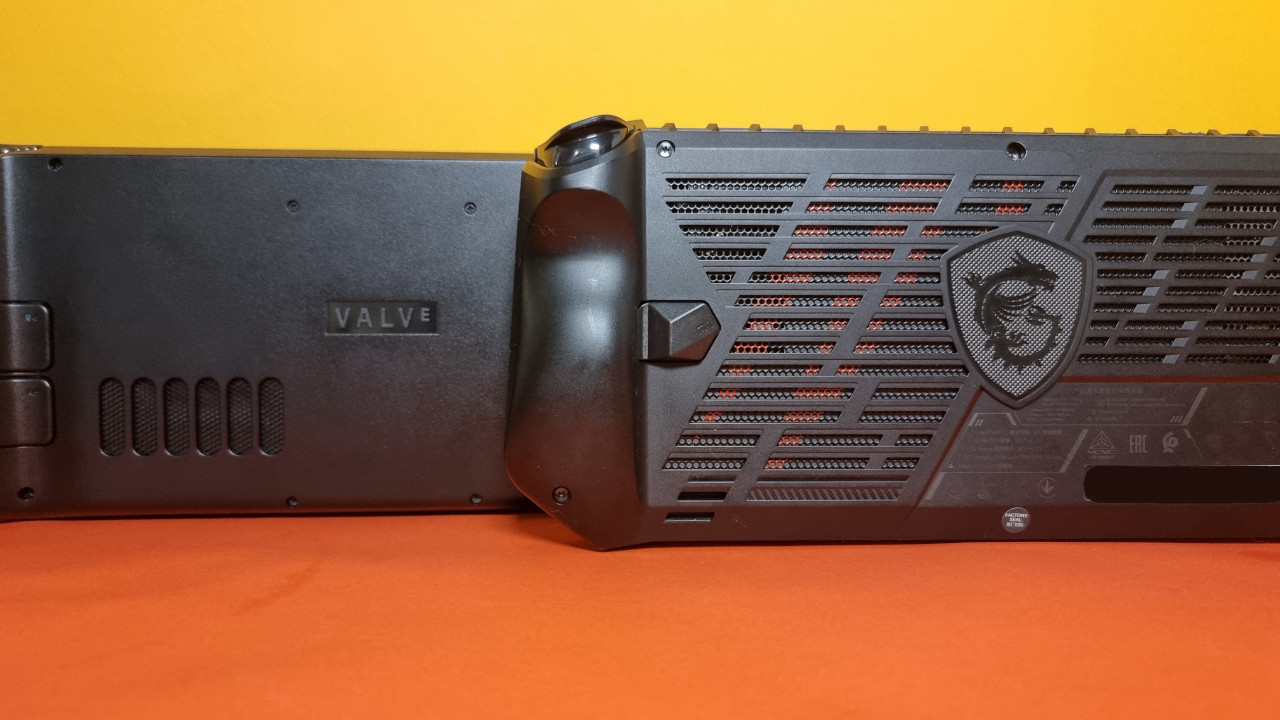
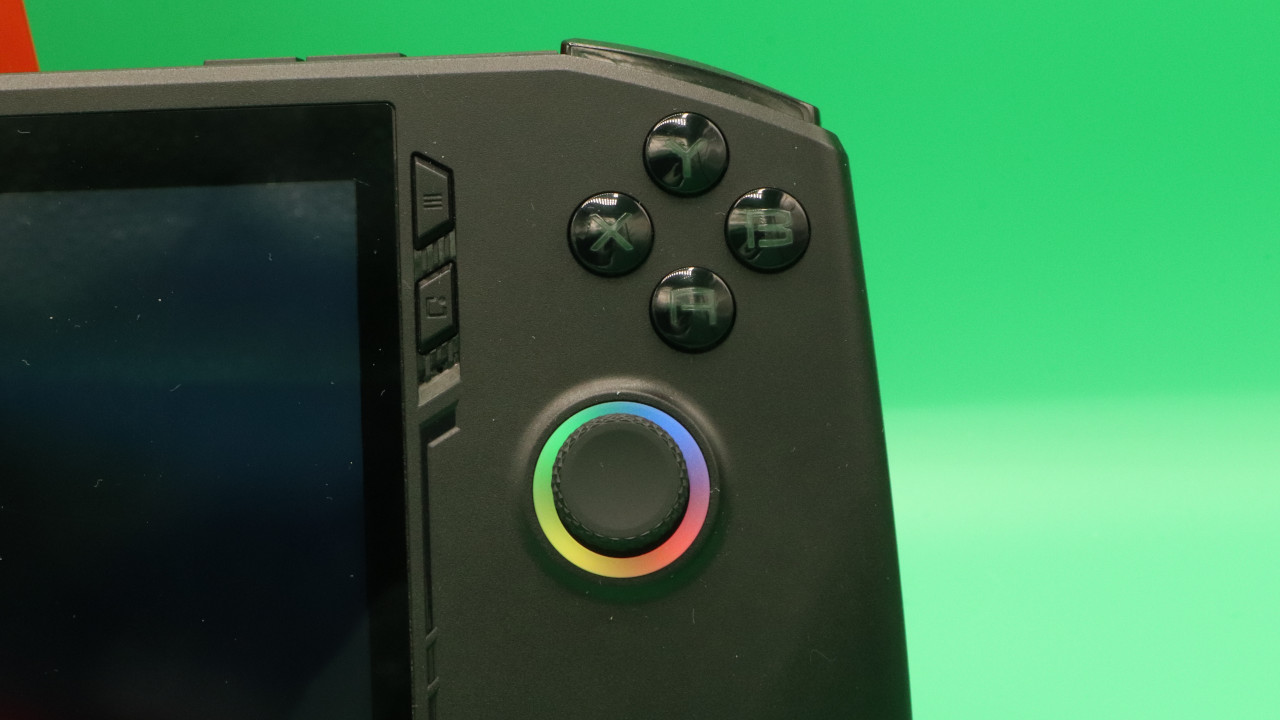
How is the MSI Claw structured? The MSI Claw is structurally very similar to other gaming handhelds. Compared to the Steam Deck, the design of the MSI Claw is somewhat edgier.
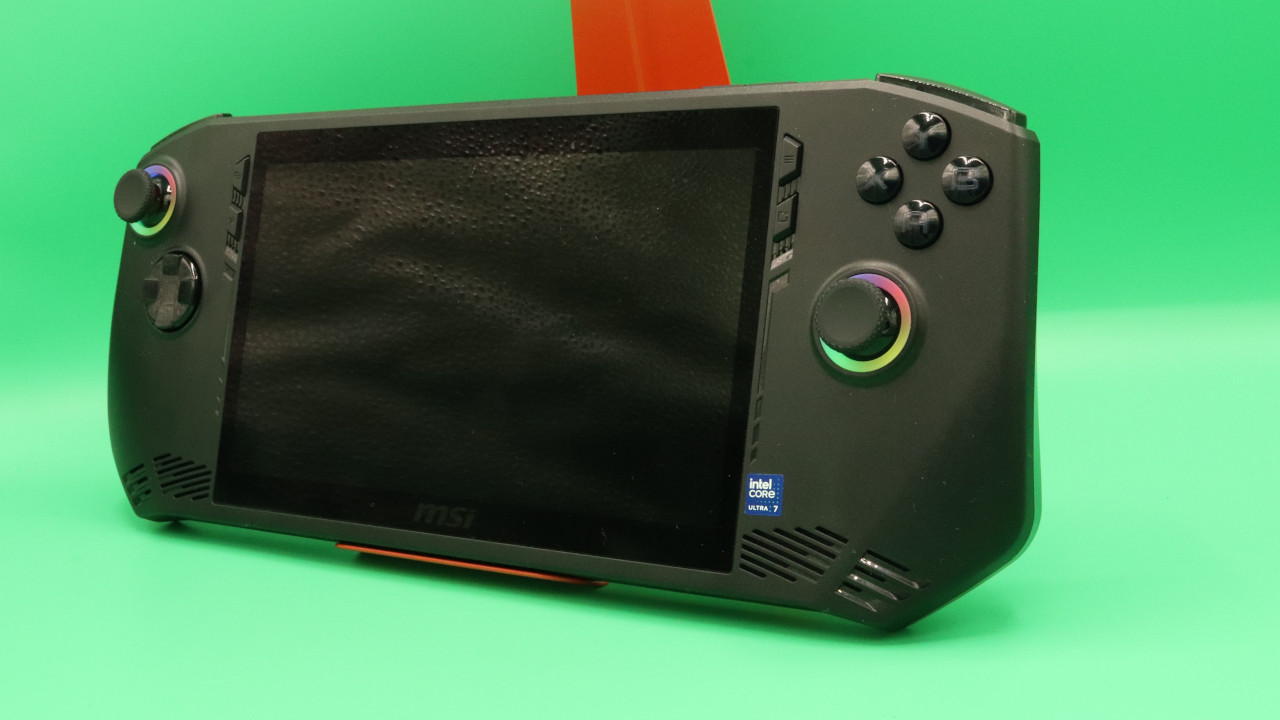
Additionally, the MSI Claw features RGB effects on the buttons and thumbsticks. By the way, this is a power drain, which I quickly turned off.
The MSI Claw adopts the asymmetric design of the Xbox controller for button layout: the right thumbstick is oriented closer to the screen, while the left stick is positioned closer to the edge of the model. The MSI Claw does not have a touchpad like the Steam Deck or the Legion Go.
Setup
What software does the handheld use? The probably most important difference from the Steam Deck is that the MSI Claw uses Windows 11 as its operating system. Compared to the Steam Deck, which uses SteamOS as its operating system, the MSI Claw runs on a standard Windows 11. This allows you to install almost any program on the MSI Claw without effort. With the Steam Deck, you have to go through Proton.
How is the setup? The setup of Windows goes smoothly. During the setup, the handheld installed several major Windows updates for me and restarted during the process. Another plus point during setup: I do not necessarily have to log in or register with a Microsoft account.
Operating System and Software
How is the software? Windows 11 runs surprisingly smoothly, and software can be installed quickly without issues. However, the problem is that Windows is simply not really adapted for such small screens and for a touchscreen. Consequently, it is rather fiddly when you want to make adjustments and do not have a mouse and keyboard within reach.
With the MSI Center, MSI at least has its own software through which you can easily launch your games. The software is clear and pleasantly understated.
Once you have installed your games and set up your software to start your games directly via the MSI Center, the fiddly Windows almost becomes insignificant.
Steam OS and the Steam Deck are simply more intuitive. It is much easier to navigate through the menus with thumbsticks and a D-pad than with a Windows handheld. However, all handhelds that rely on Windows (Lenovo Legion Go, ASUS ROG Ally, MSI Claw) face this issue.
MSI Claw in practical tests – How does it feel to play with it?
What games did I test? On one hand, I tested Wuthering Wave, an action RPG that cannot be installed via Steam. On the other hand, I tried out the action game Atlas: Fallen and the demo of Everspace 2, just like during the test with the Lenovo Legion Go.
Atlas: Fallen crashed every time at the main menu with a message that the Vulkan libraries could not be loaded. This issue could not be resolved.
How does gaming feel? Officially, the MSI Claw supports Full HD (1080p) and offers a bit more resolution than the Steam Deck:
- The Steam Deck supports 1280×800, which is very close to 720p.
- The Lenovo Legion Go supports QHD+ (2560×1600)
- The ASUS ROG Ally also opts for Full HD (1080p) like the MSI Claw.
The performance is surprisingly good over long stretches, and especially fast games like Wuthering Wave run at stable 50 FPS. I do not reach a full 60 FPS. However, the biggest problem is mainly battery life: after 45 minutes, playing a demanding game is over.
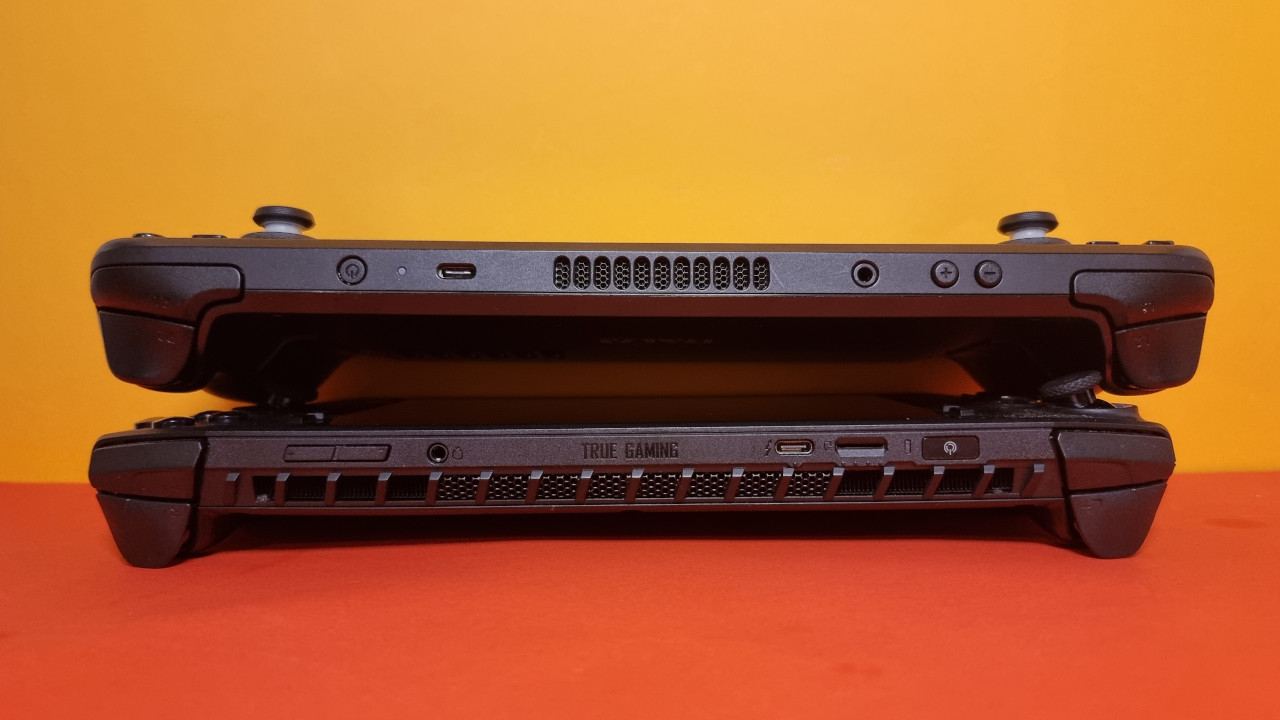
Moreover, the cooling system of the MSI Claw becomes very loud while gaming, sometimes uncomfortably loud. With good, isolating headphones, this is not a problem, but without headphones, it can be quite unpleasant. My wife also feels quite disturbed when I sit next to her in bed at night and just want to play a round while the MSI Claw is loudly humming beside her.
However, the 120 Hz of the display are typically only achieved when you lower the resolution to 720p in the game settings and do not play in Full HD (1080p). Then, the framerate doubles depending on the game. In modern game titles, you generally do not reach 120 Hz either. However, in older titles, it is more likely.
On the next page, you can read the strengths and weaknesses of the MSI Claw in detail and the final verdict.

Your opinion is important to us!
Do you like the article? Then let us know!