
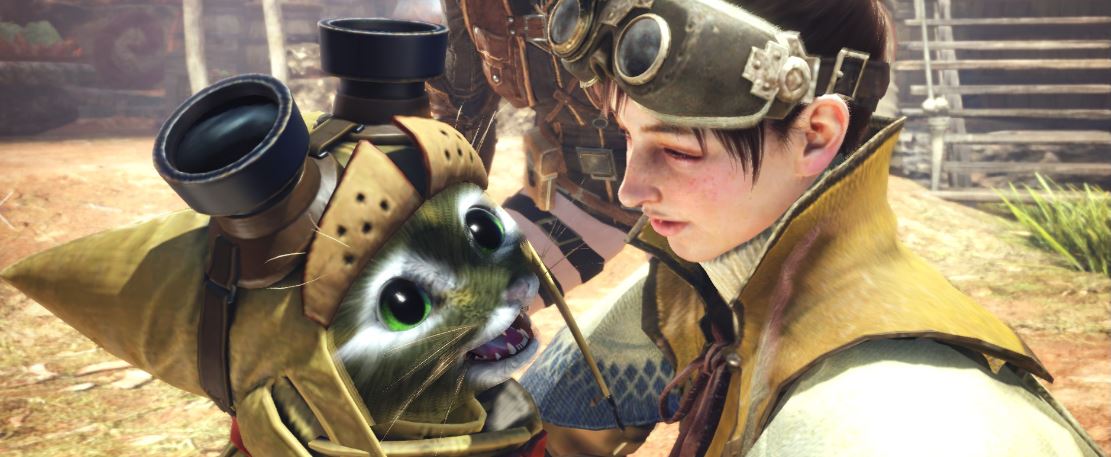
Monster Hunter World will demand high requirements from your hardware on PC in order to run smoothly. However, there are some tips on how to improve performance and achieve 1440p.

Even modern PCs with new hardware can have trouble getting Monster Hunter World to run smoothly. Additionally, 21:9 monitors (ultra-wide) are not supported, and the game has an ugly black border.
MHW can look good in 1440p and 16:9: Monster Hunter World is a real hardware hog on PC. If you want nice graphics, you will already need top-notch hardware and to adjust the settings.
For better resolution: Change settings to 1440p 16:9
Here’s how to do it step by step:
- Start the game once so that you can adjust the settings
- Right-click on Monster Hunter World in your Steam game library
- Select the bottom option Properties
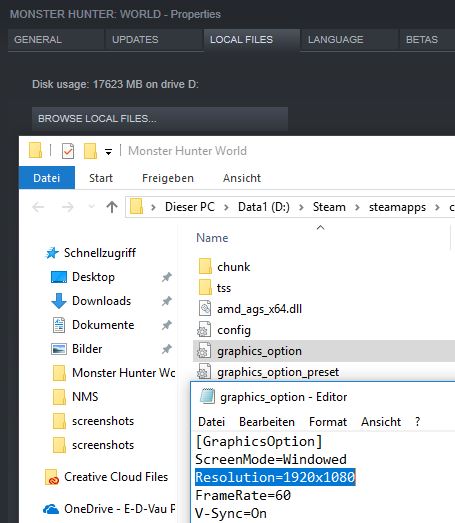
- Click on Local Files and then Browse Local Files
- A folder will open. Click on graphic-options
- In the editor, you will find a line “Resolution=1920×1080”. Change that to 2560×1440
Now you can find 2560×1440 as an option in the in-game graphics settings and you must select it there.
For better performance: Framelock to 60 FPS
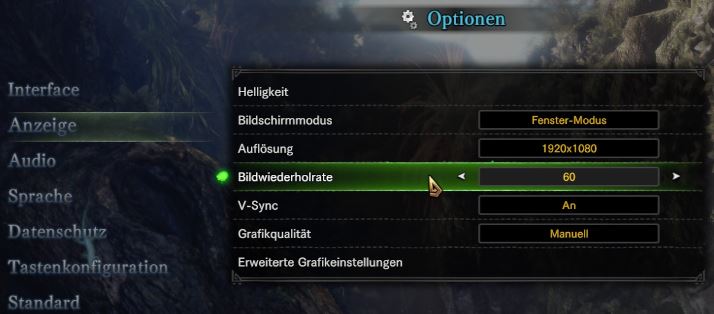
It is possible to play Monster Hunter World without a FPS limit. However, this significantly affects performance. You can set the refresh rate to 60 FPS in the display options. Then you won’t get constant frame drops at 1440p.
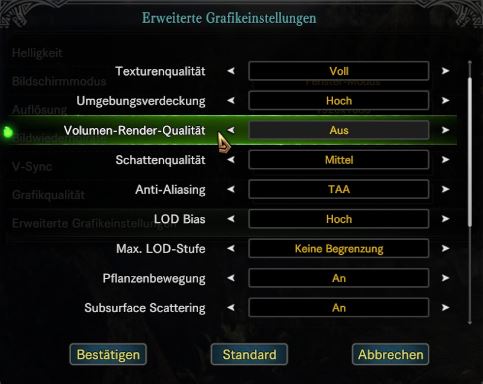
Disable Volume Rendering Quality
For improved performance, it is also advisable to completely disable Volume Rendering Quality. It only affects the volumetric fog, which is not always present in the game. You can find this in the Advanced Graphics Settings.
See how MHW runs without FPS lock in different settings
Charles demonstrates in his video how Monster Hunter World:
- runs without the framelock in different settings and …
- the difference when the Volume Rendering Quality is turned on or off.
As you can see, there are differences of up to 20 FPS. He tested with the following specs:
- Intel I7-6700K
- NVIDIA GTX 980 ti (6GB)
- 16GB RAM
There is another way to improve performance. A mod increases the FPS for Monster Hunter World on PC, but players fear a ban

Your opinion is important to us!
Do you like the article? Then let us know!
Comments