
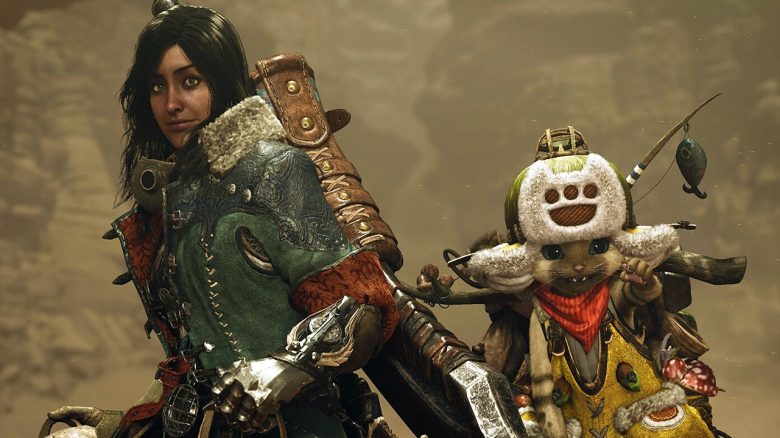
On February 28, 2025, Monster Hunter Wilds will be released for PlayStation 5, Xbox Series X|S, and Steam. In this article, MeinMMO summarizes what is known so far about the cooperative multiplayer.
Starting from February 28, 2025, those who want to go monster hunting with their friends can do so, and for the first time, also across different platforms. Monster Hunter Wilds will support crossplay, so it’s irrelevant whether you or your friends want to play on PC, Xbox, or PlayStation for the shared adventure.
Below, MeinMMO reveals what else you need to know about multiplayer in Monster Hunter Wilds.
How does crossplay work?
Since Monster Hunter Wilds will be released simultaneously on PC, PlayStation, and Xbox for the first time, you can play with your friends on different platforms right from the release. Here’s how:
- You can enable or disable crossplay in the options.
- If you want to form a so-called connection group with your friends, all players in the group must have the same crossplay setting.
- In the group search for quests, you can temporarily adjust the platform settings directly in the game if you have activated crossplay.
How does the lobby for multiplayer work?
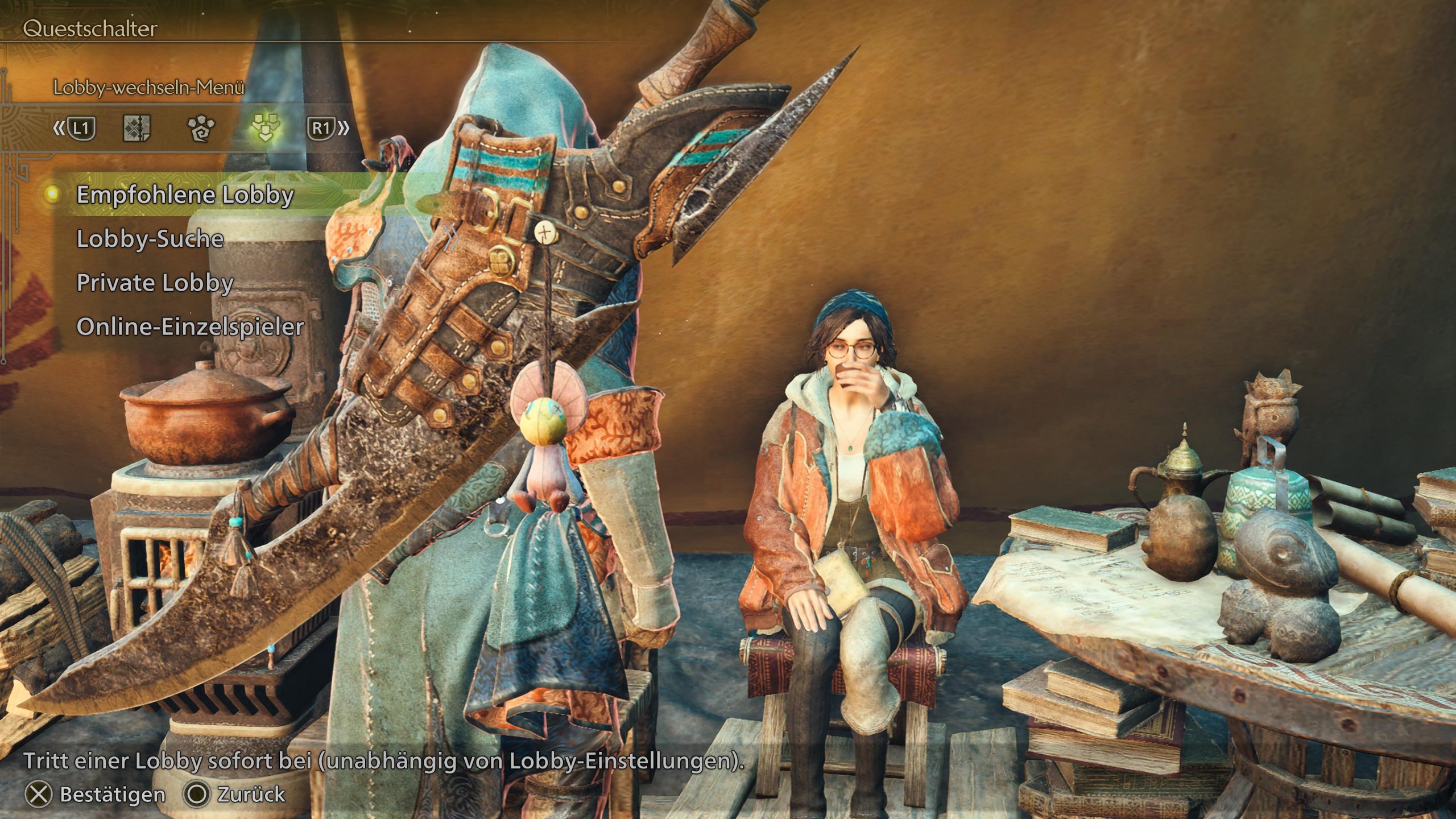
If you want to participate in the multiplayer of Monster Hunter Wilds, you will visit a so-called lobby where you can meet other interested players to connect with. Each lobby can accommodate up to 100 players. Here are the available lobby options:
- You will be automatically assigned to a recommended lobby
- You search for your own lobby via the lobby search
- You create a private lobby
- You go into online single player, without a lobby
How many players can I play with?
Aside from special content, you will always team up with up to three other hunters for the monster hunt. If you prefer not to hunt with random encounters, you can certainly bring along a friendly trio. This is where the “connection group” comes into play.
Where can I find the lobby ID?
Players can search for a lobby using the lobby ID. You can find the lobby ID in the player list on the right side, under lobby ID.
How do I join a friend’s quest in the same lobby?
- Once you are in the same lobby as your friends, you can join quests together
- Whenever friends post a quest, you can search for it at the quest switch (Alma).
- Select Lobby members’ quests and look for the posted quest of the friend or other lobby members

Do I need PlayStation Plus or Xbox Game Pass?
If you want to participate in the online multiplayer on consoles, you must have the respective memberships:
- PlayStation Plus on PlayStation 5
- Xbox Game Pass Core on Xbox Series X|S
The only exception was multiplayer in the 2nd beta. In this case, it was not necessary to subscribe to PlayStation Plus or Xbox Game Pass.
Is there local multiplayer?
Local multiplayer is unfortunately not possible for Monster Hunter Wilds. There was a local multiplayer mode in the PSP games of Monster Hunter and in the Switch version of Monster Hunter Rise.
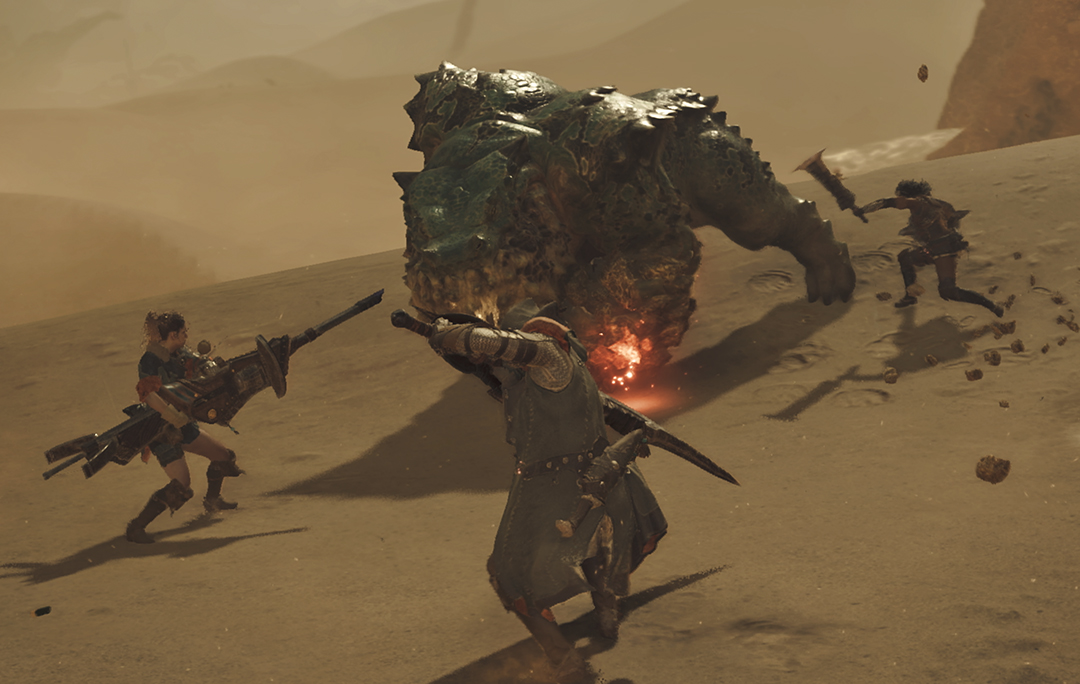
Invite friends and join an online session
Inviting friends to the current lobby is not as easy as one might think. It’s also hidden in the complicated UI and nested menus.
Inviting friends
- Open the start menu
- Navigate to the fourth option Communication
- There you have the subpoint Invite a friend
- Under the point Invitation messages, you can see who has invited you
Of course, you can also invite friends who play on the same platform as you through the functions of Steam, PlayStation, and Xbox to your game.
Join a friend’s online session
- Before you join a lobby, if your friend has created a lobby or is in one, you can join via the lobby search
- If your friend plays on the same platform, you can click on your friend through the friends menu of Steam, PS5, or Xbox Series and then join the current game
- However, it is important that there is a free spot in your friend’s lobby
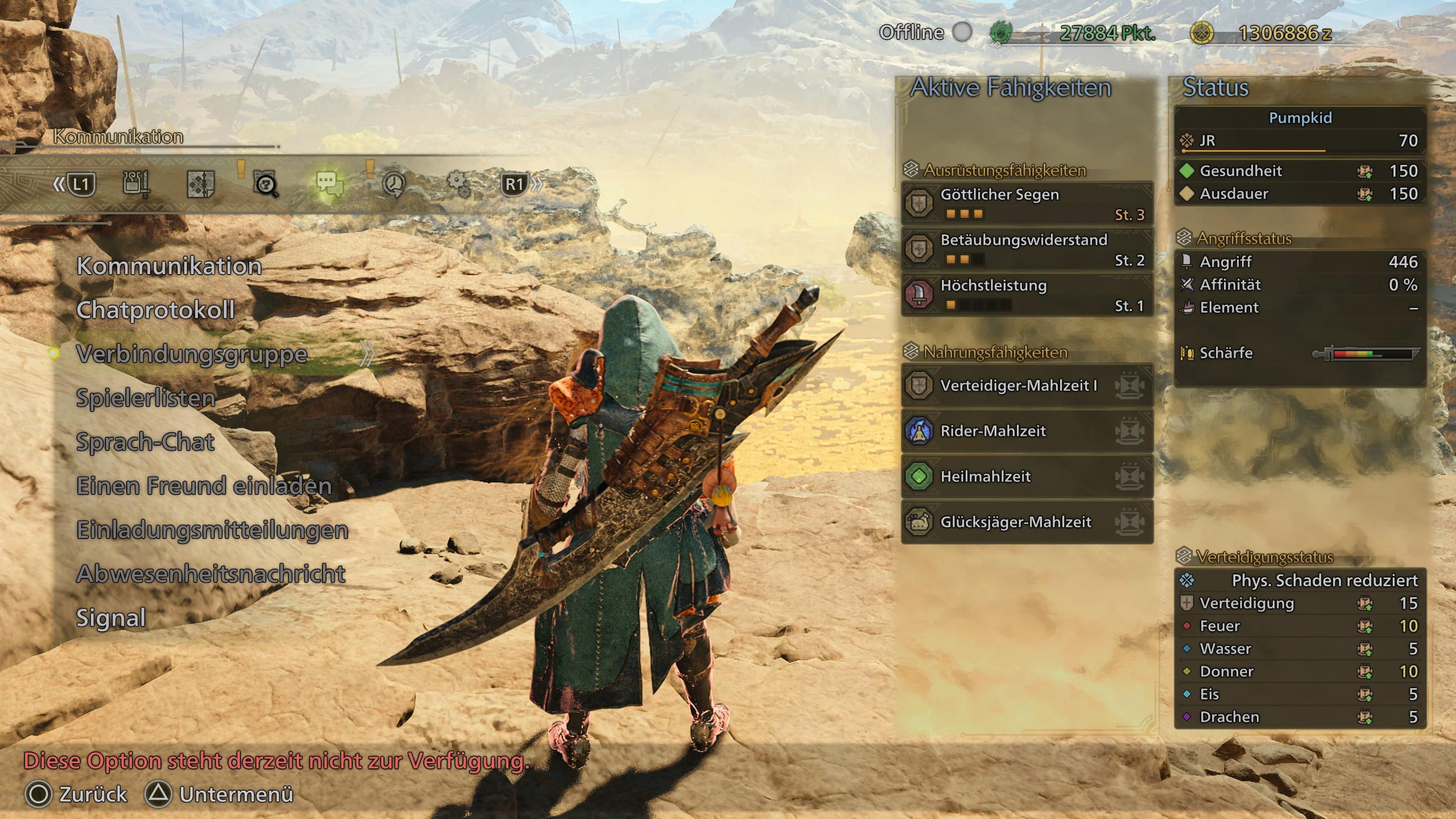
Connection groups (Link Party)
Normally, only players from your current lobby can participate in your ongoing quest. The exception is players who form a “connection group” of four heroes with you. They are allowed to be in a different lobby.
What are connection groups?
“Connection groups” differ from the ad hoc groups that you would normally assemble for quests in a lobby:
- The up to four players in a “connection group” stay together after returning from a quest, making it easier to complete consecutive quests together.
- It is easy to get back together with connected members when you decide to temporarily go separate ways.
- If a member starts a quest, the other members will be automatically notified and given the option to join.
- You have access to a special connection group and voice chat available only to members.
- With a so-called “environmental connection”, you can invite other members to explore the surrounding area together.
How do I create a connection group?
- Open the start menu
- Go to the fourth point, Communication
- Then click on Connection group and Invite to connection group
- Then you will see players in the lobby, friends, and former and current quest members
If you want to play the story together, it turns out to be not so simple. What you need to keep in mind is described here:

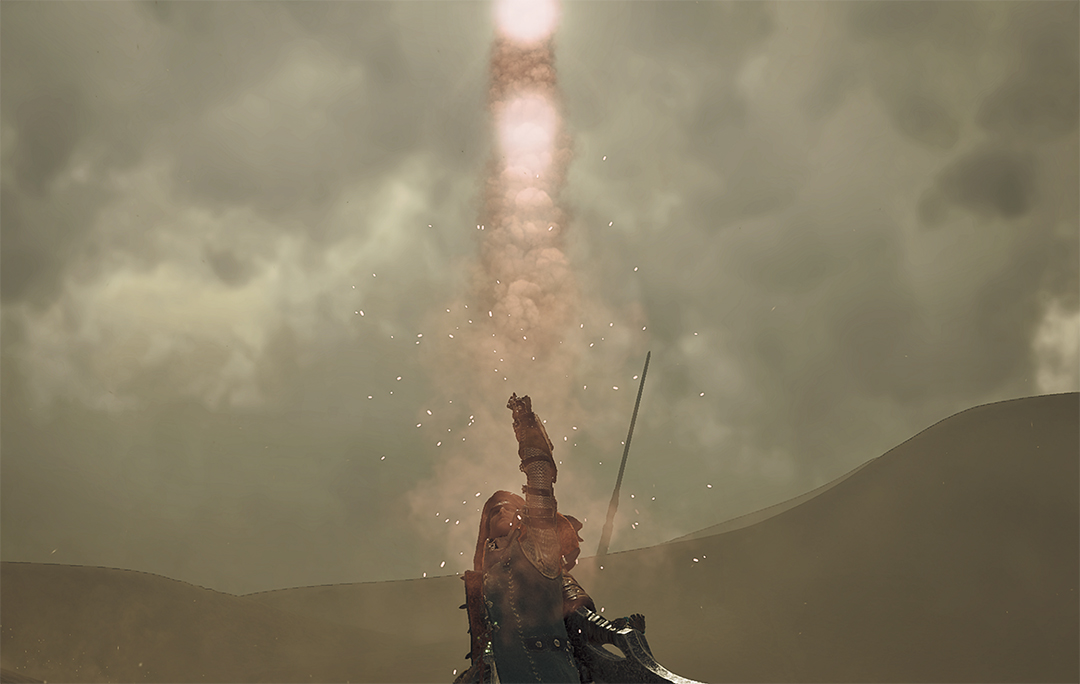
Emergency Flare (SOS Flare) – what you need to know
How do I use an emergency flare?
Once you have started a quest, you can use an emergency flare to ask other players for help.
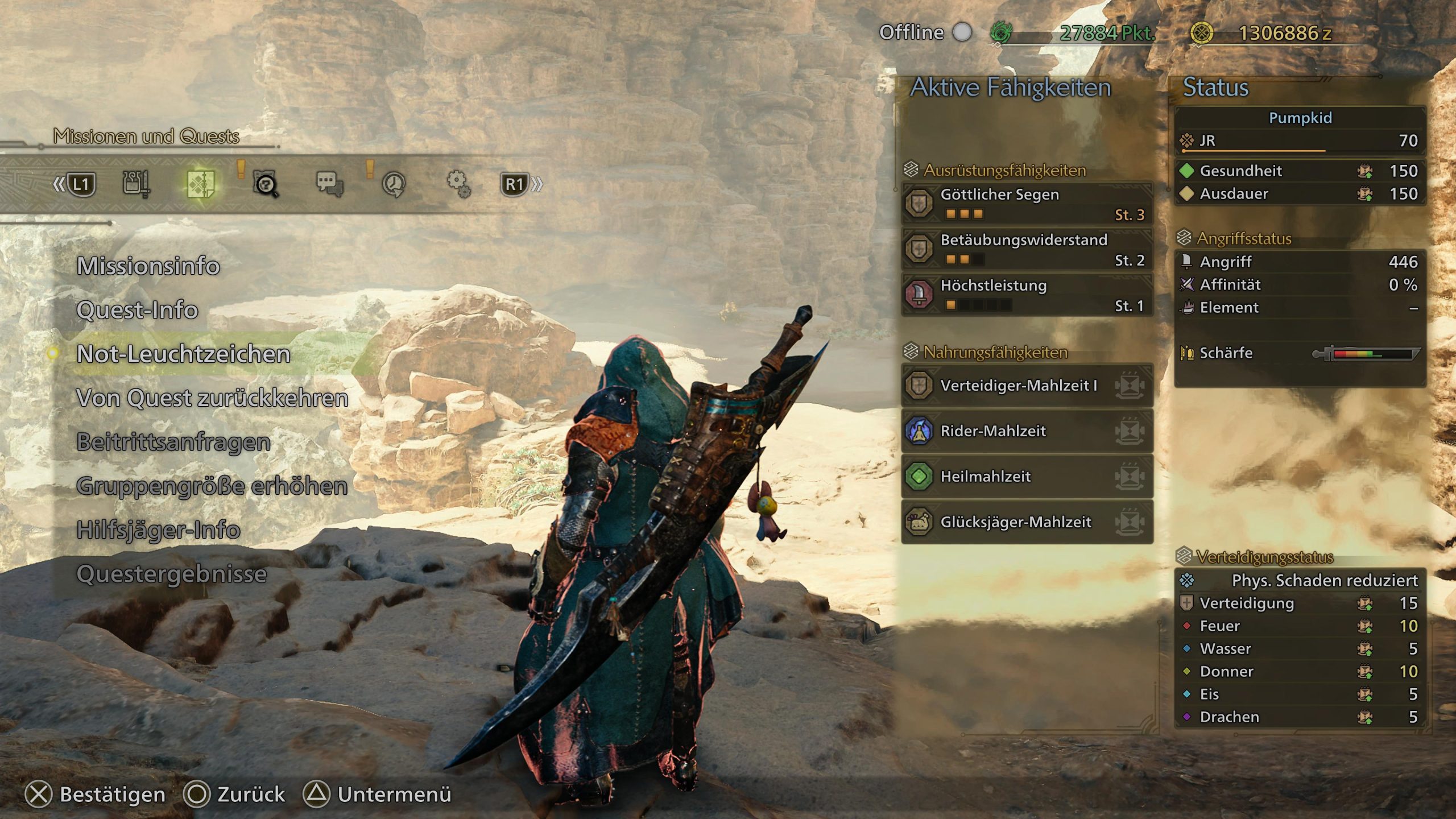
- Press the options button (opens the menu)
- Go to the second point missions and quests
- Press emergency flare
- Then a window will pop up that you confirm
- If you have not changed your quick access menu, you can also quickly deploy an emergency flare from there without having to go into the menu. However, keep in mind that a pop-up will appear
- In the quest search settings, you can set up an auto-emergency flare so that you automatically search for other players when you start a quest
- You can also set whether you want to play with human players or NPC helpers and whether joining players must be confirmed by you first
When you use an emergency flare, players can respond from anywhere, even if they are not in the same lobby. In the settings of the quest switch (Alma), you can customize your comment for member recruitment and inform other players about what kind of hunters and playstyle you are looking for.
How do I cancel an emergency flare?
To do this, simply navigate back to missions and quests in the start menu and press cancel emergency flare. This can also be done again with the radial quick access.
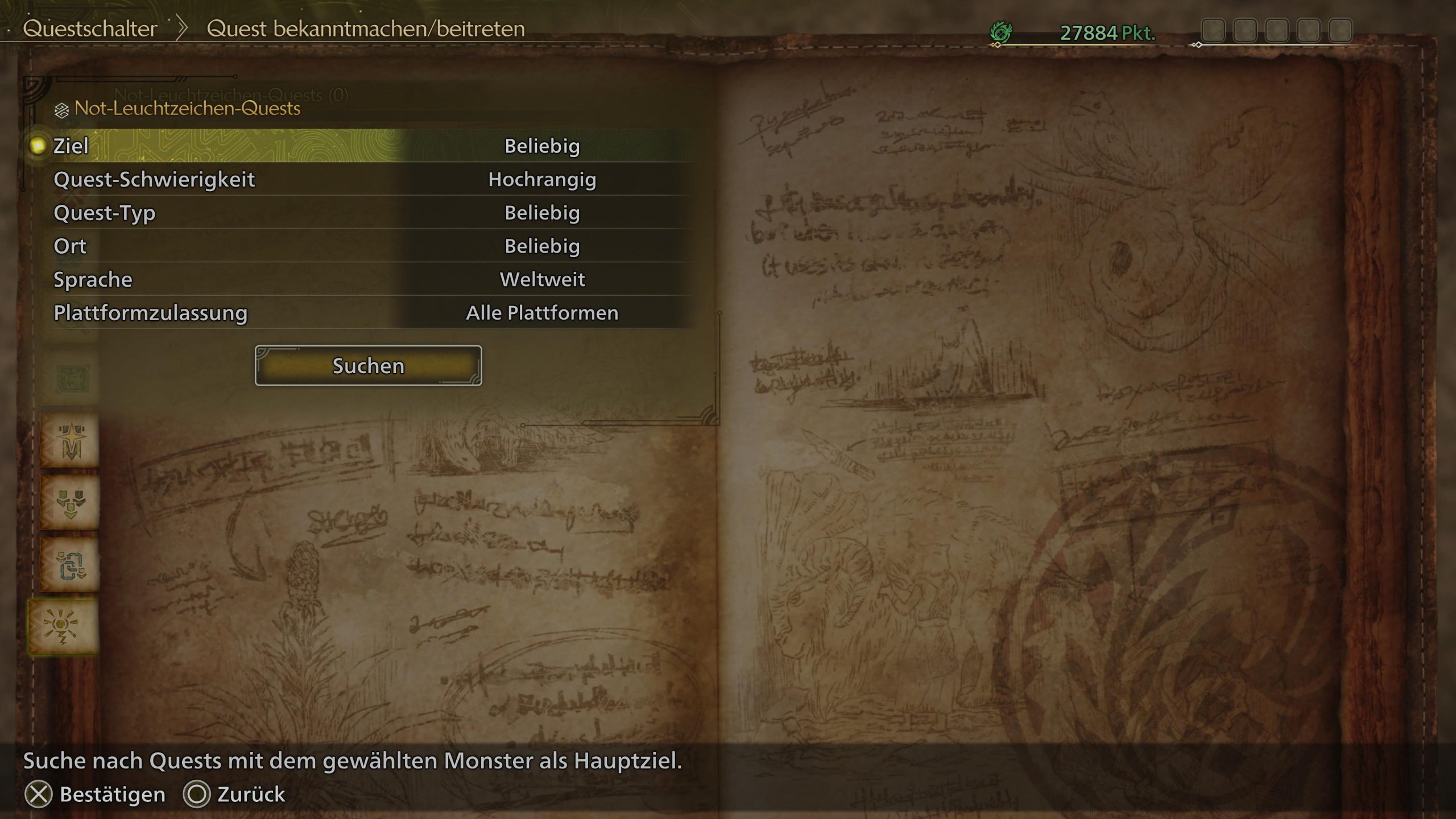
How do I join other emergency flares?
- Go to the quest switch (Alma)
- Navigate to the bottom point emergency flare quests
- Then a menu will open to specify your search
- There you will set the target, difficulty, quest type, location, language, and platform approval
- Then click on search and matching quests will be displayed
If a certain amount of time passes after using an emergency flare and not enough human players have responded, helper hunters will come to the rescue instead. However, this will only happen if you have set your multiplayer settings on the quest switch to “Other Players & Helpers” or “Only Helpers”.


Due to the large number of players in the lobbies, there was a brief concern that Monster Hunter Wilds might develop into a light MMO. However, this is not the case. All information on this can be found here: Monster Hunter Wilds promises 100 players in a lobby for multiplayer – But what does that mean?

Your opinion is important to us!
Do you like the article? Then let us know!