The MMORPG Lost Ark has been postponed to early 2022 in Europe. However, if you really want to play it, you can do so on the Russian servers. We will explain how you can do it despite the IP block.
UPDATE 9.09.2021: What’s happening with Lost Ark? After Lost Ark was officially announced for Europe, the release date was unfortunately postponed to early 2022. Many fans were frustrated by this, as they have been waiting for the MMORPG for a long time. It is possible to play the game now and test various systems, but you’ll need to connect to the Russian servers.
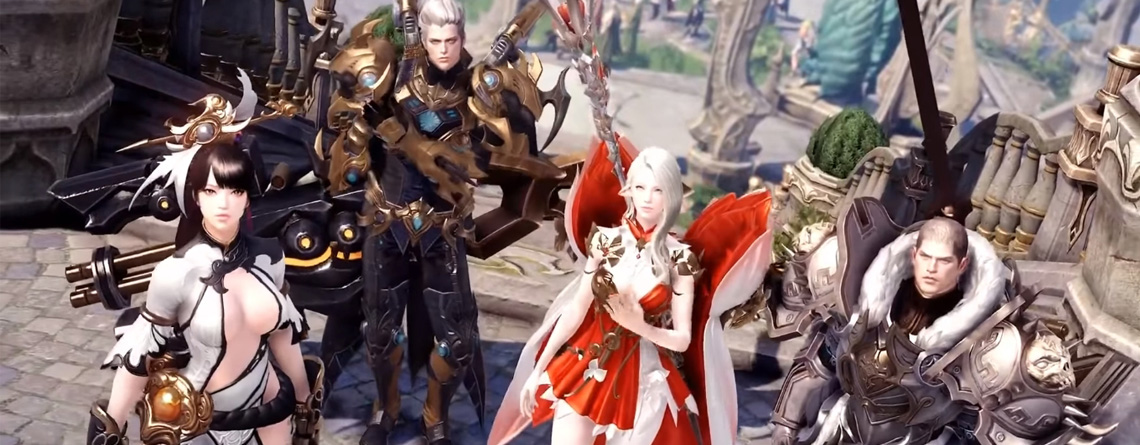
Lost Ark has been running in Russia for a year now and has received a whole host of new content. This includes:
- New continents
- New classes
- Raids and dungeons
- Lots of new gear
- The Season 2 updates
- Mini-games and more
In this guide, we will explain how to register on Russian servers.
New methods for account creation
It has now become much easier to create a Russian account for Lost Ark. You no longer have to go through long registrations via mail.ru and enter phone numbers. Instead, go to the official Lost Ark site.
There, you will immediately notice two red buttons that say “Registration” in Russian.
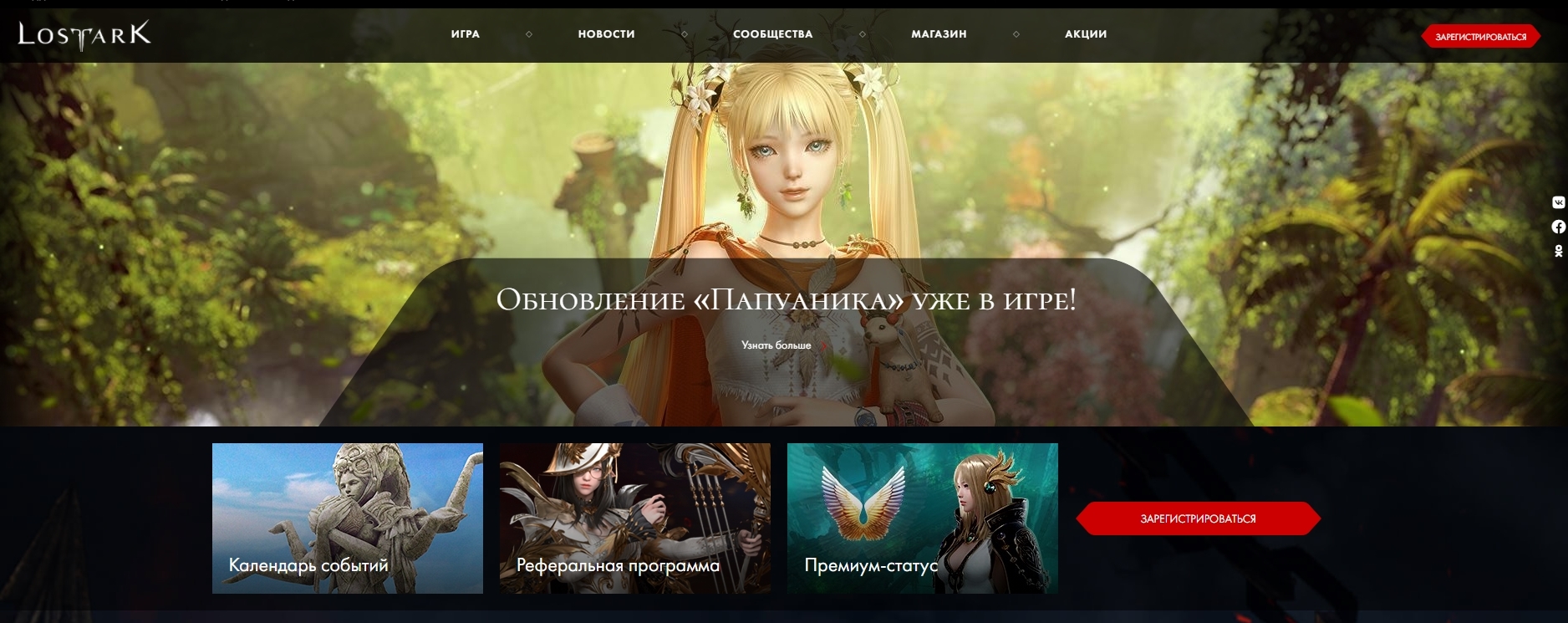
Click on one, and a window will appear where you will also receive new options for account creation alongside the usual email and phone registration. You can now also log in via:
- Google account
- Twitch
Which one you choose doesn’t matter. After your selection, you will be asked to grant MYGAMES access to your account and agree to the terms of use. Click on the small box there and then the gray “Continue” button.
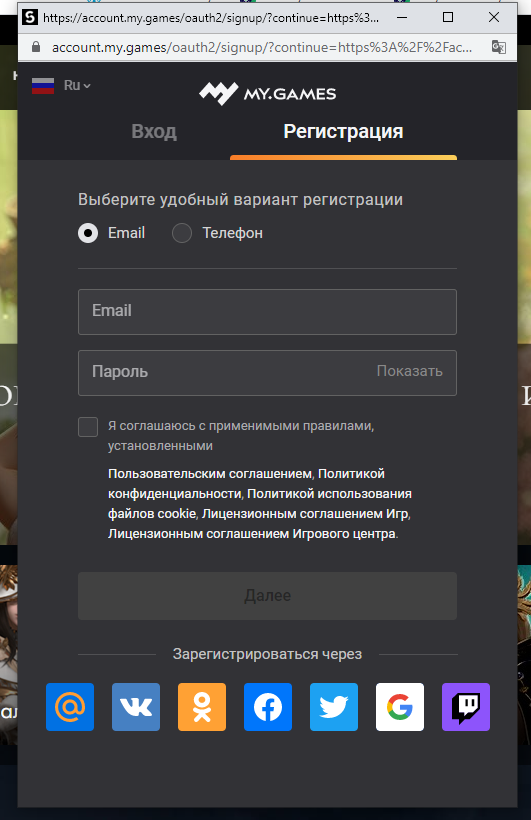
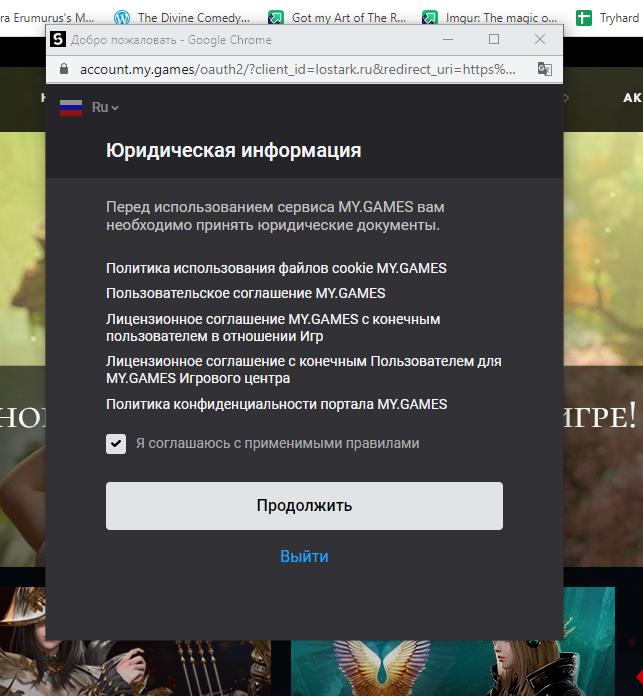
Then, another small window will pop up asking for your account name, and you will be asked if you want to log in. Press the large yellow button to proceed. The page will reload, and another small pop-up window will appear.
Click on the small box again and then on the only gray button to complete your registration. After another refresh and a pop-up window that you can ignore and close, your account will be created.
And that’s it. Now you can follow the steps below, download the game, and install the fan-made English patch.
Download and start Lost Ark
How do I download the game? Once you have a Mail.ru address and are logged in, you can go directly to the Lost Ark page and download the client. The homepage should now show you new options:

Click on one of the two buttons to download the .exe of Lost Ark. Open it and choose which folder or hard drive to download the game to. After that, you can run the file and patch it like a normal launcher:
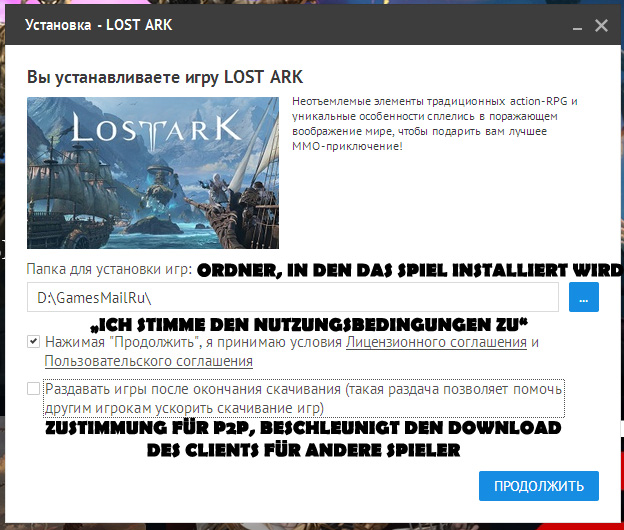
You don’t need a VPN for downloading and patching either. It will take some time for the game to download. You can track the progress in the launcher window in the upper right corner.
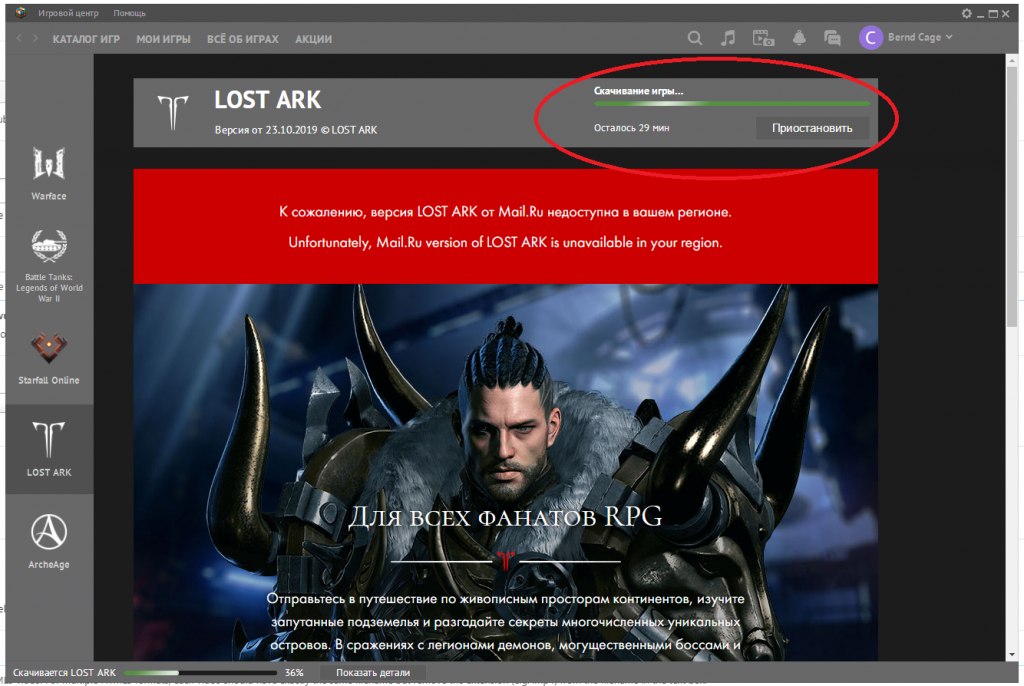
How can I play Lost Ark? As mentioned above, Lost Ark is IP-locked in Russia. This means that only IPs from the approved region can play the MMORPG. The lock activates when you have to log in to the game.
To access the server, you need a VPN service that provides you with a Russian IP address. Recommended options include:
- ExitLag
- CyberGhost
- Hide.me
They are paid services, but some offer free trial periods during which you can convince yourself of the service.
Help! Everything is in Russian! Yes, unfortunately, there is little that can be done about that. There is no official English translation for Lost Ark. Diligent players on Reddit have created a fan translation.
The instructions for the English patch can be found in the Reddit thread. However, we cannot guarantee the accuracy of the texts or the reliable stability of the patch.
- An official English translation may already be in the works, as MMORPG Lost Ark is looking for people, likely for a West release and console port
- Additionally, everything currently points to a Europe release of the MMORPG