

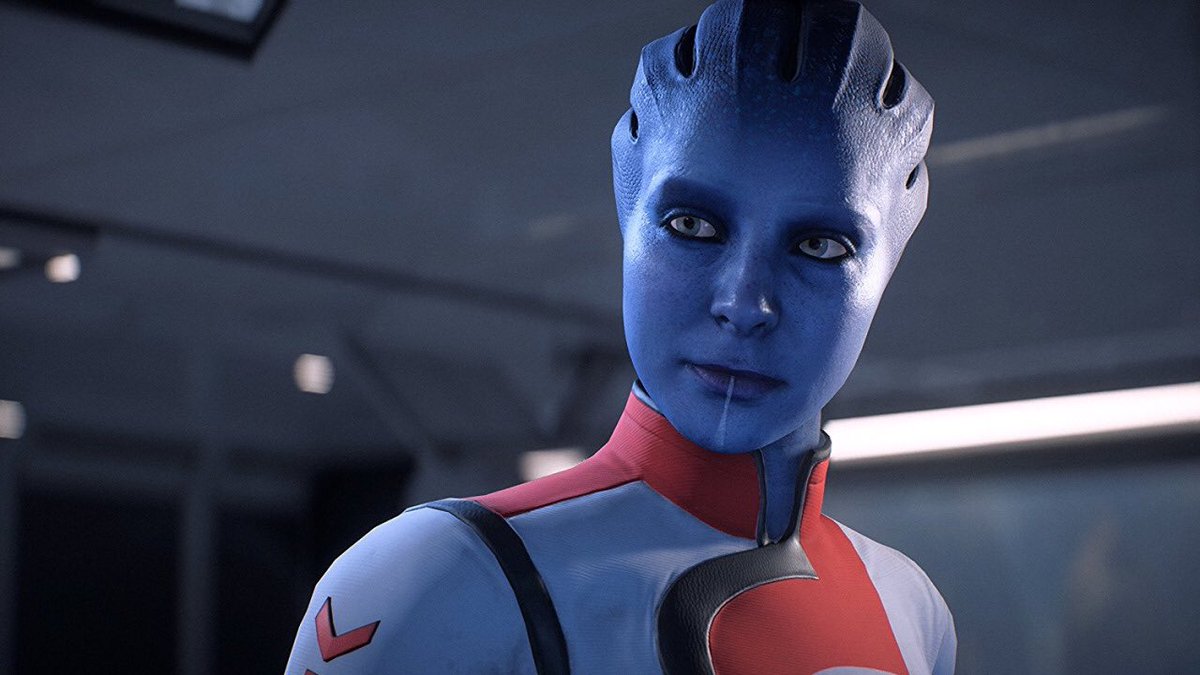
Unhappy with the German voice actors for Mass Effect: Andromeda? We’ll tell you how to switch the game to English.
Mass Effect: Andromeda was released last night and many players have already downloaded and installed BioWare’s latest RPG. However, during the first few minutes of gameplay, there’s the first disappointment – the game is not in the correct language.
Some players cannot manage with English and would prefer German voices, while others want to play the original English version.
In the options menu of Mass Effect: Andromeda, there is a sub-item “Language”, but many players can only change the subtitles there, a change of the audio language is not possible.
How to change the language of Mass Effect: Andromeda to English

The reason for this: Mass Effect: Andromeda usually installs the game with sound files for only one language. If you want to change the language later, you need to download additional language packs. However, this is not possible from the game menu and requires a small detour.
Exit the game and open Origin. Navigate to your game library, find Mass Effect: Andromeda, and click the gear for “Settings”. Select “Game Properties” in that menu and then the tab “Advanced Launch Options”.
In the dropdown menu there, you can then select the desired language. After that, Origin will perform a repair, during which a download will occur – the selected language pack will be installed.
After the download, the installed language can then be set in the game menu. If you want to install more languages – for example, to refresh your French skills – you can repeat the process.
You can find our extensive review of Mass Effect: Andromeda here.

Your opinion is important to us!
Do you like the article? Then let us know!
Comments