

Turtle Beach has presented its first gaming keyboard of the post-Roccat era with the Vulcan II TKL Pro. Will everything stay the same, or are there even meaningful improvements in the end? MeinMMO editor Benedikt Schlotmann tested the keyboard and explains in the review whether the model is worth it.
With the Vulcan series, Turtle Beach (formerly Roccat) offers a popular range of gaming keyboards. With the Vulcan II TKL Pro, they have introduced the successor to the old Roccat TKL Pro. On paper, they want to score especially with various improvements:
- Linear (red) Hall-Effect switches, which are supposed to be faster and, above all, more durable than the old switches. Turtle Beach promises an increase of 50 million keystrokes (from 100 million to 150 million compared to the Vulcan TKL Pro).
- Analog instead of optical switches, which are supposed to offer an adjustable actuation point at the keys.
- Also included with the Vulcan II TKL Pro is a foam palm rest. The predecessor did not offer this.
In the review, I mainly also refer to the old predecessor, which I was able to test for MeinMMO. The Roccat Vulcan TKL Pro performed very well in the test and that was mainly due to the very good workmanship and the great switches.
Overview of the test
- Contents, design, and construction
- Processing
- Software
- Ergonomics
- In practice: Keys and volume
- Conclusion
Who has tested it?
I am the Tech Editor at MeinMMO, and I have a penchant for peripherals, testing mice, keyboards, and gaming headsets. Since 2019, I have been testing hardware for our readers at MeinMMO. Gaming mice are especially among my absolute favorites. Besides the PS5, I also play on my Steam Deck.
Transparency notice: The model was provided to us by the manufacturer as a review sample. The manufacturer had no influence on the article.

Benedikt Schlotmann
Hardware editor MeinMMO
Here you can find the technical details as a table (click to expand):
| Design/Interface | Wired, TKL design |
| Key type | Magnetic Hall-Effect switches, linear (red) |
| Programmable keys | Yes |
| Lighting | Yes |
| Compatibility | PC |
| Contents | Keyboard, USB-C cable, palm rest, manual |
| Special features | TKL design with volume wheel |
| Price (RRP) | €229.99 |
Contents, design, and construction
What does the contents look like? In the box, you’ll find a USB-C cable, a foam palm rest, and a manual along with the keyboard.
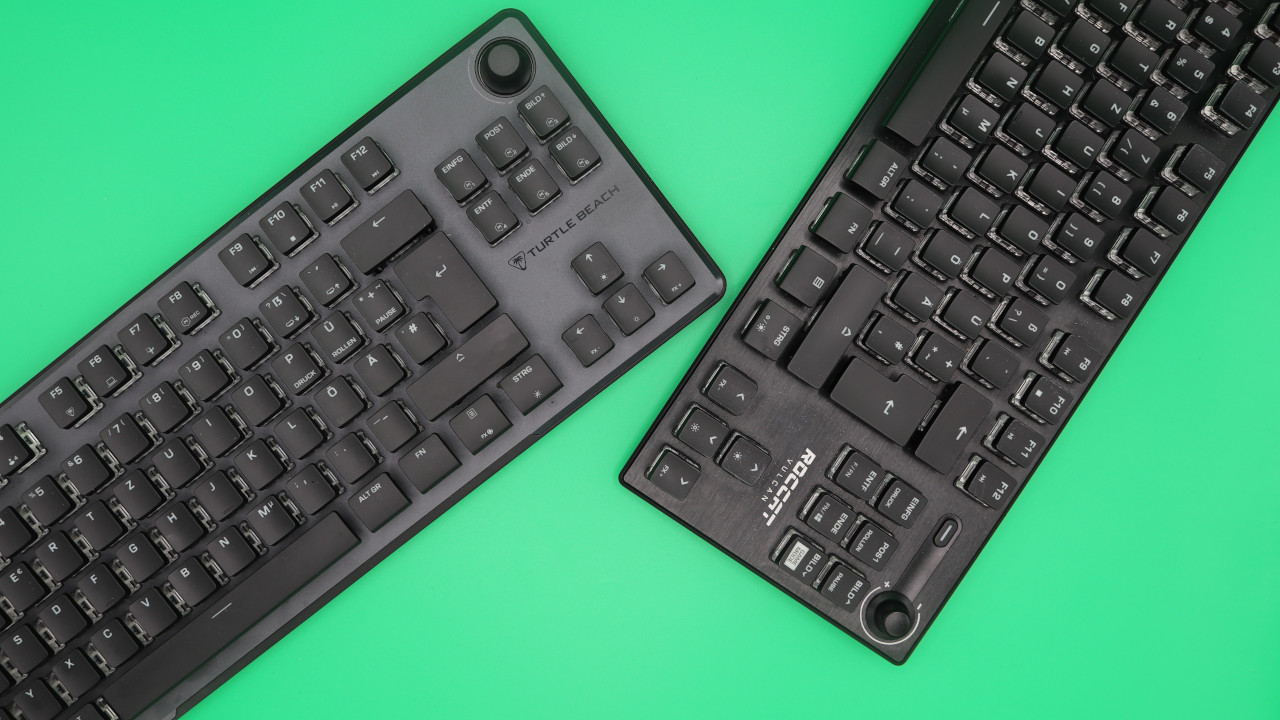
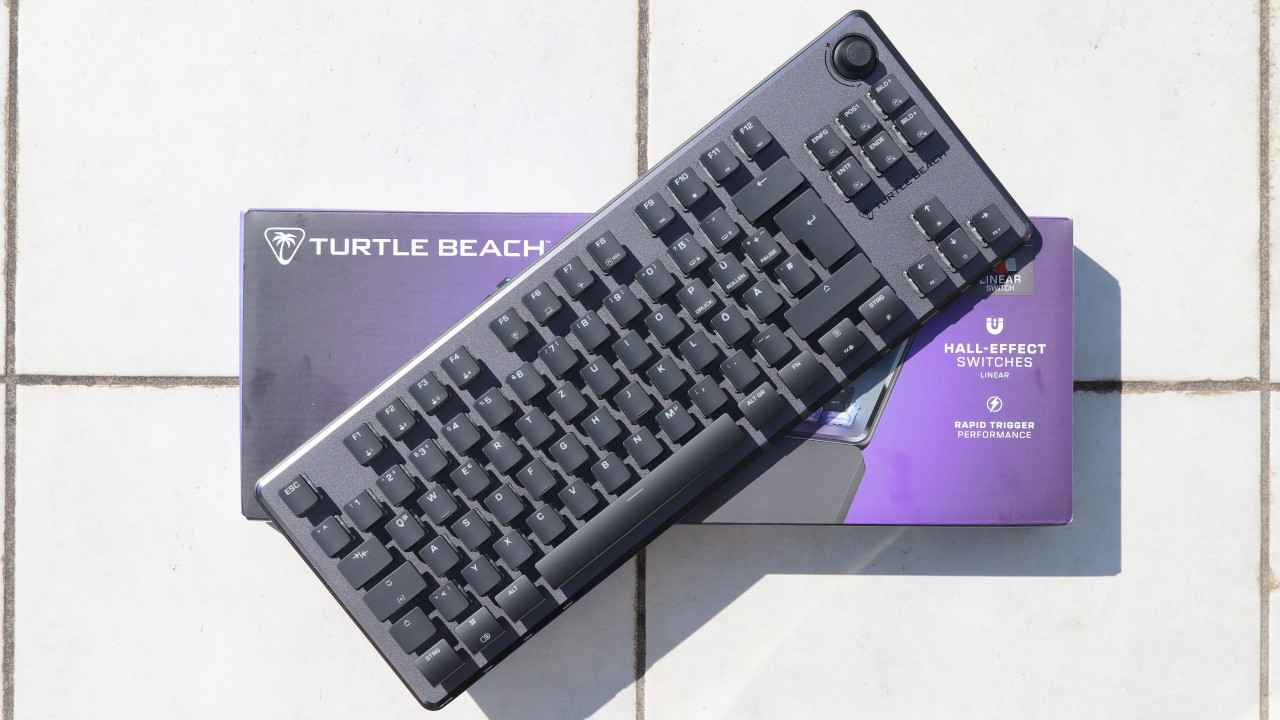
How is the keyboard constructed? The keyboard offers an official TKL design. The keyboard provides you with arrow keys on the right side and a few function keys above. However, there is no numeric keypad in the TKL design. At the top right, there is a rotary knob with which you can turn the sound up or down or mute it completely with a press on the knob. The predecessor had a dedicated button for “mute.”
What does the keyboard look like? The keyboard comes in either a black or white design. In the test, I used the black model. The keyboard also offers fully adjustable RGB lighting with some nice effects that you can configure through the proprietary software.
Processing
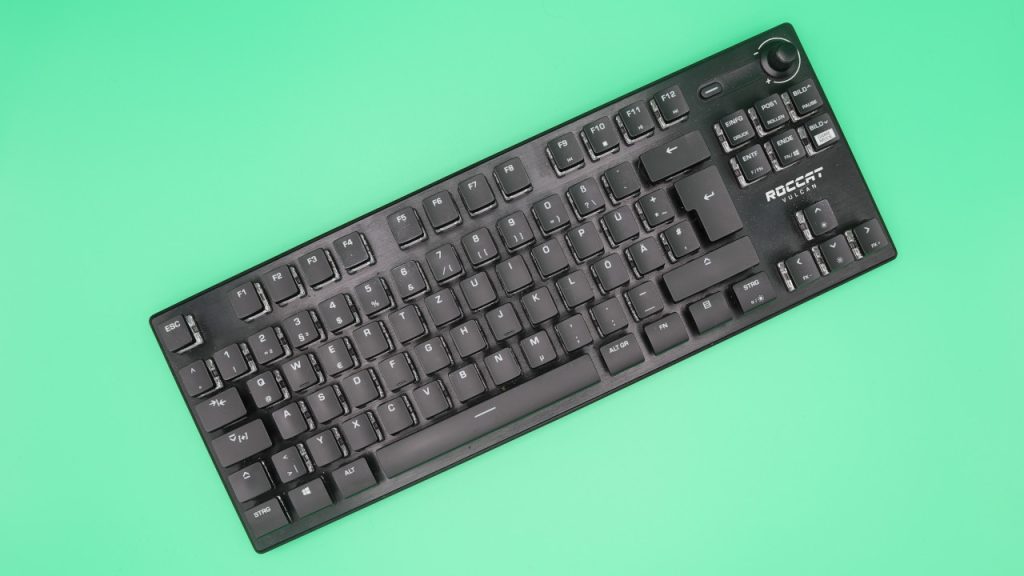
The Vulcan II TKL Pro, like its predecessor, features an anodized aluminum top plate. The old Vulcan also used such a plate. The rest of the keyboard is made of plastic. In direct comparison to the predecessor, the successor does not appear less valuable and well-made.
Except for the palm rest. Because when I opened the box of the keyboard, I was greeted by a stinky, chemical smell. The odor did not come from the keyboard, but from the foam palm rest. The part does not leave a good impression on me either.
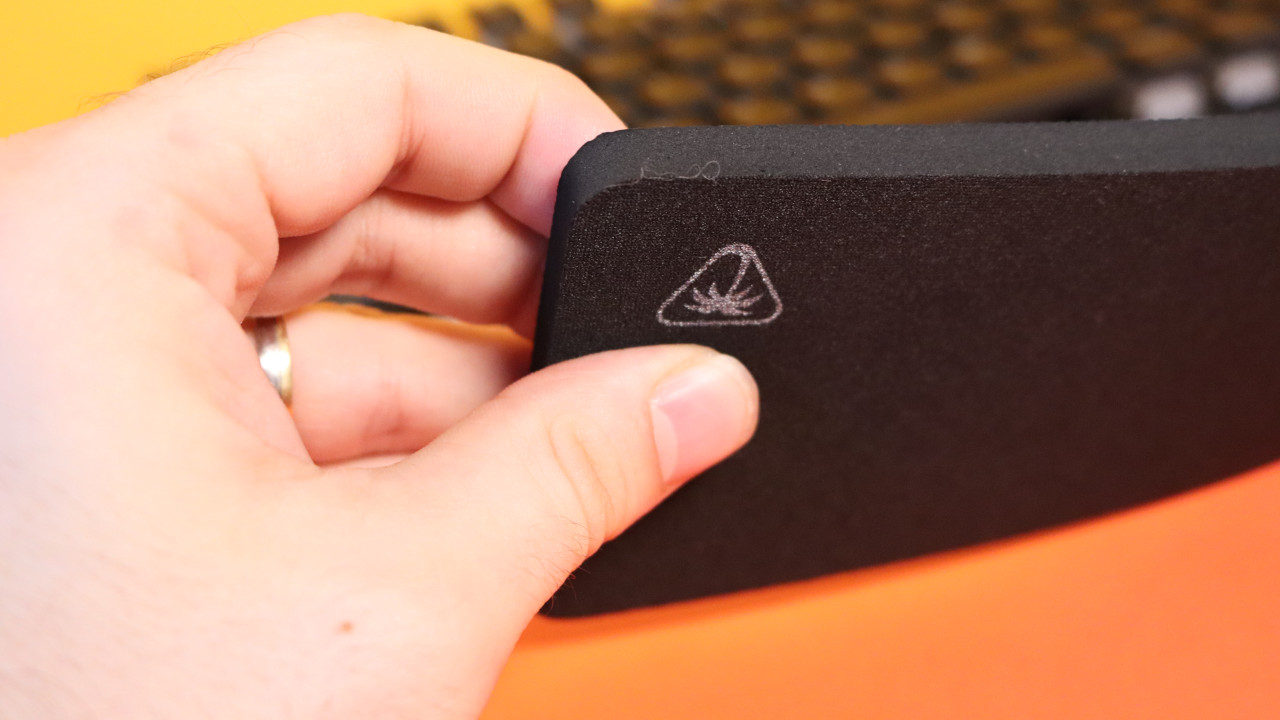
With the keycaps, Turtle Beach also continues to use ABS keycaps with the Vulcan II TKL Pro, which wear out incredibly quickly. The keys get very dirty and look terrible after just a few days. And this for a keyboard that costs at least €159.99.
At least you can freely exchange the keycaps with those from another manufacturer. But then the nice design of the keyboard is lost.
Software
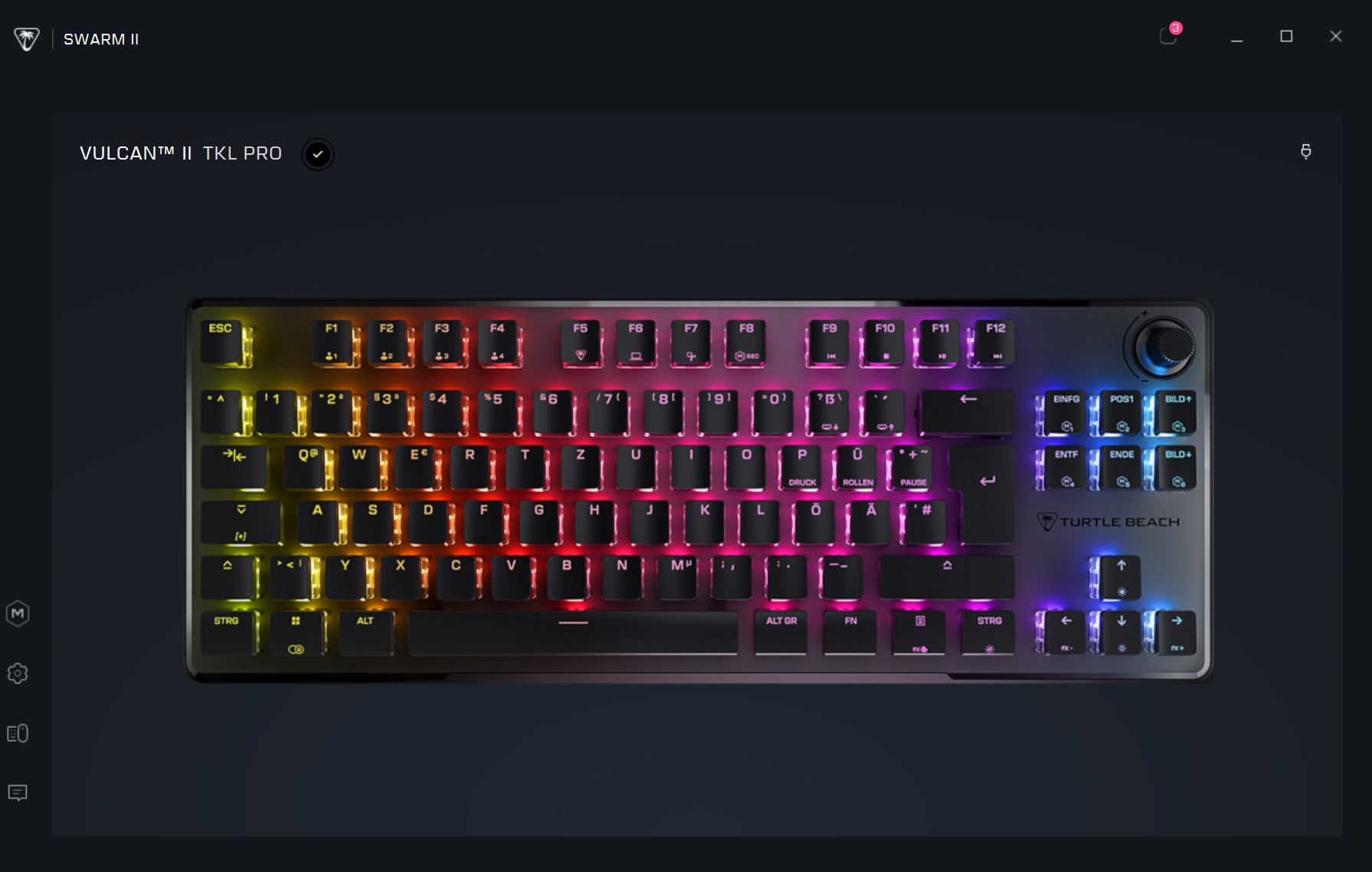
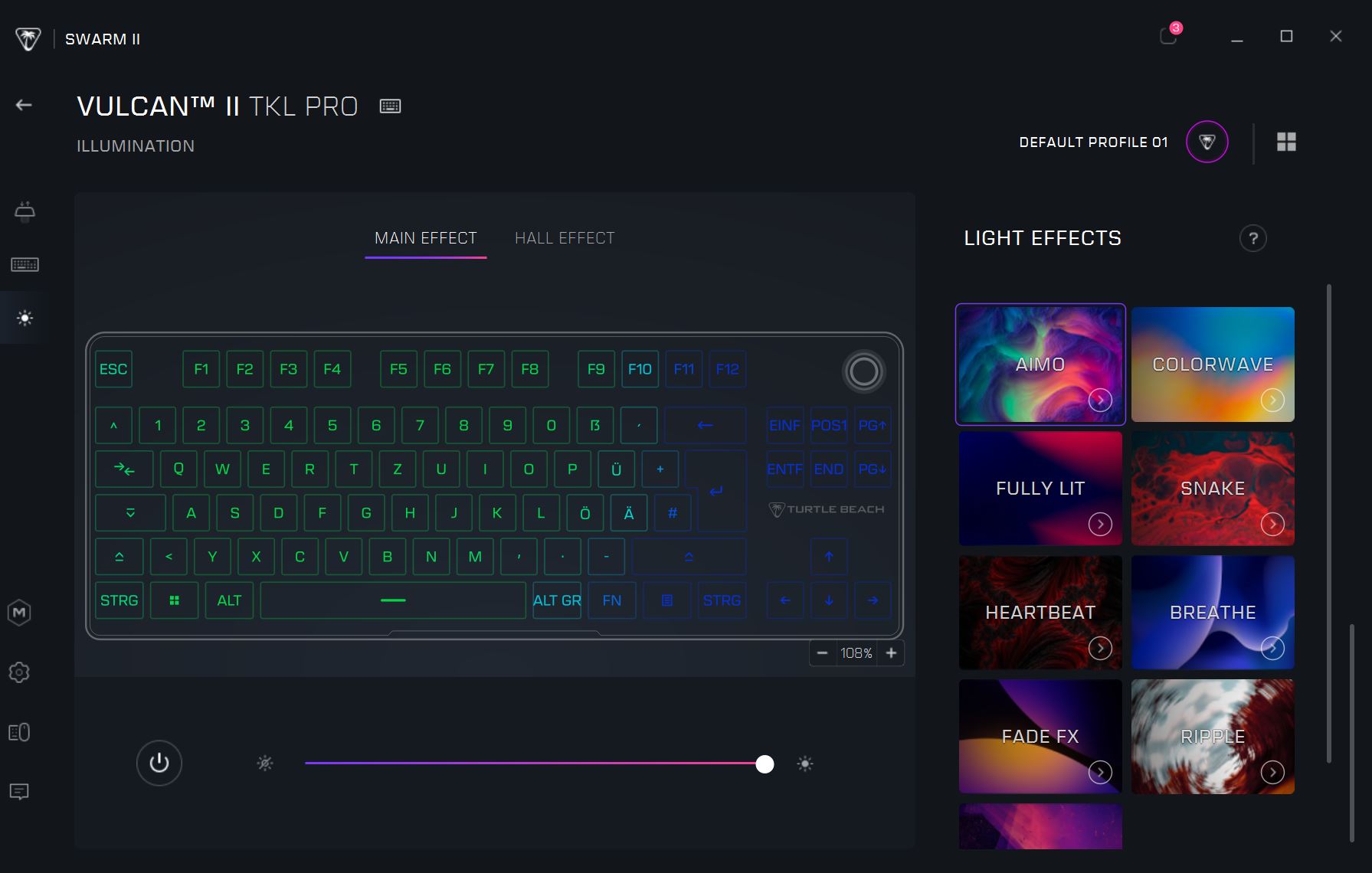
With the software, Turtle Beach has completely moved to the new “Swarm II” software. They have completely moved away from the old “Roccat Swarm” software and offer a completely new software suite.
The software appears decent at first glance and offers all important functions. The software is also scalable, making it adaptable to large screens. Additionally, tooltips are displayed in every area explaining points.
Also commendable: The entire keyboard is offered in good English.
Ergonomics
The keyboard is ergonomically better than full-size keyboards due to its TKL design. Vulcan keyboards rely on a comparatively high case, but feature low keys. With the palm rest, the keyboard is comfortable to use once the odor from the palm rest has dissipated.
In older models, Roccat used to rely on an uncomfortable but stable palm rest made of plastic – such as with the Vulcan II MAX or the old Roccat Vulcan 120/121. The predecessor came without a palm rest at all. Therefore, this is actually a step forward. However, the unpleasant odor and the foam discourage me.
The Keys
Under the keycaps of my keyboard are magnetic Hall-Effect switches, which have a linear function. They resemble red switches. Hall-Effect switches are currently modern among many manufacturers as they are considered less error-prone.
According to Turtle Beach, the Hall-Effect switches can withstand 150 million keystrokes. The predecessor offered a theoretical durability of 100 million.
How does it play and work? The magnetic switches are a bit of an adjustment, and I don’t mean that negatively:
- Both mechanical switches sound metallic and quite high, sometimes with a slight “pling” after pressing. You have to like that, but it has never bothered me with the Vulcan.
- The magnetic switches sound rather hollow and significantly duller compared to “normal” mechanical switches. The advantage: They are much quieter and hardly audible.
- The magnetic switches “feel” different in everyday use. At first, I found myself making more typos, and sometimes keys were registered that I hadn’t even pressed. Whether that’s due to me or the new switches, I can’t say.
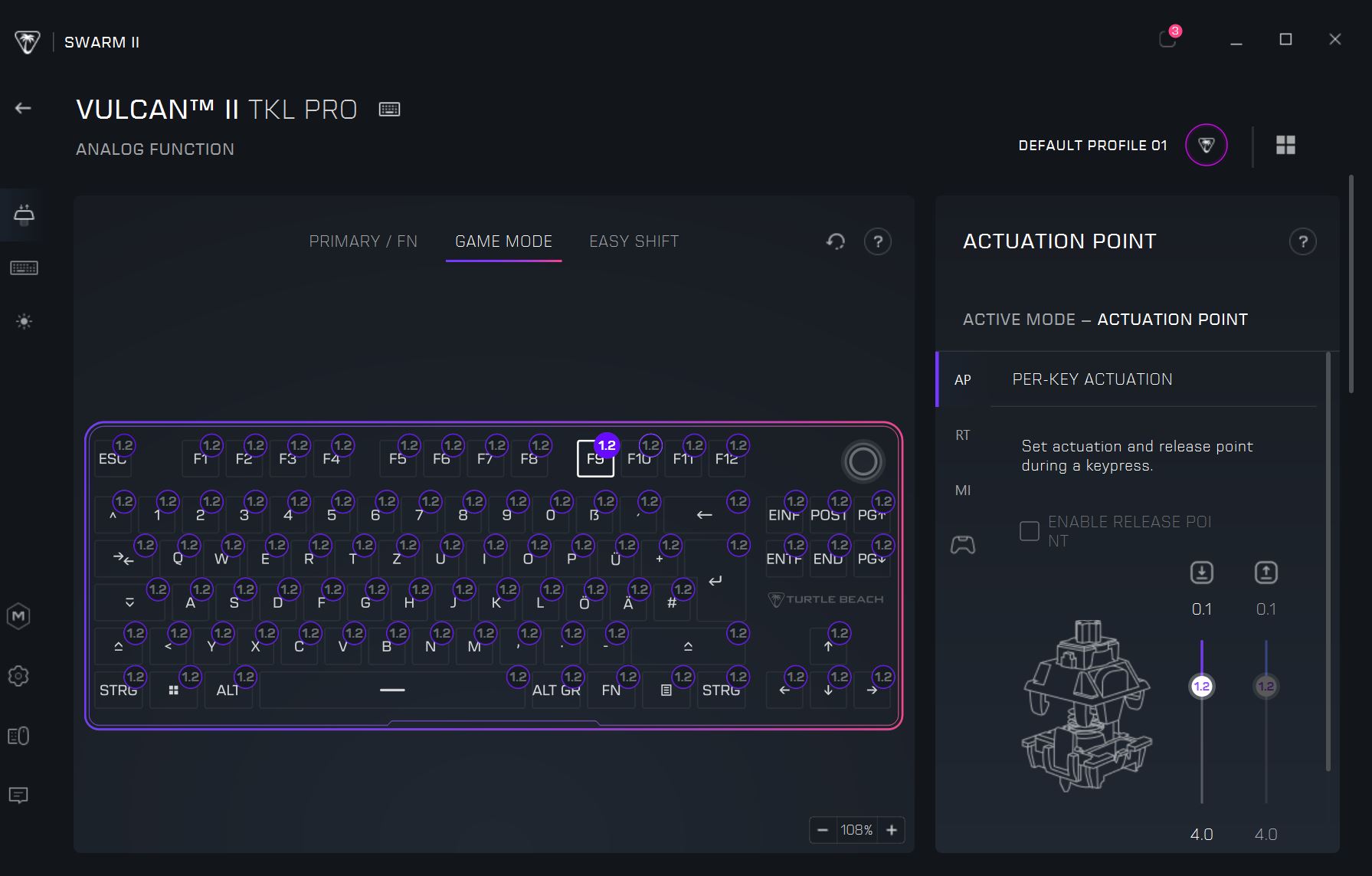
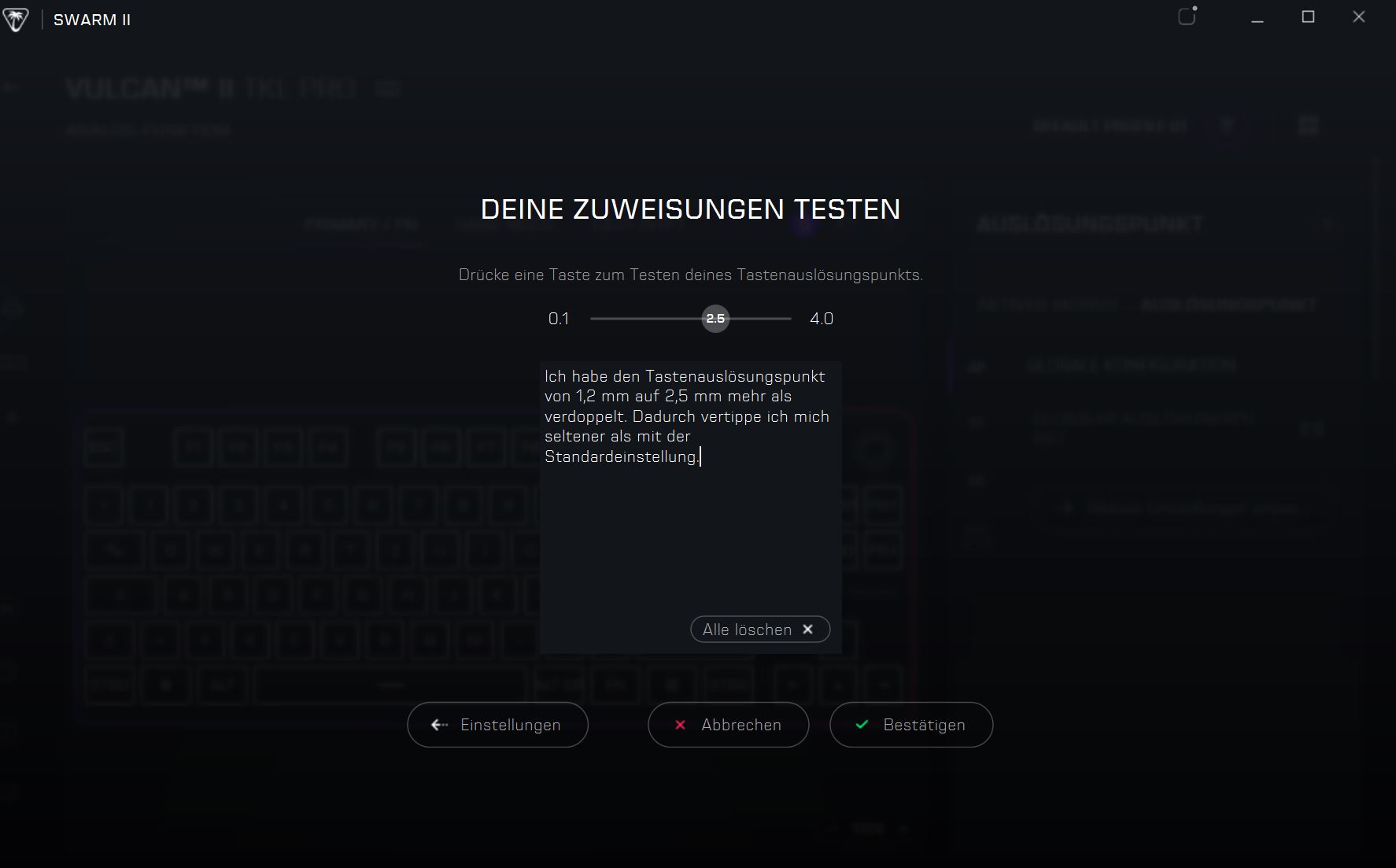
Adjusting the actuation point of the keys through the software within a certain range is a cool feature: You can set how deeply you need to press the keys for your keystroke to be registered on the PC. Until you find the perfect setting for yourself, you’ll have to experiment a bit.
My settings: For a combination of typing and gaming, I have more than doubled the actuation point of the keyboard from the standard (1.2 mm) to 2.5 mm. This way, I make significantly fewer typos, and the keys are still very fast. When typing, I usually need more force than when I am just entering short commands for a game.
How loud is the keyboard? Compared to the old Vulcan keyboard, the Vulcan II TKL Pro is significantly quieter. The mechanical “pling” is no longer present, and the noise level has overall become a bit duller and quieter. Typing and playing has become quieter, but you have to enjoy the new dull sound.
Compared to mechanical or optomechanical keyboards, the Vulcan II TKL Pro is surprisingly quiet. You can mainly hear the sounds of fingers hitting the keycaps and hardly the keyboard itself. My partner finds the Vulcan II TKL Pro much more pleasant for the ears than the predecessor with its linear switches.

Conclusion: Good gaming keyboard with a “very good” palm rest and keycaps
Is the keyboard worth it? With an RRP of €159.99, the keyboard is not exactly cheap but is in line with the competition, which is also in the price range of €160.
Overall, Turtle Beach offers good hardware and meaningful improvements with the Vulcan II TKL Pro compared to its predecessor. Unfortunately, I find the palm rest far from successful, and the ABS keycaps look cheap compared to the competition. After just a few days, the keyboard looks terribly worn. Here, the competition, especially the Ducky One 3 TKL, simply offers more for the money.
The Vulcan II TKL Pro is a great keyboard if you can overlook the minor flaws (palm rest, keycaps, unusual switches). Otherwise, it is “only” good but still recommendable.
What alternatives are there?
- The Ducky One 3 TKL (for the test) is currently the best alternative: It costs only 20 euros more, offers PBT keycaps, hotswap switches, and excellent workmanship. It remains my top recommendation.
- The Akko 3068B-Plus is my insider tip under 100 euros if you are looking for an excellent gaming keyboard for under 100 euros with many premium features. However, the keyboard is smaller than TKL.
- Logitech’s G Pro X TKL Lightspeed (for the test) is unfortunately very expensive (around 200 euros) but offers PBT keycaps, lots of accessories, and a wireless connection with excellent battery life.
More gaming keyboards: Are you looking for more recommendations in the peripheral area? Then take a look at the following buying guide on MeinMMO. Here we explain which keyboards are currently the most worthwhile: The best gaming keyboards you can buy right now

Your opinion is important to us!
Do you like the article? Then let us know!