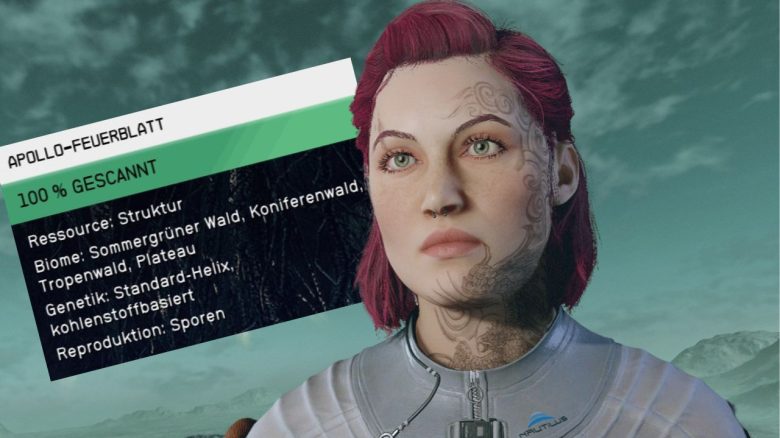
The scanner is one of the most important tools in Starfield. The fact that it can display not only resources surprised MeinMMO author Nicole quite a bit on her space adventure.
In Starfield, exploring is one of the core elements of the game – even if it is sometimes quite limited. Nevertheless, it is worth exploring the planets and getting to know their flora and fauna. The scanner is an indispensable support that not only informs you about the existence of individual resources, plants, and animals.
I would claim that I discovered most of the functions of the scanner in Starfield quite by accident. By pressing the scanner button now and then, interesting possibilities opened up to me. Suddenly, a marked path to my quest marker appeared.
You can upgrade the scanner using your skills. You can find out more about the skills in the video:
These are the scanner functions in Starfield:
So you don’t have to wait for random revelations from your scanner button, we have put together the functions for you:
- Scan resources, flora & fauna on a planet
I would be lying if I claimed that I run through new regions without my scanner. I actually always have it right in front of my nose, as long as there are no enemies in front of me. This way, I don’t miss any resources that are in front of me.
As soon as you scan resources, plants, or animals, your scanner displays information about them. The more upgraded your scanner is, the more information it spits out. For example, you’ll find out in which biomes the plants grow and which resources you get from them. To get complete information, you need to scan several plants and animals.
- Display enemies and NPCs
With the scanner, you can display enemies and NPCs when they are not inside buildings or behind rocks. Depending on your scanner’s level, you can recognize enemies from a considerable distance and in the dark, surprising them.


- Show path to quest marker
If you activate your scanner and scan the quest marker, a path in the form of white arrows will be displayed on the ground. However, this is only possible if the scanner can actually recognize a path – not when you have barely climbed up some narrow mast.
- Locate resources
In Starfield, research and crafting play a significant role if you want to upgrade your equipment or outposts. For that, certain resources are required. At the different crafting stations, you can activate the locating of resources.
With the scanner, you can not only see the resources available at your location – it also shows you a small blue magnifying glass. This means that this material or item is needed for crafting.
- Recognize loot
You all know it. You run around in the world, and loot is everywhere. And soon the question comes up: Do I need this? Can I use this? Is this decoration, or can it be disposed of? Your scanner can’t tell you whether you really need the stuff, but it can at least show you if you can pick up the items.
Personally, it is particularly helpful for me when it comes to locating collectible magazines that I sometimes can’t recognize at first glance amidst worthless notebooks and scraps of paper that I can’t keep.
If your backpacks are once again full of “essential” items, here are 5 tips:

- Use fast travel
If you look at discovered locations or your spaceship with your scanner, you will receive the option to quickly travel to the locations in the selection. This saves time and unnecessary running around. I even use the function within New Atlantis because I’m too lazy to walk to the train constantly.
- Display locations
You can use the scanner to display locations to quickly travel to them. But you can also display unknown locations when you arrive on a new planet. I usually use it to see what a planet has to offer in terms of locations. Who knows what might be hidden there?
- Scan planet surfaces
Even before landing, you have the option to scan planets and their surfaces. This shows you the resources located there and provides information about the environment, flora, and fauna.
How to upgrade your scanner in Starfield:
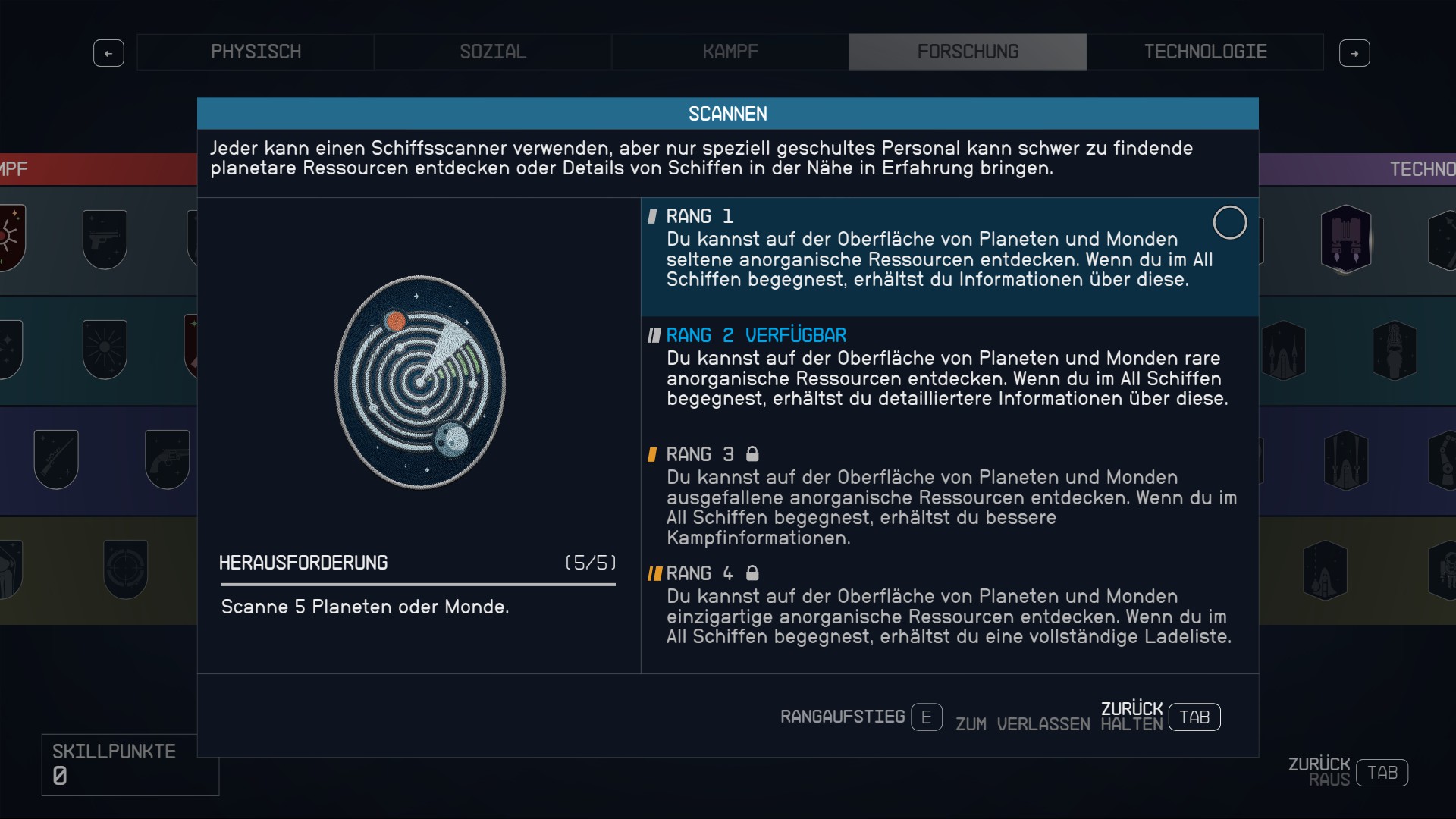
To unlock the scanner’s full potential, you need to level up some skills in Starfield. The following skills affect the capabilities of your scanner:
- Skill: Analysis
- Category: Research
The skill ‘Analysis’ adds an optional zoom to your scanner. Additionally, with each rank of the skill, you increase the scan distance to 20, 30, 40, and 50 meters.
- Skill: Scanning
- Category: Research
The skill ‘Scanning’ allows you to discover additional, rarer resources on the surfaces of planets and moons with each rank. Additionally, you receive information about spaceships you encounter in space.
- Skill: Astrophysics
- Category: Research
With the skill ‘Astrophysics’, you can scan more planets and moons with each unlocked rank, even outside your current system. In addition, you can discover properties of planets and moons with the skill.
How to use the scanner: On your keyboard, press the F key to equip the scanner. With E, you can then scan your environment and individual resources. On the Xbox controller, press LB.
If you would like more tips for a good start to your space adventure in Starfield, you should check here:
Starfield: 17 spoiler-free, short tips from the community for the perfect start