

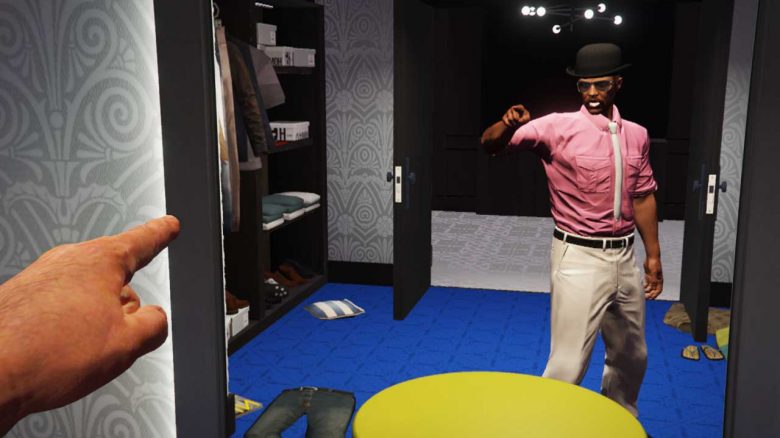
How can you point in GTA Online? Whether for RP servers or in regular online sessions. We show you how to use your finger.

Why would you want to point? Those who start with GTA Online will quickly notice a big difference from the story: Unlike Michael, Trevor, and Franklin, the characters do not speak. They gesture, but do not talk. Heist organizer Lester Crest emphasizes this repeatedly.
Whether on a roleplay server or in GTA Online sessions: pointing with your finger allows for better communication. You can easily select this through key mapping.
Pointing on PS4/PS5, Xbox, and PC
How does it work on PC? If you play on PC with mouse and keyboard, the default key for pointing is “B”. Press it once and you will point where you are looking with the camera. Press it again to lower your arm.
If you play on PC with a controller, the standard key for pointing with your finger is the right stick. However, you will also look back. If you press the right stick twice, you will point with your finger.
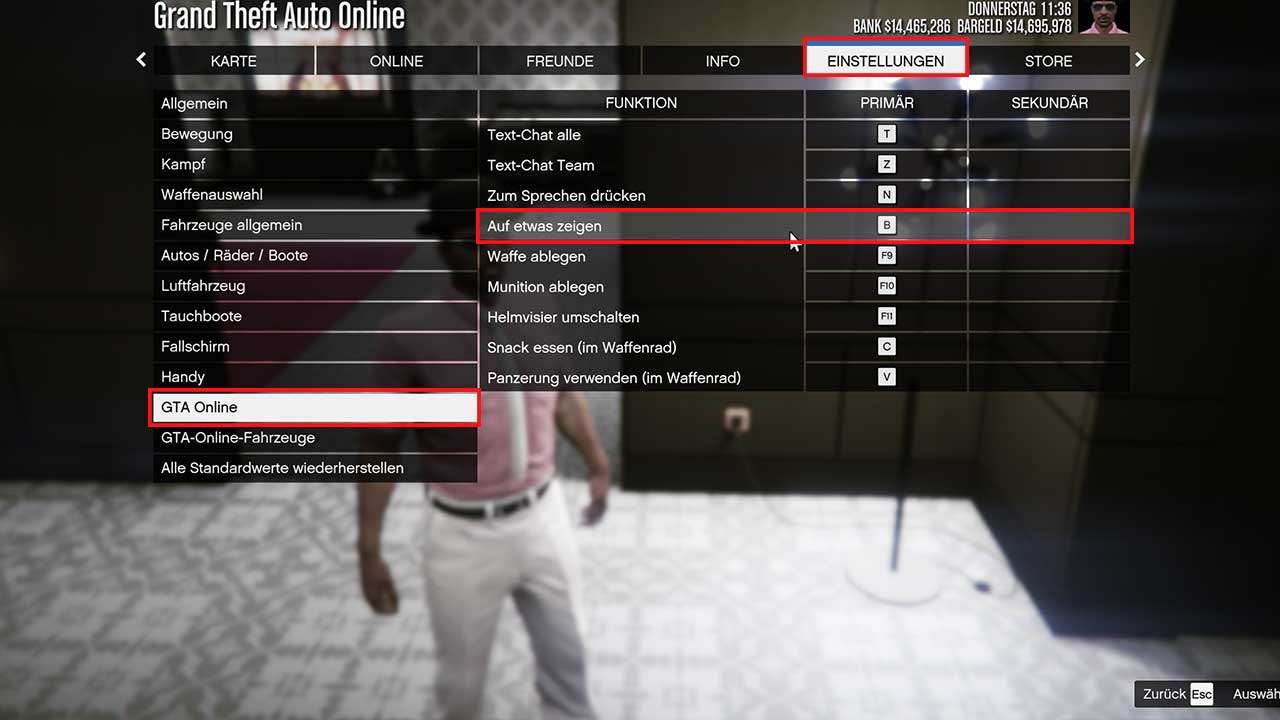
How does it work on PlayStation? With the controller on PlayStation 4 and PlayStation 5, the standard key for pointing with your finger is R3. You may need to press the button twice here as well.
How does it work on Xbox? If you play GTA Online on Xbox One or Series X|S, the standard button for pointing with your finger is the right stick. You may also need to press it twice in a row to point with your finger.
If you want, you can also remap the key for this action to make it more accessible. Especially when playing with other people, it is helpful to be able to point at things or paths you are talking about or want to highlight.
Here we point with our finger at our money guide for GTA Online, which helps you earn millions quickly.

Your opinion is important to us!
Do you like the article? Then let us know!