

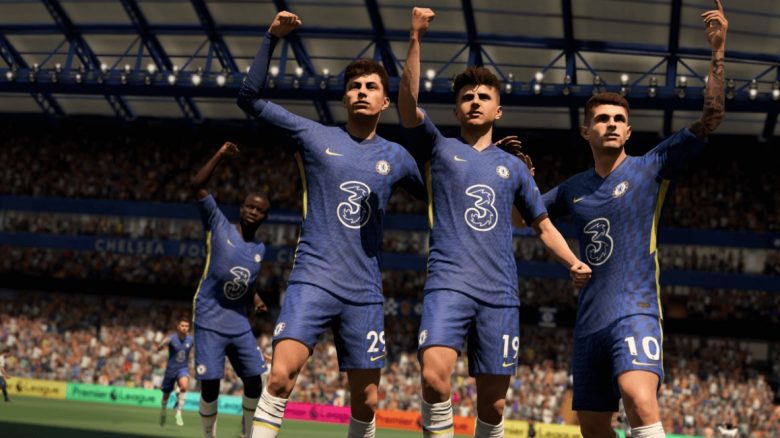
In FIFA 22 Ultimate Team, you have the option to change your team’s name. However, the option is quite well hidden. On MeinMMO, you will learn how it works.

If you are FUT veterans and had a club in Ultimate Team before FIFA 22, then in FUT 22, the name of your old team will simply be adopted. But what if you no longer like your club’s name?
You can easily rename your club, but unfortunately, the option is not that easy to find. We will show you step by step what you need to do to give your team a new name.
This is how you change your club name in FIFA 22 Ultimate Team
This is how you change your club name: To rename your club, you need to launch FIFA 22 on the console or PC. Unfortunately, the option is not offered in the web and companion app.
Once you launch FIFA 22, the next steps are:
- Open Ultimate Team and go to “Objectives.”
- Then switch to the “Basics” tab.
- Next, in the “The Basics” tab, find the option “Club Name.”
- Access it and enter a club name as well as the abbreviation of the club.
- Finally, press “Confirm Club Name” to complete the process.
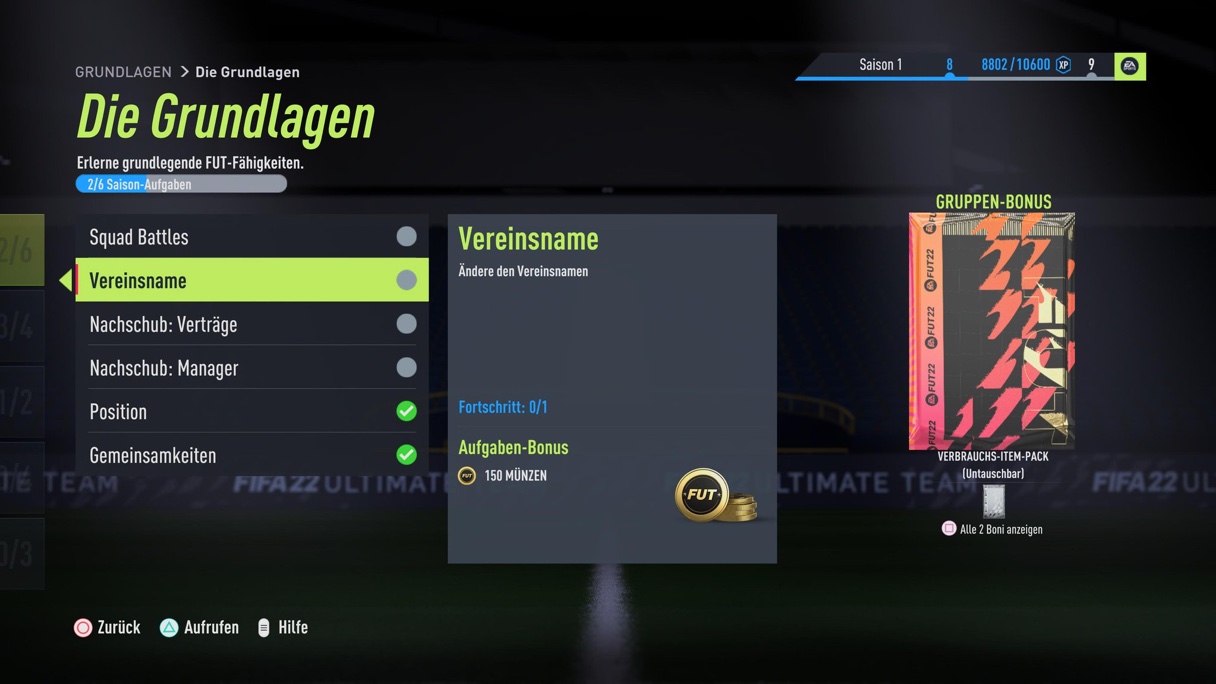
However, it is not known how often you can change the club name in FIFA 22. In the past, it was possible only once per season. So make sure that your new club name does not contain any typos.
Are you going to give your new FUT 22 team a new name? And let us know in the comments what your clubs are called!
If you are still looking for a strong starter squad with Bundesliga players, then we have a few tips for you:
FIFA 22: Here is a strong Bundesliga starter team for little coins

Your opinion is important to us!
Do you like the article? Then let us know!