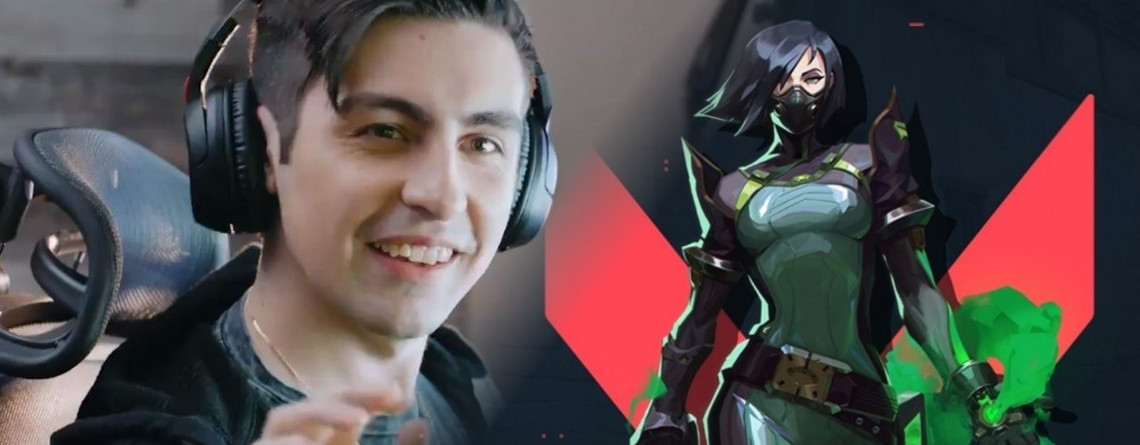
The “human Aimbot” shroud revealed his settings for the new shooter Valorant in a video. We show you how one of the world’s best shooter players plays the new hit.
What kind of settings are these? The Mixer streamer Michael “shroud” Grzesiek is often asked about his settings in his streams, with which he plays the new shooter hit Valorant.
Although many players currently cannot play yet and are waiting for beta access, they want to emulate the shooter icon.
The adjustments of the settings are important because the default settings of the developers often deviate from practical use while playing. This is partly because the standard should appeal to as many players as possible and also be somehow usable for everyone.
Especially in a shooter, it is important to adjust the settings to oneself in order to get the most out of one’s abilities. Because even milliseconds of difference in performance can determine victory or defeat.
Who is shroud? shroud is considered one of the best shooter players in the world and has earned the nickname “human Aimbot” through his outstanding performances in the genre, as he accurately eliminates all kinds of opponents. At times he is so good that he surprises himself. Therefore, it makes sense to orient oneself to his settings.
shroud’s crosshair settings
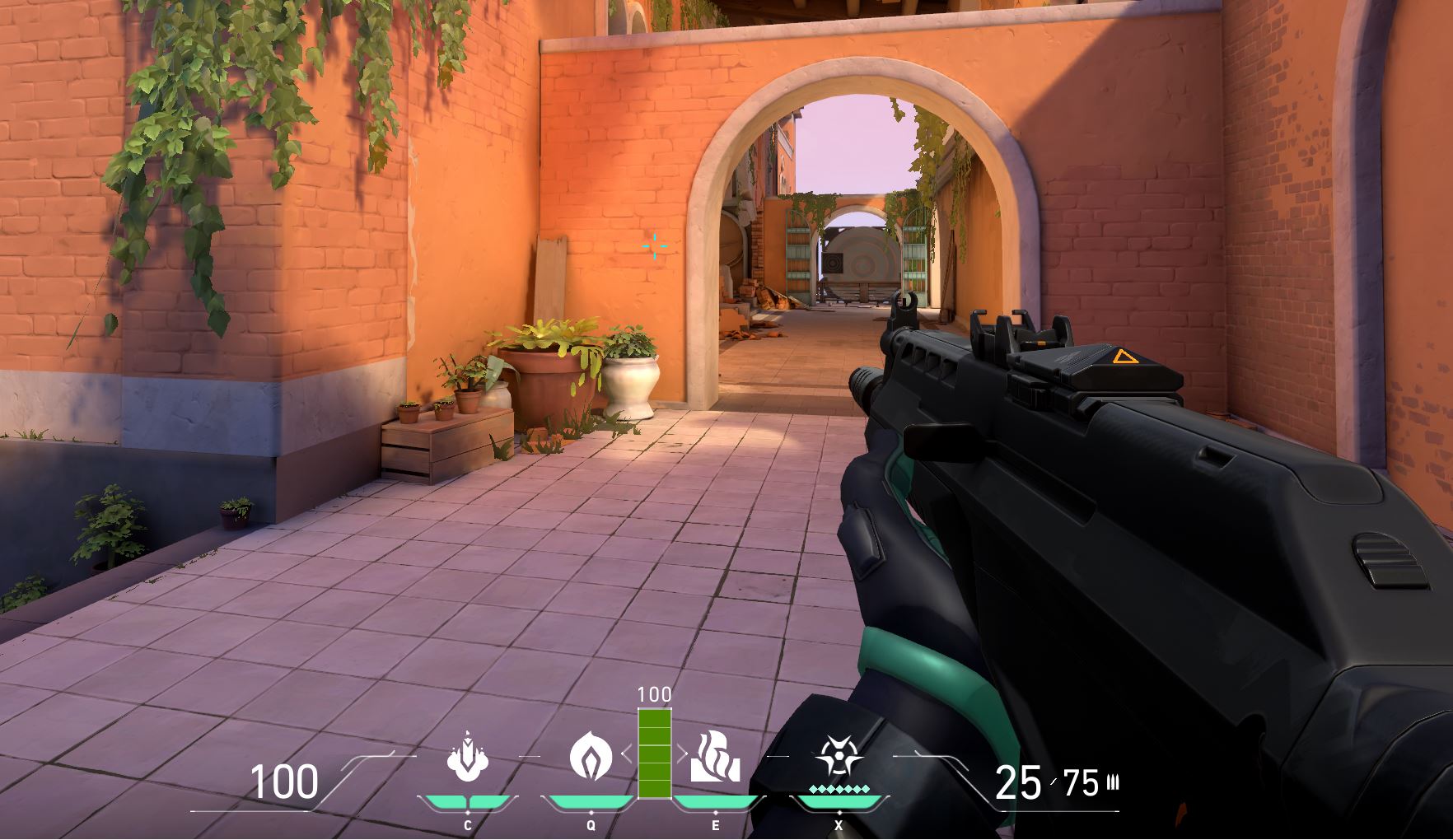
This is how shroud sets his crosshair
- Crosshair color: Turquoise
- Outlines: Off
- Values for inner lines: 1/8/2/3
- Values for outer lines: 0/0/0/0
- Movement/fire error: Off
Why should I set my crosshair this way? In principle, these settings are a matter of personal preference, but they have a decisive advantage: visibility. With shroud’s crosshair settings, you can see faster and more accurately where your crosshair is located.
Particularly the color is crucial. The standard white hardly stands out from many surfaces in Valorant. It is generally advisable to choose a bright color that rarely occurs in the game – like pink or turquoise.
shroud’s mouse settings
This is how shroud sets his mouse
- DPI: 450
- eDPI: 351
- Hertz: 1000
- Mouse sensitivity in game: 0.78
- Sensitivity multiplier for scope: 1
- Mouse sensitivity in Windows: 6
Should I adopt these settings? Shroud’s settings are also a matter of personal preference and vary from player to player. Some prefer slower movements in shooters, while others prefer faster ones.
Most of these settings can be found directly in the options or in the driver of your mouse or in Windows. What is especially important is the eDPI, which results from multiplying DPI and sensitivity.
This product should match if you want to copy shroud’s settings. The two corresponding options can then deviate as long as the result remains identical.

shroud’s keybinds
This is the keybinds shroud uses
- Crouch: Left Ctrl
- Jump: Mouse wheel down
- Use: F
- Ability 1: C
- Ability 2: Q
- Ability 3: E
- Ultimate ability: X
Why should I use this keybinds? Shroud mainly uses the default settings and has some keys, like the ultimate, placed in easier to reach spots. This allows him to bind F for “Use”, which is also the same key in many other shooters. Thus, he can better leverage his muscle memory.
However, the fact that he jumps with mouse wheel down likely has a specific reason. This movement is easier to achieve, and “Bunny Hopping” becomes easier. Bunny Hopping is a special movement method that many experts recommend – and with shroud’s settings, it becomes easier to replicate.