On the test servers of Diablo 3, you can already try Patch 2.4.3 with the “Diablo 1” remake. We will show you how to do that.
During this year’s BlizzCon, the developers announced changes for Diablo 3. The 2 biggest changes are the new Necromancer class and a “Diablo 1″ remake in Diablo 3. The remake of the original Diablo version comes as a dungeon with 16 levels into the game. Today, Blizzard has already unlocked the corresponding patch on the PTR servers. You can try out the content there before it is on the live servers. We will show you how to play the “Diablo 1” remake on the test servers.
Playing the “Diablo 1” Remake on PTR Servers
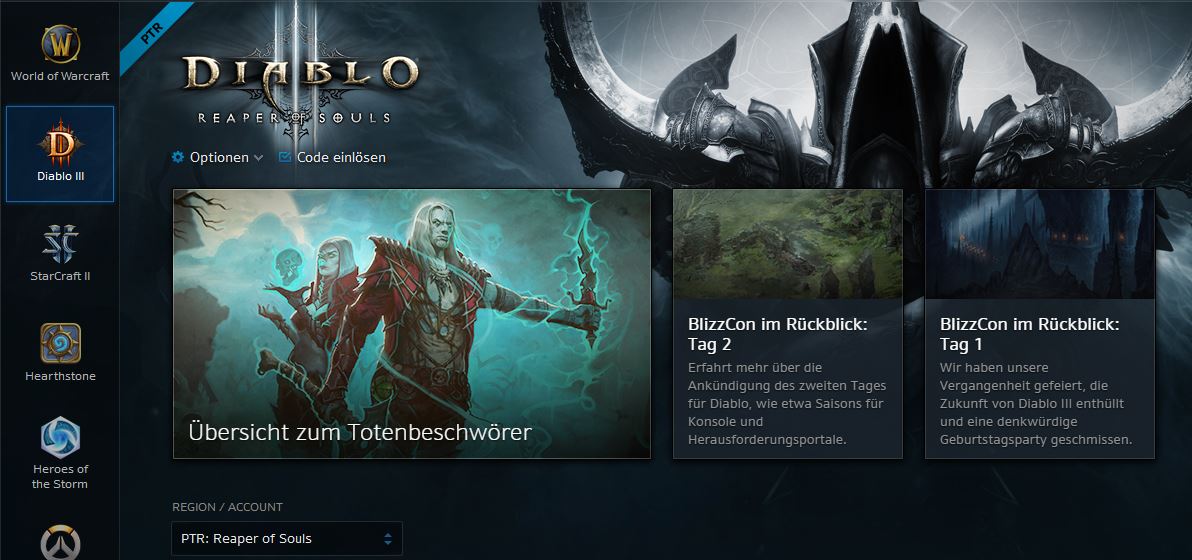
This patch includes “The Darkening of Tristram” and is now playable on the test servers. To play on the PTR servers, you need a Battle.net account that is neither closed nor banned. This account must be linked to a “Diablo 3” license. In your account management on the Battle.net website, select your game license for Diablo 3 and click on “Create PTR Account”.
- After you have created your Diablo 3 PTR account, select “Diablo 3” in the Battle.net software on your PC and click on the dropdown menu next to the “Play” button. Currently, it is likely set to Europe. Now, select “PTR”.
- Once the patch has been downloaded and installed, you can play Patch 2.4.3 on the test servers.
A detailed guide on how to copy your “Diablo 3” characters to your PTR account can be found on the official Diablo 3 blog.