

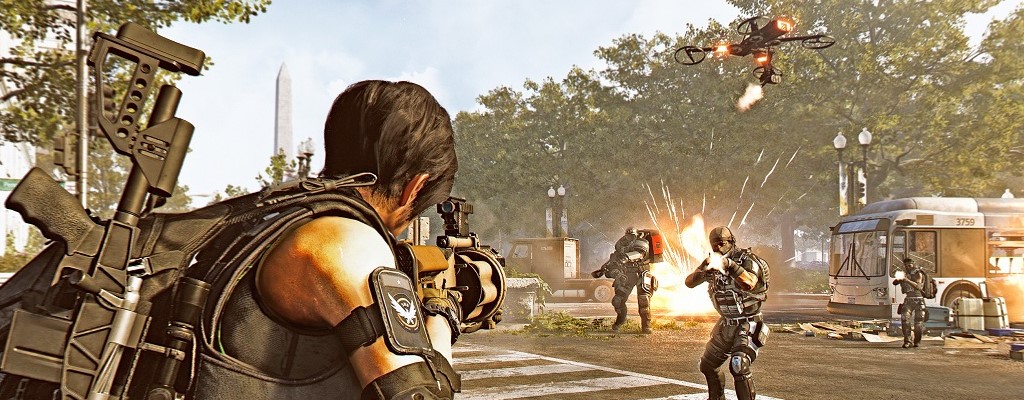
To start the Open Beta of The Division 2, we have 15 tips for you to help you get started right away.

What you need to know about the Open Beta: The Open Beta gives you the chance to get a glimpse of the huge shared-world shooter and test various content.
So you don’t feel lost in the Open Beta, here are some tips to help you with your first agent steps.
Character Creation and First Steps
What you need to know about character creation: When you log in, you first need to choose your character. In the Open Beta, this is generated randomly. In the main game, you can create your own character with many customization options.
You cannot carry over your progress and character from the Beta.
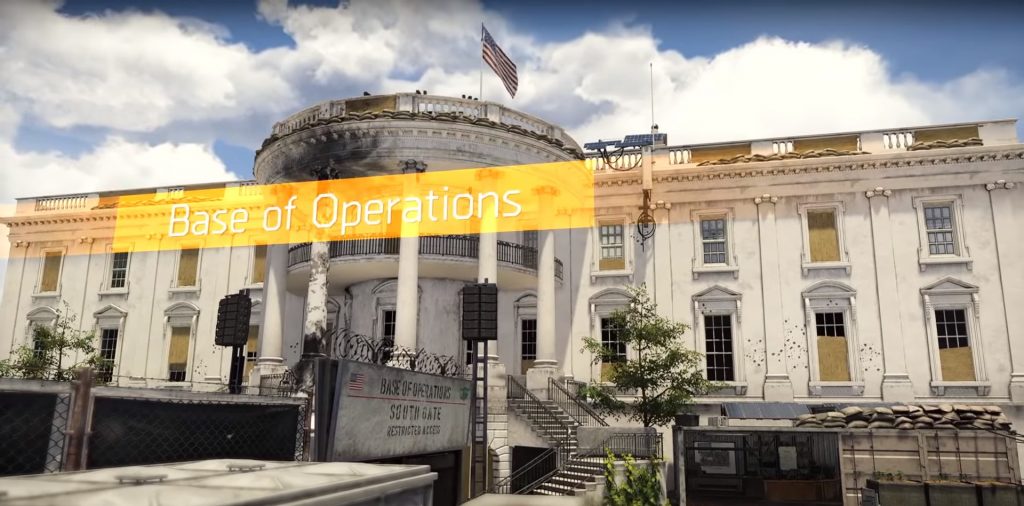
Once you’ve done that, you’ll find yourself near the White House. It is being attacked by the Hyenas, one of the hostile factions in Washington D.C.
Clear your enemies out of the way and enter the White House, your new operations base.
The Division 2 is a Cover Shooter
This is how the combat system works: The Division 2 is a third-person shooter with a cover system. Use your environment for protection, switch cover wisely, and try not to be an easy target.
If you don’t act hastily and don’t run openly into enemies, you shouldn’t have too many problems with the foes.
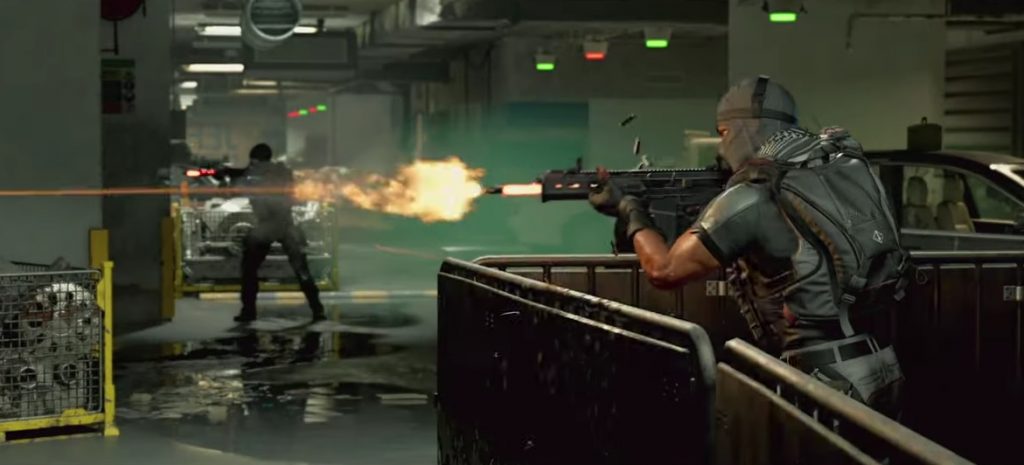
So: Always stay in cover during combat. Move from cover to cover.
Use Grenades Effectively for Groups of Enemies
A well-placed grenade can be very useful. It can eliminate groups of enemies or at least create chaos and disperse them.
Also, pay attention to red containers in the environment. You can shoot them to blow them up and deal more damage to the enemies.
Problems in Combat? Repair Your Armor
What you need to know about armor: Above your health bar is a white armor bar that is divided into different segments.
Armor additionally protects you in combat but can be destroyed by enemies. If your armor is destroyed, you become vulnerable to further damage and should immediately seek cover.
This is how to repair your armor: If it is destroyed, you can use armor kits to refill the bar and repair the armor. This takes a few seconds, so you should look for a safe position to do this.
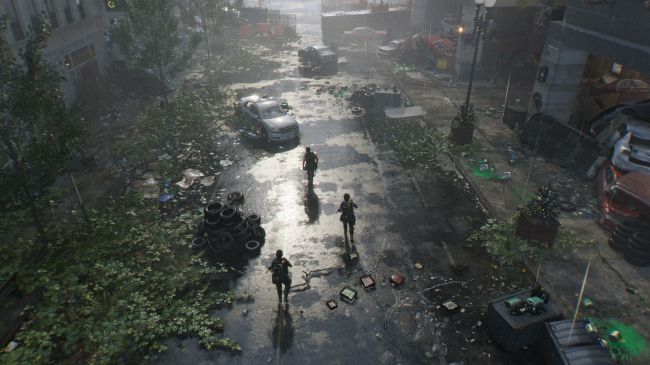
Assemble Your Gear
This is how your gear works: In The Division 2, you have a wide selection and freedom in assembling your gear. There are a total of 6 armor slots:
- Mask
- Vest
- Holster
- Backpack
- Armguards
- Kneepads
Each piece has different stats, so optimal assembly is essential. Additionally, your gear can belong to a specific brand.
In our guide, we present to you all known brand sets and their bonuses.

Choose the Right Weapons
This is how the weapon system works: In addition to your armor, you will also have your weapons.
You have a primary, secondary, and a handgun. However, you must unlock the secondary weapon first. This can be done at the quartermaster in the White House.
You can choose your weapons from these categories:
- Assault Rifles
- Marksman Rifles
- Rifles
- Light Machine Guns
- Submachine Guns
- Pistols
- Shotguns
These weapons differ from each other and are suitable for different builds and situations. So choose wisely.
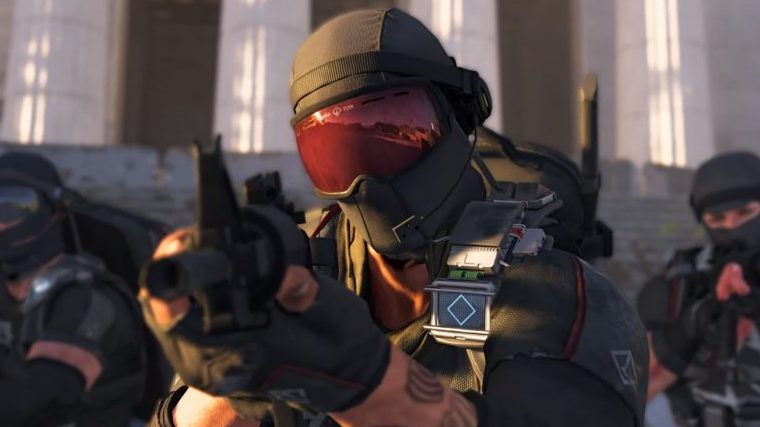
Unlock Your Secondary Weapon
You can only unlock your secondary weapon via a perk that you obtain from the quartermaster in the White House.
These are perks: Perks give you permanent bonuses. With perks, you can unlock your second skill, more inventory space, or even the secondary weapon.
To unlock perks, you need to pay with SHD tech. You can collect more SHD tech in the Beta and gradually buy more perks.
This is how to get your skills
Skills can be actively used in combat. They mainly serve as support and can have different functions.
This is how to choose your skills: At the White House, you can initially choose two skills at the quartermaster. In the Open Beta, you have access to 4 skills:
- Turret
- Assault Turret
- Sniper Turret
- Drone
- Bomber Drone
- Repair Drone
- Seeker Mine
- Air detonation
- Cluster Mine
- Chem Launcher
- Firestarter
- Combat Foam (must first be unlocked with 5 SHD tech)
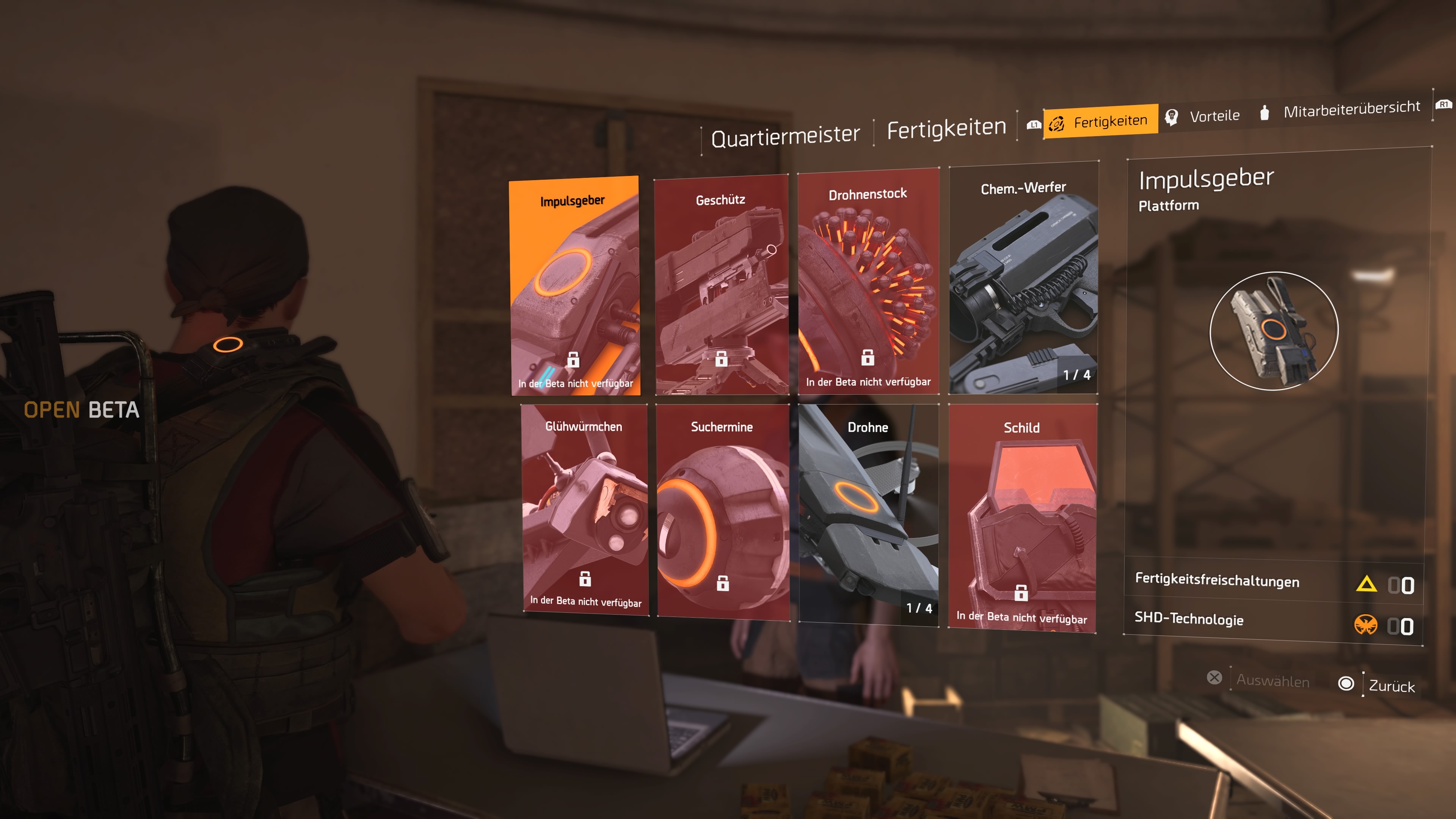
All skills have different skill mods that give them various functionalities. For example, the drone can be used offensively or as a repair drone for you and your team. So try everything out to get to know your preferences.
In the tutorial, you can initially choose only one skill and a corresponding skill mod, which costs you one skill point. You can unlock additional skill points by completing missions.
What is currently known about skills and skill mods has been summarized for you:

Use Your Map for Orientation
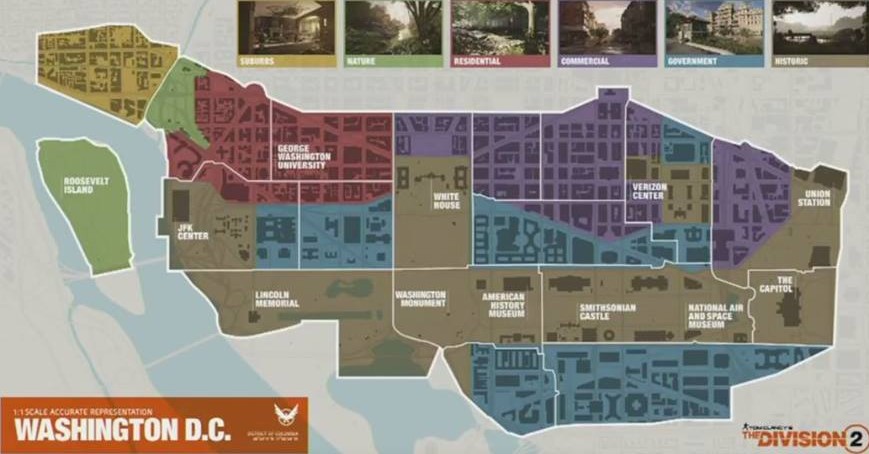
This is how to find your way in the vast world: Even in the Beta, a fairly large area of the open world is accessible. If you ever don’t know where to go, open your map and pay attention to the symbols.
Main missions, side missions, and all other activities are clearly marked with symbols.
Unlock Missions in the Settlement
This is how to unlock the main and side missions of the Open Beta: After visiting the White House, you will be sent to the Theatre next.
This is one of the settlements where civilians have established a new home. There you will meet Odessa Sawyer, who will provide you with more missions.
The Main Missions of the Beta
This is what to expect in the story missions: There are a total of 3 main missions in the Open Beta:
- Hotel Grand Washington
- Jefferson Trade Center
- Viewpoint Museum
Each of these missions takes you to interesting locations in Washington D.C. and has an adjustable difficulty level. You can play them as often as you like to get better loot.
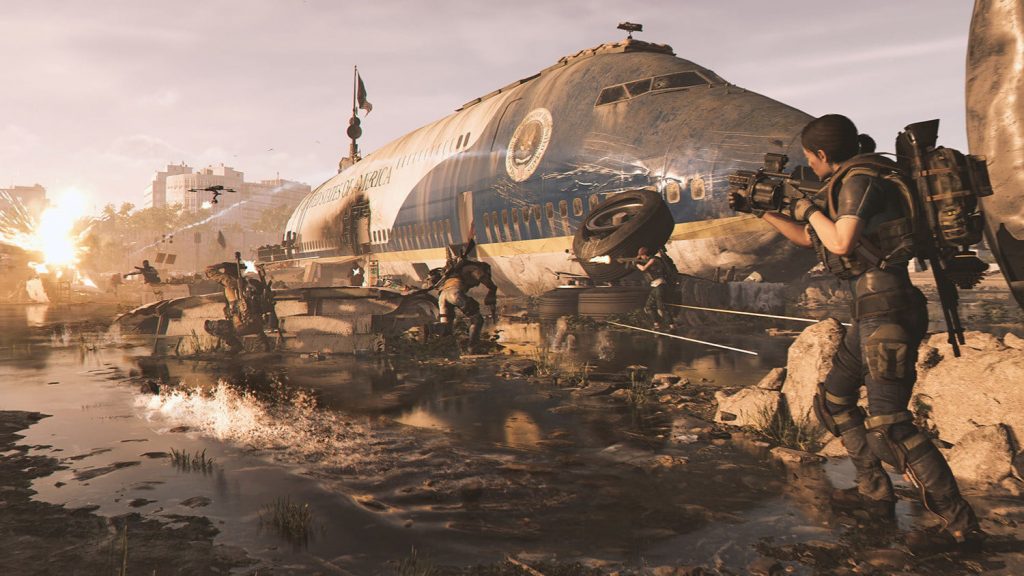
Solo or Team? It’s up to You
All activities in the open world can be completed either solo or in a team. You have the freedom to choose.
That’s why there is also a matchmaking function that allows you to seek assistance at any time.
Visit the Dark Zone
In the Open Beta, the eastern of the 3 Dark Zones is accessible. You unlock the Dark Zone when you complete the “Jefferson Trade Center” mission. Then visit Senait Ezera at the White House, who will introduce you to the Dark Zone.
What is the Dark Zone? The Dark Zone is an area that mixes PvE and PvP. Players can hunt for loot or hunt other players. It aims to provide an unpredictable experience.

Endgame in the Open Beta
In addition to the Dark Zone, after completing the Jefferson Trade Center, 3 specializations with selectable level-30 characters will be unlocked. Log out to choose one of these level-30 agents.
These are specializations: Specializations are part of the endgame, providing special skills alongside individual weapons:
- Demolitionist: Grenade Launcher,
- sniper: .50 caliber rifle
- Survivalist: Crossbow
Our guide shows you what skills and bonuses the specializations offer.
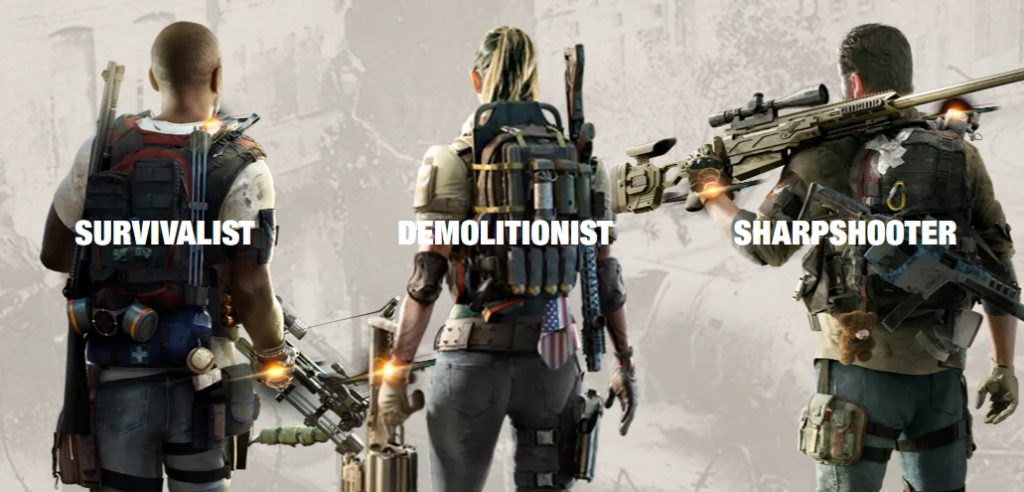
These specializations can then be tested in a new endgame variant of the Jefferson mission.
These are called Invaded Missions, where you will encounter the Black Tusk. This is a particularly dangerous enemy faction that only appears after the campaign concludes in The Division 2.
Test PvP in Skirmish Mode
In the Beta, there is a 4vs4 deathmatch mode called Skirmish available. You can start this anytime in your base.
On separate maps, you compete against other players, allowing you to test your skills.
This trailer introduces you to the contents of the beta and how you can play them:
Are you already roaming in D.C.? What are your impressions? Write in the comments.
We keep you updated on the Open Beta with our live ticker:


Your opinion is important to us!
Do you like the article? Then let us know!