

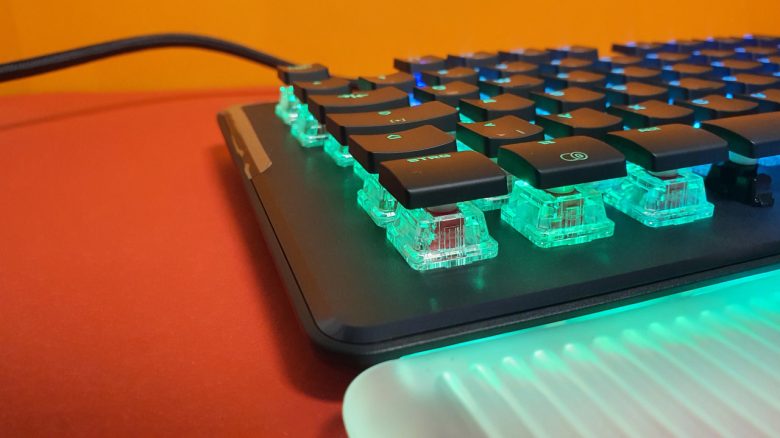
With the Vulcan II Max, Roccat has launched its latest gaming keyboard. MeinMMO editor Benedikt Schlotmann tested the keyboard. Is the successor to the popular keyboard series worth it?
The most important points at a glance:
- The Roccat Vulcan II MAX is the successor to the Roccat Vulcan 121 and the Pro version with optical switches. The open keys remain the same, but details such as rounded corners and a lit wrist rest have changed. As with the Pro model, optical switches are used instead of mechanical switches.
- At 229 Euros, the gaming keyboard is positioned in the higher price range. The predecessor can currently be had (February 2023) for around 100 Euros. The Vulcan Pro is also still available for around 130 Euros.
- The workmanship and the optical switches impressed in the test, although I find some design decisions rather questionable and they detract from the overall positive impression.
Which keyboard are we talking about? The Vulcan series is probably one of the best-known products from the German manufacturer Roccat. The gaming keyboards feature a striking design, colorful RGB lighting, and proprietary Titan switches under the keycaps.
I was able to try out the Vulcan II Max, the new version of the Vulcan. Does the keyboard still feel and type just as good, or even better? After all, the Vulcan 121 is the best gaming keyboard for me in everyday use, except for the ABS keycaps. The cool design and the good Titan switches from Roccat have simply offered me an almost perfect combination so far.
You can read my experiences and my conclusion in this article, and I will explain whether the keyboard is worth it, especially for those considering an upgrade.
Who tested it?
I have a penchant for gaming mice and currently own over 20 gaming mice privately and have tested over 15 keyboards. At MeinMMO, I have been testing hardware for our readers since 2019. Besides PC and PS5, I’m also now active on the Steam Deck.
The manufacturer provided me with the Roccat Vulcan II MAX for testing.

Benedikt Schlotmann
Hardware Editor MeinMMO
Features and technical details:
| Design/Interface | Wired, Full-Size Keyboard (104 Keys) |
| Key Type | Optical Switches, Red |
| Programmable Keys | Yes |
| Lighting | Yes |
| Compatibility | PC (with Software) |
| Included Items | Keyboard, Manual |
| Special Features | Dedicated Media Keys |
| Price (RRP) | 229.99 |
Oops, unfortunately this affiliate widget is no longer available. |
Included Items, Design, and Build
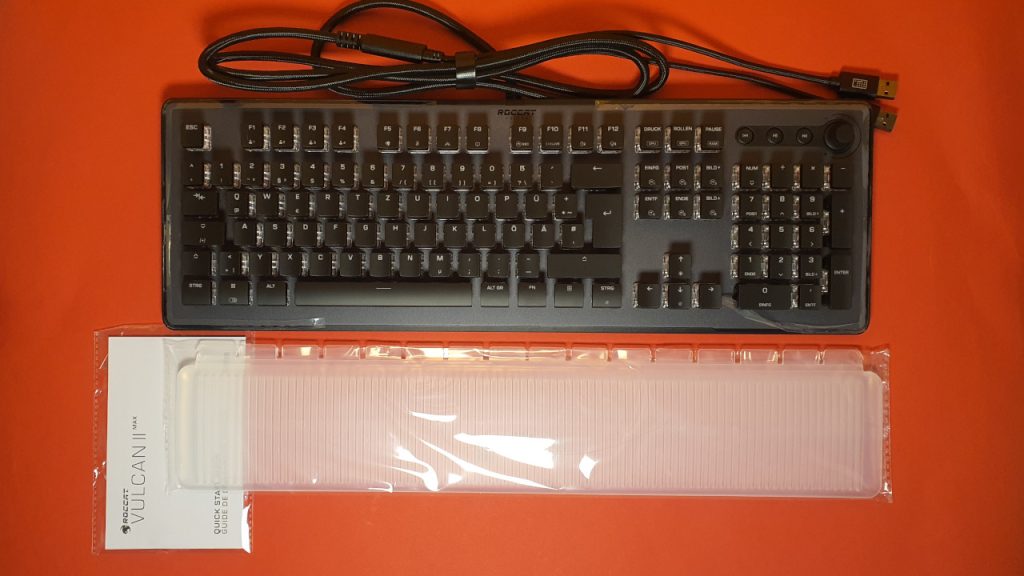
What’s included? In the box, besides the keyboard, you will find a wrist rest and a manual. No additional bonuses like stickers are included.
What is the keyboard’s layout? The keyboard comes in the well-known full-size layout with 104 keys. As a bonus, three media keys and a control wheel are located at the top right, above the number pad. The keyboard features an open design: the keycaps are relatively small and slim compared to other manufacturers, which provides a clear view of the case and the switches under the keys.
To my surprise, the keyboard requires 2 USB ports on your computer. Unlike the Razer Blackwidow V4 Pro, which also requires 2 USB ports, the Vulcan II Max does not offer a dedicated USB port on the keyboard (USB Passthrough). I find this annoying and impractical.
Build Quality
The keyboard features a stable case made of brushed aluminum. Not only does it look really sleek, but it also feels very good. The wrist rest is made of rubber and has a strange chemical smell in the first few days. However, this dissipates after a few days.
However, the rest feels valuable and sturdy and connects well to the keyboard. Still, I am skeptical about how long the rubber model will last. Soft plastic has the disadvantage of becoming brittle and eventually breaking.
With the keycaps, Roccat continues to use ABS keys. This is something I find really unfortunate, as ABS keys wear out quickly based on my own experience. After just a few days, the keys look oily and dirty, which I find really annoying. At least Roccat uses the standard cross switches. So in theory, you can mount PBT keycaps from other manufacturers on the keyboard. However, the cool and unique design of the keyboard would be lost then.
The thick cable is permanently attached to the keyboard and is also quite stiff. Other manufacturers like Razer or SteelSeries now almost all use detachable cables in high-priced keyboards. Even other Roccat keyboards already had detachable cables. If a cable break does occur, I can at least replace the cable.
In the first few days, I noticed a quiet squeaking noise when pressing some keys. However, this eventually disappeared, or I just no longer notice it.
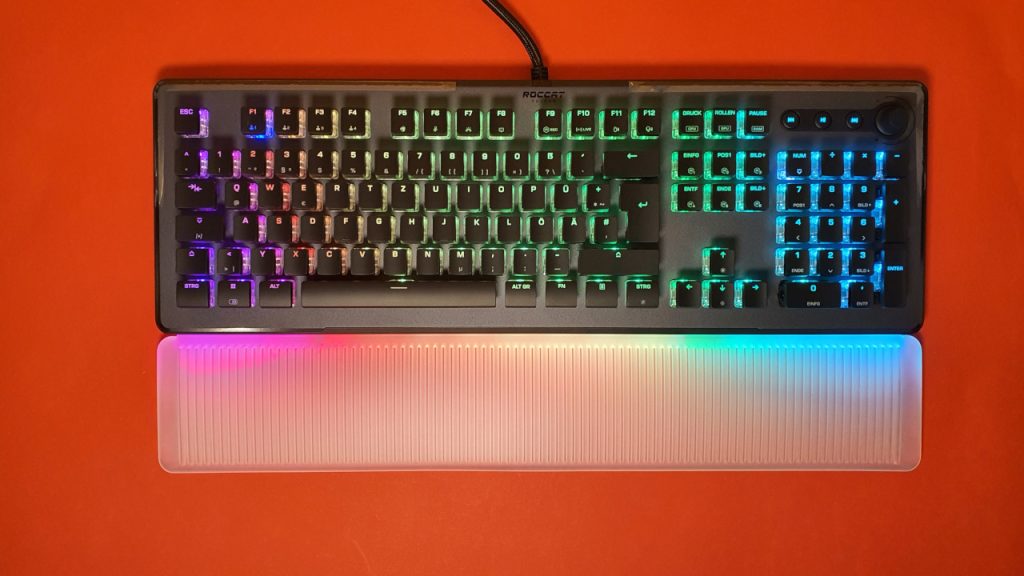
Software
The software used is “Roccat Swarm.” With it, all important settings can be made, such as programming macros or setting up the lighting. The profiles can also be saved in the keyboard’s memory. To fully utilize the keyboard, you must have the software.
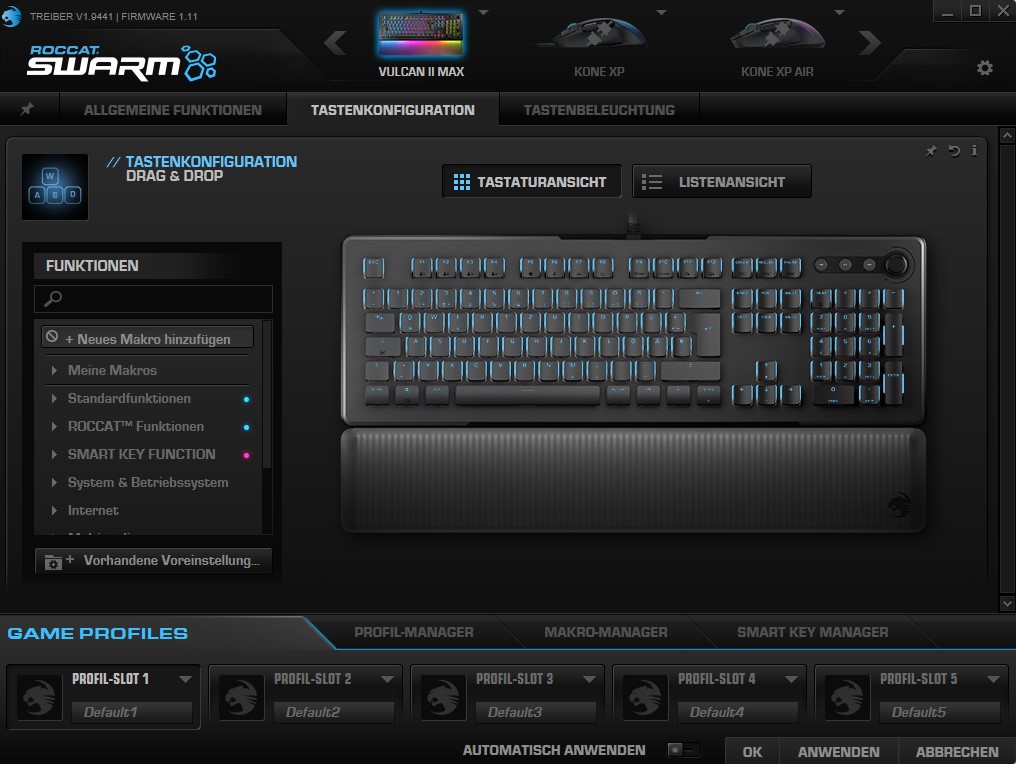
The software is a bit unclear but works without problems. Similar to Roccat’s mice, there is again the EasyShift function. With the FN key, you can double-assign other keys or use specific function keys. This can be quite handy.
On the next page, you will read everything about ergonomics, keys, volume, and the final conclusion.

Your opinion is important to us!
Do you like the article? Then let us know!