

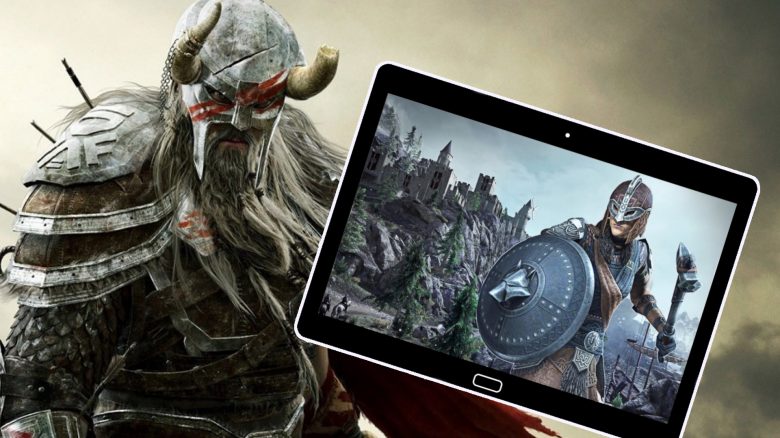
The Elder Scrolls Online is one of the launch titles for Microsoft’s brand-new game streaming feature called Cloud Gaming. But is a high-quality and complex MMORPG like ESO suitable for playing on tablet or smartphone, and how is the performance? MeinMMO author and game streaming enthusiast Jürgen Horn tested it.
What is Xbox Cloud Gaming? Xbox Cloud Gaming was previously known as Project xCloud and refers to Microsoft’s brand-new game streaming feature.
With game streaming, games are no longer installed and run locally on your device. Instead, you retrieve the data from server farms where the games run. Only your inputs and outputs from the servers are processed locally.
Therefore, you no longer need high-end hardware to play top-notch games. After Google was the pioneer of game streaming with Stadia, Microsoft has followed suit with Xbox Cloud Gaming. Those who subscribe to a Game Pass in the ultimate edition can play around 170 games for free and also stream them on many Android mobile devices in addition to local installation.
The whole fun started on September 15, and the MMORPG ESO was also part of the cloud gaming lineup. Therefore, I took a look at it and tested it, just like back then with Stadia:

ESO on tablet – hardware, app and game version
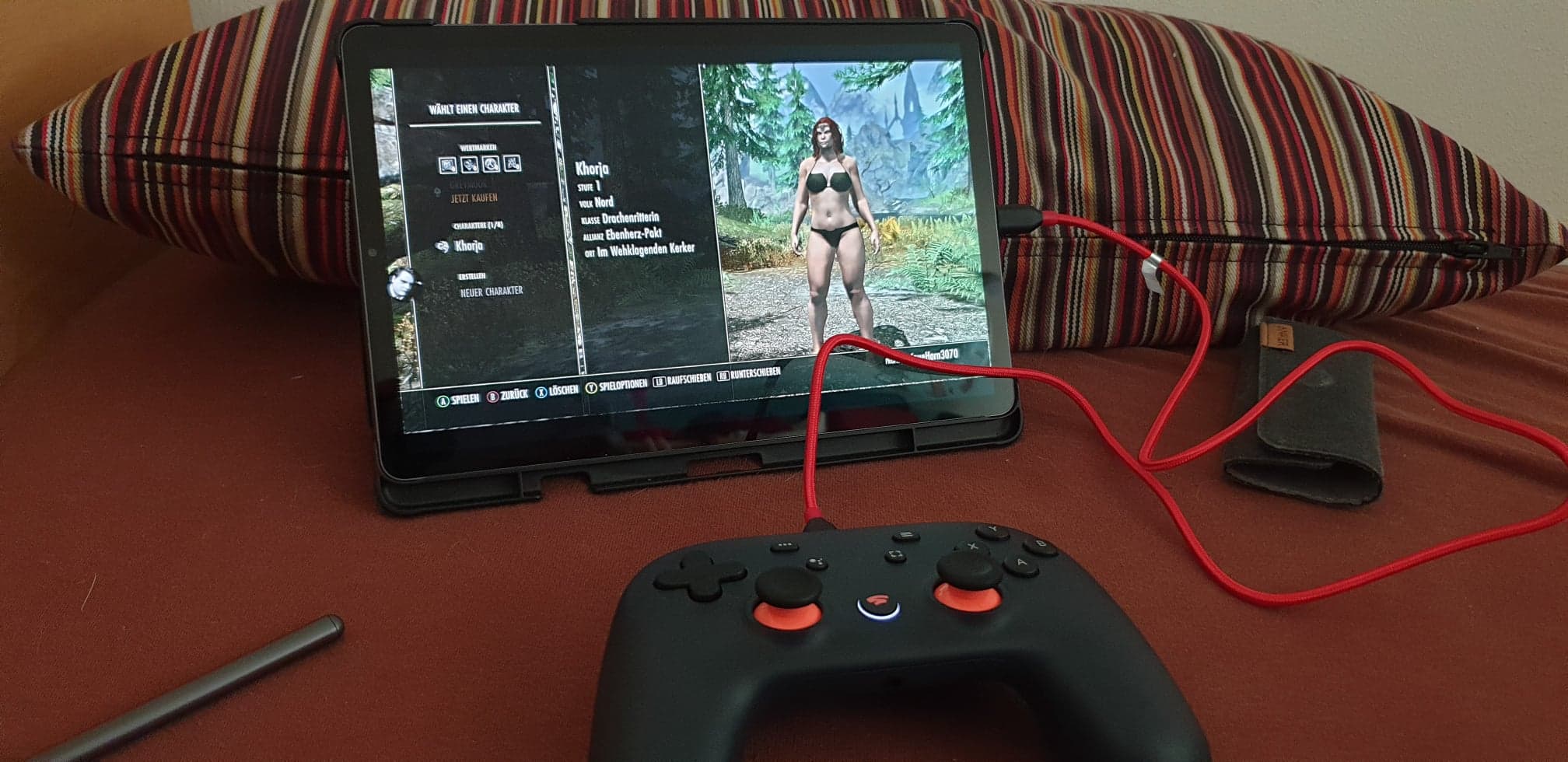
What was the hardware? To test ESO in the cloud, I used the following hardware and technology:
- Samsung Galaxy Tab S6 tablet
- Google Stadia controller, connected via USB-C cable
- Internet with 50mb/s via 5 Ghz Wi-Fi
Especially with the controller, I had to be creative due to the lack of a Bluetooth controller and physically connected the Stadia controller. That worked perfectly without further settings.
Furthermore, I intentionally didn’t sit right next to the router but stayed in a room that didn’t have full signal strength. Because cloud gaming should also work when everything is not optimal.
This is how it all started: It started off remarkably simply. I subscribed to the Game Pass – here’s how to do it for extra cheap – and installed the app for cloud gaming via the Play Store on the tablet. That was done quickly, and I just had to link my Microsoft account.
After that, I could choose and launch ESO from the multitude of games. There was a brief loading screen from cloud gaming, and then ESO started.
Which ESO version was played? Important for all ESO players with an existing account is, of course, which version is running on the Microsoft cloud. On Stadia, it was the PC version, which had full compatibility. Therefore, I hoped it would be the same with cloud gaming.
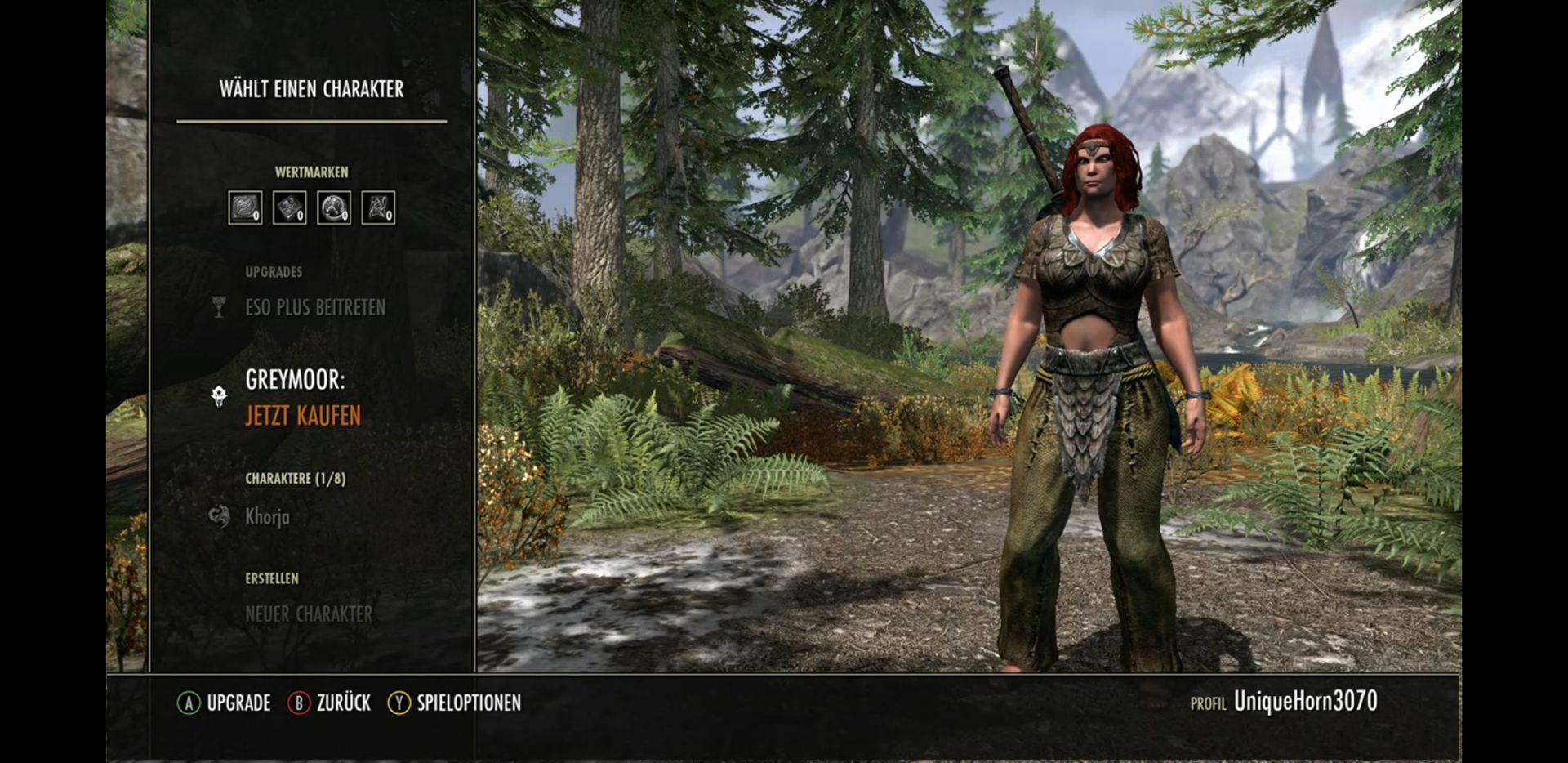
But unfortunately, I wasn’t lucky here, as the Xbox version of ESO seems to run on the Microsoft Cloud. Since I play on PC, even after linking my ESO account, I couldn’t carry over any progress and started with a completely blank vanilla version of ESO in the lamenting prison in Coldharbour.
I last saw the opening scenes in 2014 at the launch of the game.
This is how ESO plays on tablet
This is how ESO looks: Hardly had the game started, I was already very impressed. Even on the tablet display, ESO looks wonderful. Rich, vibrant colors and impressive effects looked really good.
However, there were no options to change the graphics. There was only a brightness and contrast slider available. Therefore, those who miss the variety of adjustments on PC will not find joy here. ESO in cloud gaming is similar to console ESO, and you have to use the presentation that the developer provides.
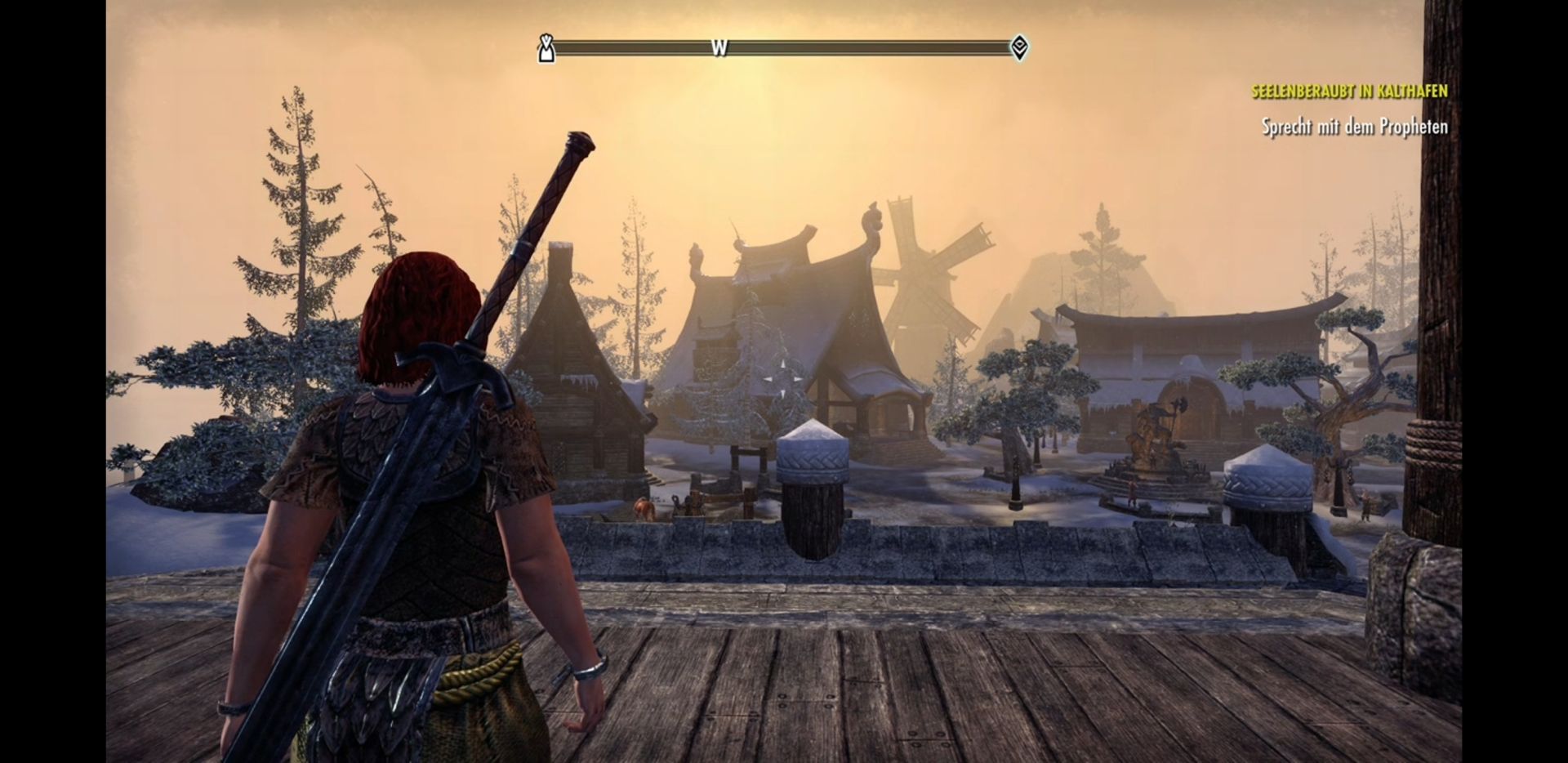
This is how smoothly it runs: Since the graphics ran well, I was a bit skeptical whether the performance could keep up. And to cut to the chase, it ran mostly smoothly. I fought through the initial areas and completed quests and explorations.
Everything went smoothly. Only rarely did a stripe flicker across the screen, which might have been due to the fluctuating connection. As I said, I deliberately did not choose the top spot for Wi-Fi. However, ESO was playable fluidly throughout and was consequently fun.
This is how the control works: You have to play ESO with the controller. However, as already mentioned, it doesn’t need to be connected via Bluetooth; a physical connection via USB cable is sufficient. Therefore, the new Razer Kishi controller should work optimally here.
The control worked smoothly in any case, and I could not detect any input delay. This is important, as Xbox Cloud Gaming relies entirely on local input, and the signals from the controller go to the device and then to the cloud. With Stadia, you have the option to connect the controller directly to the cloud, but I noticed no differences in delay with ESO.

Is it fun? Indeed. Because despite the smaller display, everything could always be seen well, and the intensity of the gameplay was similar to that on PC. After I got used to the control via gamepad, the fights flowed easily and casually.
The well-voiced quests and the epic soundtrack sounded good on the tablet and created the right atmosphere. Moreover, I could play ESO on the couch, in bed, in the garden, or on the go (with a good mobile data connection) and was no longer limited to just the PC at home.
It seems that Microsoft is doing everything right
I had good experiences with Stadia for ESO as a game stream and was curious how Microsoft would solve it. Somehow I felt it would run less smoothly.
But in truth, both services have so far not fallen short of each other. ESO ran perfectly in both Xbox Cloud Gaming and via Stadia, and apart from a few minor stutters, everything was great.
Microsoft seems to have done everything right, and I am curious how other top games will play in the cloud. However, I will probably remain with Stadia for ESO. That’s merely because I can continue to use my PC account here and won’t have to start completely from scratch as with the Microsoft version.
Overall, however, I like Xbox Cloud Gaming very much and will certainly keep my subscription for the Ultimate Game Pass.

Jürgen Horn
Editor at MeinMMO

Your opinion is important to us!
Do you like the article? Then let us know!