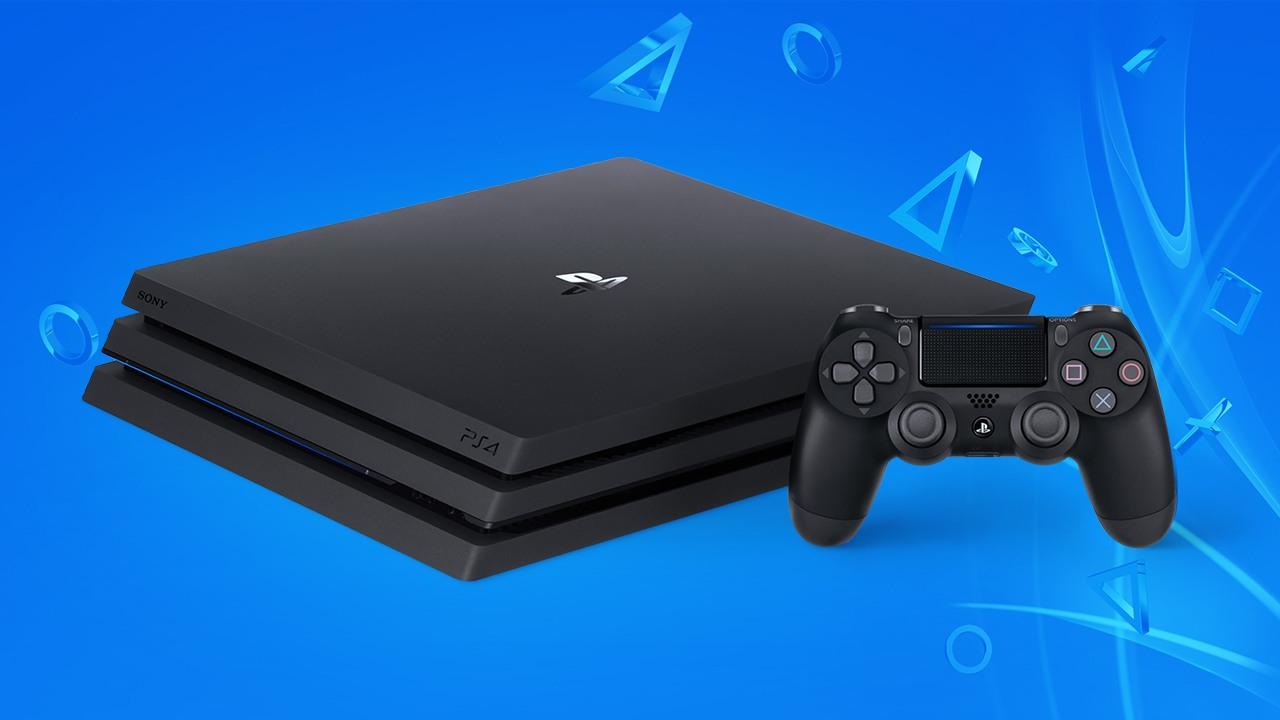
The major system software update 5.50 for the PlayStation 4 is now available. The update brings, among other things, playtime management, library updates, and personalized wallpapers via USB.
Starting today, you can download the next major system software update 5.50, which is affectionately called KEIJI internally at Sony.
The update brings some new features, such as supersampling support for the PS4 Pro, which we have already introduced to you. Anyone with a PS4 Pro but no 4k TV can improve their graphics quality this way.
Playtime Management as Parental Control
After the last update 5.00 already introduced several parental control features, playtime management follows. This allows you to check or set the daily playtime of children through the PSN main account on the console, via the web browser of the PC, or from the smartphone. You can also set the console to automatically log out after the current playtime expires.
Importing Personalized Wallpapers via USB
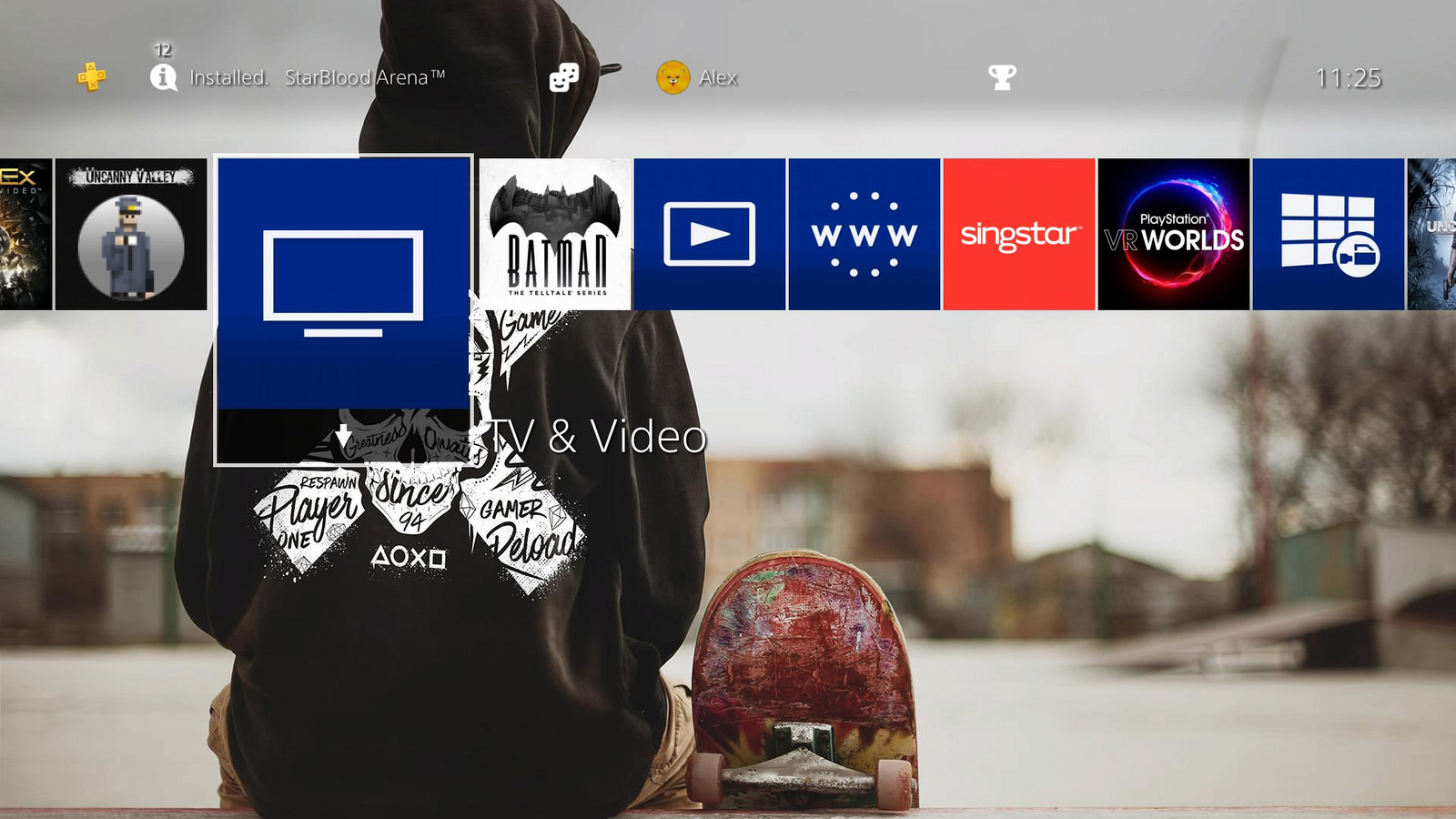
With update 5.50, you can import your own images via a USB stick to the PS4 and set them as wallpapers. To ensure they come out properly, zoom, crop, and preview functions are available.
After the update, team pages for tournaments can also be equipped with their own team logo and wallpapers.
Changes in the Library
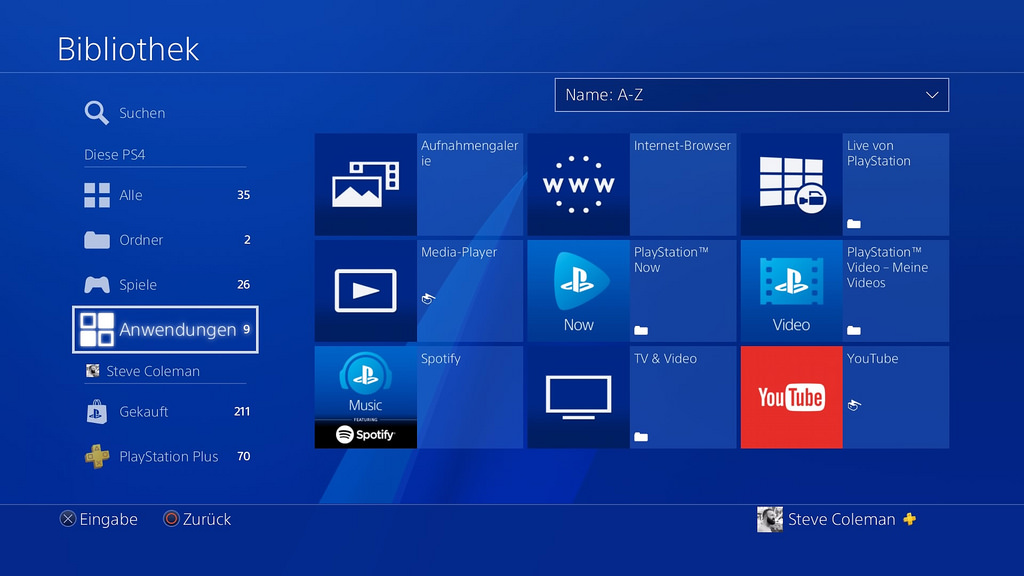
With the update, two new tabs are added to the library. These tabs are meant to give a quick overview of what apps have been installed and purchased.
Under “This PS4”, all applications currently installed on the console are listed. Below your name, you will see which apps have been purchased with the PSN online ID.
Additionally, a new PS Plus tab is also available in the library. This tab contains all games that were obtained as part of the monthly free games with PS Plus.
Moreover, players have requested to hide certain apps under the “Purchased” tab. This feature is also included in update 5.50. You can hide content such as betas, demos, or trial versions under “Options”.
Additional Features
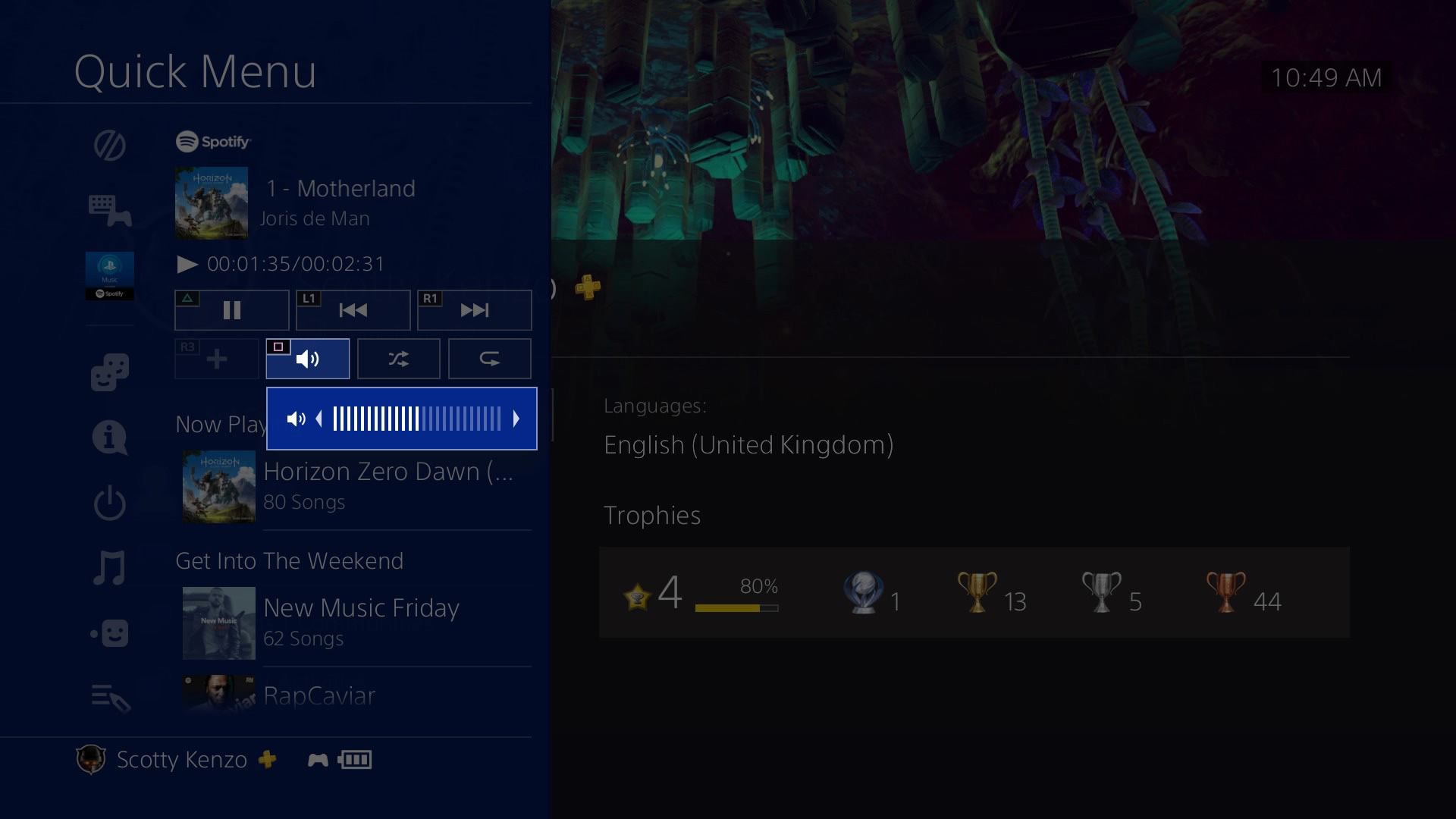
The update allows access to custom friend lists from the quick menu. Shortcuts are also available when listening to music through the console. For instance, you can adjust the volume control for apps like Spotify using the controller buttons.
Additionally, old notifications can now be permanently removed. You can select one or more notifications in the notifications section that you wish to delete.
Furthermore, songs can now be played in the background while a game is streamed via PlayStation Now.