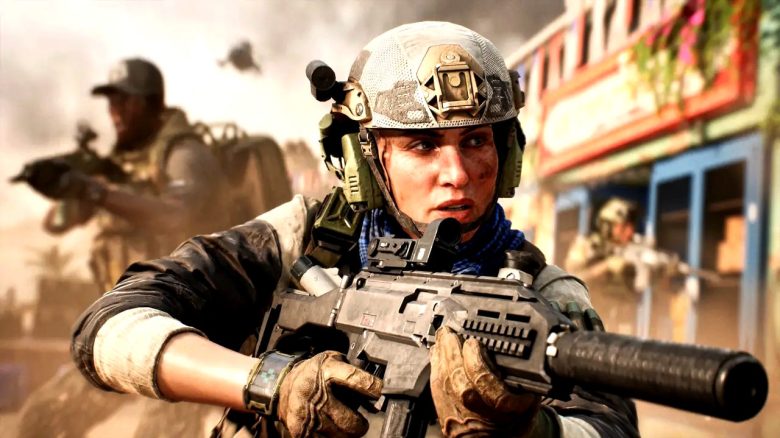
In Battlefield 6 you can play cross-platform with other players. However, there are some restrictions. What you need to know is explained here.
How can you play Battlefield 6 in crossplay? Crossplay is enabled by default in Battlefield 6 – no matter which platform you are playing on. So you can play together from the start with players from PC, Xbox Series, and PS5.
Can you disable crossplay? Players on PC cannot disable crossplay and must always expect console players to appear in their matches. This is different for players on Xbox or PS5.
Here you can turn off the crossplay feature in the “System” settings tab. You will then play only with players on your respective console type.
Are PC players forced to play with console players? Yes and No. The matchmaking is designed to match players first with those of the same platform type. If the match search takes too long, players of the other type will fill in.
As a PC player, you may always encounter console players and vice versa if current player numbers require it. In general, however, care should be taken to keep player types as separate as possible.
What should matchmaking generally look like? There should be a kind of “skill-based matchmaking” (SBMM) for the automatic selection of teammates, which also depends on the following factors:
- Ping
- The player’s location
- The server availability
How many players participate in multiplayer per match? Depending on the mode, between 16 and 64 players participate. For the new and standalone battle royale mode, even up to 100 players in 4-player squads are possible.
What multiplayer modes are there? In total, there are the following modes in Battlefield 6 that you can play online with others:
- Conquest
- Breakthrough
- Rush
- Team Deathmatch
- Squad Deathmatch
- Domination
- King of the Hill
- Escalation
Additionally, there is the battle royale mode and Battlefield Portal, which allows you to create your own content.
Especially to play Battlefield 6 on PC, you need to consider a few additional things. Due to measures against cheaters, you must have “Secure Boot” activated, otherwise, you can’t even start the game. We explain how this works here: Battlefield 6: Secure Boot not activated? Here’s how to do it easily