

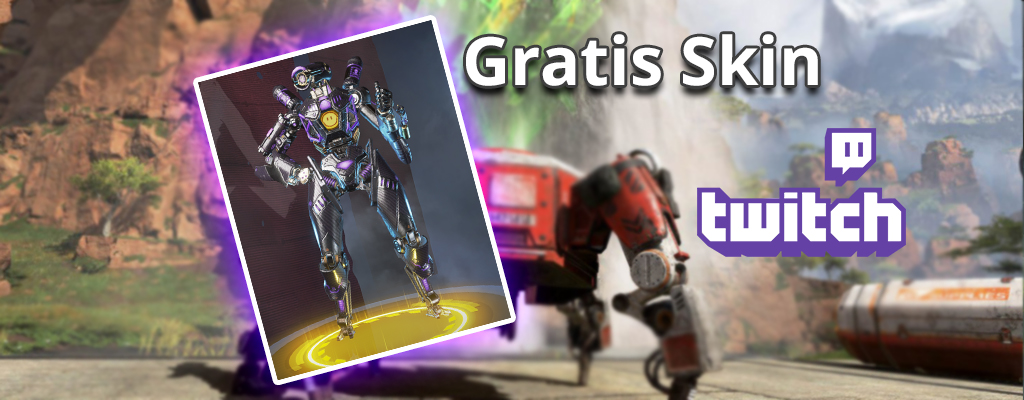
With a Twitch Prime account, you can now secure the exclusive Pathfinder skin “Omega Point” for free for Apex Legends. You also get 5 Apex Packs for free.

What is this gift? Apex was recently updated and now there’s a gift for everyone. For a limited time, players can pick up free loot for Apex Legends. The free content is available for PC, PS4, and Xbox One. It includes the Pathfinder skin Omega Point. This is a legendary skin!
How do you get the Omega Point skin for Pathfinder? You need to have an account on Twitch.TV and be a Twitch Prime user. Then, visit the Twitch website and click on the crown at the top. You will see this in the following screenshot:
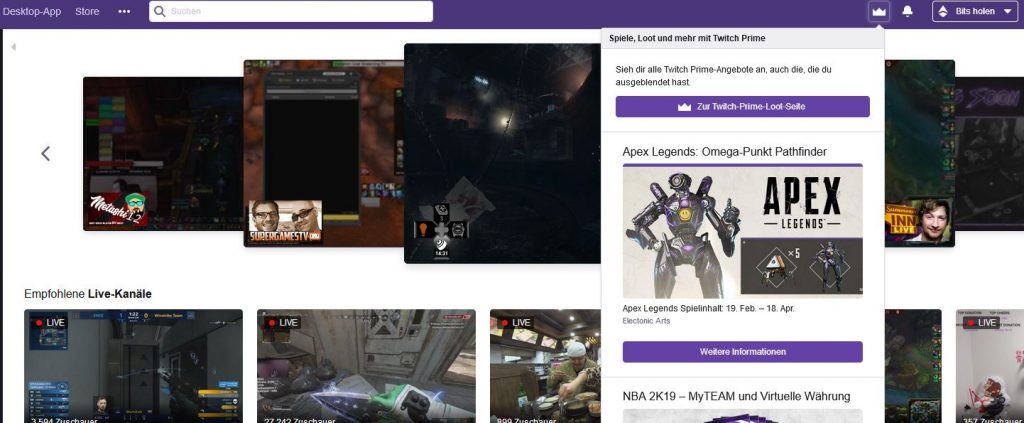
Next, you should link your Twitch account with your EA account. This is important so that the loot can be assigned to the correct EA account. Once you’ve done that, you can easily request the legendary Pathfinder skin and the 5 Apex Packs. When you log in to Apex Legends next time, you will have the loot.
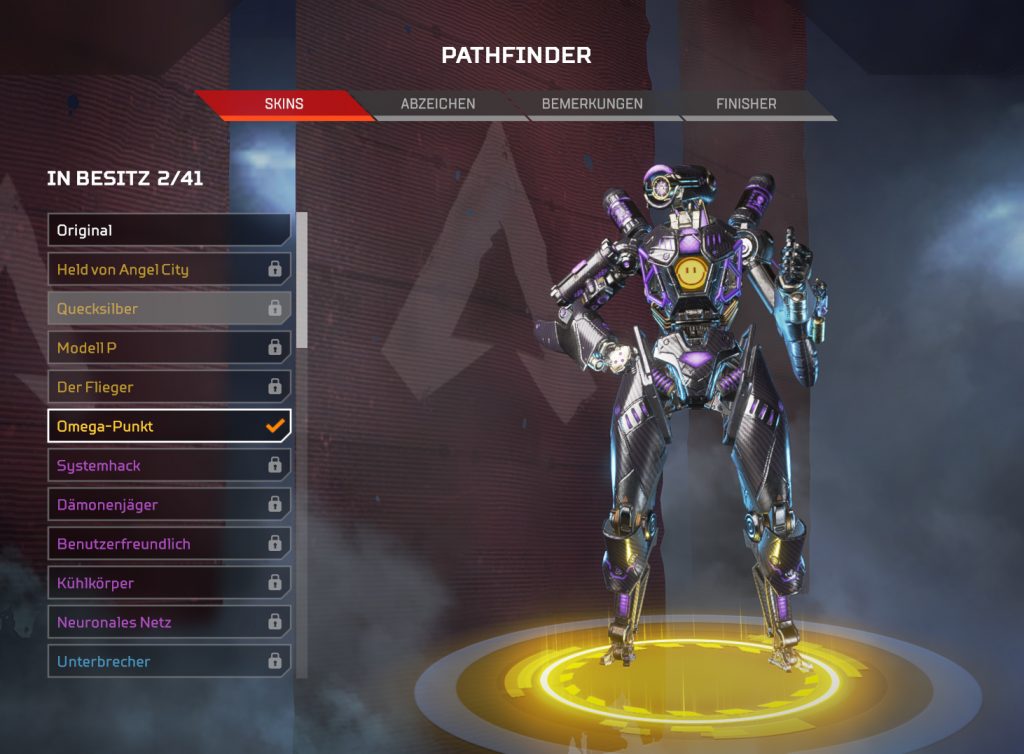
It’s that easy to get the skin:
- Log in to Twitch.TV
- Click on the crown
- Request the loot under the image of Pathfinder (Apex Legends)
- Confirm the required data on the next page
- Link your account with EA
- Log in on the platform where you want to unlock the skin
- Done
Help, I don’t have Twitch Prime, but I want the skin: If you are a customer of the Amazon Prime service, you can easily link your Amazon and Twitch accounts. Then Twitch Prime will be activated for you.
I don’t want Amazon Prime, but I want the skin: That’s not a problem if you haven’t tried Twitch Prime yet. Then simply get the free trial subscription. This also includes the current Apex loot.
Can I request the skin on multiple platforms? No, that can only be done once. It counts the platform where you first log in to Apex Legends after requesting the loot.
You can find more answers on the Twitch Prime website.
Now this new weapon is coming to Apex Legends:


Your opinion is important to us!
Do you like the article? Then let us know!
Comments