

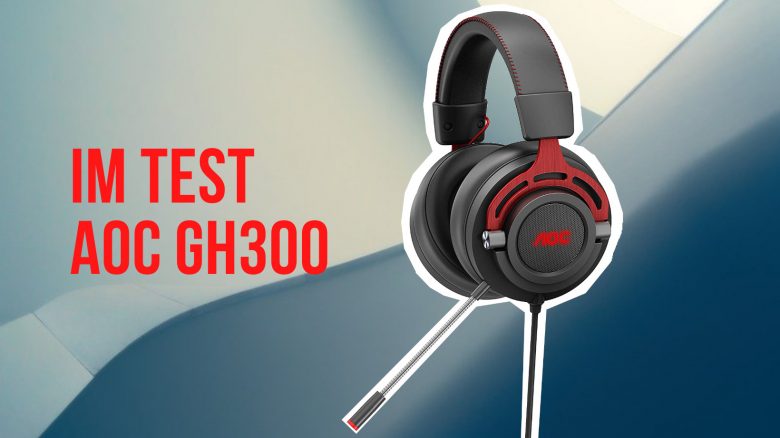
The monitor manufacturer has introduced its first gaming headsets with the AOC GH200 and the GH300. MeinMMO was able to test the GH300 and explains who could benefit from the 50-Euro headset.
Summary:
- The AOC GH300 is a wired headset that you connect to your system via USB. The microphone is detachable.
- The headset costs 54 Euros and is therefore positioned in the entry-level price range.
- In the test, the headphones deliver good ergonomics and sound. However, the microphone is disappointing.
What headset is it about? The AOC GH300 is a wired gaming headset with a detachable microphone. Beside the GH200, it is the first gaming headset from the well-known monitor manufacturer AOC.
Features and Technical Details:
| Design | Over-Ear/Closed |
| Connection Type | Wired (USB-A) |
| Frequencies | 20 Hz – 20 kHz |
| Compatibility | PC, XBOX, and PlayStation |
| Weight | 365 grams |
| Included Accessories | Headset, detachable microphone, quick start guide |
| Price (RRP) | 54.99 Euros |
AOC GH300 in Detail
In the following section, we will introduce you to the gaming headset in detail. We will cover the following aspects:
- Included Accessories
- Design and Build
- Processing
- Software
After that, we will explain how the headset performs in practice. Here we will look at audio and voice quality.
Included Accessories
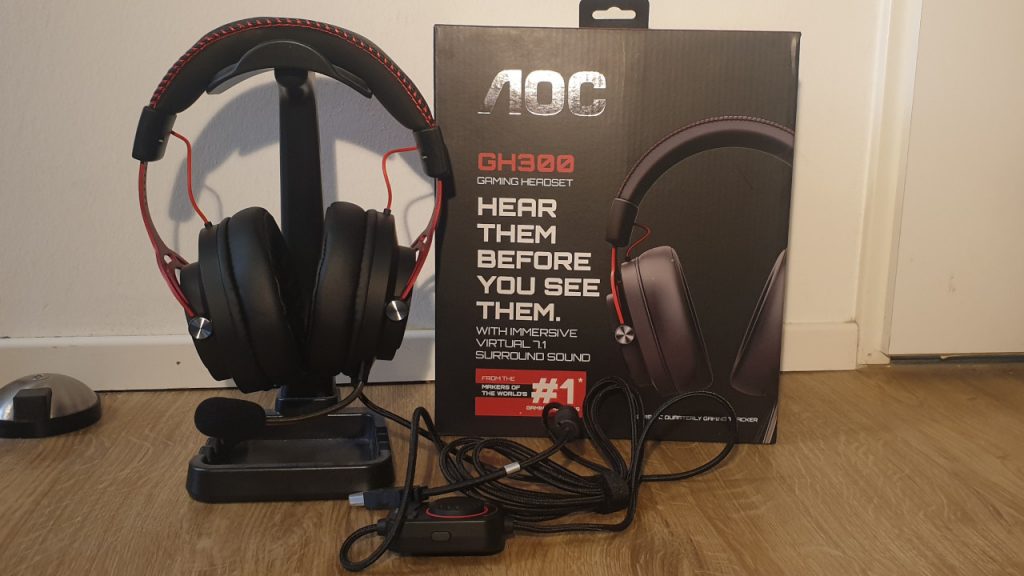
What accessories are included? The included accessories are quite minimal. In the black packaging with red accents, you will find the headset and a manual. The cable with control elements is permanently attached to the headset and cannot be removed.
By the way, the packaging states that the microphone is detachable. With a twisting motion and a lot of force, you can remove the microphone from the headset.
Design and Build
How does the headset look? When taking the gaming headset out of the black box, the first impression is quite positive.
Because AOC opts for a simple appearance with the GH300. The metal frame of the headset is red, the cushions are in black-gray, and the seam is in red. Apart from red and black, no other colors are used for the headset.
The headset also features subtle RGB lighting on the ear cups. However, this lighting can be turned off if you want to forgo the illumination.
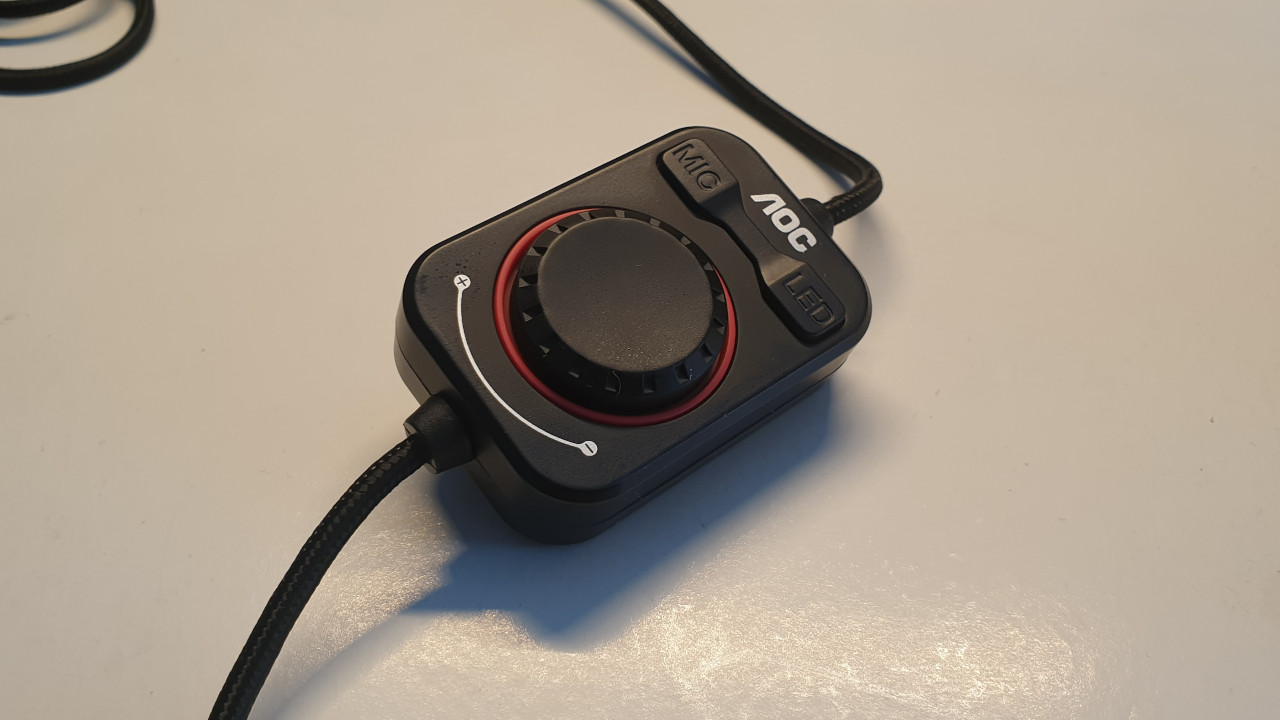
The cable is permanently attached to the headset and provides control for various functions. Here we can adjust the RGB lighting, increase or decrease the sound, or completely mute the audio.
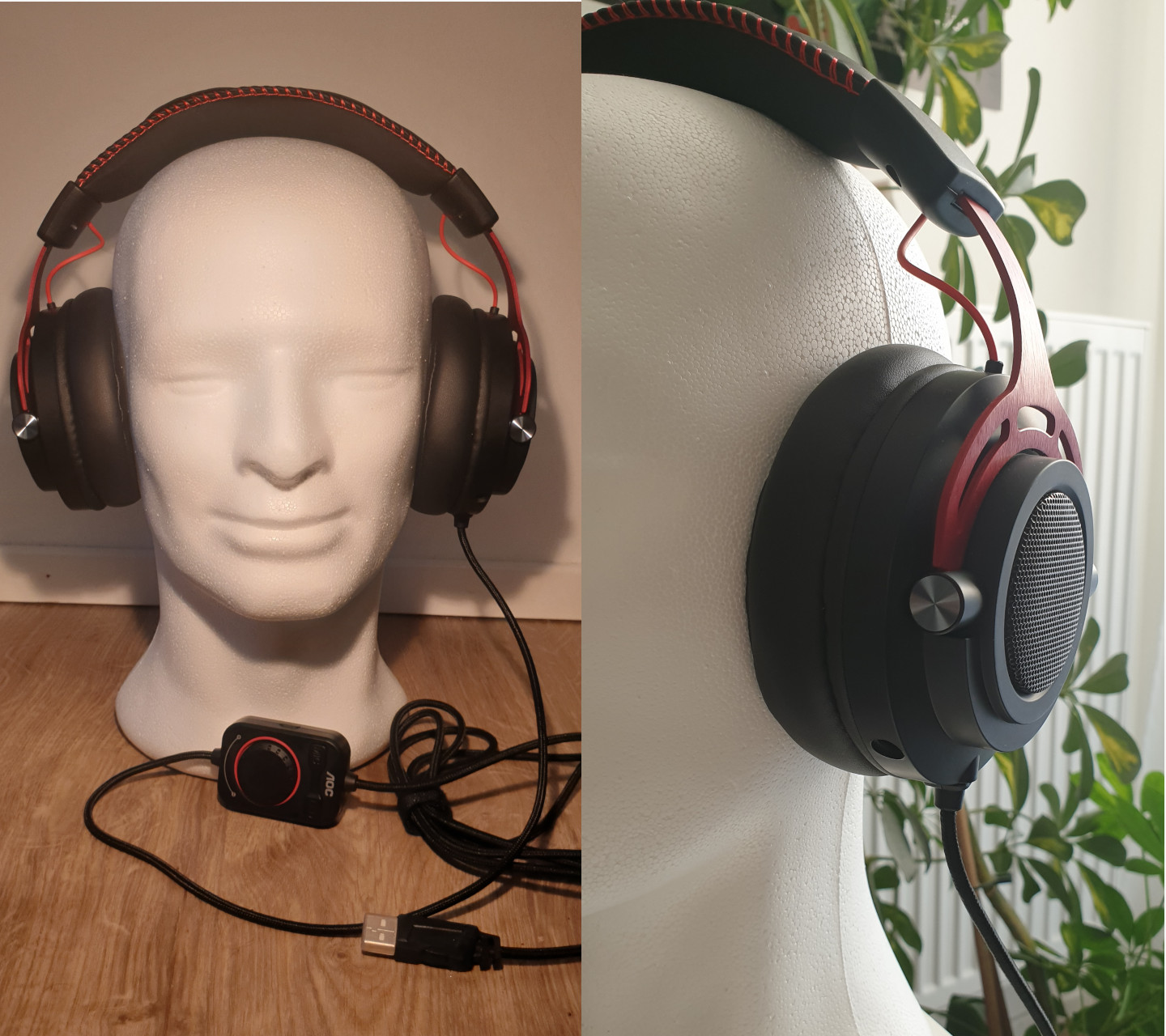
The headset is also connected to a regular USB port (USB-A) to the PC or console. For this reason, you cannot use the headset on your smartphone. The slightly cheaper GH200 uses a jack connection.
How is the device sitting? The AOC GH300 is an over-ear headset: this means that the headset is completely worn over the ears, and the ears sit inside the ear cushions. According to the manufacturer, the microphone is detachable but can also be bent back, so it is not in the way when you want to drink or eat something.
Transducers of the Headset
AOC uses 50 mm neodymium drivers in its gaming headset with a frequency range of 20 Hz – 20 kHz. This is typical for the price range of 50 Euros.
Such transducers are also used in other headsets of the same price class. For example, the Logitech G332 also uses 50 mm drivers, and the Roccat Elo X Stereo also employs 50 mm drivers for sound.
Processing
What we like: The headset appears well-made. The ear cups are attached to a sturdy metal bracket, and the head padding on the bracket is neatly and properly sewn. Overall, the headset gives a high-quality impression.
What we don’t like: The control (remote control unit) on the cable feels very cheap compared to the rest of the headset. The overall control seems bulky and is made of plastic, giving us no impression of durability. All buttons are quite audible. However, this is also the only limitation of an otherwise high-quality headset.
Software
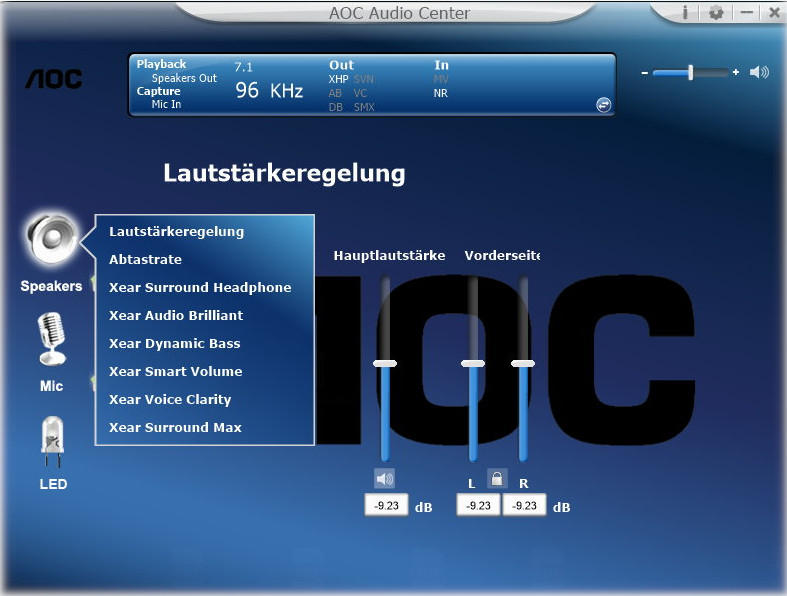
What we like about the software: You make the headset settings through the AOC Audio Center. A few simple settings, such as adjusting the RGB lighting of the headset, can be configured, or you can mute the microphone.
What is less successful: The AOC Audio Center is not really attractive and reminds us more of times when Windows XP or Windows 7 was still in use.
The software also only offers preset equalizer settings; you cannot personally configure them. The equalizer settings range from okay to very artificial.
On the next page, we will show you how the AOC GH300 performs in the practical test. We will cover comfort, sound quality, and the microphone. Finally, you can read in our conclusion how good AOC’s first offering is and what alternatives are currently available on the market.

Your opinion is important to us!
Do you like the article? Then let us know!