

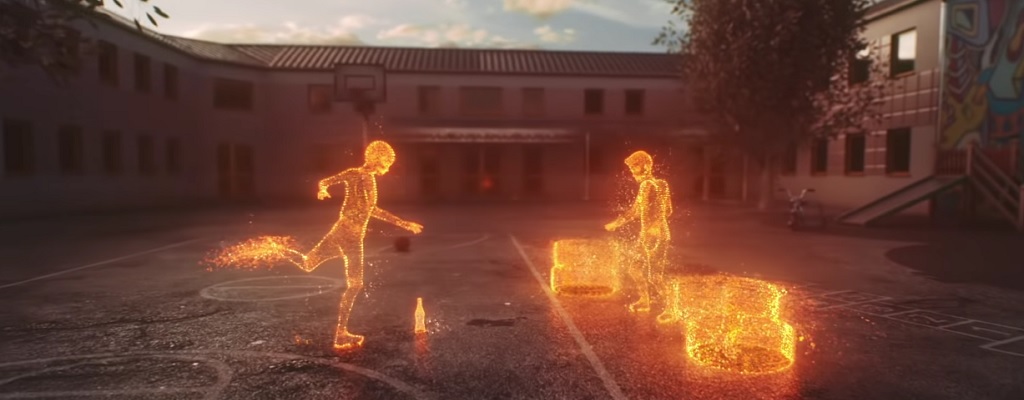
To The Division 2, an augmented reality experience has been released. You can now view some ECHOS on your smartphones.

This feature is about: ECHOS in The Division 2 are holographic projections of past events. Your ISAC system uses data from surveillance cameras, calls, and discarded smartphones to visualize and audible reconstruct events that took place at a location.
ECHOS were already present in The Division 1, and they return in The Division 2. As Division agents, you use ECHOs to understand what has happened in Washington D.C. in the past months. Because other information sources are scarce in the post-apocalypse. And knowing what has happened is key to survival.
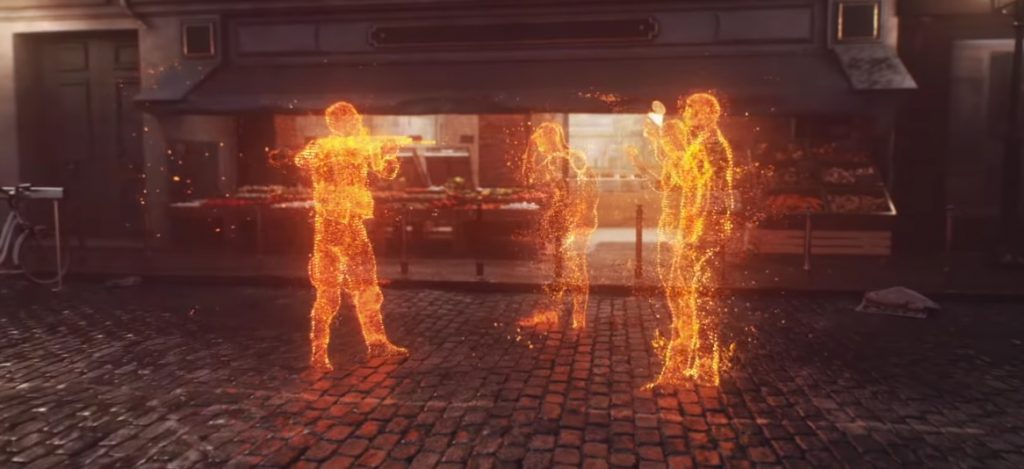
This is why ECHOs are now on your phones: You can now view some of these ECHOs on your smartphones as an augmented reality experience. Ubisoft launched shortly before the release of The Division 2 this application.
ECHOS on your smartphones
This is how it works: You need to have the Facebook Messenger app on your phone to see the ECHOs. It is not a standalone app, but a Facebook Messenger application. Link to this ECHO application.
Now the ISAC system greets you. It shows you a video introducing the augmented reality experience. We embed the video here:
Afterward, the system locates ECHOs near you. You can march to these, view them, and unlock rewards.
Note: The Facebook Messenger requires access to your location, camera, and microphone. You must decide whether to grant these permissions.
What rewards are there? When you view the ECHOs on your smartphones, Ubisoft Club rewards are unlocked. You can get a City Runner T-shirt, pants, sneakers, an arm patch, and a weapon skin for The Division 2. All rewards are purely cosmetic.

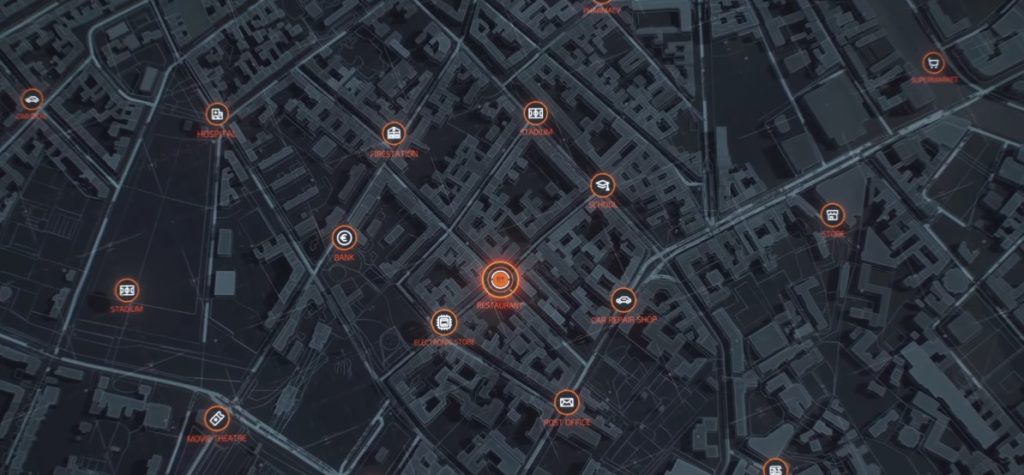
Where can I find ECHOs? In the application, the ECHOs will be shown to you at various locations nearby, like near supermarkets, schools, or gas stations.
Similar to Pokémon GO, ECHOs – instead of Pokémon – will be visualized embedded in the real environment on your phone.
You can see how that looks from minute 1:00 in this video:
If you have problems with the application, you can view the embedded video. The YouTuber shows step by step how you can see the ECHOs.


Your opinion is important to us!
Do you like the article? Then let us know!