

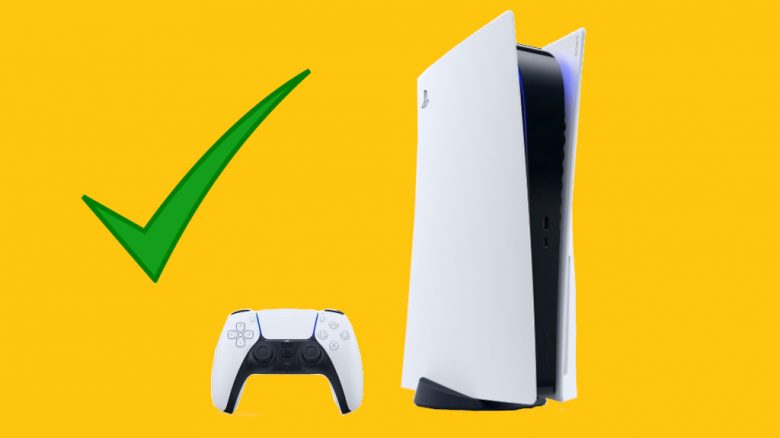
On November 19, the PS5 was released in Germany and here too, some units are struggling with errors. We at MeinMMO have looked at the known issues and will tell you how to avoid or fix them if they occur.
What kind of errors are they? We have compiled a list of errors that are known regarding the PS5. These may occur, but do not have to, as a large part of the consoles functions without issues.
However, we still provide you with tips to avoid problems, or to resolve them if they do arise.
Rest Mode Causes Crashes
What is this problem? In rest mode, the PS5 keeps your game running but disconnects the controller and screen, so they do not have to keep running.
However, some users experience problems in rest mode. It leads to critical errors and crashes, which sometimes require you to reset your console to factory settings. This is super frustrating, especially when you have freshly downloaded all the important games.
How to avoid the error? You should refrain from using rest mode until Sony provides a software hotfix. You can deactivate it by going to settings and disabling rest mode under “Power Settings”.
How do I fix the error? If this error does occur, you may have to reset your entire console to factory settings.
Download Queue Bug
What is this problem? With some users, the so-called “Download Queue Bug” occurs. It happens when you are downloading a game. It can happen that the application ends up in a queue or you receive an error message.
Afterward, the game hangs in limbo. You can neither continue downloading nor cancel the download.
How to avoid the error? Currently, it cannot be determined exactly how the error occurs. IGN reports that it has occurred with various games, including Demon’s Souls, Spider-Man: Remastered, Sackboy, and CoD Cold War. Even when downloading the Disney+ app, the error is said to have occurred.
How do I fix the error? One option is to reset the console to factory settings. However, this should only be a last resort, as you will have to initialize it again.
Sony itself has since published a guide on how to deal with the error:
- Restart the PS5
- Reset the video settings
- Update your system software
- Restore the default settings
- Repair the database
- Restart your PS5
However, it is not confirmed whether this resolves the error for everyone.
Issues with External Drives
What is this problem? Some players want to continue playing directly with their old PS4 drive on the PS5. While this generally works, it leads to errors with some consoles.
There are said to be power issues, causing the console to shut down unexpectedly. Additionally, various error messages are reported.
How to avoid the error? You can avoid connecting an external drive to your PS5. If you absolutely need it, be sure to use the front USB ports.
Sony itself advises against purchasing a M.2 SSD hard drive for the PS5. For exclusive PS5 games, you need a special drive, and Sony itself does not yet know how the specifications will look.
How do I fix the error? If problems occur, it is advisable to remove the external drive. If the errors persist, you may have to reset your console to factory settings.
Strange Noises
What is this problem? Some players report disturbing noises that sometimes only occur after several days. This should not be intended, as the PS5 has been praised since the first hands-on for being very quiet and hardly noticeable.
The noises range from annoying humming to scraping sounds to slight vibrations of the fan. They are sometimes triggered by different issues.
How do I fix the error? If you hear a scraping noise, it may be due to a defective fan. As users on Twitter have revealed, a sticker may also be the cause. They have removed it.
The humming could be caused by something called coil whine. This is a type of metallic noise that occurs when an electrical component starts to vibrate due to the energy flowing through it. However, there is nothing you can do about it.
More about the issues regarding noises can be found here.
System Crash – “Error code CE-108262-9”
What is this problem? This error code can appear and then freeze your system. You will then need to restart your console completely.
For some, the error did not occur afterward. However, for others, the error consistently caused problems, even after resetting to factory settings.
How to avoid the error? Currently, there is no indication of how the problem arises or how it can be avoided.
How do I fix the error? Anyone with the error code should contact PlayStation support. The support account for PlayStation recommended this on Twitter. In several cases, it was stated that either instructions would be given via direct message or through customer service.
No Connection to PSN
What is this problem? Again and again, PS5 owners report that they cannot connect to the PlayStation Network.
How do I fix the error? First, you should check your internet connection. In the second step, you should update your PS5 software, if possible.
Due to the high demand, it can happen that there are issues with the PlayStation Network. According to PSN itself, at some points, download rates are throttled when too many people log in at the same time.
Whether PSN is actually down can be checked on websites like Allestörungen.de.
PS4 Games that Are Not Playable
What is this problem? Some PS4 games that should actually be playable on the PS5 are not working for some users. They are listed as “not compatible”.
How do I fix the error? To resolve the error, you need to restore your license for the PS5. Go to settings and then to “Users and Accounts”. There you will find the note “Restore licenses”. Then follow the instructions.
However, there are also PS4 games that are not compatible with the PS5. You can find a list of those games here.
Have you encountered more issues? Or do you have any tips to avoid or fix the mentioned errors? Then feel free to write them in the comments.
If you currently do not own a PS5, purchasing one before Christmas may be difficult. We have taken a closer look at the current situation:
Is it still possible to get a PS5 before Christmas? This is the current status

Your opinion is important to us!
Do you like the article? Then let us know!