In Call of Duty: Modern Warfare, fractions of a second often determine joy or frustration. However, you should take a little time for the settings, as these settings can sometimes make a difference.
Which settings are we talking about? Call of Duty: Modern Warfare comes with some settings that often only make a small difference in the game, but can have a big impact.
This is not about the typical graphics settings, but small tricks that Modern Warfare offers, with which you can improve your game.
Take a closer look at these 10 settings
We have compiled 10 options with tips on how you can set the settings to stay just ahead of the competition.
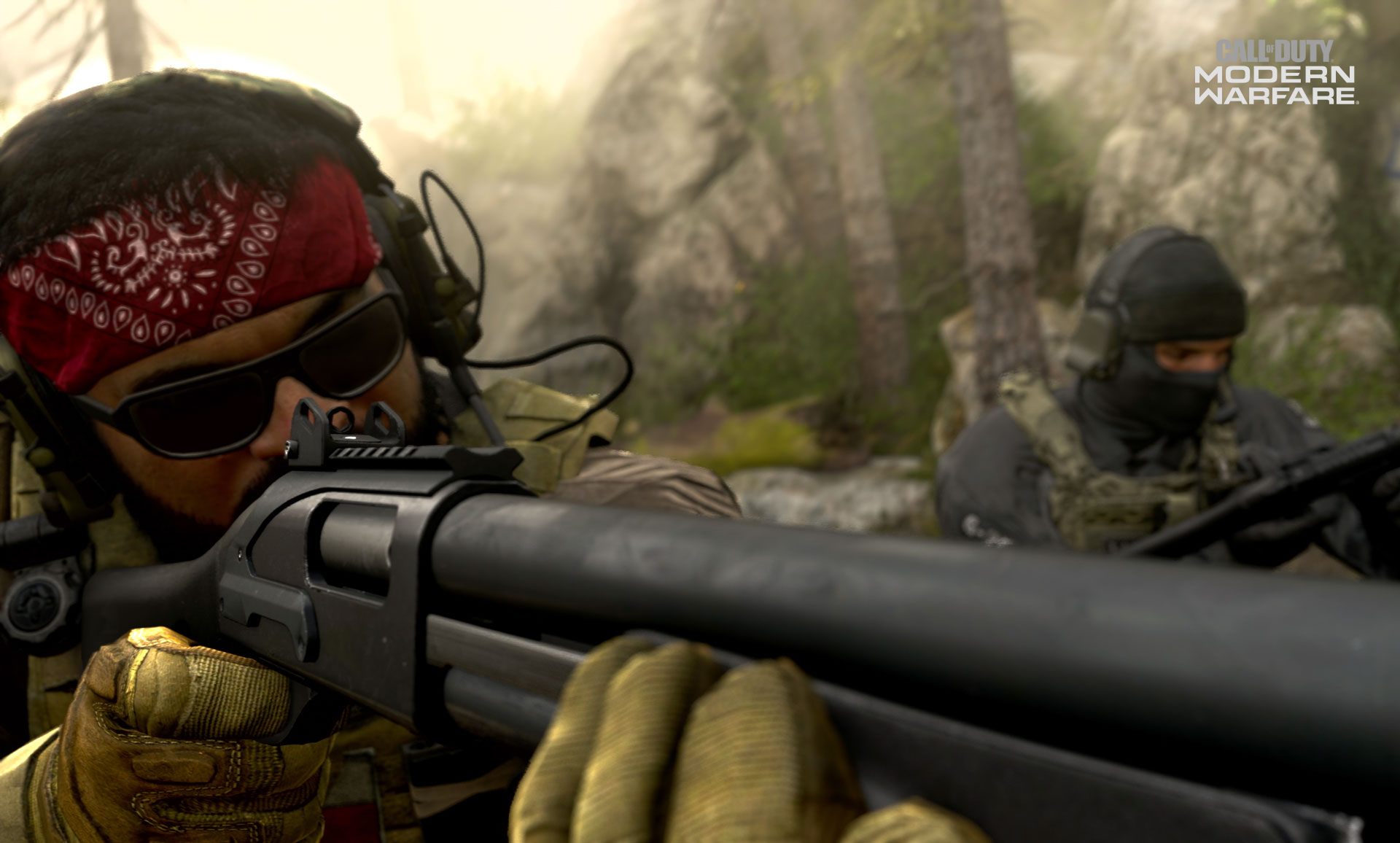
Point 1: Sensitivity
What does the setting do? Sensitivity determines how strongly the game reacts to mouse or controller inputs. The slider ranges from 1 to 20 and has a strong influence on the movement of the crosshair.
- Recommendation: This setting is hard to generalize and depends on each player. However, we have a few tips on how to find the best setting for you.
- Mouse – Consider how far you move your mouse on your mousepad. A full turn should not require repositioning your mouse, but should be achievable in one go.
- Controller – Start high and slowly lower the settings if they’re too fast for you, or begin low and if you find your right stick hitting the edges while aiming, you can increase it further. Try to find the point where the stick rarely touches the corners while aiming!
- ADS sensitivity – Feel free to lower this setting a bit. It makes aiming down sights easier and the last small adjustment after pulling the sights is a bit more comfortable. But again, it’s all about experimenting!
Point 2: Button Layout
What does the setting do? Both with the controller and with mouse and keyboard, the button layouts can be changed. The controller has predefined sets, while the PC controls can be set almost completely manually.
- Recommendation: Use new layouts to adapt the input devices to your play style.
- PC – Assign as many buttons as possible to your mouse, such as throwing grenades and other equipment. Make full use of your additional mouse buttons if you can handle them. The middle mouse button is good for throwing equipment.
- Controller – The predefined sets allow swapping some important buttons for different play styles. For some players, bunny hopping becomes increasingly important to make headshots harder. With the “Bumper Jumper” setting, you can move jump to the left shoulder buttons.
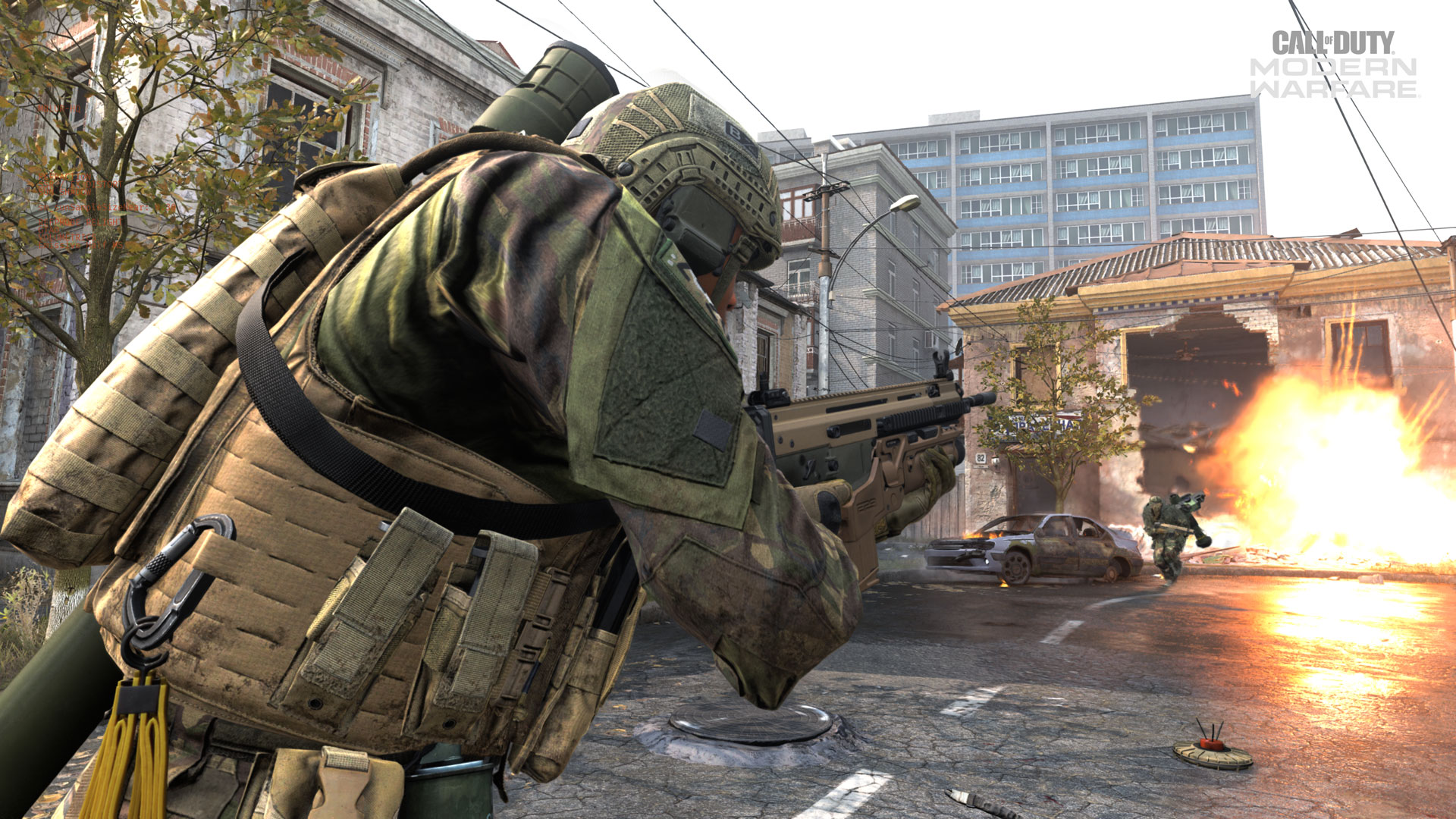
Point 3: Input Device Response
What does the setting do? Here, the game’s response to inputs can be adjusted and customized.
- Recommendation: Consoles have 3 pre-sets here, and settings can be adjusted in a more individualized way with a mouse. Try experimenting a little here, the control should be as direct as possible.
- Mouse – Under the menu item “Mouse”, you’ll find three settings: mouse acceleration, filtering, and smoothing. For unfiltered input, set the sliders to 0 and disable smoothing. This gives you direct control without game interference.
- Some Special Cases – Sometimes it’s worth experimenting with certain settings. If you have a rather low sensitivity, work with acceleration. This increases sensitivity with fast mouse movements. If you are used to a certain latency when starting mouse movement, experiment with smoothing and filtering.
- Controller – Under the menu item Controller, you’ll find the “Aim Response Curve”. Of the three settings: “Standard”, “Linear”, and “Dynamic”, the last two are recommended depending on preferences. “Linear” is the most direct input method.
- Be careful with older controllers! Since the dead zones of the sticks almost completely disappear with “Linear” and “Dynamic”, worn models can cause the crosshair to move without contact or be slow to respond.
Point 4: Aiming Assistance
What does the setting do? This point is only interesting for players with a controller, as there is no aim assistance for mouse users. This assistance governs the strength of the two aim aids in Modern Warfare multiplayer – aim slowdown and aim rotation.
- Recommendation: We have a separate article on this – How to Use Aim Assist in CoD Modern Warfare Effectively.

Point 5: Automatic Weapon Switch on Empty Magazine
What does the setting do? When you use your current weapon and the last shot is fired, you automatically switch to the other weapon.
- Recommendation: Enable this option. In a hectic moment when you unexpectedly run out of ammunition, you’ll have a hopefully loaded firearm in hand.
Point 6: Press or Hold
What does the setting do? There are several points that determine whether you need to tap or hold the button for certain actions.
- Recommendation: Player preferences and habits also count here. However, it is recommended to set the sliding action to “Tap”. This way, during a sprint, you directly slide, which saves time and feels appropriate.
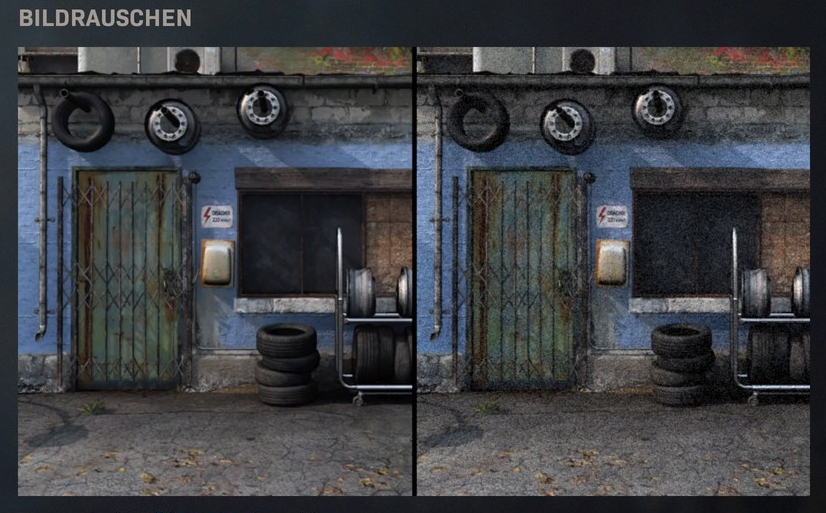
Point 7: Artistic Effects
What does the setting do? There are a few artistic effects that are intended to enhance the image for the eye. These include image noise, weapon, and world motion blur.
- Recommendation: Disable these filters completely! These effects sometimes look nice but can be distracting in the worst case or obscure an enemy in dark areas. PC players have many more graphics settings in this regard and should consider which effects might distract from the essentials and be disabled for better performance.
Point 8: Field of View
What does the setting do? This setting is only available on PC and increases the visible area.
- Recommendation: Set the field of view as large as possible, as this allows you to perceive more of your surroundings. However, the larger “Field of View” might feel a bit odd, and you should expect a certain adjustment phase. This setting also depends on your personal preferences, as not everyone likes the wide field of view despite the potential advantages.
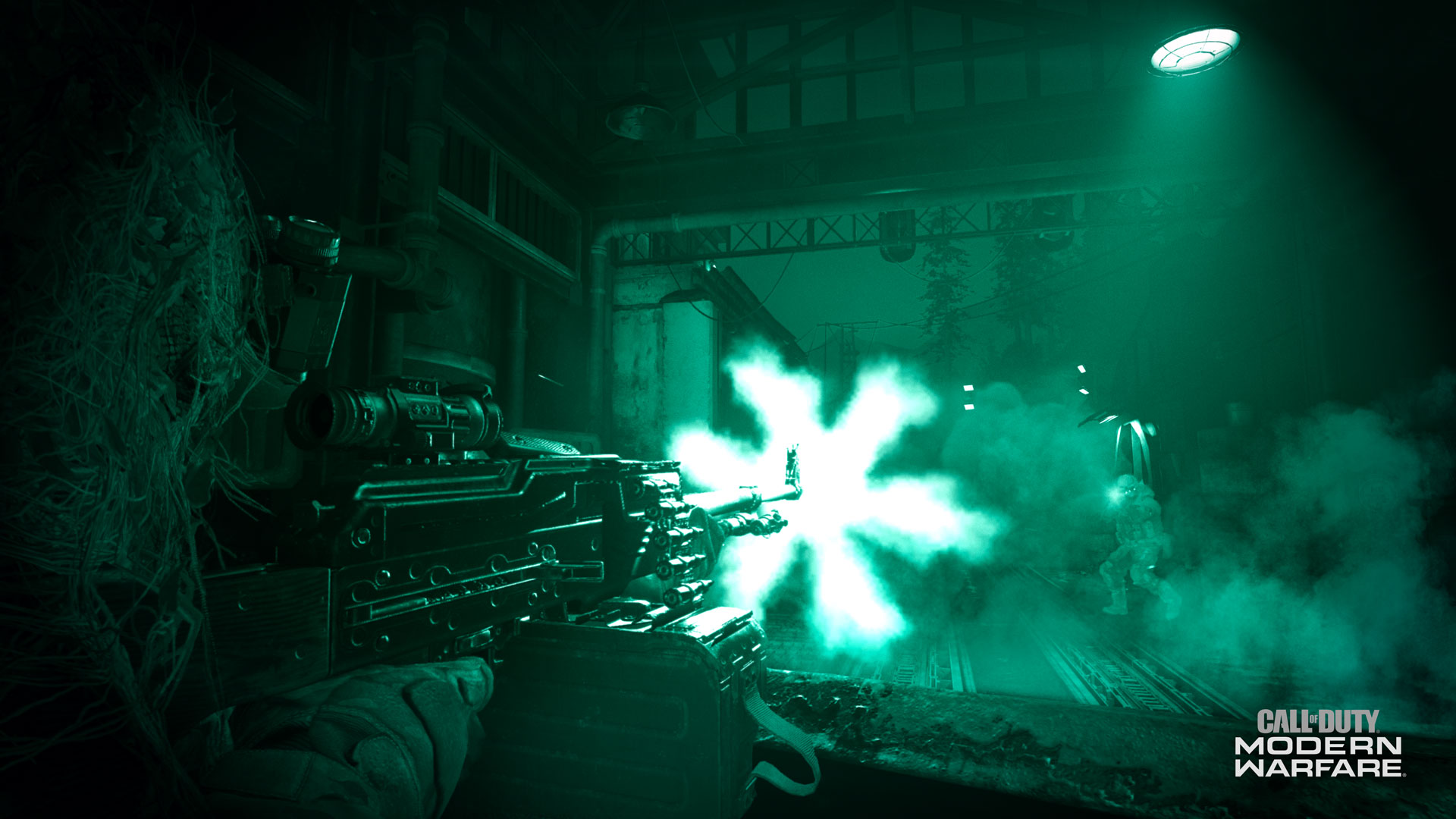
Point 9: Audio Settings
What does the setting do? Modern Warfare offers a few preset audio sets that regulate the strength of audio frequencies, affecting the sound characteristics from the game.
- Recommendation: Experiment and look for the best settings for your environment.
- Footstep Sounds: Choose the settings so that you can hear the footsteps of enemies well. The footsteps in CoD seem to lie further up in the frequency band, and you should try a setting that emphasizes the highs.
- Distractions: Set the individual subpoints so that even with background noises from the game, like call-outs or level-ups, you can still hear footsteps and minimize distractions as much as possible.
Point 10: Network Settings
What does the setting do? This point isn’t necessarily a menu item in the settings, but a good connection is an important factor for consistently good gameplay.
- Recommendation: Aim for at least NAT Type 2 / Moderate to avoid connection issues. NAT Type 1 is the most direct way to communicate with the game server but carries security risks, especially on PC, as it bypasses the firewall.
- Improving NAT Type: To do this, a few settings on your devices are necessary. Firstly, your console or PC needs a static IP address. Then, on the router, you can enable UPnP, which allows your devices to open required internet ports independently to find the best route to the game server.
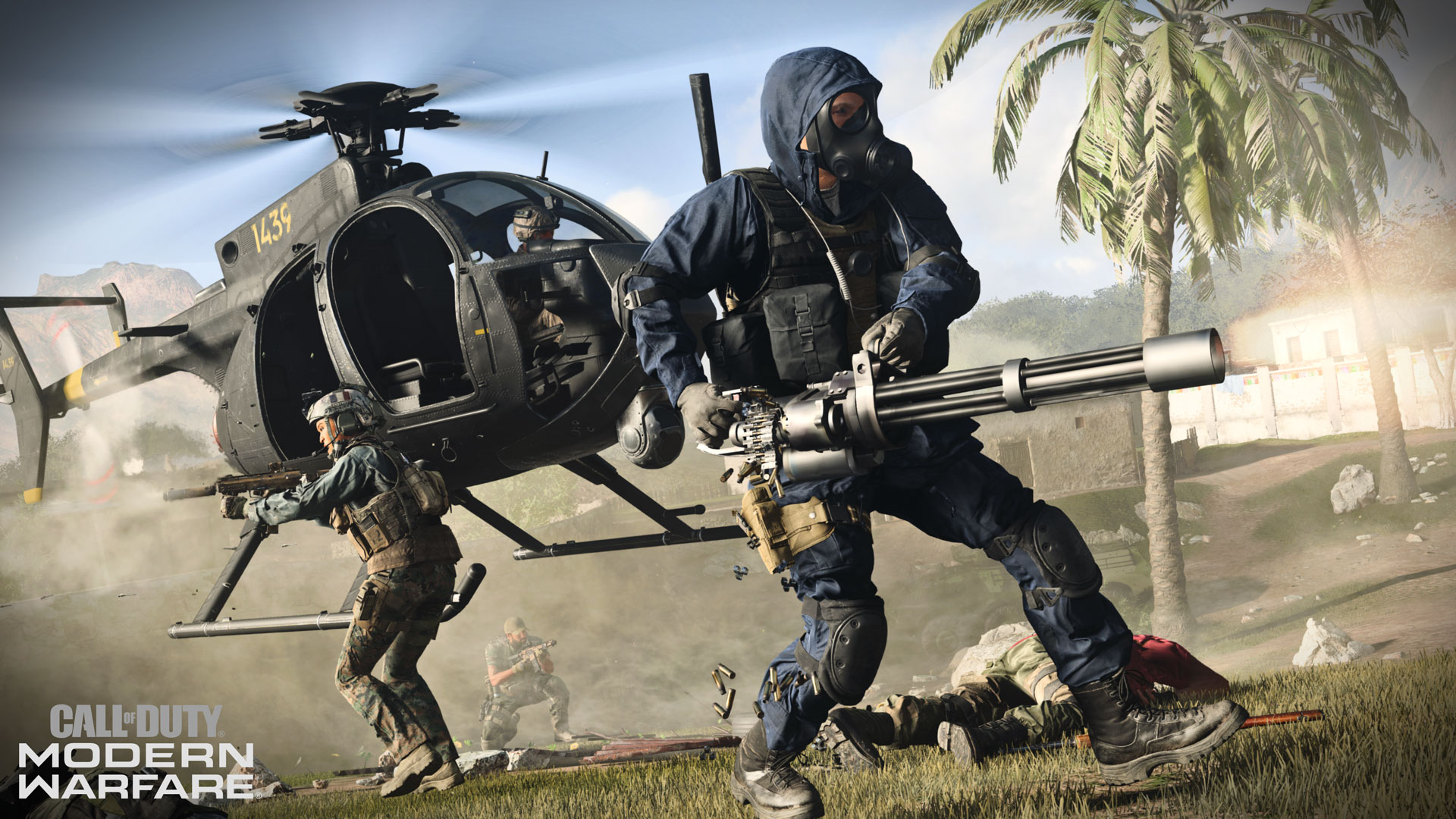
Small adjustments with a big impact! These seemingly small changes can together bring a significant advantage over perhaps slightly careless competition.
Check here for more tips on better gameplay:
- List of 20 killstreak rewards with tips
- Here you can find the best weapons from each weapon category
- Guide to the ultimate Run & Gun weapon in Modern Warfare
What do you think about the settings? Do you have any additional suggestions for small changes with a big impact, or do you disagree with any point?