

We have received a lot of feedback from you regarding the new commenting system. Here are the first changes that have been implemented.
What happened on MeinMMO? It has been almost 2 months since we separated from Disqus and launched our own commenting system. During this time, you have extensively tested the system and actively supported us with your feedback and suggestions for improvement.
We have already started implementing several of the most requested features and changes.

What feedback has been implemented?
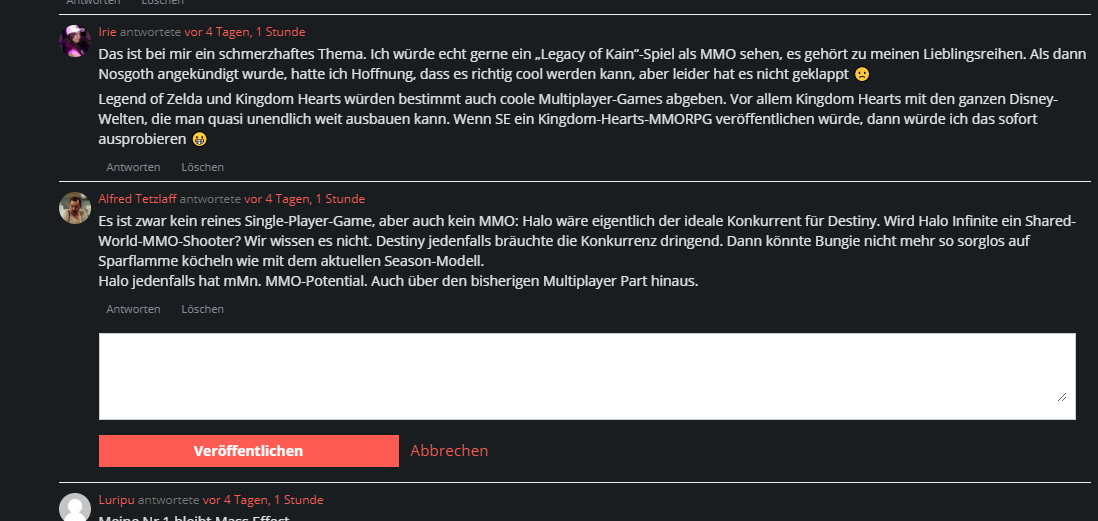
Change to the Activity Feed: You now have the option to respond to comments directly from your Activity Feed.
To do this, go to Notifications and then to Activity. Just click on “reply” and a window will open for that.
Changes to notifications: Another quality improvement has been made in the area of notifications. To mark a notification as “read” now, you only need to click the link.
It is no longer necessary to select the message separately and click on “read”, even if you already know it.
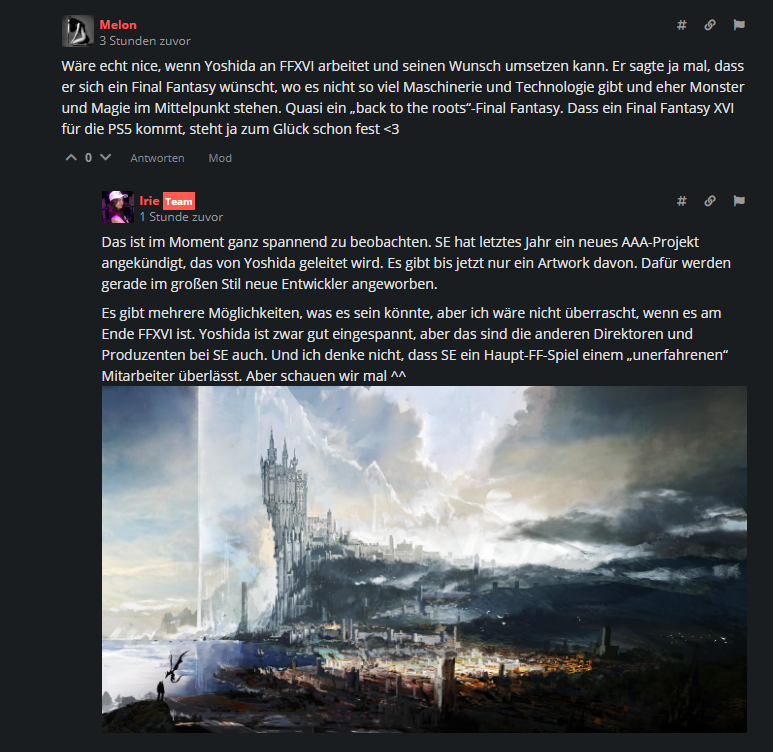
Change to image embedding: It has also been possible to embed images in your comments for some time now. The commenting system automatically inserts the images when you post the link.
However, keep in mind that comments with links must first be approved by us to avoid unwanted advertising and prohibited content. So it may take a while before your comment is visible to everyone.
Changes to privacy: You can now set the visibility of your profile. Simply go to your profile and set the visibility from public to private.
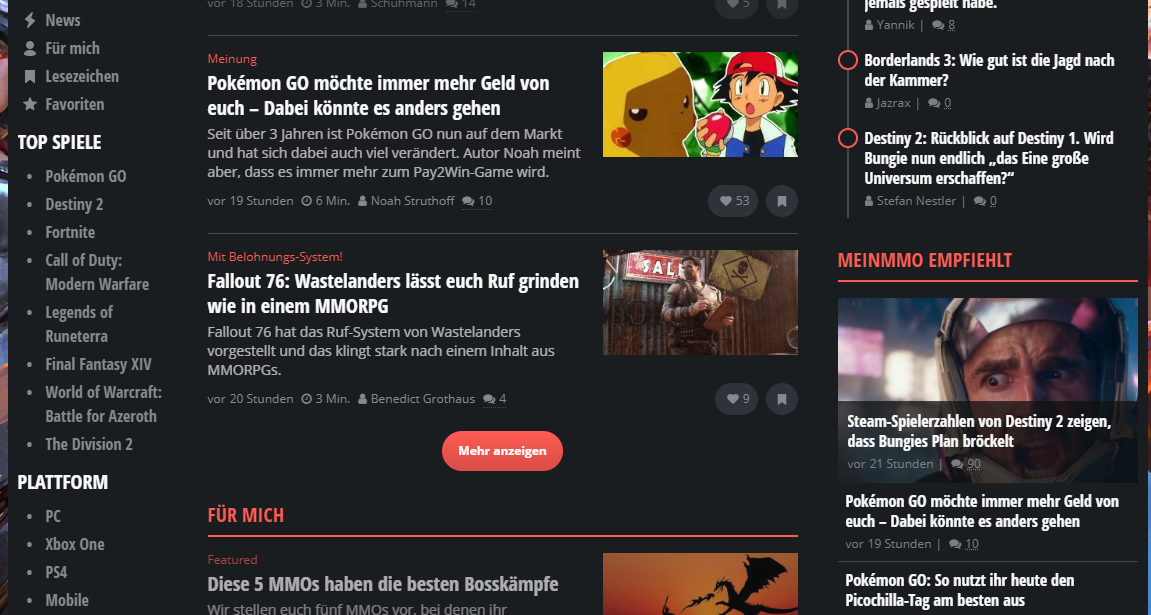
What has been fixed? Some time ago, you pointed out that “Show more” in our News Feed was faulty. It did not display articles in chronological order but sometimes jumped several months back in time.
This led to you being unable to catch up on our news from the past few days on the site. This has now been fixed.
If this error still occurs for you, you need to clear your cache for MeinMMO. Although it is annoying on mobile devices, unfortunately, there is no way around it.
Is there more to come? These are certainly not all the improvements we have planned for MeinMMO. Based on your feedback, we will continue to work on making the use of the commenting system more pleasant for you.
So feel free to continue posting your suggestions for improvement in the comments. We read them all and will consider them in further adjustments and upgrades.
Thank you very much for your patience and detailed feedback.
Benefits of a MeinMMO Account
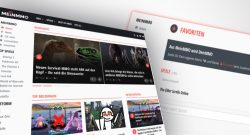
With a created account, you can actually make MeinMMO “your MMO”. We have several features on the site that help you personalize your daily news feed. These include:
- Cross-device your own menu in the navigation on the left side
- Cross-device your own feed, where you can save your favorite topics as favorites
- Cross-device you have the option to bookmark exciting news
- Cross-device you can use dark mode in your profile or write user reviews for your favorite games
And there are more interesting benefits for you. All information about our site can be found in the detailed article on it:

Your opinion is important to us!
Do you like the article? Then let us know!